
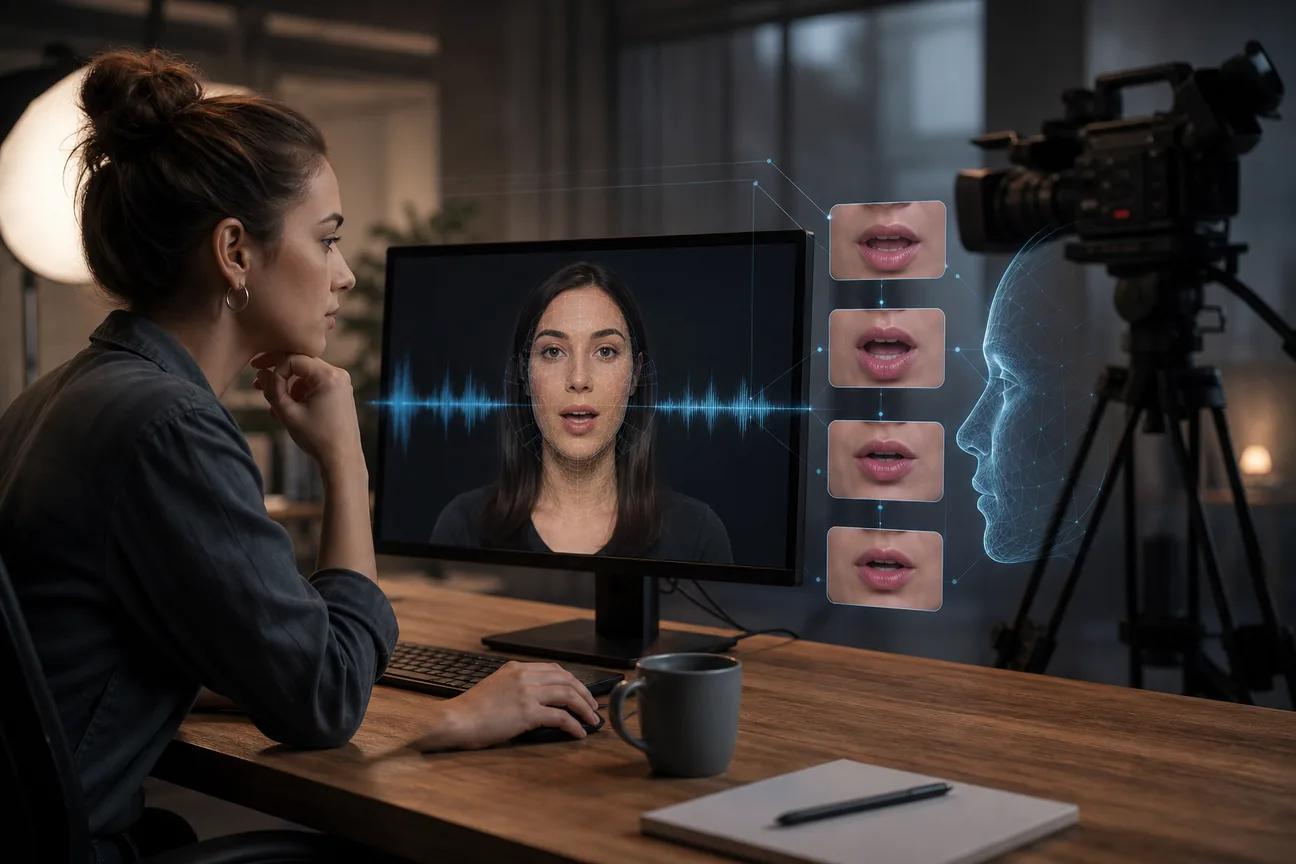
A bad mouth sync can ruin an otherwise great AI video in seconds. The best tools match speech to facial motion while keeping the face stable, even when you change languages or use a stylized character. Here are eight named options, with the job each one fits best.
1. HailuoLabs
HailuoLabs is the strongest fit when you want short AI video clips with sound, dialogue, and visual references in one browser studio. It suits creators, marketers, and small studios that want to work from text, images, video, or audio without setting up a developer pipeline. Teams that need automated generation can also review the Hailuo API options.
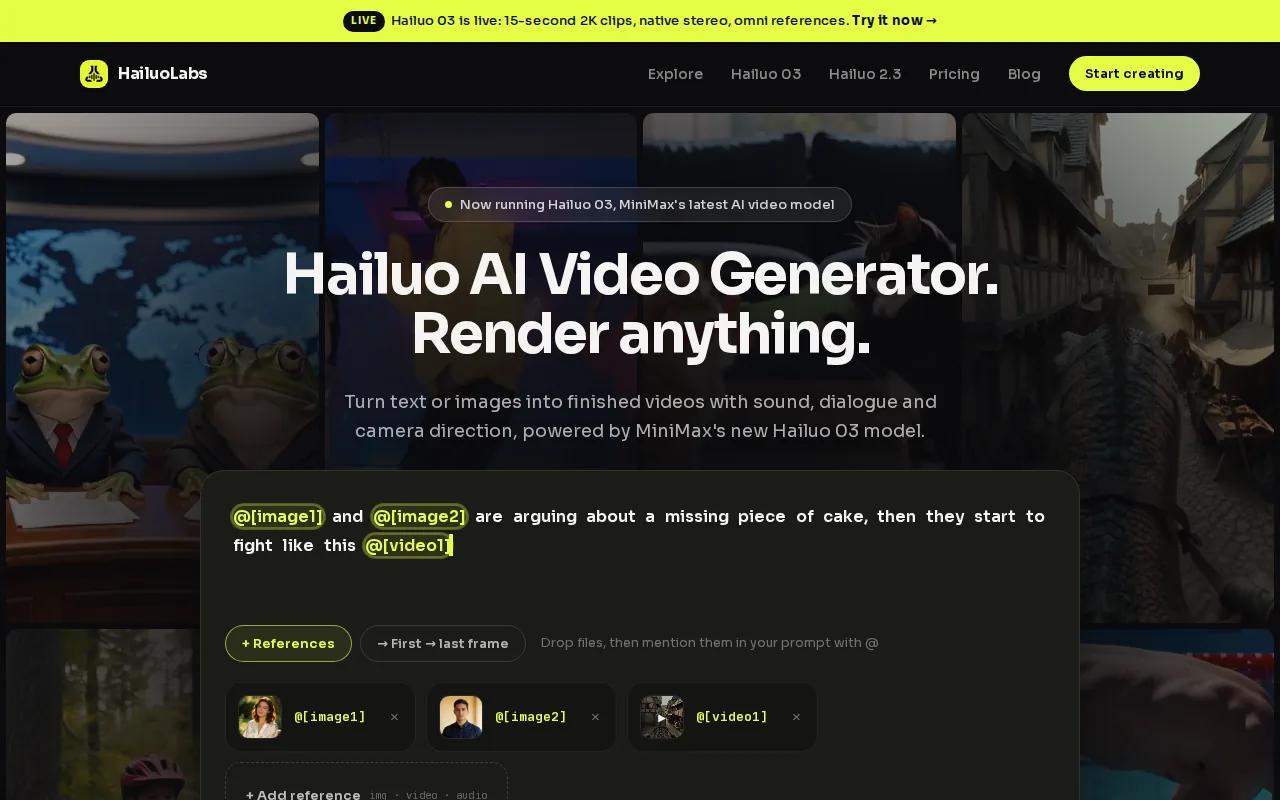
Its flagship Hailuo 03 lists a clear output cap of up to 15 seconds. It supports 768p or 2K output, native stereo, first and last frames, plus omni references. That clear spec sheet helps you plan a short talking-head clip or music-video shot before spending credits.
You can also use Hailuo 2.3, Hailuo 2.3 Fast, or the earlier Hailuo 02 model. Free users get watermarked Hailuo 02 at 512p. Paid plans open the newer models, higher resolutions, video references, and editing tools. For a no-card starting point, the Hailuo free plan provides watermarked Hailuo 02 exports.
| Best fit | Useful input | Key limit to check |
|---|---|---|
| Short talking clips and music scenes | Text, image, video, or audio | Hailuo 03 outputs up to 15 seconds |
| Fast concept tests | Text or image | Free exports use 512p with a watermark |
| Brand-consistent shots | Omni references | Review every face and mouth shape |
For better results, keep dialogue short and describe one clear action per shot. Learn more.
2. Vozo AI, High-realism, multi-character production
Vozo AI is aimed at marketing teams, educators, and video producers who need strong realism across multi-character or long-form work. It is a better match when a scene has more than one speaking person and facial performance matters.
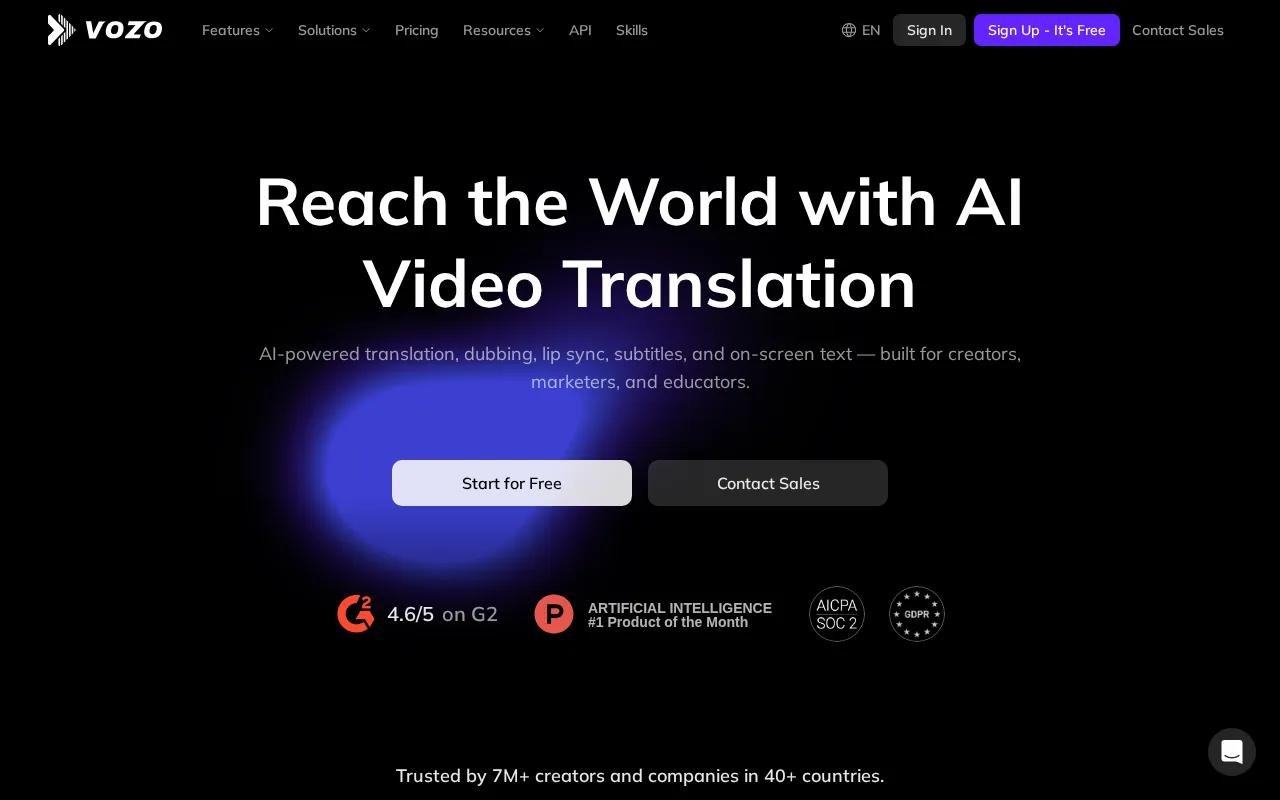
The main draw is its focus on high-realism output and multi-character support. That makes it worth testing for interviews, lessons, product explainers, and dubbed scenes with several people in frame. Its API access also gives technical teams a path into larger production workflows.
Keep the source footage clean. A clear face, good light, and speech without heavy background noise give any AI lip sync generator more useful information. A fast head turn or a face shown in profile can still cause drift.
Vozo AI makes the most sense when realism and speaker count matter more than a very simple beginner workflow. Test a short exchange before committing to a full lesson or campaign.
3. Magic Hour, Cost-efficient multilingual localization
Magic Hour is built for real footage, AI avatars, and multilingual localization. It suits creators, marketing teams, and businesses that need to sync a face to a new audio track at scale.
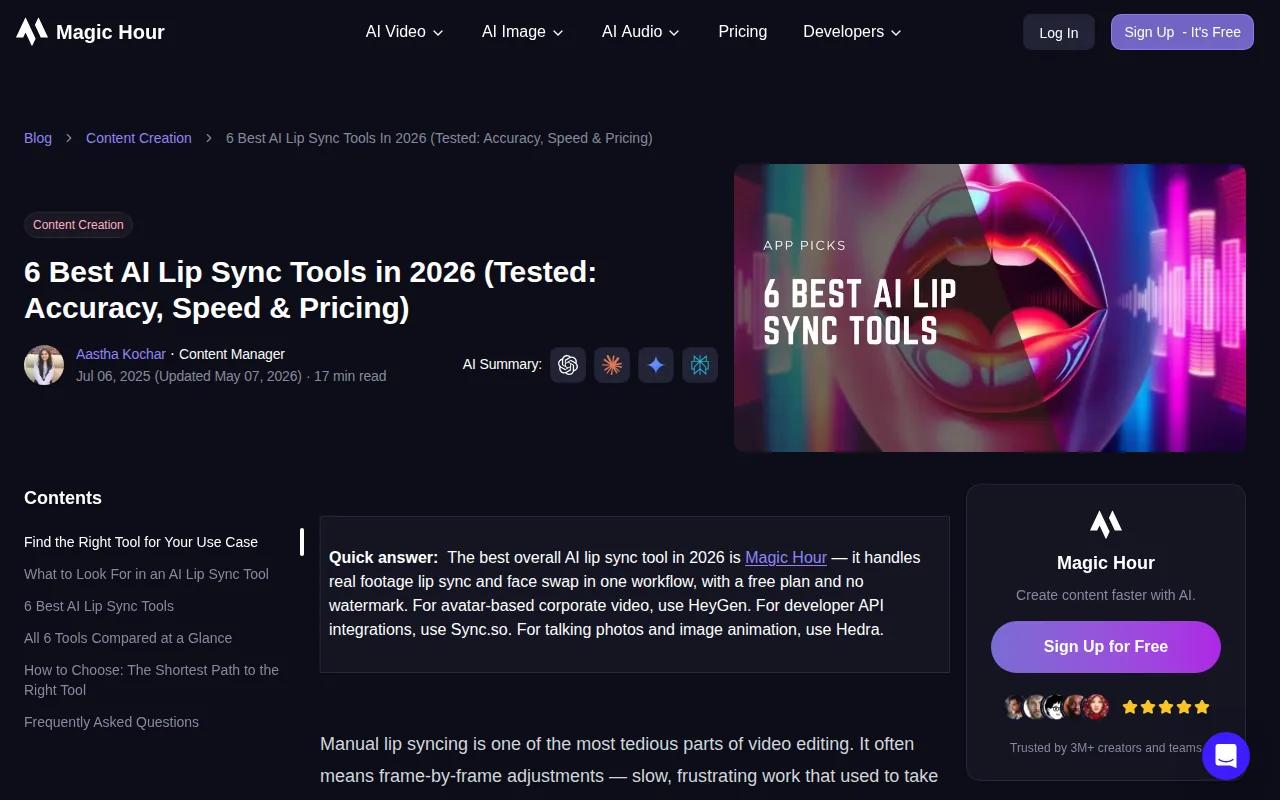
The workflow is direct. Upload a video with a visible face, add speech or a dubbed track, then generate an MP4. Its system maps mouth shapes frame by frame, and rates are available on request. It also provides an API for developers and businesses.
A still portrait needs one extra step. Turn the image into motion first, then run lip sync on the result. For the cleanest test, use one front-facing face with steady lighting. That setup reduces the amount of face tracking the model must solve.
Magic Hour is a good choice for translated ads, education clips, and social videos. The caveat is simple: if you need a full video generation studio rather than a re-sync workflow, another tool may fit better.
4. HeyGen, Fast avatar and translation workflows
HeyGen is designed for fast avatar videos and multilingual communication. Small businesses, educators, and content teams can use it for courses, internal updates, marketing clips, and translated presenter content.
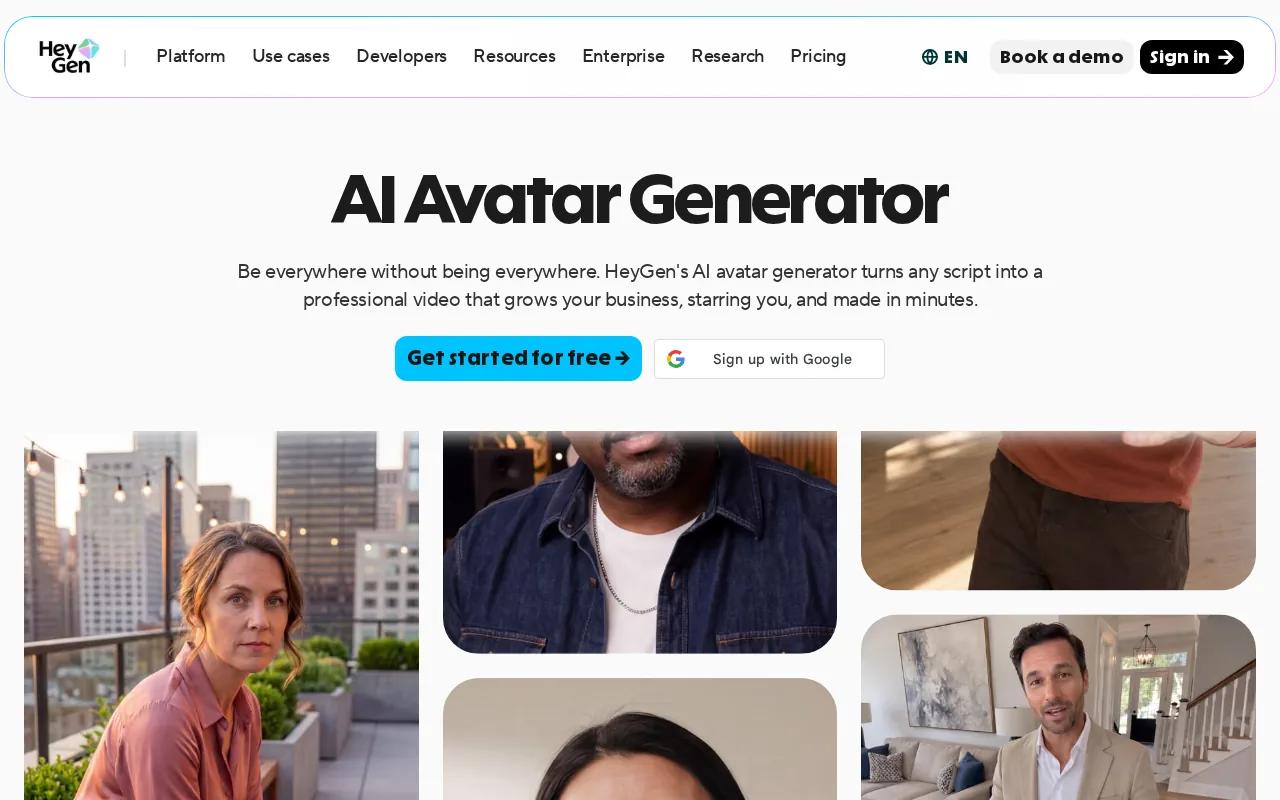
Its strongest use case is avatar-based production. You start with a script or an avatar, then generate a talking-head video. Its translation workflow matches mouth movement to the new language, which helps when one campaign needs several language versions.
HeyGen is less suited to every kind of existing footage. If you need to preserve the exact face and body performance from a recorded clip, test that workflow before buying. Avatar tools and real-footage re-sync tools solve different problems.
For language work, review names, pauses, and jokes by hand. A mouth can match the new track while the translation still sounds stiff.
5. Sync.so, API-first automation for developers
Sync.so is for developers, technical teams, and production houses that need lip sync inside an app or automated video pipeline. It is the clearest fit when a browser editor is not enough.
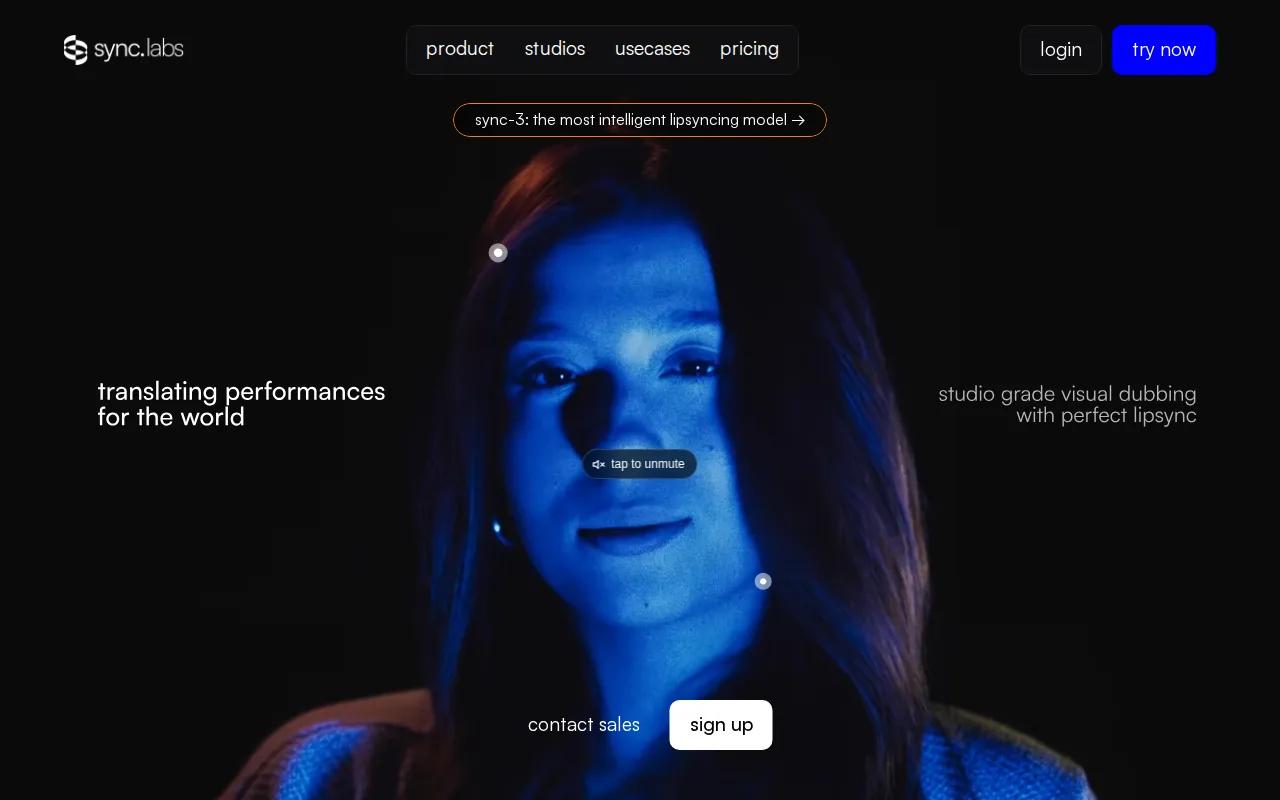
An API workflow can include generation requests, status polling, and result retrieval. In production, retry logic with exponential backoff for rate-limit and server errors can matter in a production queue.
Its pricing uses per-second billing. The published plans list API access, SDKs, longer video limits on higher tiers, batch API access on the Scale plan, and usage discounts on higher tiers. Resolution can reach 4K in the product comparison data supplied for this shortlist.
The tradeoff is setup time. You need API keys, job handling, storage, and a way to show failed renders to a user. Check the available API details before you design the workflow.
6. Synthesia, Consistent AI instructors for organizations
Synthesia fits large organizations, HR teams, and e-learning groups that need consistent AI instructors. Its value comes from repeatable avatar-led lessons rather than experimental character scenes.
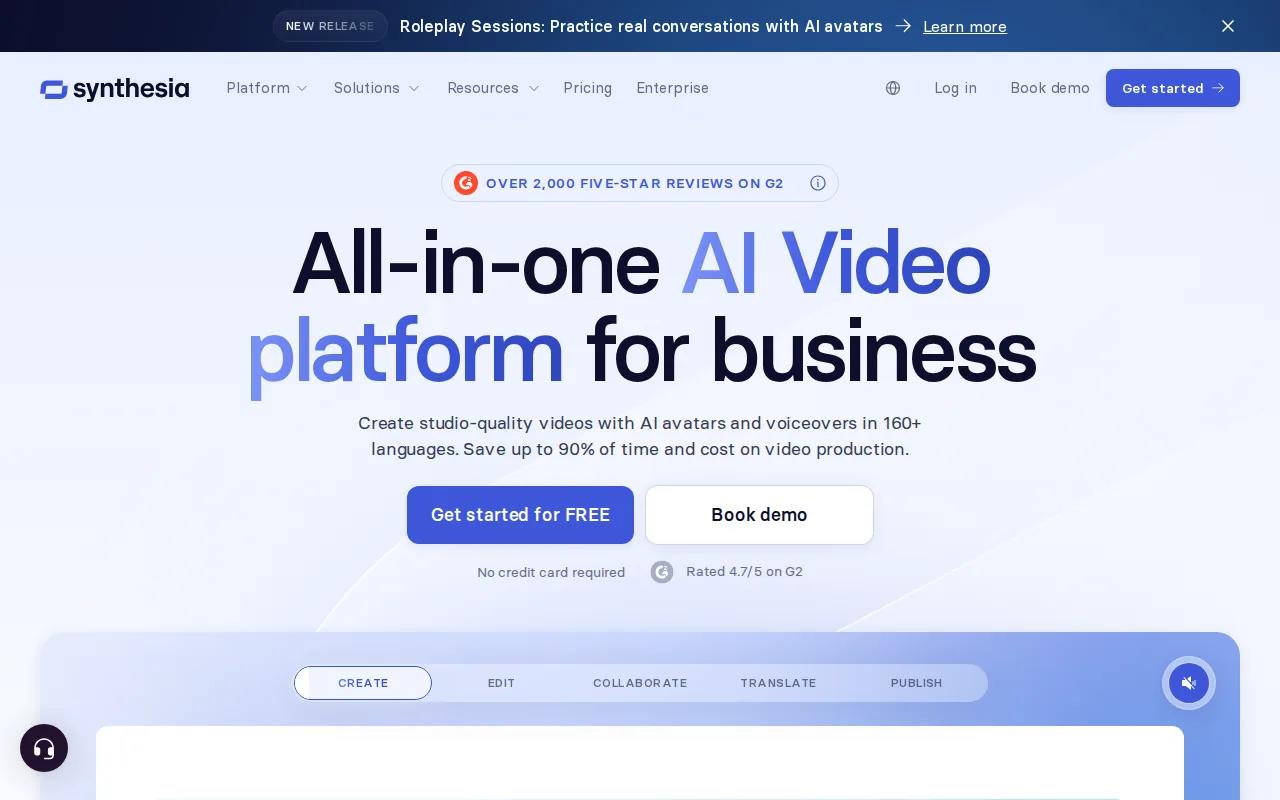
Pre-modeled presenters help keep mouth movement steady because the system knows the avatar's facial structure. That makes the format useful for onboarding, compliance lessons, software training, and internal announcements where a clean delivery matters more than a cinematic look.
It also has LMS integration for organizational training workflows. A content team can revise a script, render a new lesson, and send it through the same review process. That repeatable handoff is often more useful than a large menu of visual effects.
Uploaded real footage is a different case. AI dubbing may use plan minutes, so check the limits if your main goal is translating videos you already filmed. Synthesia is strongest when the presenter starts inside its avatar workflow.
7. NemoVideo, Talking-head dubbing specialist
NemoVideo is purpose-built for talking-head editing and multilingual dubbing. Choose it when you already have presenter footage and want the translated version to keep the speaker's emotional tone.
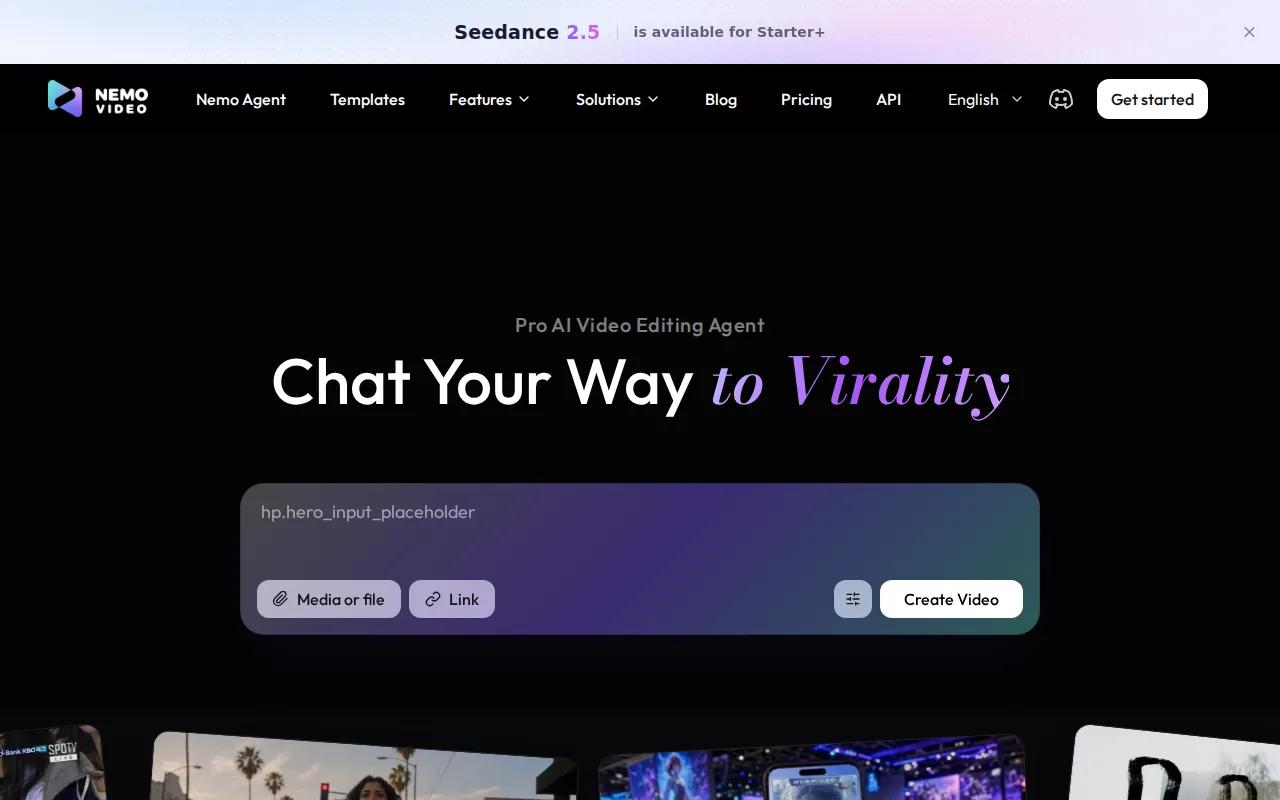
That focus makes NemoVideo a useful option for product demos and presenter-led lessons.
Its pricing is credit-based, with free signup credits and paid plans listed in the source material. Check current limits before you plan a large batch. Credits can behave very differently across short clips and long lessons.
Source audio still matters. Remove echo where you can, keep the speaker easy to hear, and review the first few seconds closely. If the transcript gets a word wrong, the mouth movement will follow the wrong word.
8. Wav2Lip, Free, audio-driven lip sync
Wav2Lip is the best fit for technical users who want a free, audio-driven model and can work from the command line. It can sync a video face to an audio file, but it is not a no-code browser app.
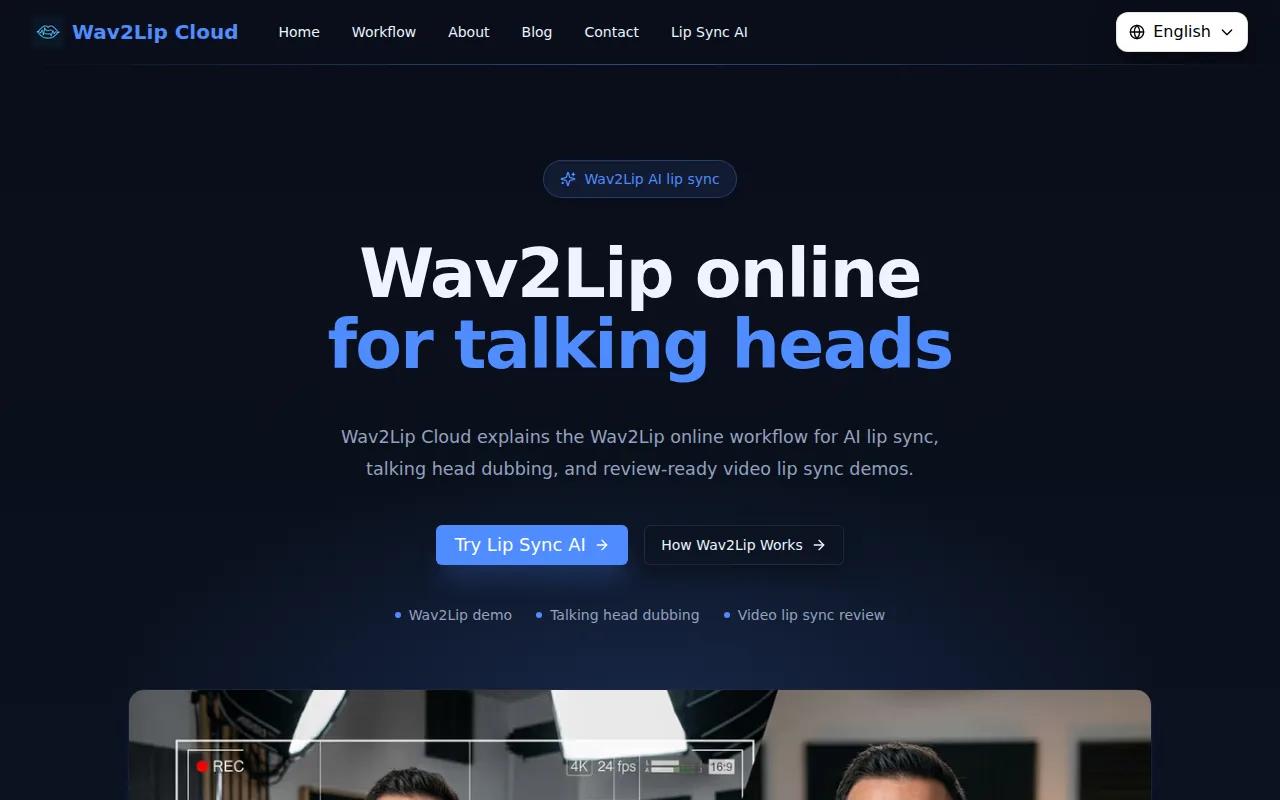
The project provides open-source code, pretrained weights, and support for common audio inputs such as WAV and MP3. Its research code is built around a lip-sync expert model trained on the LRS2 dataset.
There is no simple upload button. You need Python, suitable hardware, model files, and comfort with command-line settings.
That limitation matters. Wav2Lip can be a strong lab tool for testing a custom dubbing pipeline, but a paid commercial platform may save time when you need support, export controls, or a team handoff.
How the Best AI Lip Sync Generators Compare
The right AI lip sync generator depends on where your video starts. HailuoLabs works well for short generated clips with multimodal references. Magic Hour and NemoVideo suit existing footage. HeyGen and Synthesia suit avatar-led communication. Sync.so suits an app or automated pipeline, while Wav2Lip suits technical experiments.
| Your starting point | Best match from this list | What to test first |
|---|---|---|
| Prompt, image, or audio reference | HailuoLabs | Face stability and word timing in a short clip |
| Recorded talking-head footage | Magic Hour or NemoVideo | Jaw motion after a translated audio swap |
| Avatar lesson or company update | HeyGen or Synthesia | Presenter consistency across several scripts |
| API or batch pipeline | Sync.so | Job polling, retries, output storage, and cost |
| Free technical testing | Wav2Lip | Hardware setup, license terms, and output quality |
Specs are often hidden in this category. For a broader view of AI-assisted visual storytelling, image-led creative work can also involve translation and editing.
FAQ
What is the best AI lip sync generator?
HailuoLabs is the best starting point for short AI-generated clips with sound, dialogue, and visual references in one browser studio. It lists clear output details for Hailuo 03, including up to 15 seconds and up to 2K resolution. Pick a different tool when you need recorded-footage dubbing, enterprise avatars, or an API-first workflow.
Can AI lip sync tools work with music videos?
Yes, an AI lip sync generator can work with music videos when the vocal track is clear and the face stays visible. Split longer songs into short clips, keep the same character reference, and add lyrics or timing notes when the tool supports them. Fast vocals and heavy head motion can still cause mouth drift.
What makes lip sync look natural?
Natural lip sync needs clear audio, a visible face, stable facial structure, and a camera angle the model can track. A front-facing or three-quarter view usually gives the system more detail. A short silence buffer at the start of the audio may also help alignment, especially when the first syllable begins immediately.
Is there a free AI lip sync tool with no watermark?
Wav2Lip is free to run, but it needs technical setup and its project terms restrict the supplied models to research, academic, and personal use. HailuoLabs has a free entry point with watermarked 512p Hailuo 02 exports. Always check commercial-use terms before publishing client work.
Can AI lip sync translate a video into another language?
Yes, many AI lip sync tools can match a face to translated audio. Magic Hour is built for real-footage localization, while HeyGen focuses on avatar and translation workflows. Review the translated script, timing, names, and mouth movement together because language length can change the pace of a scene.
Conclusion
Start with HailuoLabs if you want a clear, creator-friendly way to test short talking clips, music scenes, or audio-led character videos. Sign in, upload a reference or write a focused shot prompt, then generate one short draft before committing to a larger batch.


