Most AI creative tools promise endless output, but many hide key limits. Hailuo 03 gives you clear specs: clips up to 15 seconds, with output up to 2K. Here are six strong options, with the best fit for each type of creative work.
1. HailuoLabs
HailuoLabs is a browser studio for MiniMax Hailuo video models. It’s the best starting point when you want clear video specs, several input types, and a simple way to test a clip before paying for more.
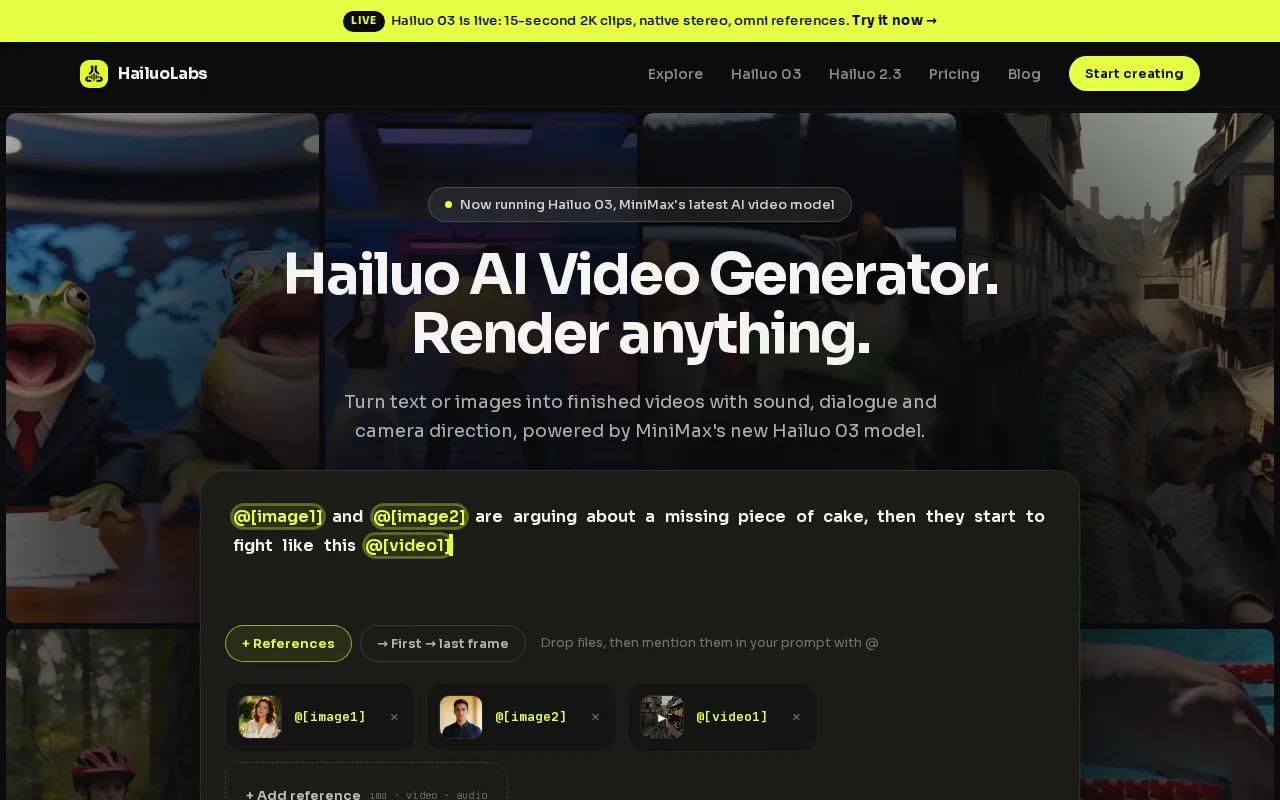
The flagship Hailuo 03 model can generate clips from text, images, video, and audio. It supports clips from 4 to 15 seconds, with 768p or 2K output. Native stereo gives the clip sound on both left and right channels. You can also use first and last frames, tagged reference media, or edit an existing generation.
That level of detail matters. Research into 48 AI creative tools found that only Hailuo 03 and Luma disclosed any clip duration. Hailuo 03 was also the only surveyed tool to state a maximum resolution of 2K. You can review the model’s input and output controls on the Hailuo 03 model page before you spend credits.
HailuoLabs also gives you access to Hailuo 2.3, Hailuo 2.3 Fast, and Hailuo 02. Free accounts can test Hailuo 02 at 512p with a watermark. Paid plans add higher resolutions, video references, editing, and commercial use.
| Need | Best HailuoLabs fit | What to check |
|---|---|---|
| Fast image animation | Hailuo 2.3 Fast | Image-to-video only |
| Longer short-form clips | Hailuo 03 | Up to 15 seconds |
| Frame-controlled motion | Hailuo 02 or Hailuo 03 | Use opening or closing frames |
| Low-risk testing | Free plan | 512p output with watermark |
The tradeoff is simple: HailuoLabs focuses on Hailuo models rather than acting as a giant model marketplace. That focus makes it easier to build a repeatable video workflow, but it won’t replace a broad design suite for every task.
2. Runway: A control-focused toolkit for AI video production
Runway is a strong fit for creators who want more control over motion and visual direction. Among AI creative tools for video, it is known for a reference-focused toolkit with motion brush and control features.
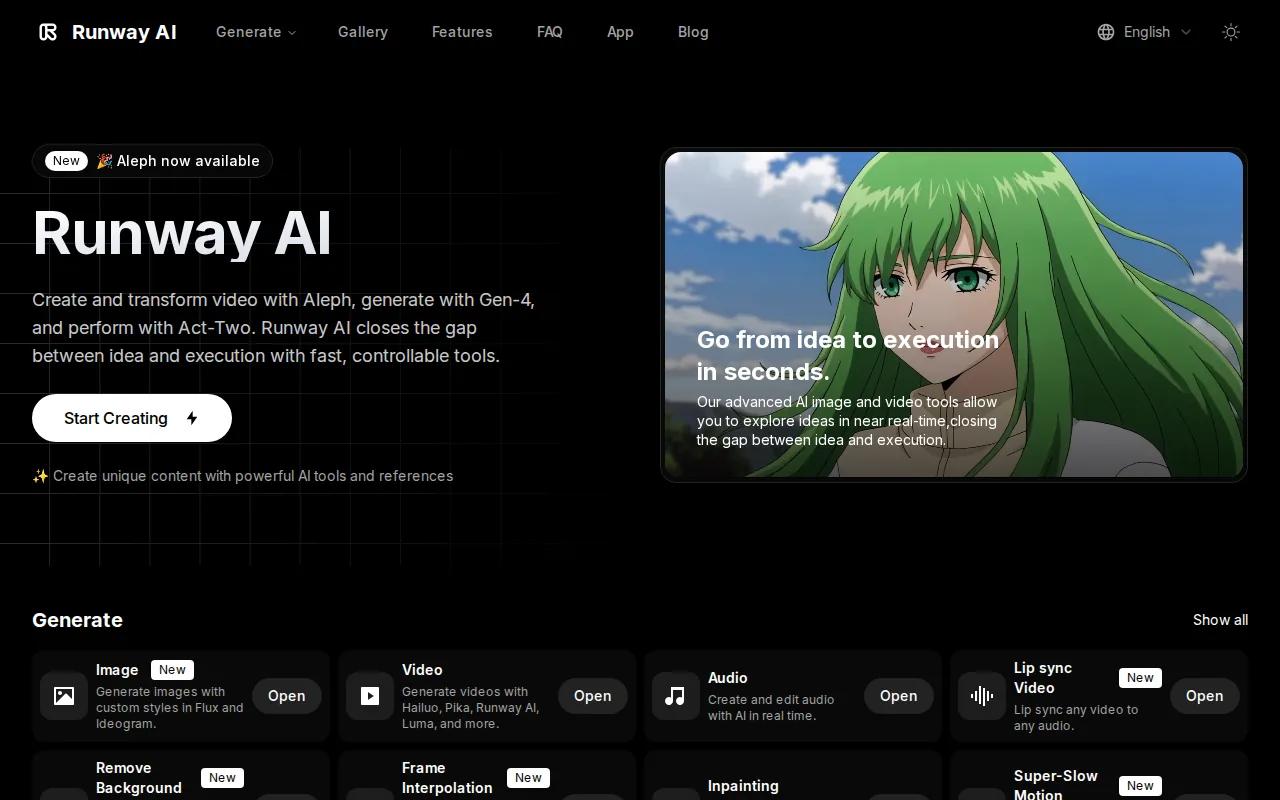
Its useful distinction is control. Reference inputs help guide the look of a shot, while motion brush and related controls let you push movement toward a specific area. That can help when a prompt alone produces a scene that feels too loose.
Picture a product ad with a camera move around a watch. You may want the watch to stay still while the camera shifts. A control-led workflow gives you a better place to start than repeated prompt edits alone.
Runway is also a natural fit for teams that plan shots before generation. You can test a visual idea, review how the subject holds its shape, then adjust the reference or motion direction. That makes it useful when consistency matters across several shots.
The limitation is that a control-rich tool can take longer to learn. If you need a quick social clip with a short prompt, HailuoLabs may get you to a usable first draft faster. If the first result misses, though, Runway’s extra controls can save time on later passes.
3. Sora 2: Prompt-led video creation for imaginative scenes
Sora 2 suits creators who want to test unusual scenes through detailed prompts. Its place among AI creative tools comes from prompt guidance, especially when you need to describe a setting, mood, action, or camera idea in plain language.

Prompt-led work is best when the concept matters more than strict shot control. You might describe a paper city folding open under rain, or a slow tracking shot through a busy night market. The more clearly you explain subject movement and camera behavior, the more useful the first result can be.
A good prompt should state the subject first. Then describe the action. Add camera movement only after the scene itself is clear. This keeps you from burying the main idea under a long list of visual adjectives.
Research on AI video tools repeatedly points to prompting guides as a key differentiator for Sora 2 and Veo 3. That is useful for new users, but it does not remove the need for review. Hands, text, fast motion, and object contact can still need several attempts.
For a marketing team, Sora 2 works well during the idea stage. You can test a concept before a shoot or use it to build a visual reference for an editor. When you need a more defined workflow for branded clips, compare it with the script-to-video workflow for AI campaigns.
The catch is predictability. Prompt-led generation can produce a striking result, but a striking result is not always the right result. Keep your prompt short enough to edit, and save the versions that work.
4. Veo 3: Strong prompting for polished AI video
Veo 3 is a good choice for creators who want polished video ideas shaped by a clear prompt. It is often discussed for prompt guidance, which can help you describe camera work and scene action with more control.
Veo 3 fits a workflow where the prompt acts like a short shot brief. State the location. Give the subject one clear action. Then describe the camera move and sound direction. This order makes it easier to spot which part failed when the output needs another pass.
It can be useful for mood boards, pitch scenes, and early ad concepts. You can ask for a slow push toward a subject, a wide view that reveals the setting, or a close shot that keeps attention on one detail.
Audio can also shape the result. If a scene needs a door slam, room tone, or spoken line, write that into the brief. Then check the timing. A clip may look polished while the sound still feels out of place.
The main caveat is the same one found across many AI creative tools: public descriptions often focus on a selling point while leaving hard limits unclear. Before planning a paid campaign, test the exact shot type you need. Check subject consistency, speech timing, and output rules first.
If you want frame controls and named Hailuo model options in one browser studio, HailuoLabs gives you a more direct path. Its Hailuo 2.3 video model guide explains how image references affect the generation.
5. ElevenLabs: Natural-sounding AI voices for creative projects
ElevenLabs is built for voice work rather than video generation. It earns a place on this list because audio often decides whether an AI video feels ready to publish.
Research sources describe ElevenLabs as a tool for realistic voices from text. That makes it useful for narration, character lines, explainer drafts, and voice tests before a human recording session.
Use it when the visuals are already working but the voice feels flat. Write the script as spoken language. Keep sentences short. Mark pauses when the timing matters. Then listen with the video, not in isolation.
A voice track also helps you judge pacing. If the narration ends too soon, the scene may need a longer hold. If the voice races through a key line, change the script before you keep editing the visuals.
The limitation is workflow separation. You may need to move the audio into a video editor or another generation tool. That adds a handoff, and handoffs can cause timing or file-management issues.
For a broader production plan, the audio-to-video tool comparison can help you think through narration, source audio, and clip timing before you start.
Pick ElevenLabs when voice quality is the main problem. Pick a video-first tool when the scene itself still needs work.
6. Krea: A real-time multimodal creative suite
Krea is a multimodal creative suite with real-time generation and enhancement features. It fits artists who want to move between images, video, edits, references, and visual ideas without switching tools for every step.
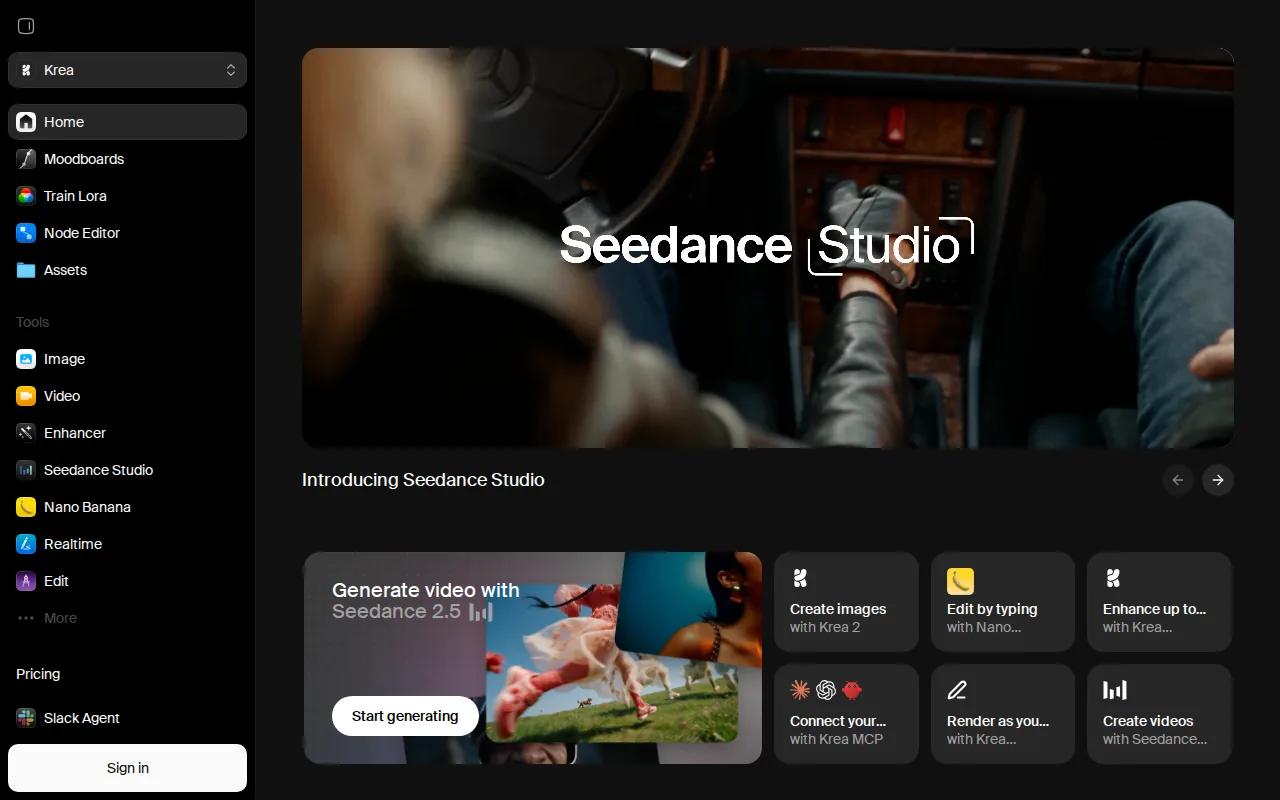
Krea offers a full creative suite with real-time generation and enhancement features. Its real-time mode is useful when you want to change an idea while watching the result shift.
That feedback loop changes how you work. Instead of writing a prompt, waiting, and starting over, you can adjust the direction while the image develops. This is handy for concept art, rough campaign frames, and visual exploration with a client nearby.
Krea also brings several model types into one creative space. The research material lists video models with reference inputs, frame controls, native audio, and outputs that vary by model. Since those settings differ, check the selected model before you promise a client a certain clip length or resolution.
The main drawback is choice. A large model menu can slow down a team that has not agreed on a default. Set a small house workflow first. For example, use one model for fast drafts, then another for final shots after the concept is approved.
Krea is a sensible pick when the work starts as a visual idea and may become an image, video, or edit. If your job is mainly short Hailuo video generation with clear published limits, HailuoLabs stays the simpler choice.
Ready to test a video idea? Start with one short concept in HailuoLabs. Check the motion, sound, and subject shape before you scale the workflow.
Frequently Asked Questions About AI Creative Tools
What are the best AI creative tools for video?
The best fit depends on the type of video work you need. HailuoLabs is a strong first choice for clear limits and Hailuo model access. Runway suits motion control, while Sora 2 and Veo 3 suit prompt-led scenes. Krea works across media, and ElevenLabs handles voice work.
Which AI video tool gives the clearest output limits?
HailuoLabs gives the clearest published limits in this shortlist. Hailuo 03 supports clips up to 15 seconds and output up to 2K. Those details help you plan a shot before spending credits. Still, test your exact subject and scene because stated resolution does not guarantee that every frame will look clean.
Can AI creative tools make video from images?
Yes, several AI creative tools can animate an image or use it as a visual reference. HailuoLabs supports image inputs across its model family, while other tools use reference images to guide the scene. Start with a clear source image. Then describe the motion you want instead of repeating the image details.
Are AI-generated videos safe for commercial use?
Commercial use depends on the tool’s current terms and your plan. HailuoLabs states that paid plans include a commercial licence, while its free plan has a watermark. Read the terms before publishing client work. You should also check rights for uploaded images, voices, music, and other source material.
Should I use one AI creative tool for everything?
You don’t need one tool for every task. A focused setup is often easier to manage. Use a video tool for scenes, a voice tool for narration, or a multimodal suite for concept work. Keep one default tool for repeat jobs, then add another only when it solves a clear gap.
Conclusion
Start with HailuoLabs if you want a video-first workflow with published limits, reference controls, and a free way to test the studio. Generate one short clip today, review it at the size you plan to publish, and move to a paid plan only when the result fits your workflow.