
Got a voice track but no time to build a video around it? An audio to video AI generator can turn narration, podcast clips, lessons, or stories into short visual content. Here are five strong options, with HailuoLabs first for creators who want audio-led generation plus direct control over the shot.
1. HailuoLabs
HailuoLabs is the best fit when your audio needs to guide the visual idea, rather than sit under a stock-video slideshow. The studio lets you generate AI video from text, images, video, and audio in one browser workflow, making it a broader reference-driven option than many image-to-video AI generator tools.
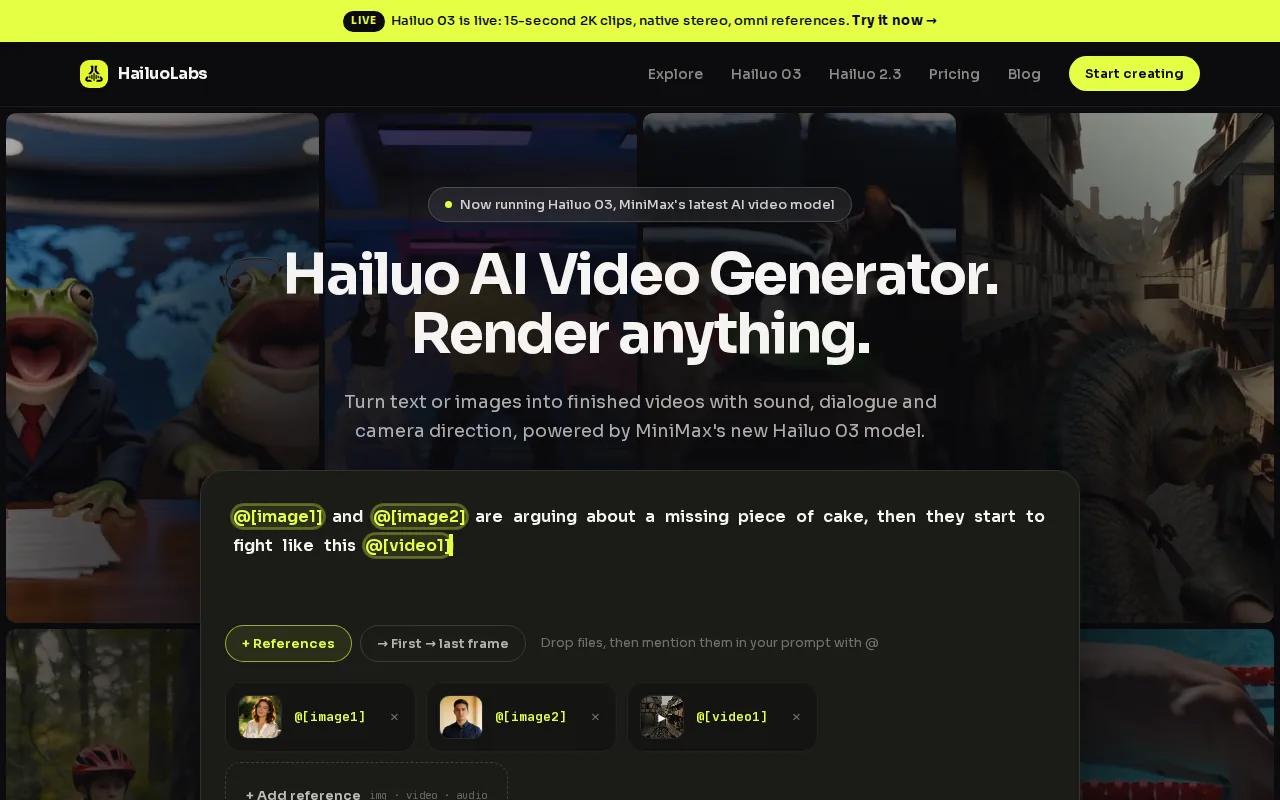
Its flagship Hailuo 03, also called H3, supports clips up to 15 seconds at 768p or 2K. It also has native stereo audio, first and last frame control, omni references, and generate-and-edit tools. In plain terms, you can give the model more than a sentence. You can attach the sound, show it the look, then guide the start and end of the shot.
You can learn more about the model workflow in the HailuoLabs AI video studio.
Start with a short voiceover. Add a visual prompt such as, “A close shot of a teacher drawing a bright map on a classroom board, slow camera move, warm daylight.” Then attach an image or audio reference when a face, product, rhythm, or mood must stay close to your source.
| Best for | Useful control | Watch for |
|---|---|---|
| Short social clips | 9:16 format and short generations | 15-second length cap for Hailuo 03 |
| Sound-led scenes | Native stereo and audio references | Review dialogue and sync before posting |
| Product or character shots | Omni references plus first and last frame | Use references when exact details matter |
| Fast concept testing | Hailuo 2.3 Fast for rough image-to-video work | Final quality may need a higher setting |
If your audio is recorded in a noisy room, clean the source before generation. A quiet booth such as an acoustic recording space can help teams capture more consistent voice tracks before they reach the editor.
For a full workflow, draft at a lower setting, add references, and polish the winning take. Review the workflow details before testing. That makes HailuoLabs the most useful first test for short audio-driven video.
2. Pictory: Timeline editing for branded content
Pictory is a good choice when your audio to video AI workflow needs a familiar timeline and repeatable brand rules. It fits marketers who turn voiceovers, webinars, or podcast segments into polished clips, especially when comparing video ad maker tools for campaign production.
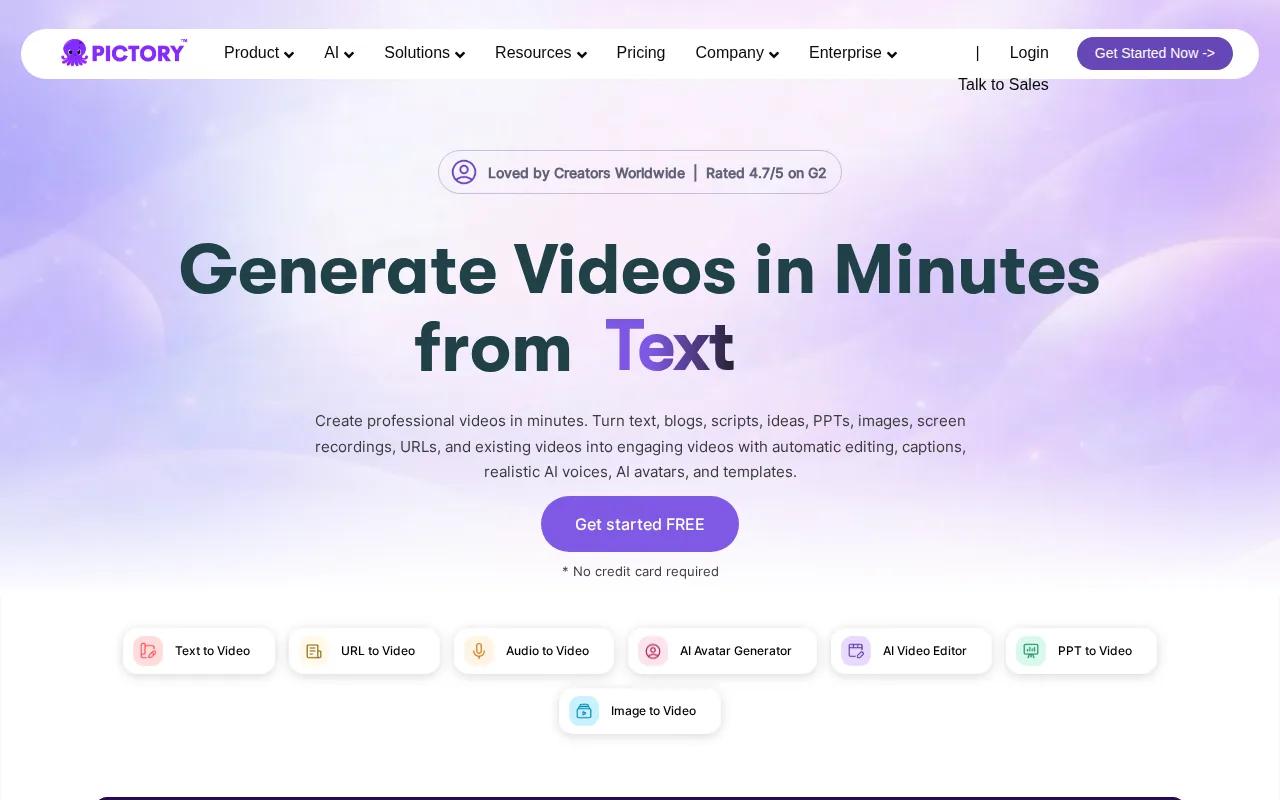
The grounded feature set includes a timeline-based editor, brand kits, custom voiceover, captions, and templates. That combination matters when several people touch the same project. A writer can check the transcript, a designer can adjust the visual style, and a brand lead can review fonts or colors in one edit pass.
Pictory is less suited to creators who want the model to invent a tightly directed cinematic scene around a sound track. Its strength is assembly. You provide the message, then shape the result with templates and timeline edits.
A useful workflow is simple. Upload the audio or start with its transcript. Correct names and terms first. Then choose a template, set the frame ratio, and replace any visual that feels generic. Captions should stay large enough to read on a phone.
Use Pictory for educational clips when the lesson needs clear text support. It can also suit a plumbing firm turning a spoken service description into a short social ad, provided the final claims and service details are checked by a person.
Pricing and export limits can change, so check the current plan inside the Pictory workspace before you commit. The main tradeoff is clear: Pictory gives you stronger post-generation structure, while HailuoLabs gives you more direct control over the generated scene itself.
3. VEED: Fast social editing and automatic captions
VEED works well as an audio to video AI finishing layer for social teams. It is a sensible pick when the raw clip exists and your main job is to resize it, clean the sound, add captions, or place supporting footage.
The listed AI Auto Edits can handle aspect ratio changes, clean audio, B-roll insertion, and automatic captions. VEED also lists 1080p output. That makes it useful for a creator who records one voice track, then needs a vertical version for short-form feeds.
Imagine a ten-minute interview. You might cut a useful answer, place a related visual over the quiet parts, and burn in captions for viewers watching without sound. VEED is built around that edit-and-finish task, rather than deep control over how each generated scene moves.
Captions still need a close check. Names, technical words, accents, and fast speech can cause errors. Read every subtitle while listening to the original track. Then check the first and last frame on the mobile crop.
VEED is worth testing if speed matters more than elaborate scene design. Choose it when your bottleneck is final assembly. Choose HailuoLabs when the audio should influence the generated picture from the start.
4. Descript: Transcript-based editing for podcasts
Descript is made for podcast teams that think in words first. Its transcript-based editing can make an audio to video AI workflow easier when the main work is cutting speech, removing pauses, and shaping a conversation into a publishable clip.
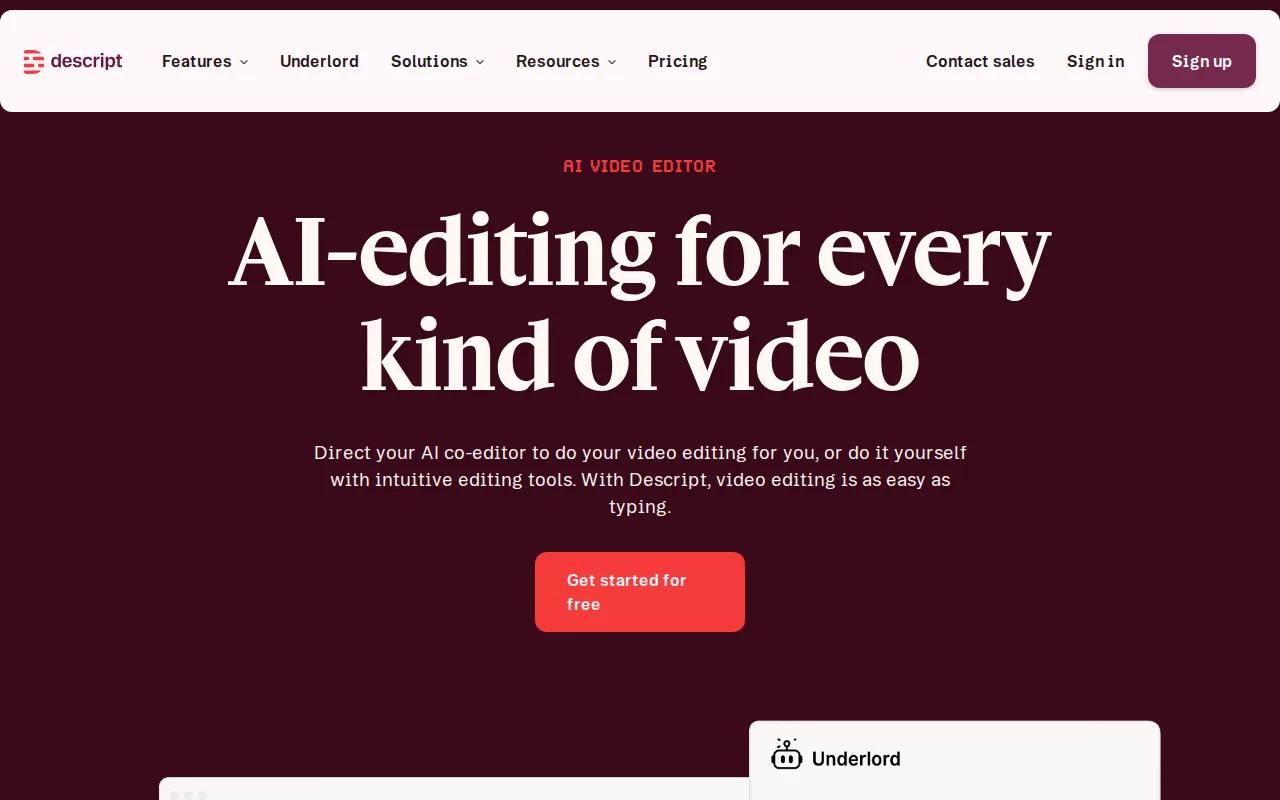
Descript offers 1080p output and transcript-based editing with automatic trimming. That means you can edit the text transcript and use it as the map for the video cut. Delete a sentence in the script, and the related spoken section can leave the edit as well.
This approach suits interviews, solo shows, lessons, and internal talks. Start by fixing the transcript. Mark the lines that carry the point. Then add a few visual changes so the viewer has a reason to keep watching.
The limit is creative control. Descript is strongest when the spoken edit is the center of the project. It is less compelling if you want a model to invent a stylized world, animate a product reference, or build a sound-led scene around a prompt.
Before choosing any transcript editor, think about your handoff. Your team may need a clean MP4, a caption file, or a vertical crop. The Descript tools page can help you check the current editing scope before you plan a repeat production process.
5. CapCut: Beat-synced short-form video production
CapCut is a strong fit for short-form creators who want their visuals to follow a track’s rhythm. Its listed editing features include automatic beat sync, background removal, motion tracking, and smart cutout.
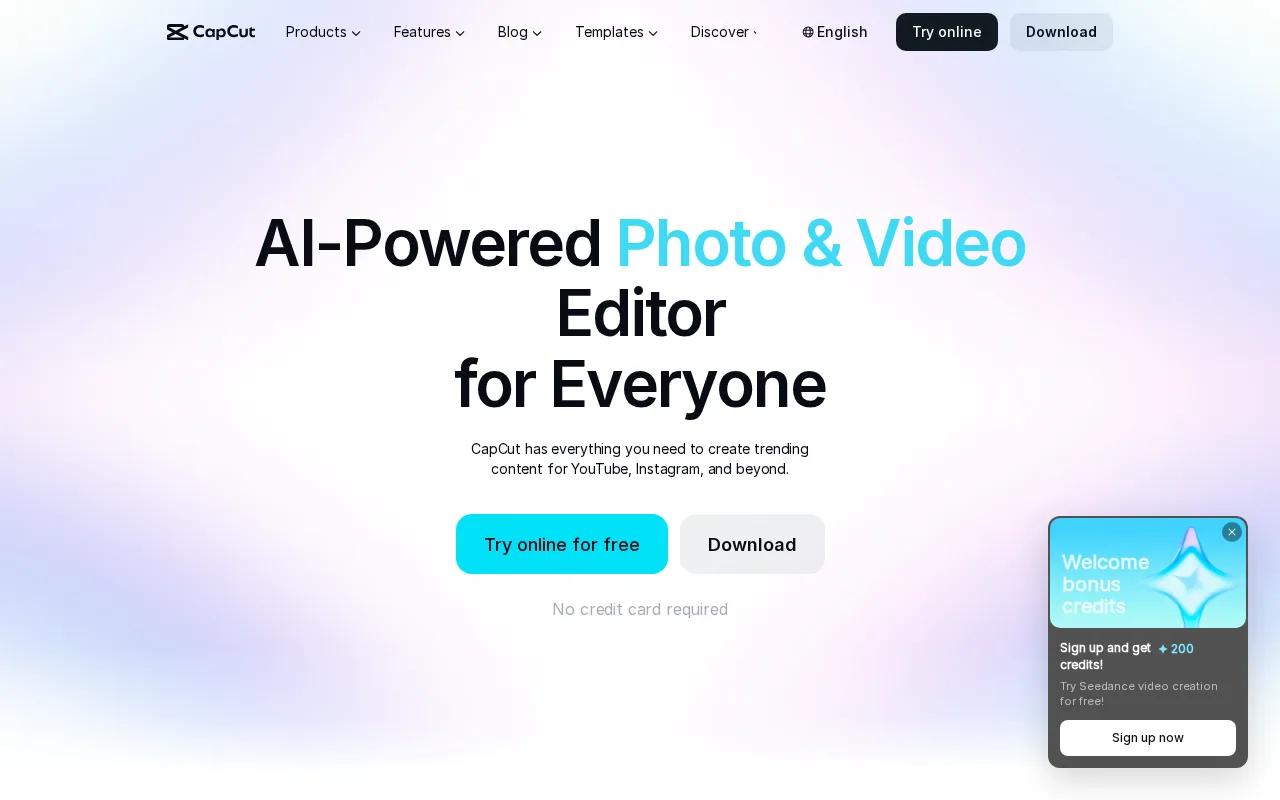
CapCut supports output up to 8K, though it does not list a specific audio input format. That contrast is useful. High resolution does not tell you how well a tool handles an audio-first workflow. Check the import screen with your own file before building a production habit around it.
CapCut can be handy for a music-led reel. Place the audio on the timeline, use beat sync for the first pass, then adjust cuts that land too early or too late. Add captions only after the visual rhythm feels right. A fast cut can make a spoken lesson hard to follow.
Its background tools also help when you have a person, product, or simple subject that needs a cleaner frame. But more effects can quickly bury the message. Keep one visual idea per shot, especially when the audio contains instructions or a sales point.
CapCut's listed editing features make it a useful post-production choice, while HailuoLabs remains a practical first stop when you want audio and references inside the generation brief.
A local service business could use this workflow for a short voiceover about emergency help, then cut the result for a vertical feed. A clear service promise can become the spoken core of a short ad.
How to choose an audio to video AI generator
Pick the tool based on where your work slows down. The best choice for a podcast editor may be the wrong one for a visual storyteller.
- Choose HailuoLabs when you need audio, image, video, and text references in the same short generation workflow.
- Choose Pictory when brand kits and timeline edits matter more than new scene generation.
- Choose VEED when captions, clean audio, B-roll, and aspect ratios are your main tasks.
- Choose Descript when the transcript is the fastest way to cut your podcast or lesson.
- Choose CapCut when beat sync and social effects shape the final edit.
Check four details before paying: maximum clip length, output resolution, audio formats, and export rights.
FAQ
What is the best audio to video AI generator?
HailuoLabs is the best starting point for short audio-led AI video because Hailuo 03 lists native stereo, up to 2K output, first and last frame control, omni references, and generate-and-edit tools. It suits creators who want the sound track to shape the shot, rather than add audio after a stock-video edit.
Can AI turn a podcast into a video?
Yes, AI can turn a podcast into a video by transcribing the speech, choosing visuals, adding captions, and placing the audio on a timeline. Descript is suited to transcript-based podcast edits, while Pictory and VEED help with branded assembly. For short generated scenes tied to the audio, HailuoLabs is the stronger first test.
How do I convert audio to video with AI?
Upload your audio, add an image or visual prompt if needed, choose a format, and generate a first draft. Next, correct the transcript and inspect the sync. Add captions, music, transitions, or B-roll only after the core message works. Then export the finished video in the ratio your channel needs.
Can I make a video from an MP3 file?
Yes, but MP3 support is not listed clearly by every tool. SoraVoice and BeatRender AI specifically mention MP3. Check your chosen tool before buying credits. If your file fails, convert it to a common audio format, then listen for lost quality or timing shifts.
What should I check before using an AI-generated video?
Check the transcript, names, captions, lip sync, visual details, and rights for every source asset. Confirm that your plan allows the use you need. Review music, voices, faces, logos, and supplied images as well. AI can speed up production, but a person still needs to approve the final file.
For most creators, start with HailuoLabs when the audio needs to guide the visuals. Sign in, test one short clip with a clear prompt and your own audio, then move the winning take into your final editor.


