
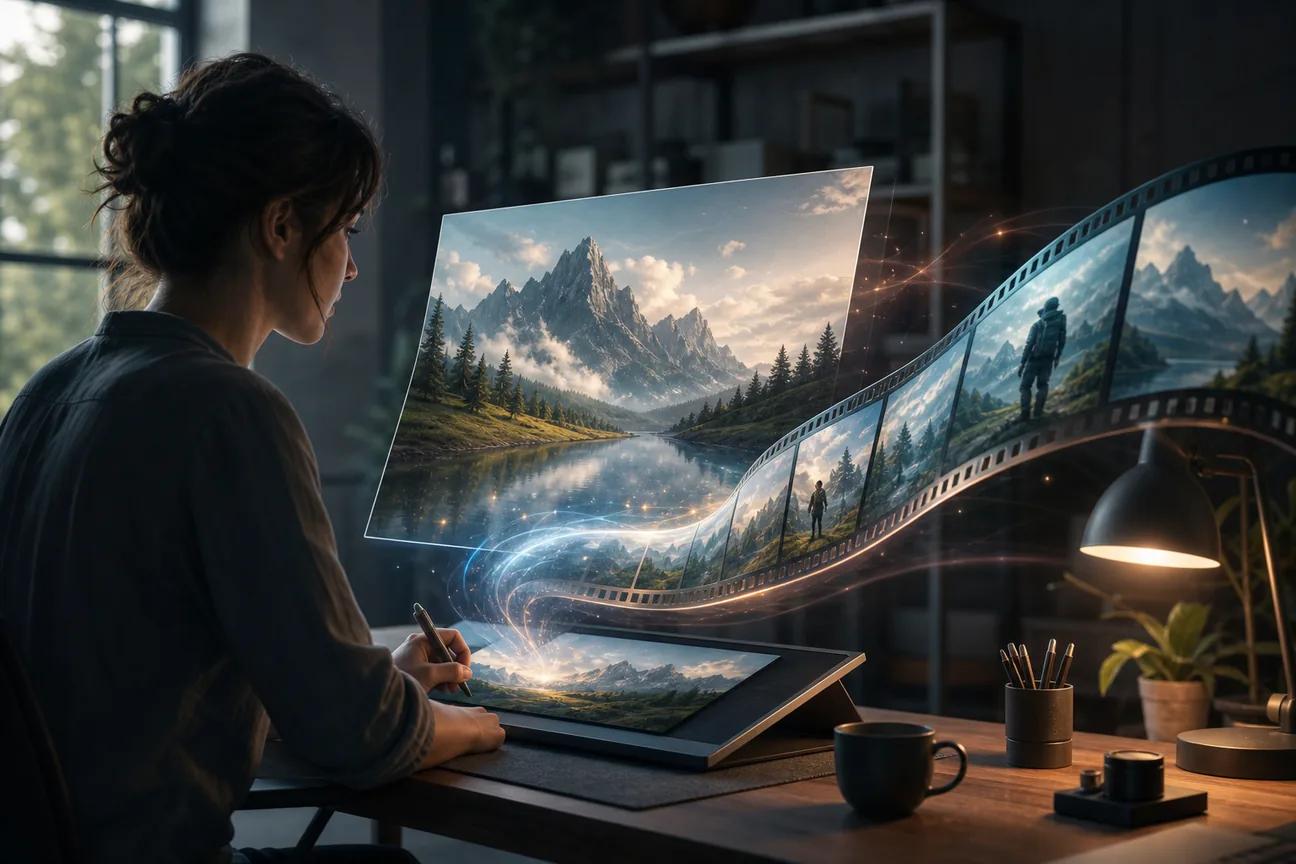
Turning one still image into a moving clip can take seconds, but picking the right tool takes more care. The big split is simple: most tools use an image plus a short prompt, while Hailuo 03 can also use video and audio references. Here are the best image to video AI generator tools, with the right use case and trade-off for each. For a broader comparison of leading platforms, see these best AI video generators for 2026.
1. HailuoLabs
HailuoLabs is the strongest all-around choice when you want image-to-video work with more control over the source material. It fits creators, marketers, and small studios that need short clips for ads, social posts, or story scenes.
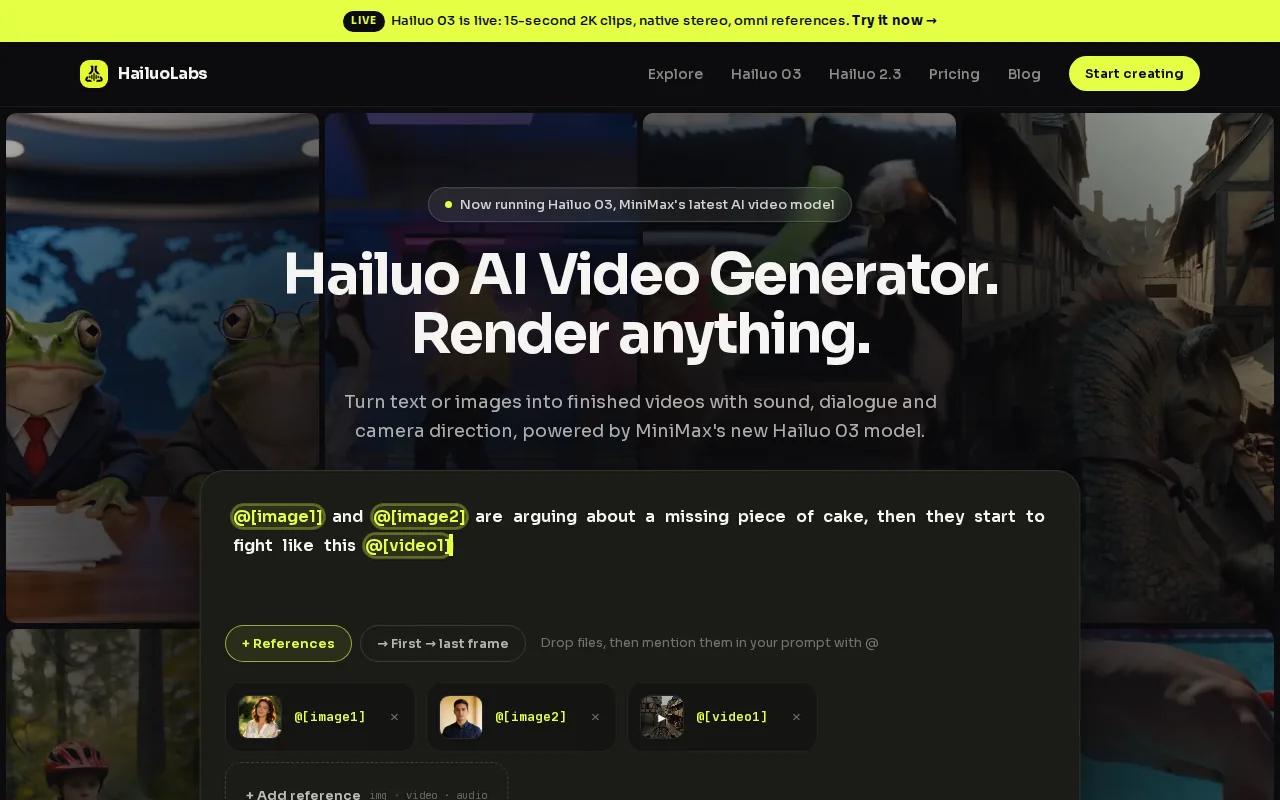
Its flagship Hailuo 03, also called H3, accepts text, images, video, and audio. It can produce clips up to 15 seconds at 768p or 2K, with native stereo sound. First and last frame controls let you define where a shot starts and ends. Omni references let you guide the subject with more than one source. For additional background on the model and its workflow, see what Hailuo is and how its AI video generation works.
That input range is unusual. Hailuo 03 was the only tool listed with all four media types. The same sample found 1080p was the most common stated ceiling, while H3 reached 2K.
| Need | HailuoLabs fit | Watch for |
|---|---|---|
| Fast social draft | Use an image and a short motion prompt | Keep the action focused |
| Brand-led ad concept | Add reference images, video, or audio in H3 | Review product shape and text in post |
| Higher-quality export | Paid access supports H3 and higher resolutions | Credits depend on the plan and generation |
Free users get watermarked Hailuo 02 output at 512p. Paid access opens Hailuo 2.3, Hailuo 2.3 Fast, H3, higher resolutions, video references, and editing tools. See the HailuoLabs free plan before you buy credits. For source details on H3's image-to-video workflow, visit the Hailuo 03 image-to-video page.
2. getimg.ai, Fast access to leading image-to-video models
getimg.ai suits creators who want a short path from an image to a rendered clip. Its workflow supports an image, a text prompt, and reference images, so you can guide motion without building a long shot plan.
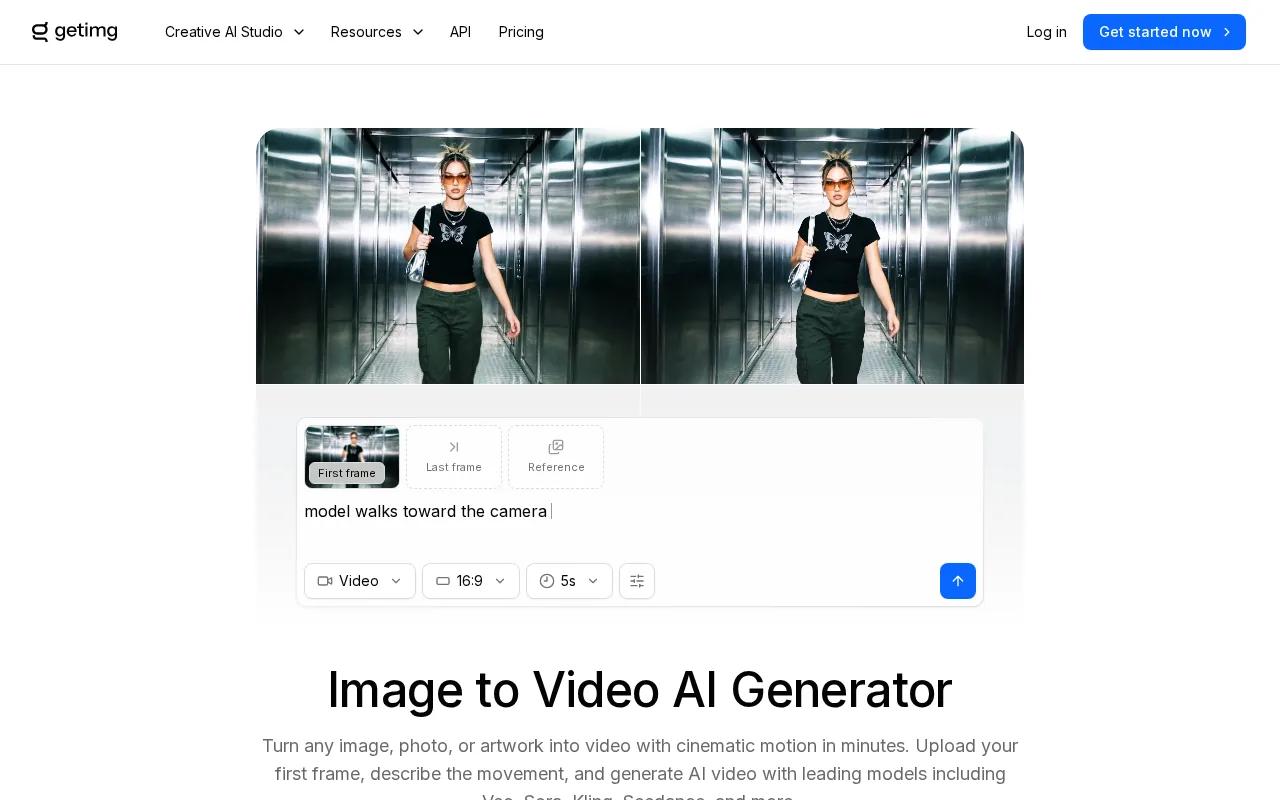
That makes it useful for testing several motion ideas around one still. Try a slow push-in first, then test a small action such as hair movement, fabric motion, or a camera pan.
Credit use is the part to check before a batch. Plans, model access, and output limits can change, so confirm the current terms inside the service.
For commercial work, read the usage terms for the model and plan you choose. An export that looks good may still need a rights check if it uses a supplied photo, a face, music, or a recognizable character.
3. DeeVid AI Video Generator, Multi-model flexibility for marketers
DeeVid AI Video Generator is a broad workspace for marketers who want image-to-video generation beside other media tools. It accepts images, text prompts, video, audio, and reference files.
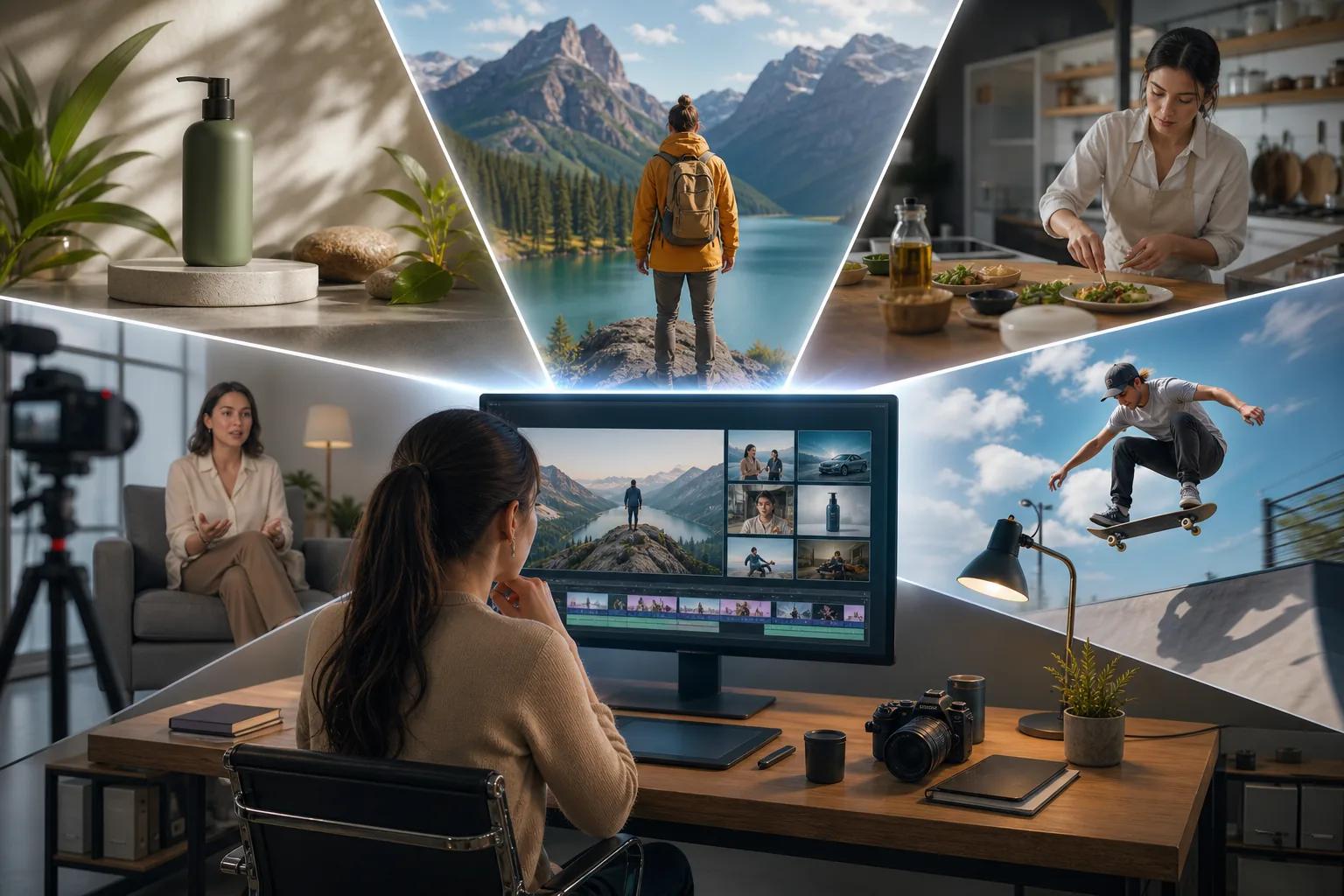
The service positions itself as an AI director that can plan, make, and refine a video. Its Canvas lets you place edits where you want them. The wider workflow also includes image generation, avatars, text-to-speech, music, and ad creation.
This is a useful fit when one product shot needs several campaign versions. You can start with the image, test a scene, then move into edits or voice work. The trade-off is choice: a multi-model workspace may take longer to learn than a single-purpose image animator.
4. Flonnect, Fast production for ads, tutorials, and presentations
Flonnect targets marketers, educators, SaaS teams, agencies, and businesses that need AI-powered videos for ads, tutorials, social media, or presentations.
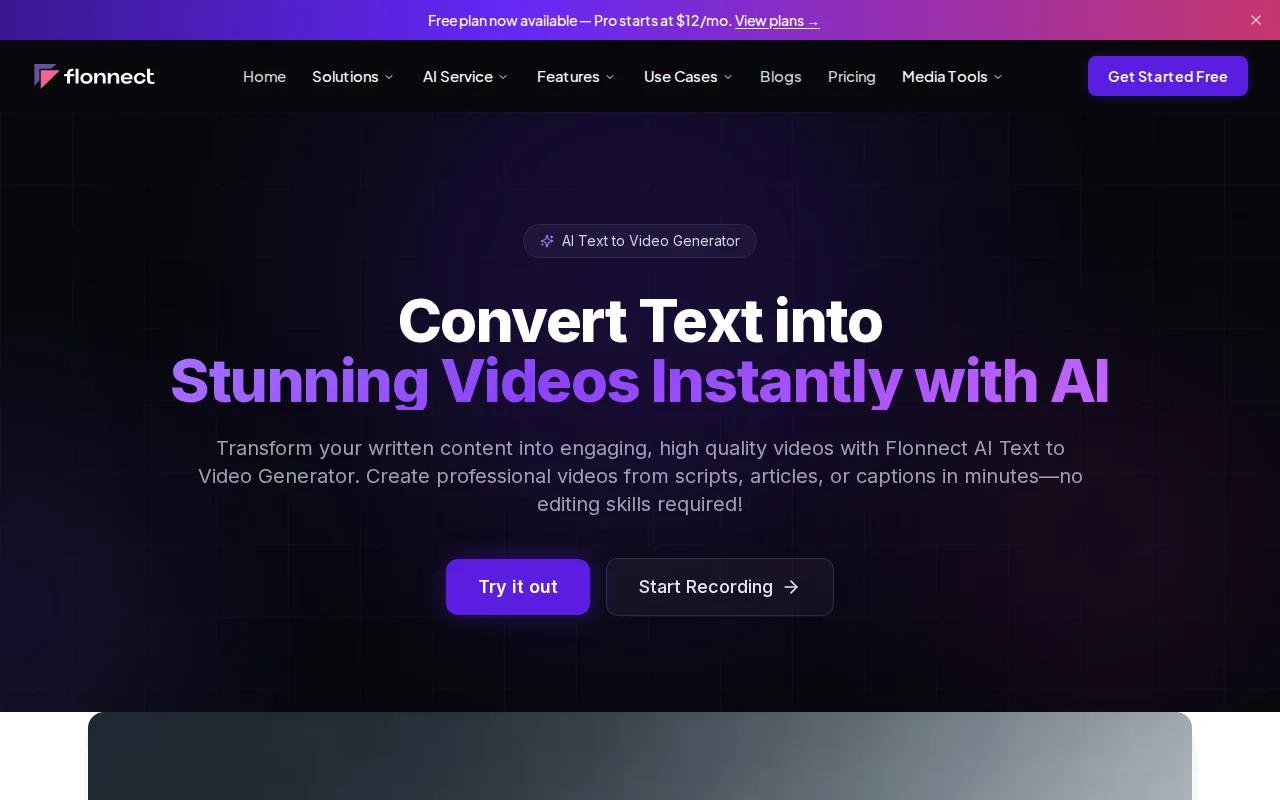
A team can use a still image as the visual starting point, then shape the output around a short lesson or ad idea. That makes it more useful for repeat content than for a single film shot.
Captions generated inside a video tool should be checked by a person. Product names and technical terms are easy places for transcription errors to slip through.
If your goal is a tutorial, keep one action per clip. A screenshot that shows a button should lead to one clear motion, not a full lesson packed into one render.
5. Predis.ai, Branded short-form content at scale
Predis.ai is aimed at content teams, social media managers, ecommerce brands, agencies, and creators who need branded short-form video.
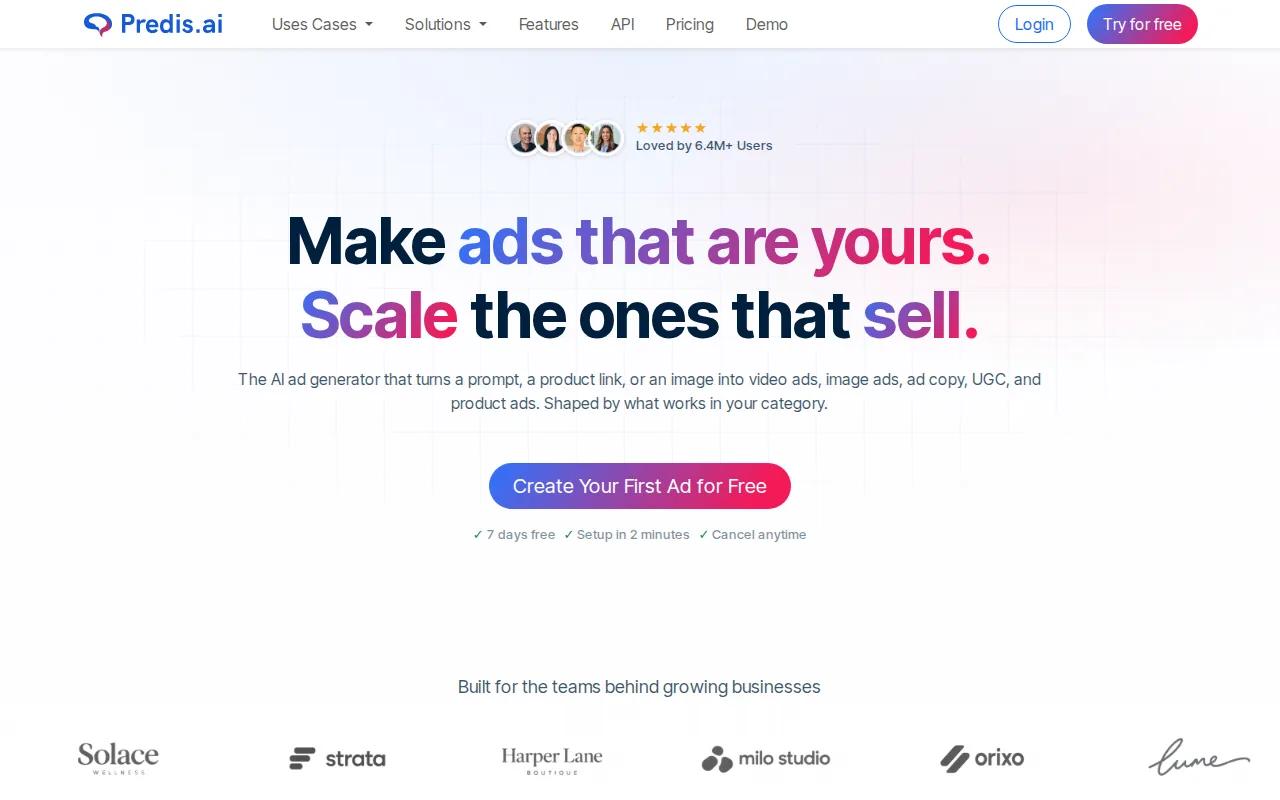
Its strongest use case is a repeatable content queue. Start with a product image or visual idea, then adapt the result for Reels, Shorts, ads, or product promotion. That workflow makes sense when the bottleneck is volume rather than film-grade control.
Keep brand work in the edit layer. Ask the image-to-video model to animate the subject, but add exact slogans, prices, and calls to action later. AI video tools often struggle with small text, even when the main scene looks clean.
Predis.ai is a better match for a social content calendar than for a tightly directed narrative scene. Test one full post before paying for a larger plan, including the final crop and caption review.
6. Runway, Advanced motion control for filmmakers
Runway fits professional filmmakers and animators who need directed motion from an image and prompt.
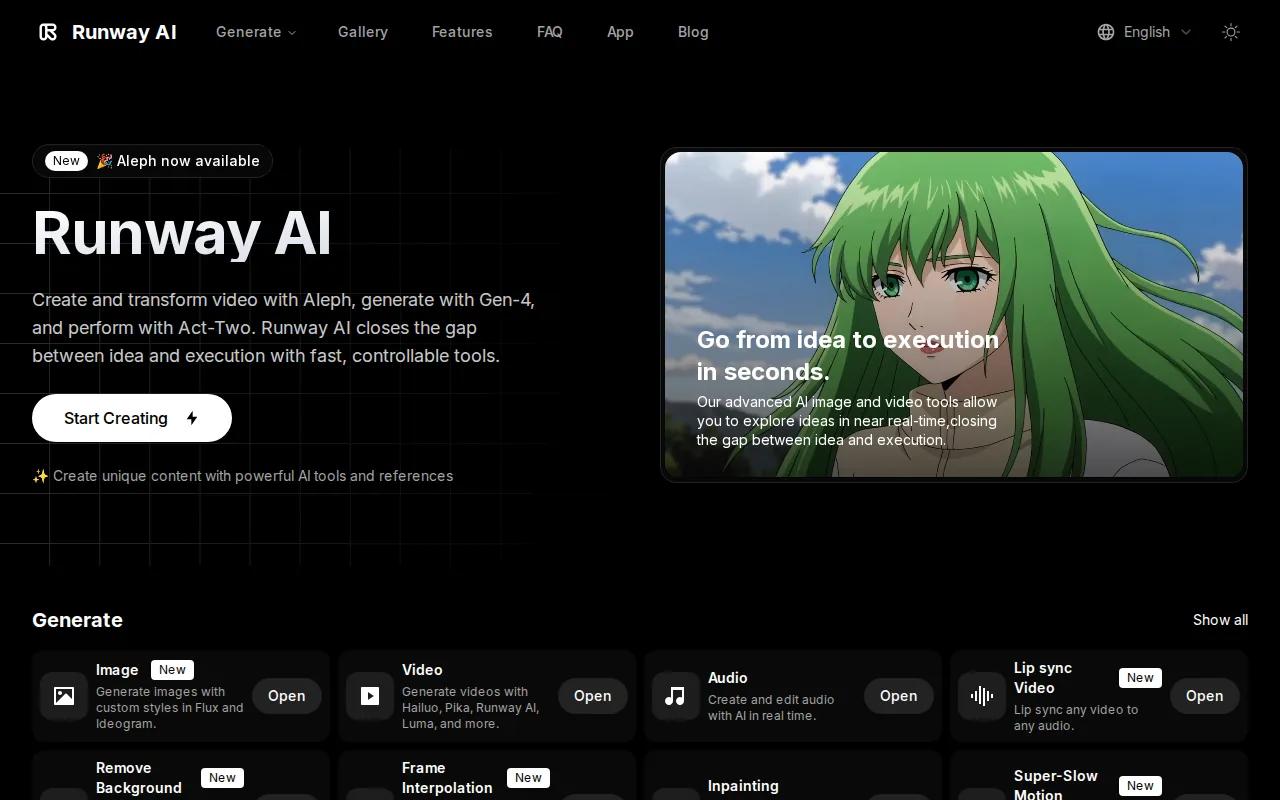
The workflow comes with a learning curve. You may need several short tests before the movement matches the shot. It also makes sense to keep a clean source image with a clear subject, since clutter gives the model more details to misread.
Runway is worth testing when motion direction is your main problem. If you mainly need quick branded variations, a simpler tool may waste less of your time.
7. Leonardo AI, A natural choice for existing Leonardo creators
Leonardo AI is a sensible pick if you already make still images in Leonardo and now want to add motion.
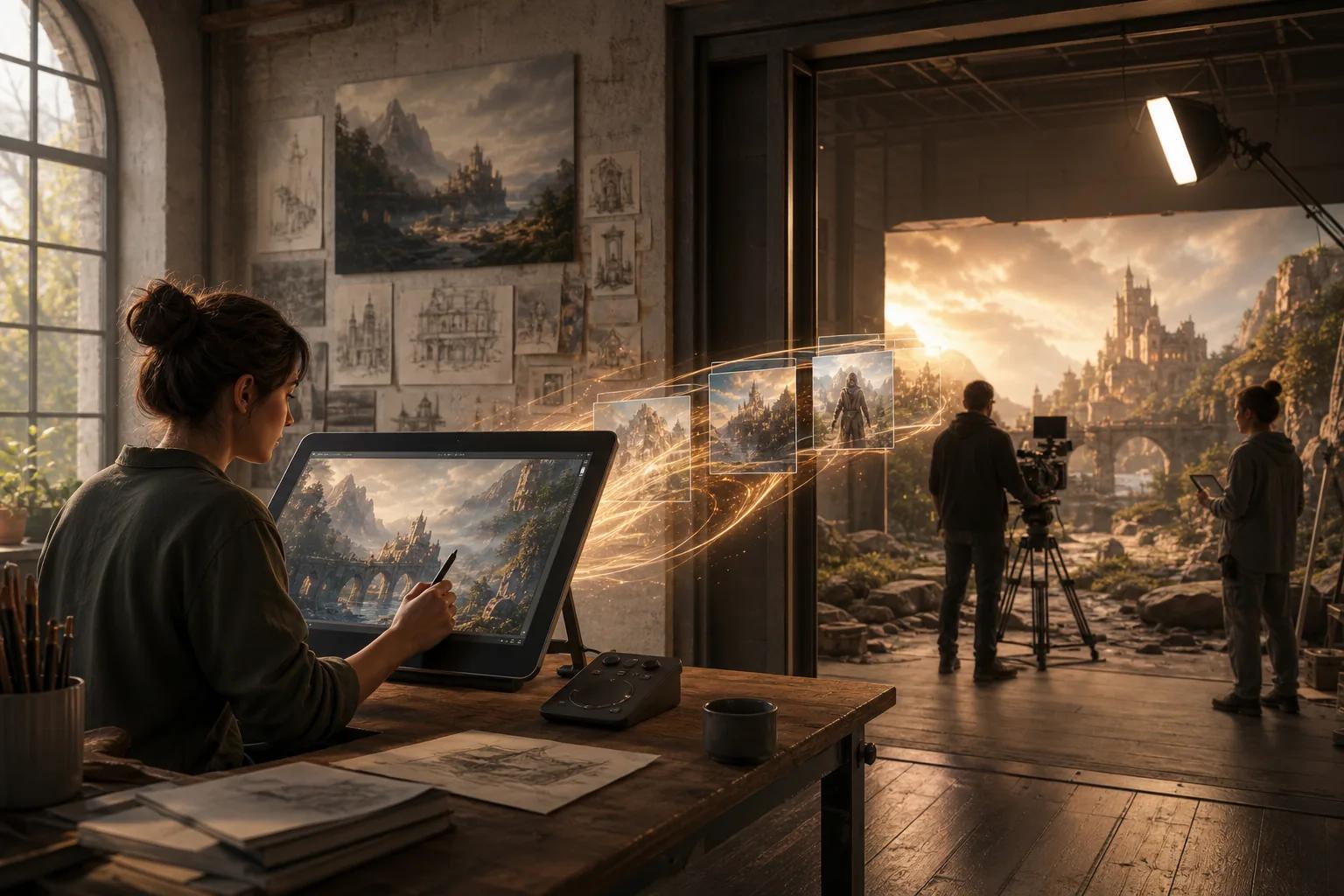
Its listed inputs are an image and a text prompt. That keeps the process easy to understand: choose the image, describe the action, then render a short clip. The approach works well for concept art, mood boards, and visual posts where the still image already carries most of the creative work.
You should test the final file on the target platform before committing to a paid workflow.
Choose it when keeping your image and video work in one existing creative account matters more than advanced input control.
8. Veo, High-quality prompt control for visual campaigns
Veo suits marketers and creators who want prompt-based control with image-to-video options.
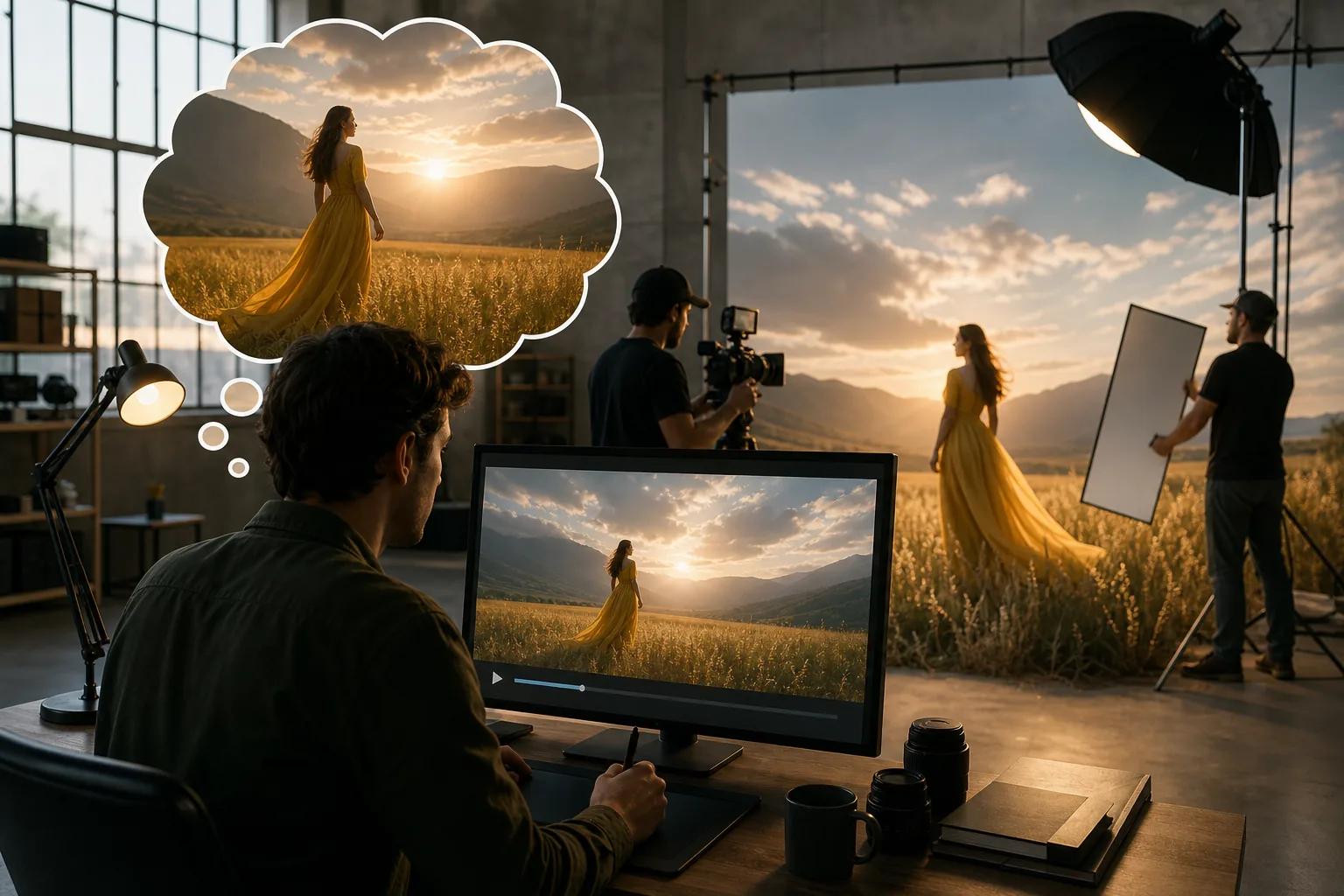
This setup works best when your still image has a clear subject and your prompt names one action. For example, describe a slow camera move around a watch on a desk rather than asking for a full product story in one clip.
Use aspect ratio as part of the brief. A vertical clip needs a different layout than a wide site banner. If the subject sits too close to the edge, a later crop can cut it off. Generate for the channel when the tool allows it.
Pricing and credit rules should be checked before you plan a batch. A free test can show motion quality, but it may not reveal paid export limits, watermark rules, or commercial-use terms.
9. Sora, Concept testing for creative teams
Sora is a good fit for creative ideation, early campaign concepts, short experiments, and teams already using ChatGPT.
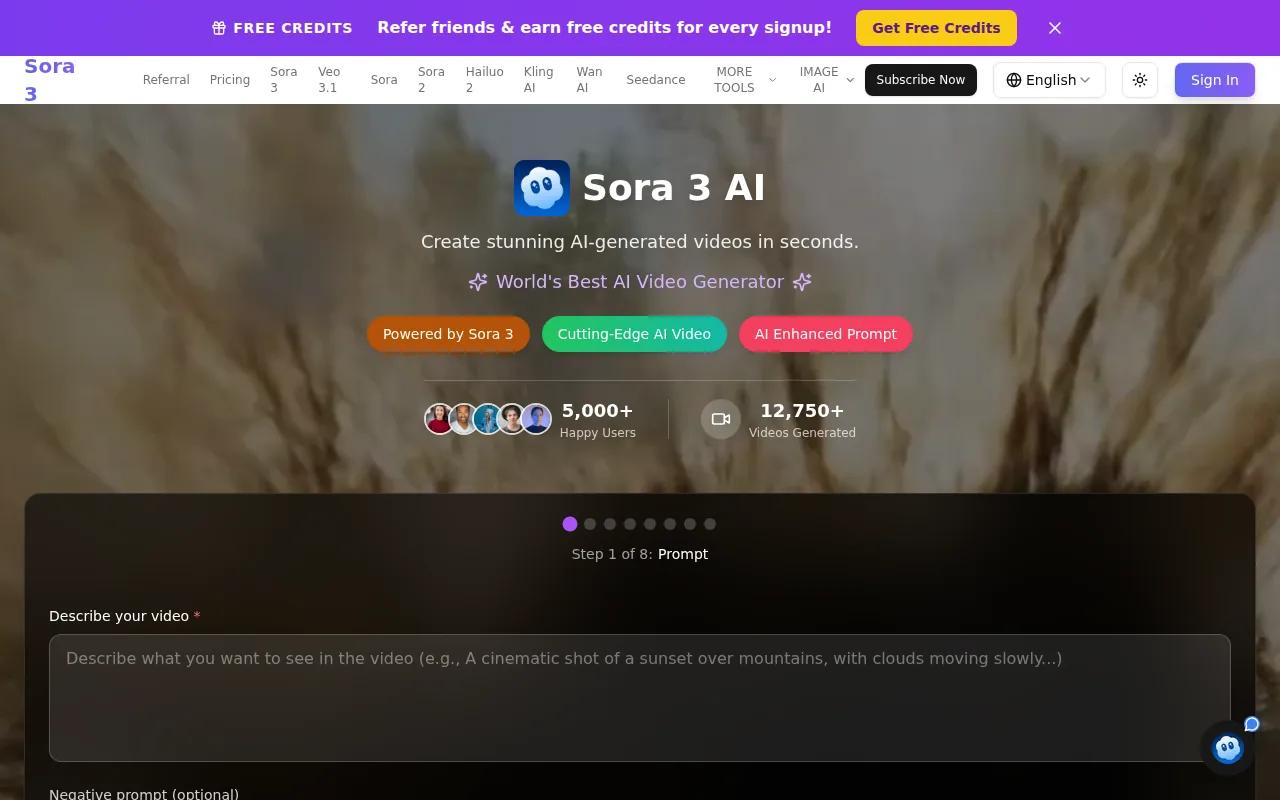
Its listed image-to-video inputs are an image and a text prompt. That is enough for a quick visual test: upload a rough frame, ask for a camera move, and judge the idea before a full shoot or edit begins.
Use it as a concept tool when the goal is to answer, “Does this scene work?” It may not be the best choice when you need a repeatable production pipeline with fixed brand assets, exact text, or many approved variants.
Keep your prompts focused. Name the subject, action, camera view, light, and mood. Then change one detail at a time so you know what improved the next result.
10. Kling AI, Expressive motion and continuous scenes
Kling AI fits creators and marketers who want expressive motion, continuous scenes, and visually rich short clips.
Kling 3.0 offers faster rendering speeds, image and text inputs, and start & end frame control.
This workflow makes Kling useful for a scene that needs more life than a basic zoom. You can test movement across a character or setting, then review whether the subject stays consistent as the scene develops.
The trade-off is that expressive motion can introduce strange physics or changes in small details. Check hands, faces, reflections, and object edges before publishing. For a commercial clip, also confirm the current license and watermark rules for your plan.
How to choose an image to video AI generator
Start with the job, not the model name. A social post may need a fast vertical draft. An ad team may need several product variations. A filmmaker may care more about motion control than render speed.
- Check inputs: Choose image-only tools for simple work. Pick Hailuo 03 when video or audio references belong in the brief.
- Check output: Match resolution, aspect ratio, and duration to the final channel. Do not pay for 2K if the platform will heavily compress the clip.
- Check credits: Test one short render first. Then estimate the cost of failed drafts, not only the final export.
- Check rights: Confirm commercial use for the plan, source image, music, voice, and any likeness.
- Check the handoff: Make sure you can download the file and finish captions, logos, and exact text in an editor.
A basic workflow is still reliable: upload the image, write a motion prompt, set the aspect ratio and duration, then render. Review the first second and the last second closely. If the result fails, shorten the action and remove extra subjects before changing everything else.
For sound-led clips, plan the audio before you render. Hailuo 03 supports audio references and native stereo, while other tools may need sound added later. If you need an original beat for the final edit, a licensed music source can complement the generated visuals. Check the license that comes with any track before using it in an ad.
FAQ
What is the best image to video AI generator?
HailuoLabs is the best starting point when you want broad input support and higher-resolution output. Hailuo 03 can use text, images, video, and audio references. It supports clips up to 15 seconds and up to 2K output. Other tools may be a better fit for a narrow task, such as social batching or advanced character motion.
Can I turn a photo into a video for free?
Yes, you can test photo animation with free plans, but free use often has limits. HailuoLabs provides free Hailuo 02 output at 512p with a watermark. Other services may limit credits, model access, duration, or downloads. Check the current plan before building a full content batch around a free tier.
How do I make an AI video from an image?
Upload a clear image, add a prompt that describes one motion, choose the aspect ratio and duration, then render a draft. Keep the prompt focused on the subject, action, and camera move. Review faces, hands, text, and object shape. Change one detail per new attempt so you can spot what fixed the result.
What resolution should I use for image-to-video AI?
Use the resolution that matches the final channel and review stage. Lower resolution is fine for testing composition and motion. Use a higher setting for an approved ad or campaign asset.
Can AI-generated videos be used commercially?
Commercial use depends on the tool's plan, license, source assets, and local rules. Check whether the export permits ads and client work. You also need rights to the source image, music, voice, and likeness. Keep a record of the prompt, input files, plan, and approval date for each published asset.
Conclusion
Choose HailuoLabs if you want one image-to-video workspace that can handle text, images, video, and audio references, with H3 output up to 2K. Start with a free 512p test, review the motion, then open HailuoLabs to make your first approved clip.


