Most AI video tools ask you to commit to a monthly plan before you know what you'll make. HailuoLabs takes a different route with credit-based generation, a free watermarked tier, and clips up to 2K. Here are five AI marketing tools worth comparing, plus the best fit for each type of video work.
1. HailuoLabs
HailuoLabs is a browser studio for short AI video generation. It's the best fit when you need quick campaign clips without adding another large monthly bill.
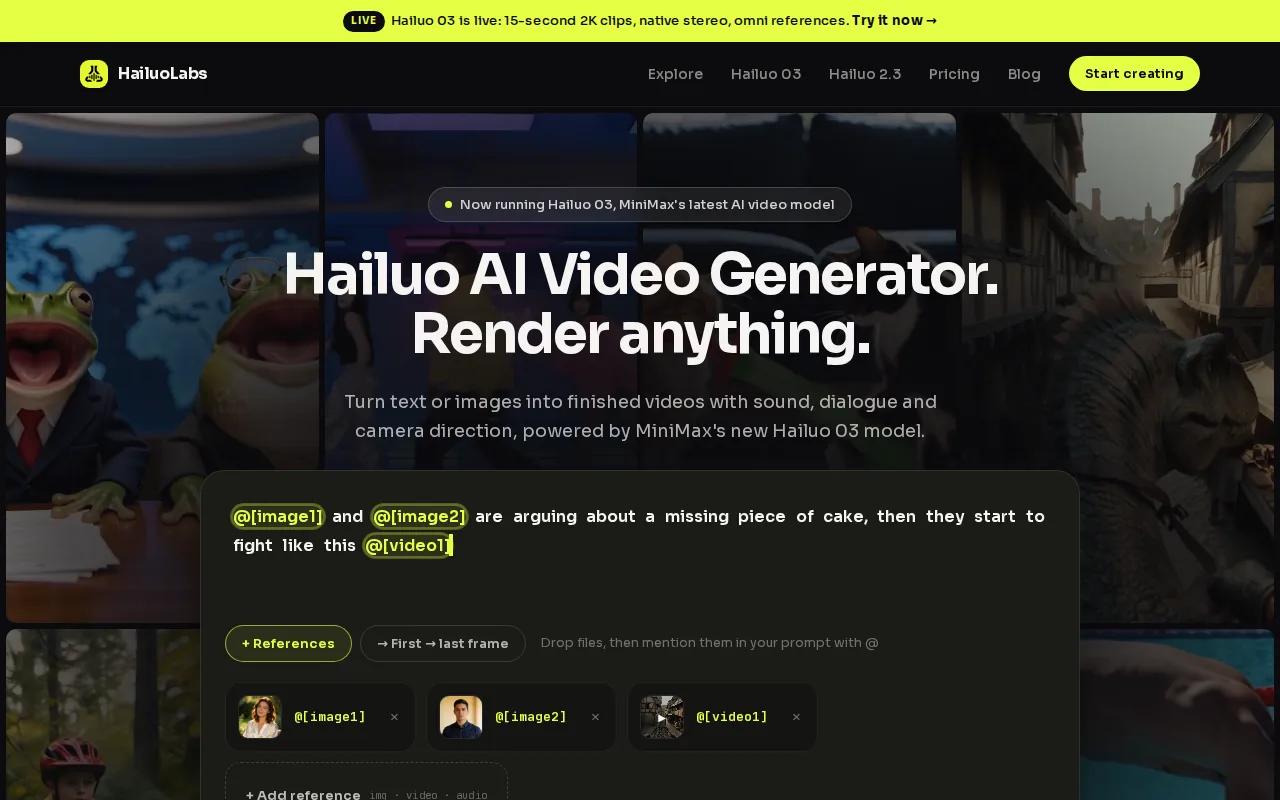
The default model, Hailuo 03, makes clips from text, images, video, or audio. It supports clips from 4 to 15 seconds, with output up to 2K. Native stereo gives the video sound depth, while first and last frame controls help you guide how a shot starts and ends.
That makes HailuoLabs useful for short ads, product mood shots, social hooks, and visual tests. You can also use omni references, which let you provide several reference inputs for a more controlled result. Paid plans include a commercial licence, and the studio keeps media for 30 days.
The pricing model is the main difference. You buy credits instead of paying for a fixed amount of monthly access. Free users can test Hailuo 02 at 512p with a watermark. Paid plans open access to Hailuo 2.3, Hailuo 2.3 Fast, Hailuo 03, higher resolutions, video references, and editing.
HailuoLabs is web-studio only. There isn't a built-in marketing automation flow or developer API in the studio experience. That's a fair trade if your workflow is simple: sign in, describe the shot, review the result, then download it for your edit.
For a wider look at campaign formats, the marketing video maker comparison can help you match short AI clips with voiceovers, templates, and social exports. If you make video now and then, HailuoLabs is the sensible first test.
2. Sora 2, high-end generative video concepts
Sora 2 is a strong choice for marketers who want polished generative video concepts from written prompts. It fits early creative work, mood films, and campaign ideas that need a high visual bar.
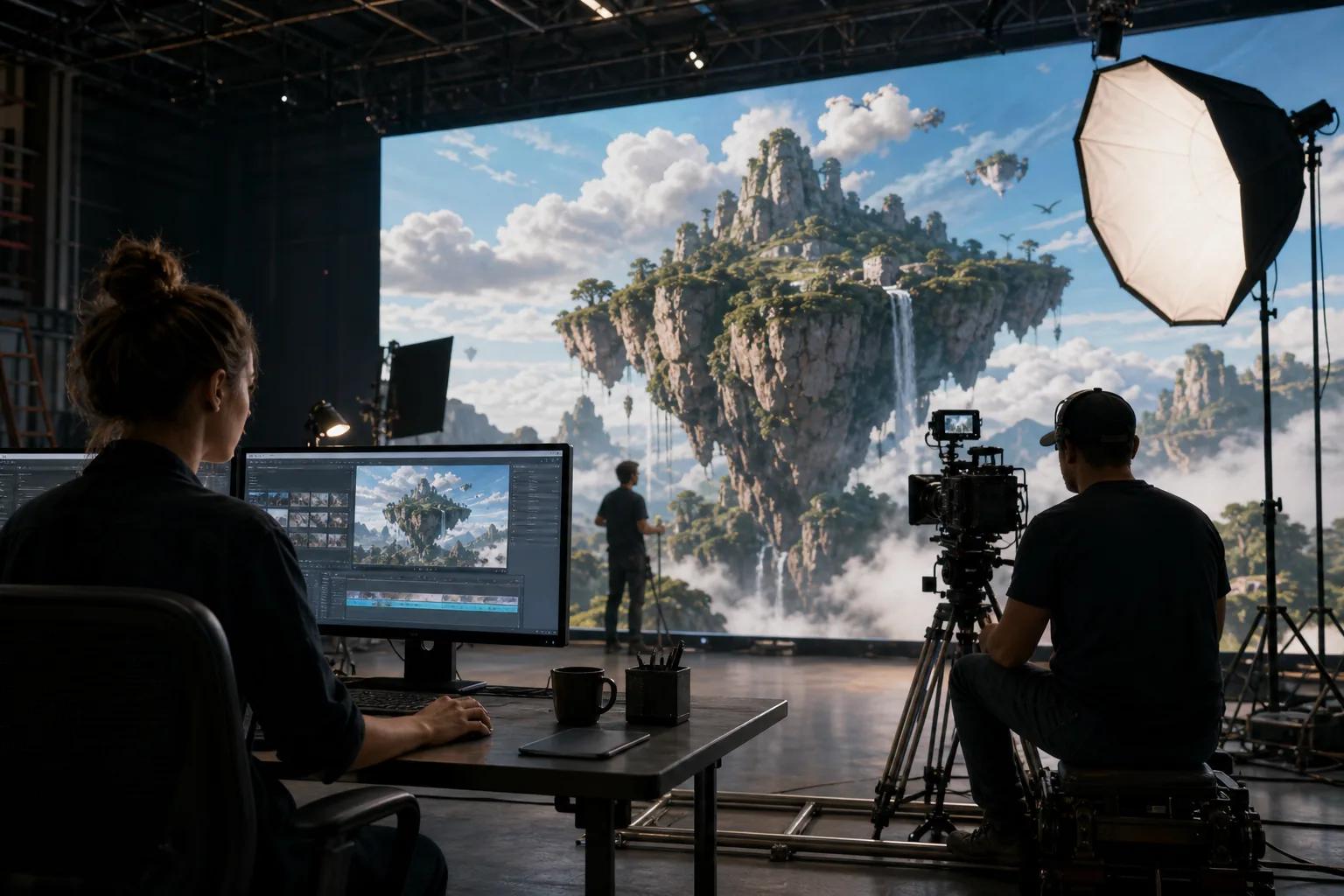
The trade-off is access and cost. Research gathered for this comparison places Sora 2 at up to 1080p, while access can require a paid ChatGPT plan. Credit use also rises with clip length and resolution, so a team producing many variations should track cost per approved shot.
Sora 2 works best when the prompt carries the creative direction. Give it the subject, setting, camera move, mood, and action. Then treat the first output as a draft, not a final ad. Small changes to motion or character detail can alter the whole scene.
For a small brand team, that review cycle matters. A concept may look great but still need a human edit for captions, brand type, legal copy, or a clear call to action. Sora 2 is better at generating the visual idea than finishing the full marketing package.
It also has a higher entry barrier than HailuoLabs for occasional users. If you only need a few clips each month, a credit-based studio can be easier to budget. If you need a specific cinematic concept and don't mind paying for access, Sora 2 belongs on your shortlist.
3. Veo 3, cinematic clips for branded campaigns
Veo 3 is aimed at cinematic video generation from written or visual prompts. It's a fit for branded campaign scenes where motion, atmosphere, and visual polish carry the message.
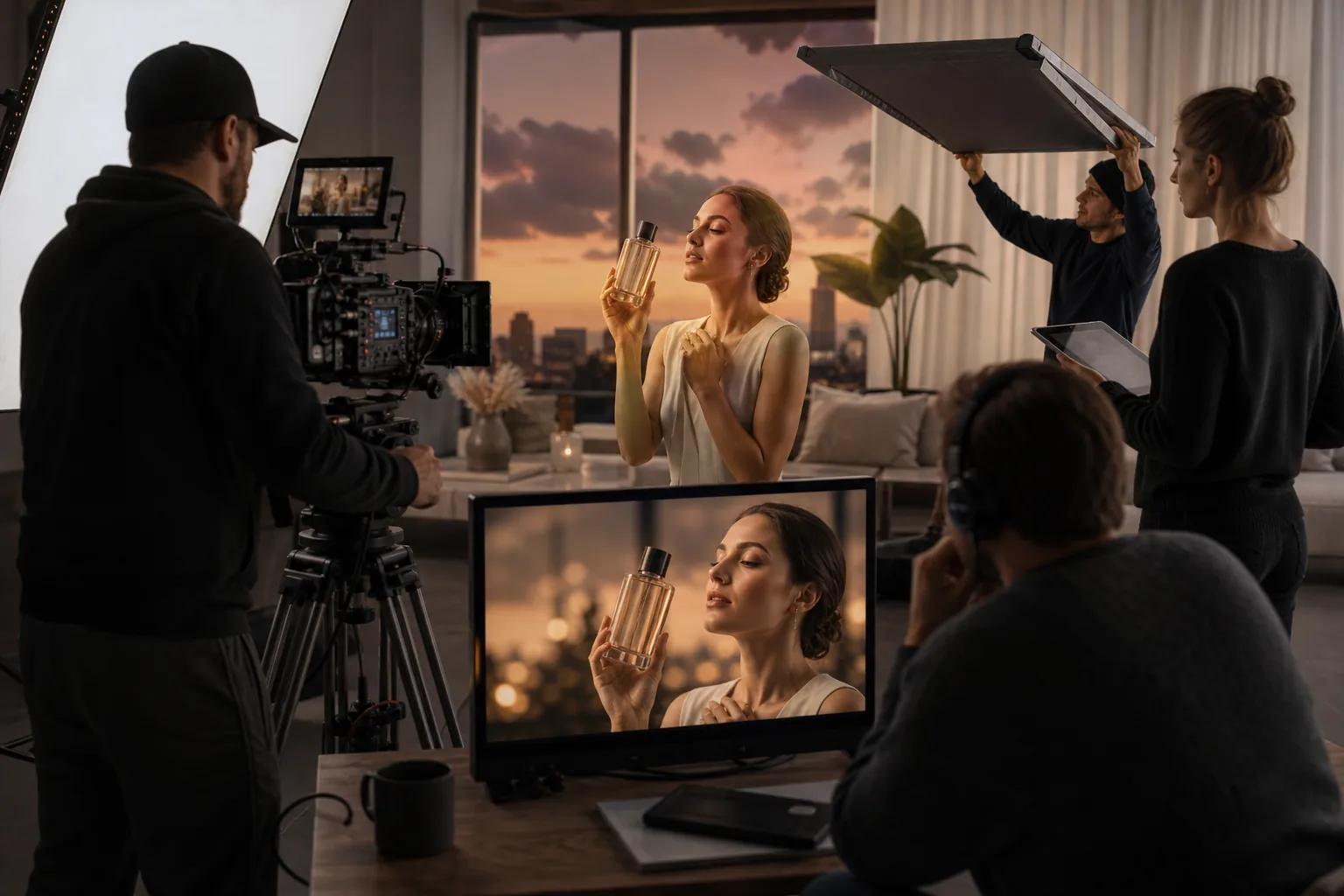
Access and pricing can vary. One source places paid access at $19.99 per month, with free access also available in some form.
High resolution doesn't fix a weak brief. Before you generate, decide what the viewer must notice in the first two seconds. A product close-up needs a different prompt from a lifestyle scene. State the lens feel, pace, lighting, subject movement, and end frame when those details matter.
Veo 3 can make sense for a campaign team that plans to crop one source clip into several placements. Still, you should check the final frame at the size your audience will see. Fine detail can disappear in a small social feed, while odd motion can stand out more after compression.
The main limitation is budget control for frequent testing. A monthly plan may be fine for a steady production schedule, but it can feel wasteful when you need only three clips for one launch. HailuoLabs is the better match for that stop-start pattern, especially when 2K output is enough.
If the campaign needs a product-focused story rather than a cinematic scene, compare the workflow against these video ad maker options. Veo 3 earns its place when image quality is the first filter.
4. Synthesia, script-led business and training videos
Synthesia turns prompts, scripts, documents, presentations, and webpages into interactive videos. It is best for business explainers, training lessons, internal updates, and presenter-led content.

The workflow starts with words rather than a scene prompt. You prepare the message, choose an avatar and voice, then adjust the visual setting. That makes it useful when a subject expert has approved the script but nobody wants to book a shoot.
The research source describes more than 140 avatar options and support for over 120 languages. It also notes links with learning management systems and business platforms. Those details give Synthesia a stronger fit for repeat training work than a pure text-to-video generator.
Picture a safety lesson that changes each quarter. Your team can revise the script, update a slide, and make a new version without filming the presenter again. The result still needs a human check for pronunciation, pacing, claims, and on-screen text.
Synthesia isn't the first pick for surreal product shots or fast visual hooks. Avatars keep the format clear, but they also set a firm style. If your ad depends on natural product motion or a cinematic world, a generative clip tool will give you more room.
For talking-head work, you may also want to compare the script to video AI generator options before choosing a platform. Synthesia wins when the approved script is the center of production.
5. Runway, flexible creative production in one workspace
Runway is a creative workspace for people who want more control during video production. It suits filmmakers, designers, and marketing teams that need to try several models inside one place.
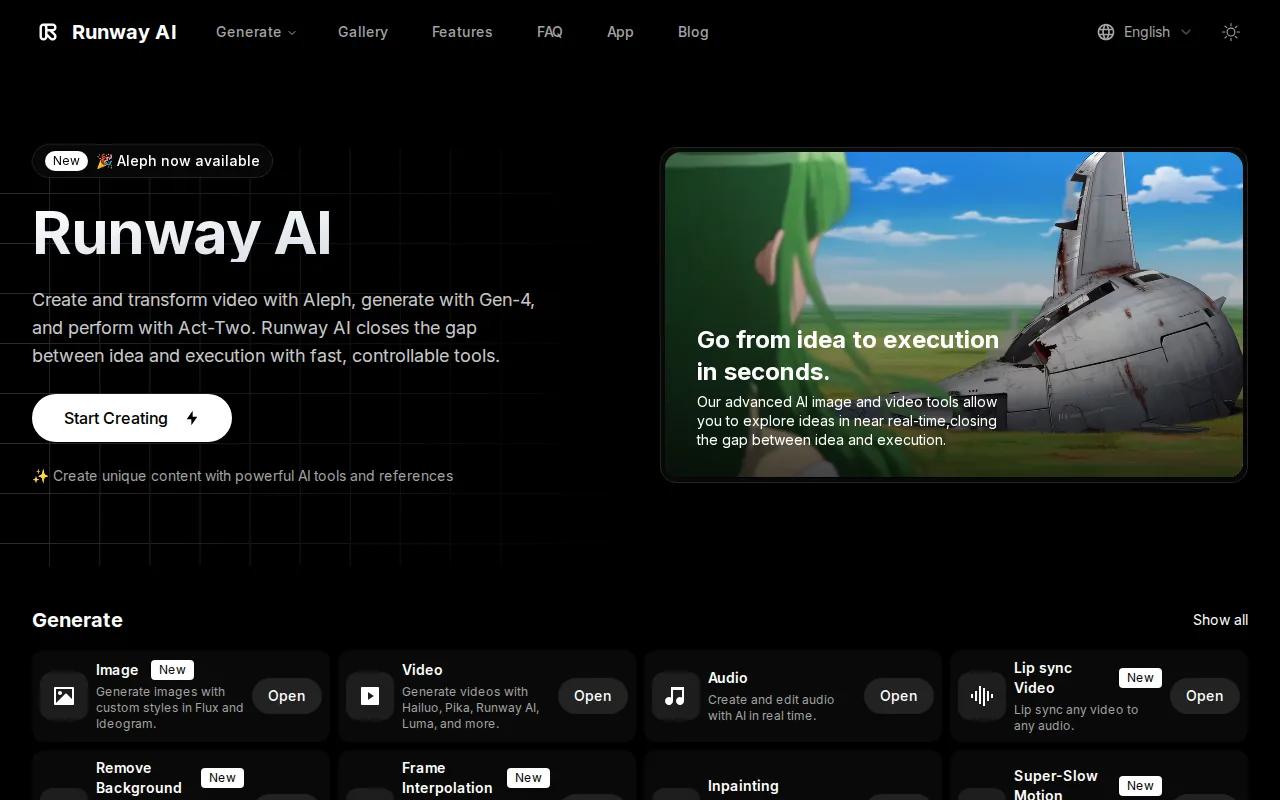
The grounded research describes Runway as a workspace with access to several major video models, plus image tools, characters, and editing. That model range can reduce the need to manage separate accounts. You can test a model for a scene, then keep the broader edit in the same creative environment.
Runway is a better fit for a project with many moving parts. You may start with a mood frame, revise the subject, test a camera move, then assemble approved shots. A brand team can spend more time on the cut because the generation and edit work sit closer together.
That flexibility comes with a learning curve. More controls mean more choices during a busy launch. You also need a clear file and review system, or the workspace can fill with near-identical versions that nobody has approved.
Runway's multi-model approach is useful when no single engine handles every shot well. But if your need is one short clip with a quick prompt, it may be more workspace than you need. HailuoLabs keeps that narrower job simple and uses credits instead of asking you to build a full production habit.
Teams that care about design handoff can consider AI design workflows that support browser-based collaboration and shared files. Runway is worth the time when control and iteration matter more than a one-click result.
AI Marketing Tools Comparison Table
Use this table to narrow the shortlist by production shape. Resolution alone doesn't tell you which tool fits your team. The better choice depends on how often you generate, who reviews the work, and whether the video starts with a script or a visual idea.
| Tool | Best fit | Pricing shape | Key strength | Main watch-out |
|---|---|---|---|---|
| HailuoLabs | Short campaign clips | Credits, paid plans, free watermarked tier | Up to 2K and up to 15 seconds | Web studio only |
| Sora 2 | High-end concepts | Paid access with credit limits | Generative visual ideation | Cost can rise with use |
| Veo 3 | Cinematic branded scenes | Paid and free access options reported | Cinematic video generation | Access and cost need checking |
| Synthesia | Training and business videos | Paid plans with a free basic tier | Script-led avatar video | Less suited to cinematic shots |
| Runway | Multi-step creative work | Varies by plan and model use | Models, image tools, and editing | More tools mean more setup |
The market data behind this shortlist points to a split. Subscription pricing is common, while integration data is scarce. Only 7 of 39 reviewed tools listed any integration, so many teams still move files by hand after generation. HailuoLabs leans into that simple, standalone use case.
FAQ
What are the best AI marketing tools for video content?
The best choice depends on your video format, but HailuoLabs is the strongest starting point for short marketing clips. It uses credits, has a free watermarked tier, and supports Hailuo 03 output up to 2K. Sora 2 and Veo 3 suit visual concepts, while Synthesia fits scripts and business training.
Is HailuoLabs free to use?
HailuoLabs has a free tier with 160 credits. Free users generate watermarked Hailuo 02 videos at 512p. Paid plans unlock more models, higher resolutions, and extra controls. That setup lets you test the studio before paying, which is useful when your video needs change month by month.
Which AI video tool is best for short ads?
HailuoLabs is the best fit for short ads when you want fast visual tests without a fixed monthly commitment. Hailuo 03 supports clips up to 15 seconds and output up to 2K. You should still add your final copy, captions, brand marks, and legal checks in your normal edit workflow.
Which AI marketing tool is best for training videos?
Synthesia is the clearest fit for training videos because it starts with scripts and uses AI avatars and voices. It also supports many languages and business publishing workflows. Choose it when a presenter-led lesson is the goal. Choose HailuoLabs when the lesson needs generated scenes instead.
Are credit-based AI video tools better than subscriptions?
Credit-based AI marketing tools are better for sporadic production, while subscriptions can suit teams with a steady monthly queue. Credits make the cost of occasional clips easier to track. Subscriptions may make more sense when several people generate content each week. Check watermark rules and commercial rights before publishing.
Conclusion
Start with HailuoLabs if you need short, high-quality marketing clips without a large upfront plan. Use the free tier to test one campaign idea, then move to paid credits when the output fits your workflow. Commercial video maker guidance can help you plan the next step, but the fastest move is simple: sign in to HailuoLabs and generate your first clip.