
Most AI video tools promise to do the work for you. In practice, less than half of the platforms in our review disclose any automation at all. Here are the best AI video generators for 2026, with the right pick for fast ads, social tests, hero shots, presenters, and training content.
1. HailuoLabs
HailuoLabs is the best starting point when you need a marketing video maker that turns a short brief into usable video fast. It suits creators, marketers, and small studios that want to test ideas without setting up a full production stack.
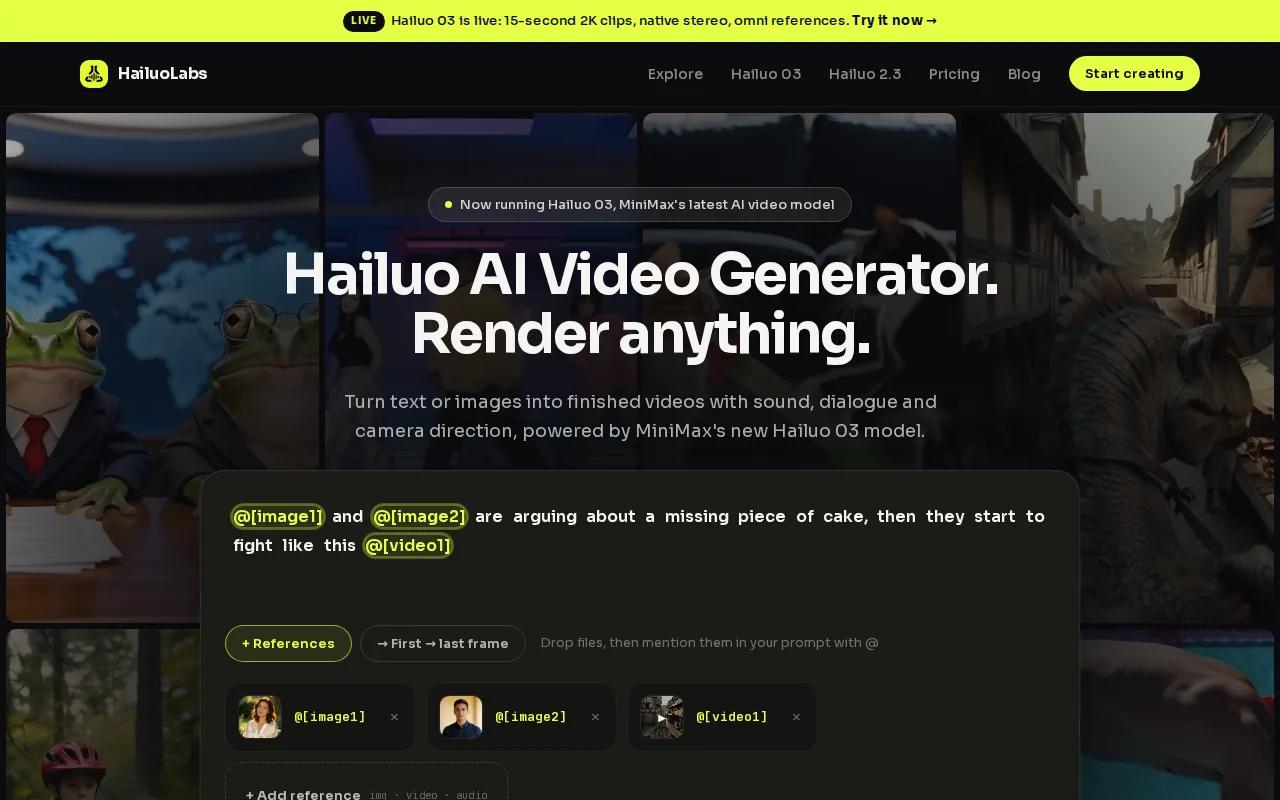
The flagship Hailuo 03 model can generate clips from text, images, video, and audio. It supports clips up to 15 seconds, 768p or 2K output, native stereo, first and last frames, omni references, generation, and AI-assisted editing. Omni references let you guide a shot with several reference inputs instead of one still image.
That input range matters in ad work. You can start with a product image, add a motion brief, then refine the result. If a scene needs better continuity, first and last frames give you more control over how the shot begins and ends.
HailuoLabs also has a clear entry point. Free users can generate watermarked Hailuo 02 clips at 512p. Paid plans open access to Hailuo 2.3, Hailuo 2.3 Fast, Hailuo 03, higher resolutions, video references, and editing tools. You can test Hailuo for free without a card before choosing a plan.
The trade-off is simple: this is built around AI generation, not a giant stock library or a classic drag-and-drop ad editor. You may still need another editor for a large campaign with many scenes, brand layouts, or detailed timeline work. Teams that need to connect generation to an internal workflow can also evaluate the Hailuo API for AI video generation.
For fast concept tests, product motion, and short-form ad ideas, HailuoLabs gives you the cleanest path from prompt to clip.
2. Pika Art 3.0, Fast, social-first creative experiments
Pika Art 3.0 is a marketing video maker for social media managers who need quick visual tests. Its freemium model and animation-heavy features make it useful when you want to try several bold concepts before committing to a polished campaign.
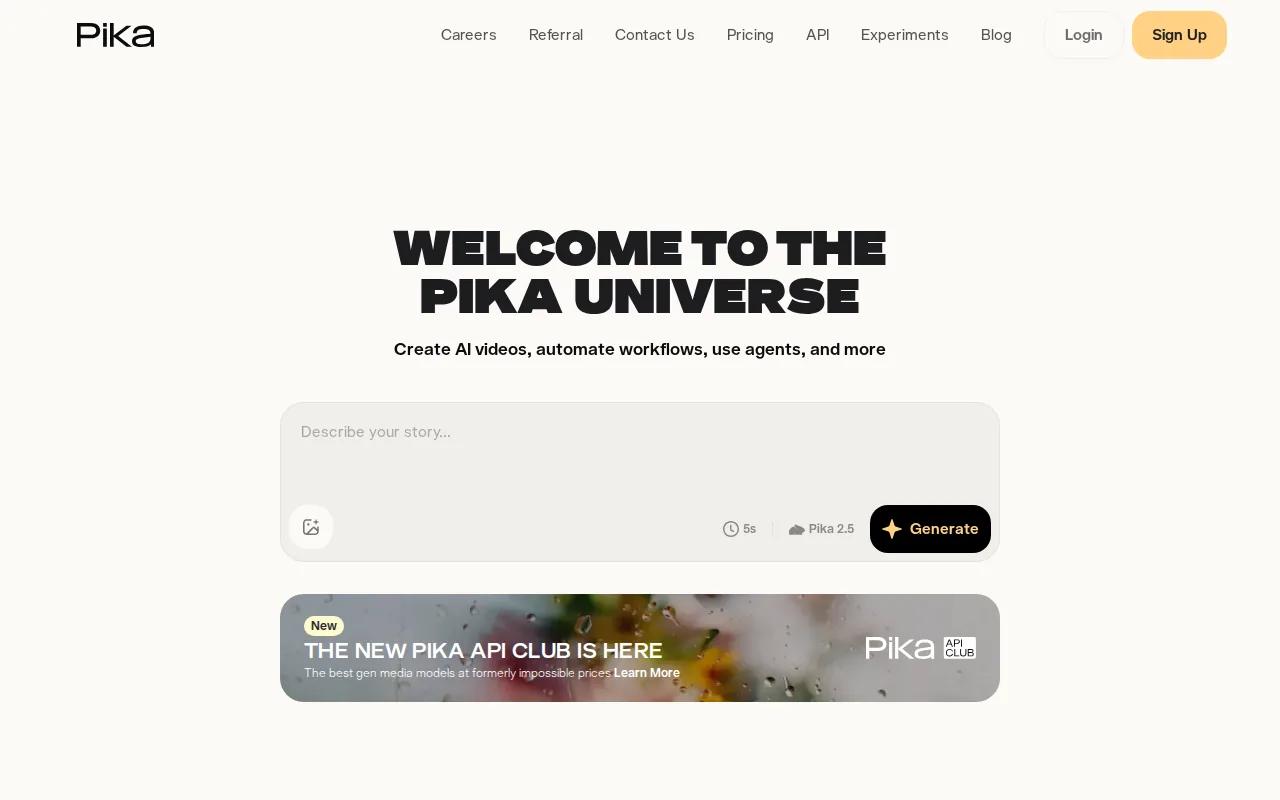
Pika stands out for built-in lip-syncing, animation effects, and its Discord integration. Lip-sync matches spoken audio with mouth movement. That can help with short character clips, meme-style ads, and social posts built around a spoken line.
Sound-to-Video is another useful idea. It can automatically sync visual motion to sound, which is handy when your creative starts with a beat, voice clip, or short audio hook.
The platform is a good fit for social testing because you can judge an idea quickly. Try a few opening visuals, then keep the version that makes the message clear in the first seconds. You can also connect with the Discord workflow if your creative group already works there.
But Pika is less suited to a strict brand film where every shot needs the same subject, camera path, and product detail. Animation can bring energy, yet it may also create visual drift. Review hands, faces, small labels, and product shapes before publishing.
If your goal is volume and attention, Pika Art 3.0 is worth testing. If your goal is a clean product demo with tight visual control, HailuoLabs is the safer first test.
3. Runway, Directed control for high-budget campaigns
Runway is a marketing video maker for high-budget commercial work where direction matters more than quick drafts. It fits teams that can spend more time shaping camera movement and shot design.
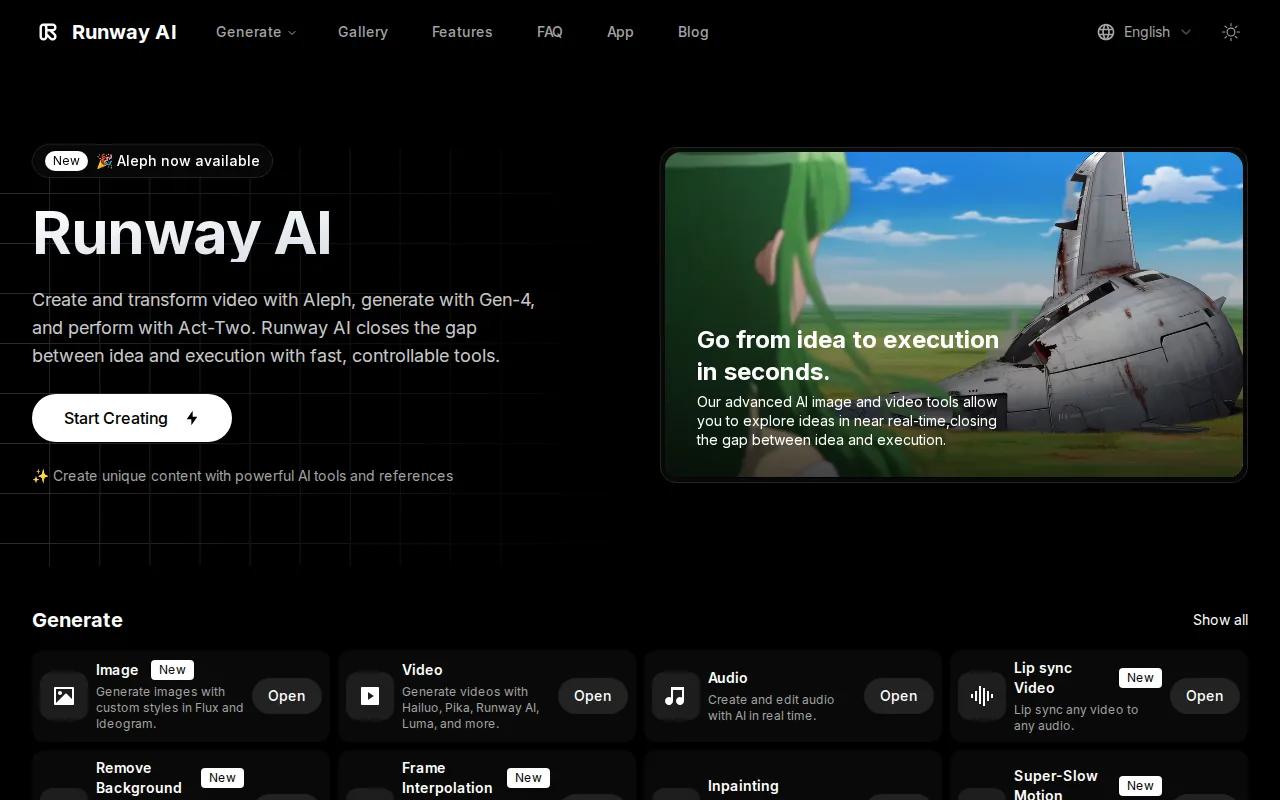
Its Director Mode maps 3D camera paths. That gives you a way to think about a shot like a director rather than a prompt writer. You can plan a move through space, then use the result as part of a larger campaign sequence.
Use Runway when the brief includes a clear visual plan. For example, you may need a slow camera move around a new vehicle, a controlled reveal of a product, or a dramatic commercial scene with planned depth.
The main caveat is time. More control creates more decisions. A small team may spend longer learning settings and correcting shots than it would with a simpler prompt-first tool.
Runway makes sense when the cost of a rough visual is high. For everyday social variations, a lighter workflow may keep your team moving faster.
4. Kling, Efficient image-to-video production
Kling is a marketing video maker for everyday production, idea testing, and several quick shot variations. It works best when you already have a strong still image and want to add motion.
Its image-to-video workflow gives you a clear starting point. The first frame sets the subject and layout. Start and end frame control then helps guide the change between two points in the shot.
That setup can work well for a product reveal. Start with a product on a table, then end with the item in use. The two frames give the model a visual target, while your prompt explains the action between them.
Still, image-to-video tools need close review. Check the path of hands, moving objects, reflections, and contact with surfaces. A cup should stay on the table. A person should not appear to pass through a chair.
Pick Kling when you need many quick motion studies. Pick HailuoLabs when you want text, image, video, or audio inputs in one studio.
5. Seedance 2.0, High-impact hero shots
Seedance 2.0 is aimed at hero shots where visual fidelity and character consistency matter more than cheap volume. It belongs in a campaign when one key scene needs to carry the look of the whole ad.

Hero shots often appear in the first seconds of a video. They may show the product in an unusual setting, introduce a character, or set the mood for a launch film. A stronger visual can give the editor a useful anchor before simpler supporting clips are added.
Seedance 2.0 is listed for high visual fidelity and character consistency. Those traits matter when the same person or figure appears across more than one shot. If the character changes face, clothing, or body shape, the cut can feel broken.
Use a short brief for the first test. Name the subject, action, camera view, setting, light, and mood. Keep the action focused. A single character turning toward a product is easier to control than a full story with five actions in one prompt.
The limitation is cost and workflow fit. A hero-shot tool may be excessive for a daily stream of low-risk social tests. You also need to check text, hands, shadows, and brand details before the clip enters a paid campaign.
Seedance 2.0 is the pick for one or two high-value visuals. HailuoLabs is more useful when you need to explore many marketing concepts before choosing the final direction.
6. Veo, Polished visuals for quality-led campaigns
Veo is a marketing video maker for teams that value polished, high-detail output over large batches of cheap variations. It fits a campaign where the look of each shot carries more weight than speed alone.
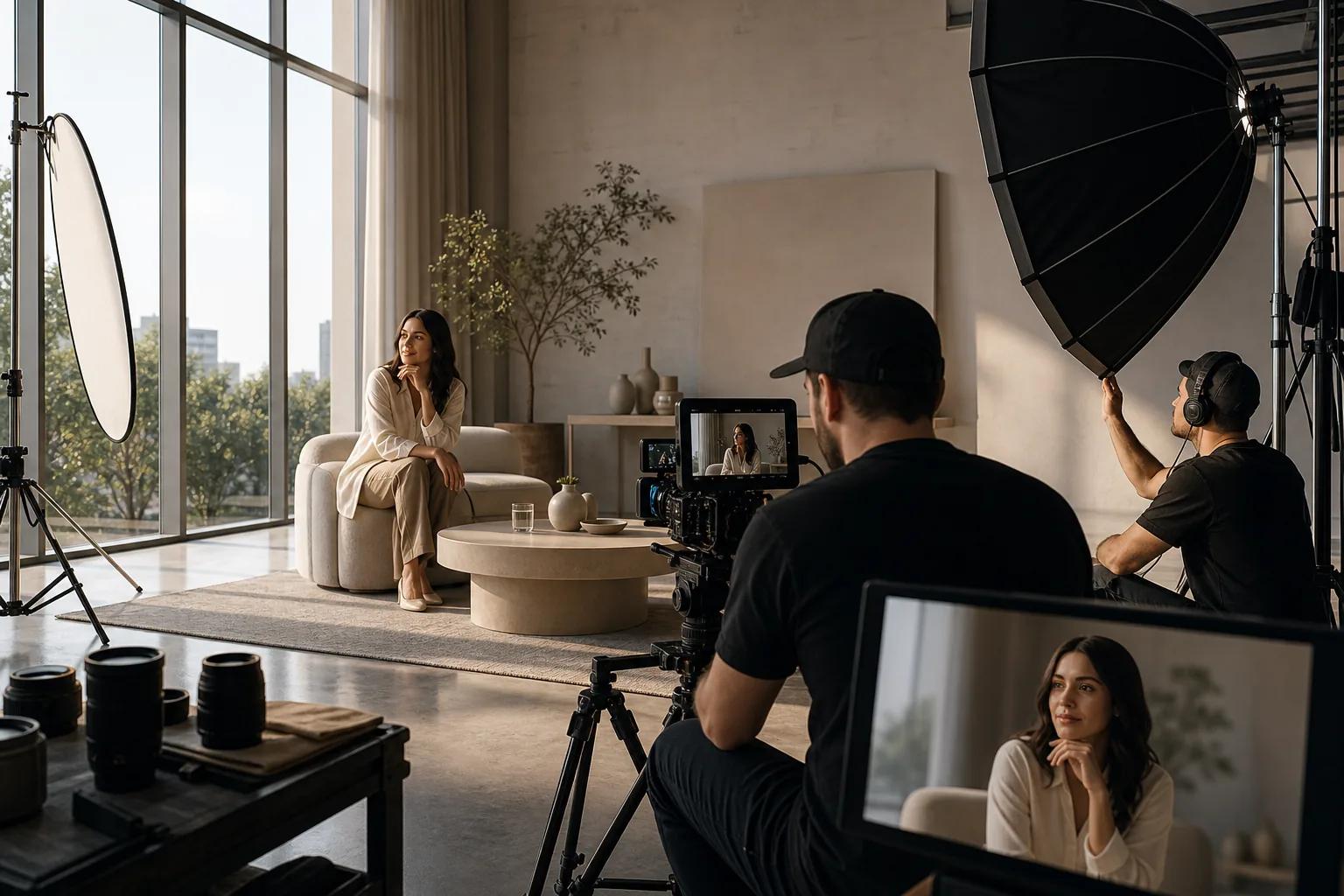
Veo is best used with a clear shot plan. Write down what the viewer should see first. Then describe the action, camera movement, setting, and mood. This gives the model a narrower job and makes the review easier.
For example, a food brand may need a close shot of a spoon moving through a dish. The key checks are texture, steam, hand motion, and the path of the spoon. A polished result still needs a human review because small errors can weaken trust.
Veo can suit landing-page videos, launch films, and premium social ads where the first impression matters. It is less useful when your team needs dozens of rough options each morning and only a few seconds of review time per clip.
Remember that quality is more than resolution. A high-detail clip with the wrong product shape or a weak message is still a poor ad. Pair the visual with a short script that states the customer benefit and gives one clear next action.
Choose Veo for a quality-led visual system. Choose HailuoLabs when speed, input flexibility, and repeated creative testing matter more.
7. HeyGen, Presenter-led marketing videos
HeyGen is a marketing video maker for presenter-led videos, talking-head content, and avatar explainers. It suits teams that need a person on screen without filming every version by hand.
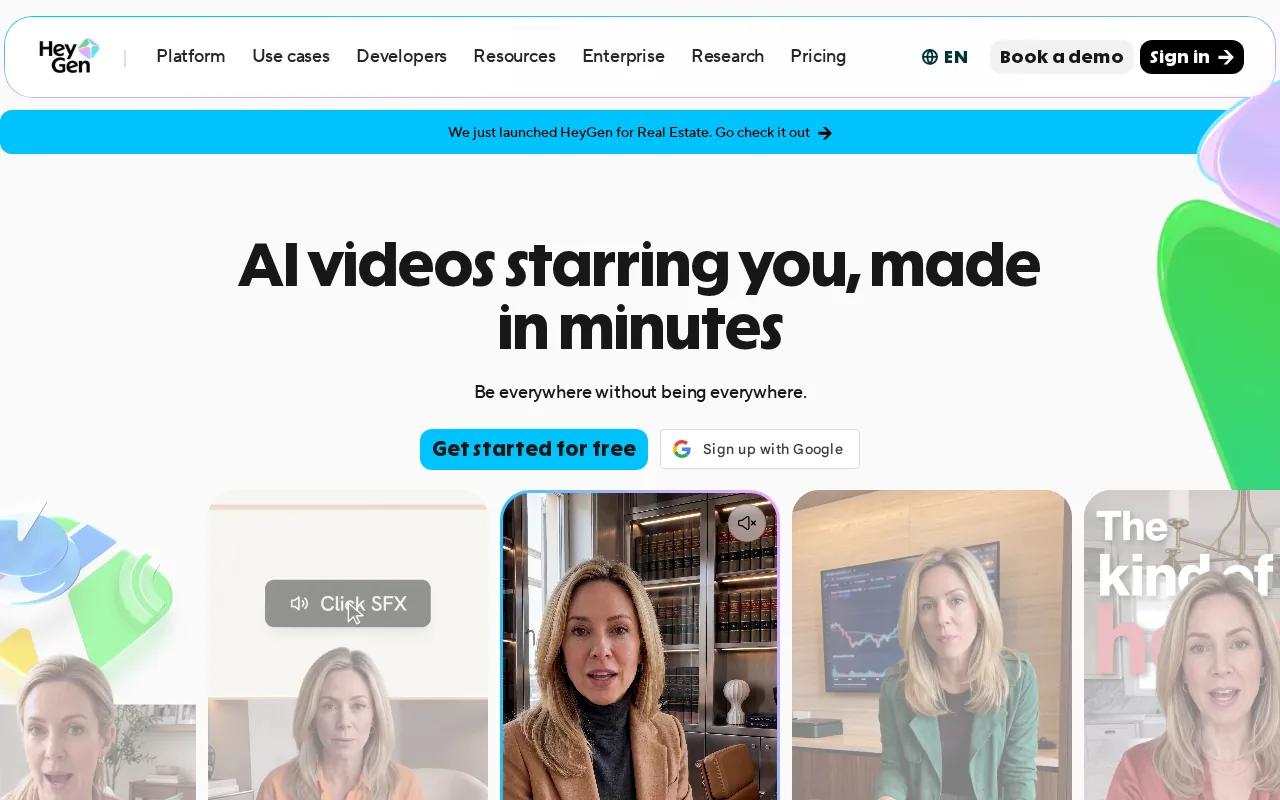
The workflow starts with a script. You can set the tone and delivery, then generate a presenter-led clip. HeyGen supports AI avatars for presenter-led and talking-head videos.
That makes it useful for product explainers, sales messages, onboarding clips, and localized ads. One script can become several language versions, which may reduce the need for repeated recording sessions. Lip-sync keeps the mouth movement aligned with the translated speech.
The tool also supports editable motion elements after generation. You can adjust text, color, timing, or layout without rebuilding the full video. That matters when legal changes one line or a product team updates a feature name.
Use a presenter when trust and explanation matter. But don't force an avatar into a campaign that needs product motion or cinematic action. A talking head can explain the value. It may not be the best way to show how a physical product works.
HeyGen is a strong choice for human-style communication. HailuoLabs is the better match for scenes where motion, setting, and visual imagination lead the message.
8. Synthesia, Structured corporate and training content
Synthesia is a marketing video maker for structured corporate content, training, education, and multilingual communication. It works well when a team needs repeatable videos with a shared brand style.
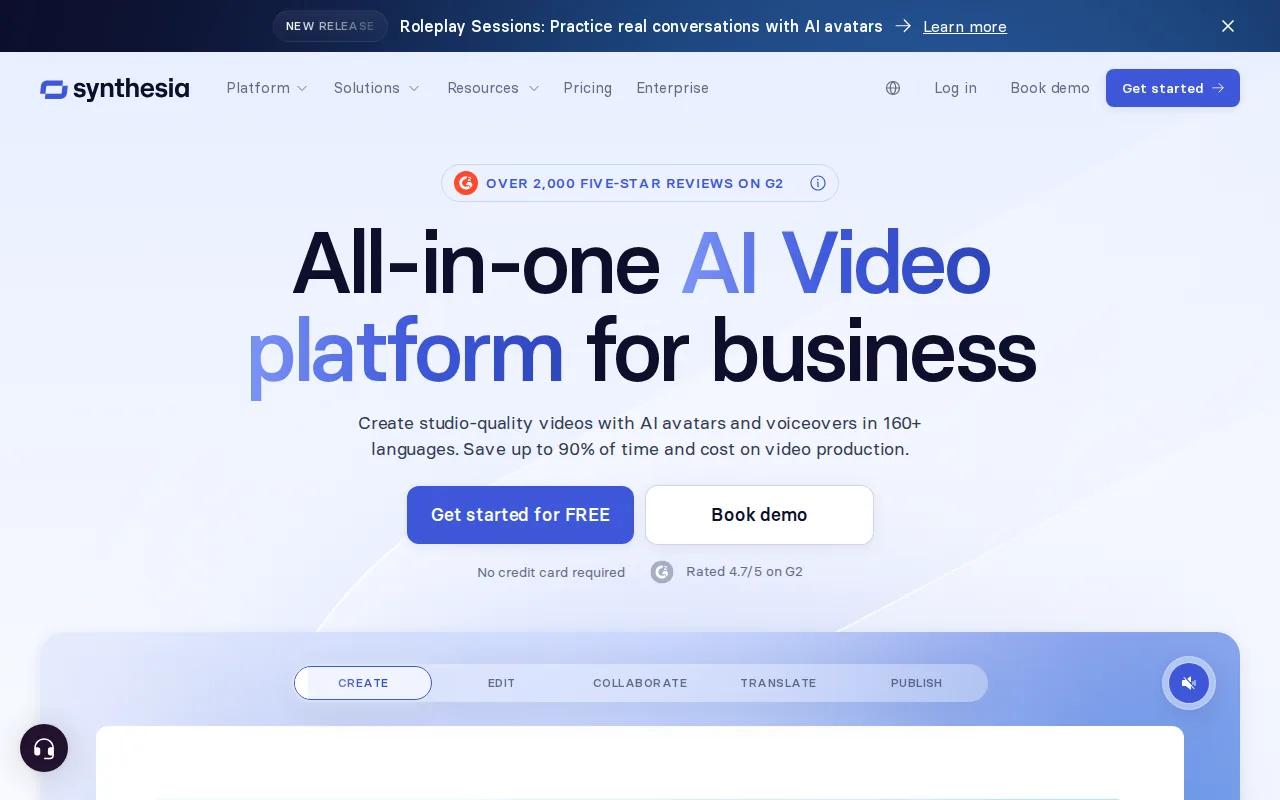
The platform supports AI avatars that speak in more than 160 languages. It can turn documents, links, or ideas into videos, then help teams review and update the result. That workflow suits internal lessons, customer service content, and product education.
Synthesia also supports brand controls such as logos, colors, and backgrounds. Its analytics include views, drop-offs, and completion rates. These measures help a training team find the point where viewers stop watching.
LMS compatibility is another clear use case. A learning management system stores and delivers courses. When a video changes, keeping the source and course version aligned can reduce update work.
The trade-off is style. Synthesia is built for clear communication, not for every kind of visual ad. An avatar explaining a software update may work well. A product launch that depends on rich physical motion may need a generative video tool instead.
Choose Synthesia for repeatable corporate communication. Choose HailuoLabs for short creative clips that need believable motion and a wider range of visual inputs.
Marketing Video Maker Comparison Table
The best marketing video maker depends on where your bottleneck sits. Use this view to narrow the first tool you test, then judge the full workflow with one complete video.
| Tool | Best fit | Strong point | Watch for |
|---|---|---|---|
| HailuoLabs | Fast AI marketing concepts | Text, image, video, and audio generation | Free output is watermarked at 512p |
| Pika Art 3.0 | Social experiments | Animation, lip-sync, Discord workflow | Review motion and visual consistency |
| Runway | High-budget commercial work | Director Mode and camera control | More settings may mean more setup time |
| Kling | Quick image-to-video tests | Start and end frame control | Inspect object contact and motion |
| Seedance 2.0 | Hero shots | Visual fidelity and character consistency | May be too much for daily rough tests |
| Veo | Quality-led campaigns | High-detail polished visuals | Quality does not replace a clear message |
| HeyGen | Presenter videos | Avatars, voice, captions, translation | Less suited to action-led product scenes |
| Synthesia | Training and corporate video | Languages, analytics, LMS workflows | Corporate style may not suit every ad |
What to check before you publish
Templates can save time, but they don't fix a weak message. Start with the audience and the problem. A razor ad should speak to razor burn or an expensive routine, not only to blade sharpness. A software ad should show the result the buyer wants after using the tool.
Keep the script short. Put the benefit near the start. End with one direct call to action, such as “Shop now,” “Book a demo,” or “See the full plan.” Ask someone outside the project to watch once. If they can't explain the point, cut words.
Use built-in stock footage, images, and music when they fit the brief, but check usage rights before a paid campaign. Exact slogans and small labels are safer when you add them during editing rather than asking an image model to spell them.
Simple editing still matters. Trim dead frames, place captions where they stay readable, and use timeline controls to keep the pace tight. Export the right shape for the channel. A vertical cut feels native in a short-form feed, while a wider frame suits a landing page, YouTube placement, or LinkedIn post.
Think about the funnel too. A landing-page video should support the page's next action. A YouTube upload may help people discover your brand, but a private or unlisted video can work better when the clip belongs to a sales page. Track views, watch time, drop-offs, clicks, leads, and sales where possible. Test one change at a time.
Marketing teams also need a record of the prompt, model, input image, export size, date, and approval status. That small habit turns a lucky result into a repeatable process. For ad-specific tool comparisons, the best AI video generators for ads can help teams compare options by speed, scalability, and production needs.
FAQ
What is the best marketing video maker?
HailuoLabs is the best first choice for fast AI-generated marketing clips. It supports text, image, video, and audio inputs through Hailuo models, with Hailuo 03 handling clips up to 15 seconds and up to 2K output. Start with the free watermarked tier, then move to a paid plan when you need higher output or more models.
Can I make marketing videos with AI for free?
Yes, you can make marketing videos with AI for free, but free plans often limit resolution, models, credits, or branding. HailuoLabs has a free Hailuo 02 option at 512p with a watermark. Use it to test a concept, review motion, and check the workflow before you pay for final campaign assets.
Which video maker is best for social media ads?
Pika Art 3.0 is a strong fit for social media ads built around animation, lip-sync, and quick creative tests. HailuoLabs also works well for short social clips because you can start with text or an image and refine the result. Always export a channel-ready format and watch the final file on a phone.
What should a marketing video include?
A marketing video should include a clear audience, one customer problem, one main benefit, and one call to action. Keep the message short and easy to follow. Show the outcome instead of listing every feature. Add captions when viewers may watch without sound, then match the frame shape to the channel.
Is an AI avatar good for marketing videos?
An AI avatar is good for marketing videos that need a presenter, explanation, training lesson, or translated message. HeyGen and Synthesia are built around those formats. An avatar is less useful when the main point is physical product motion or a cinematic scene. In that case, use a generative video model such as HailuoLabs.
How can video marketing results be measured?
Measure video results with watch time, completion rate, clicks, leads, and sales tied to the campaign. Views alone don't show business value. Compare versions with one change at a time, such as the opening shot, benefit line, or call to action. For landing pages, judge the video by the action it helps produce.
Conclusion
Start with HailuoLabs if you want a fast, flexible way to test AI marketing video ideas. Sign in, choose a short concept, and generate your first clip with the free watermarked tier. Then review it on a phone before deciding whether you need a paid model or a different tool for the final campaign.


