
Most video ad makers can produce a clip. Far fewer can take you from a rough idea to a usable ad without a pile of manual edits. This shortlist compares seven tools by workflow, AI depth, creative control, and fit, so you can pick the one that matches your next campaign.
1. HailuoLabs, Best for AI-generated video ad concepts and variations
HailuoLabs is an AI video studio for turning text, images, video, and audio into short clips. It’s the best fit when you want to test several ad ideas without building each one by hand.
Describe the scene, upload a reference image, or start with both. HailuoLabs can then help you generate and refine the footage. Its Hailuo 03 model supports clips up to 15 seconds, with 768p or 2K output, native stereo, first and last frames, omni references, generation, and editing.
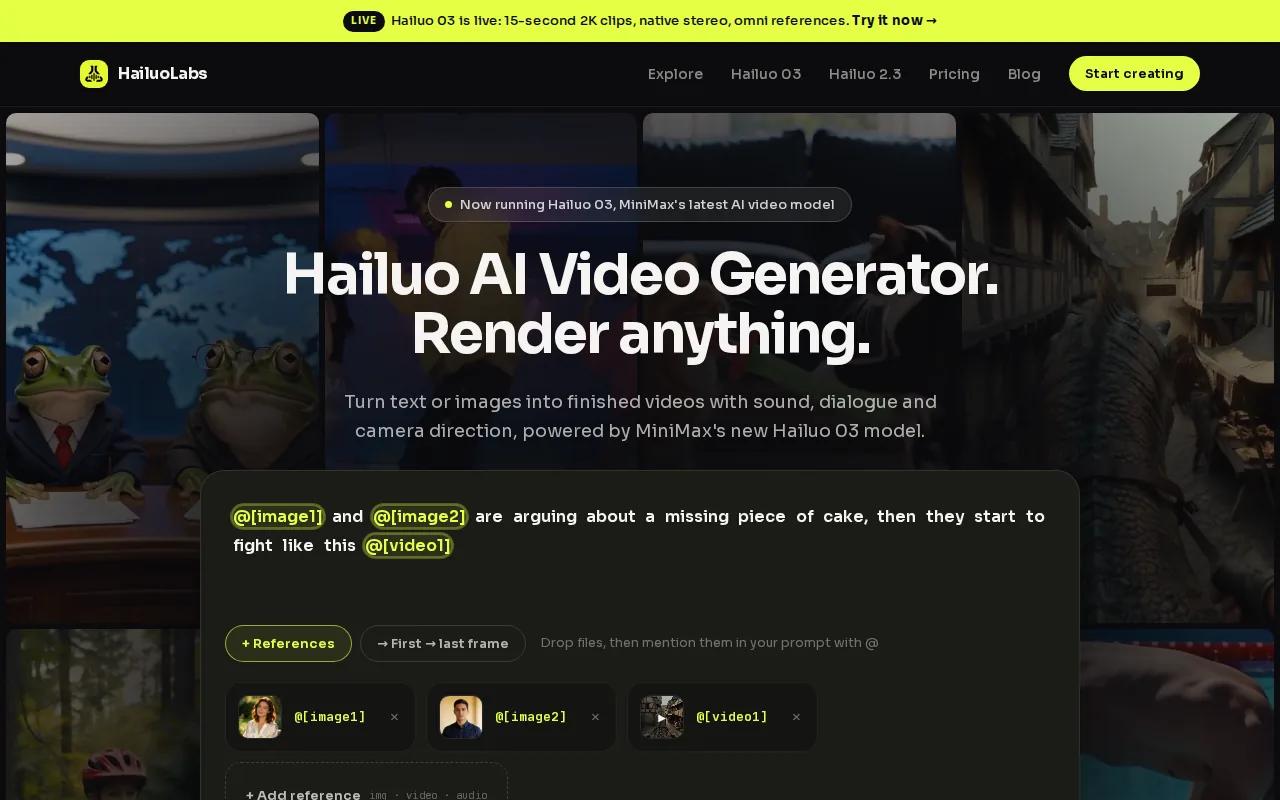
For faster image-to-video tests, Hailuo 2.3 Fast is the useful pick. The standard Hailuo 2.3 model focuses on smoother motion, steadier styles, and more natural facial emotion. That matters when you’re testing product scenes, close-ups, anime styles, or several visual hooks for the same offer.
HailuoLabs is also a strong choice for solo creators who need an end-to-end starting point. Free users can test Hailuo 02 at 512p with a watermark. Paid plans add newer models, higher resolution, video references, and editing tools. Credit costs and model access vary by plan, so check the current setup before you build a large batch.
The main caveat is that you still need to write the ad message. HailuoLabs generates the visual material, but you should bring your own hook, proof, offer, captions, and call to action.
You can compare related use cases in our guide to AI video generators for ads.
2. Creatify, Best for performance marketers and UGC-style ad variations
Creatify is built for performance marketers who want UGC-style ad variations. It suits e-commerce teams that would rather start with a product URL than a blank editing timeline.
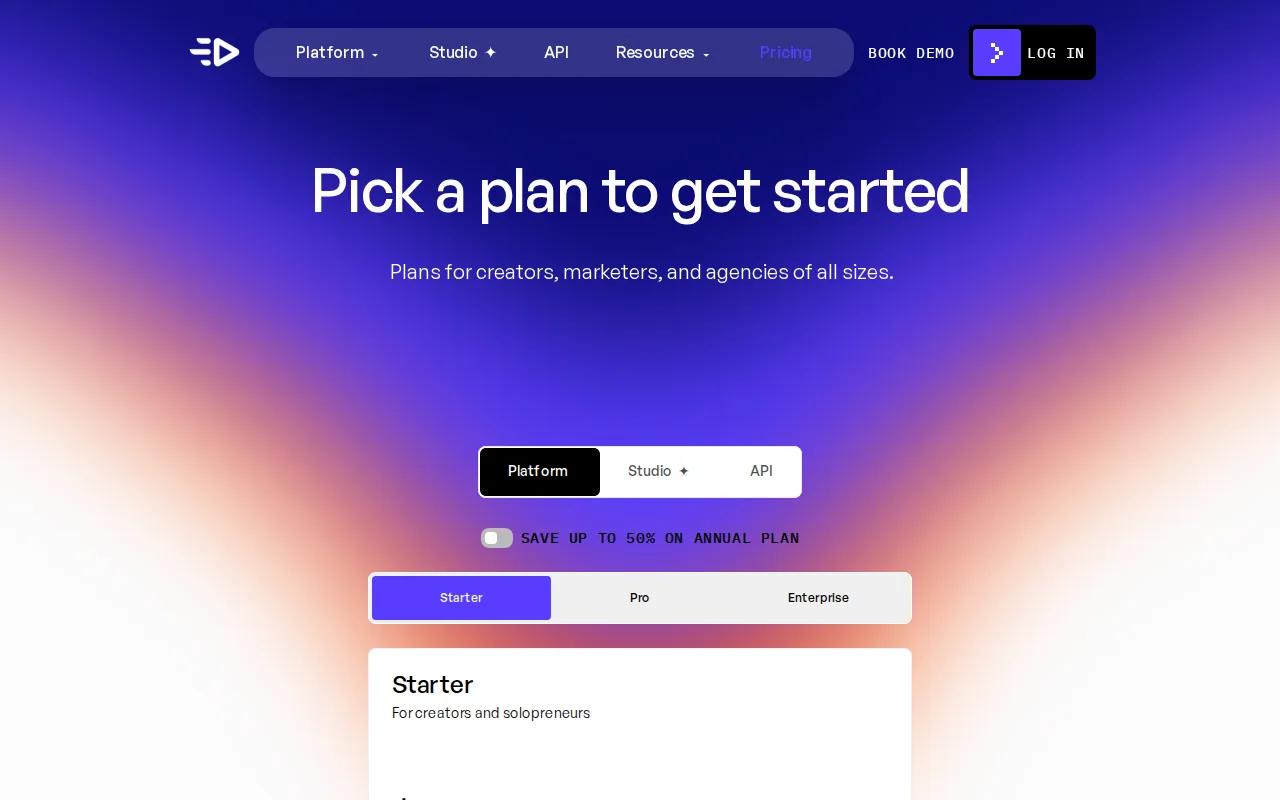
The workflow begins with a product page. Creatify can pull in product details, images, and key features, then use that context to shape a script. You can pick a format, choose a language, select an avatar and voice, edit the result, and render the ad.
That product-first flow is its clearest advantage. You’re giving the tool a source of truth before it writes the creative. This can reduce the risk of an ad drifting away from the product claim, though you should still check every line before publishing.
Creatify is especially useful when you need several hooks for one offer. You might test a problem-led opening against a testimonial angle, then change the first three seconds while keeping the product and close consistent. That gives your paid media team clearer creative tests than making seven unrelated videos.
The trade-off is focus. Creatify is strongest for ad production with avatars and product context. It may feel less suited to cinematic brand films or free-form visual experiments. Its free plan has limited credits, while paid access adds more capacity and features. The research material doesn’t provide current plan prices, so treat cost as something to verify before committing.
Use the TikTok video generator comparison when you’re deciding how a UGC-style ad should fit a vertical feed. The format matters as much as the script.
Pick Creatify when your campaign needs many product-led variations. If you want open-ended scene generation, HailuoLabs gives you more room to shape the visual idea itself.
3. Invideo, Best for template-led product and social media ads
Invideo is a template-led video ad maker for social media marketers and product video creators. It works well when speed comes from choosing a layout, swapping the content, and making a few clean edits.
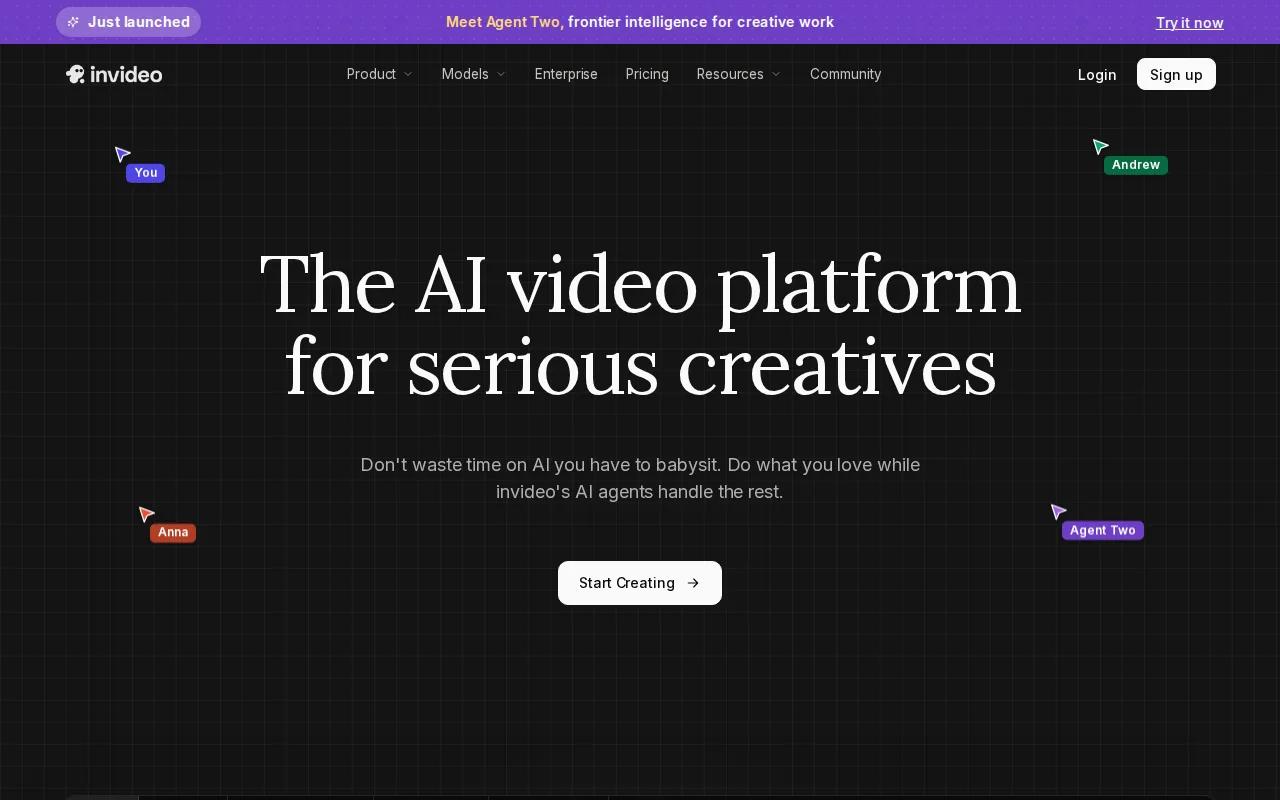
Its studio includes professionally made templates. You can search by platform, industry, or content type. That makes it easy to start with a format for a feed ad, product clip, or short social post.
Invideo also supports script generation from text prompts. You can turn an article or idea into a video, then adjust the shot plan before generation. Inside the editor, you can add images, logos, stock media, music, text, transitions, and voiceover.
That mix is useful for a small team handling weekly content. A marketer can start with a product template, replace the stock footage, apply brand colors, and review the pacing without learning a full editing suite. The mobile app adds another path for quick edits while away from a desk.
Invideo’s newer AI workflow can use several image, video, audio, and music models. Model and agent costs can change, and the listed plans use credits. That makes the tool flexible, but you’ll need to watch credit use when a concept requires many rerenders.
The limitation is control over ad testing. Templates help you ship a first version, but you may need another workflow for systematic hook tests, audience splits, or product-feed automation. See Invideo Studio details for its current template, stock, mobile, and editing features.
4. PixVerse, Best for fast, stylized short-form video ads
PixVerse is a strong fit for short-form creators who want visual impact quickly. It’s useful for scroll-first ads where movement, color, and an unusual scene need to catch attention before the viewer swipes.
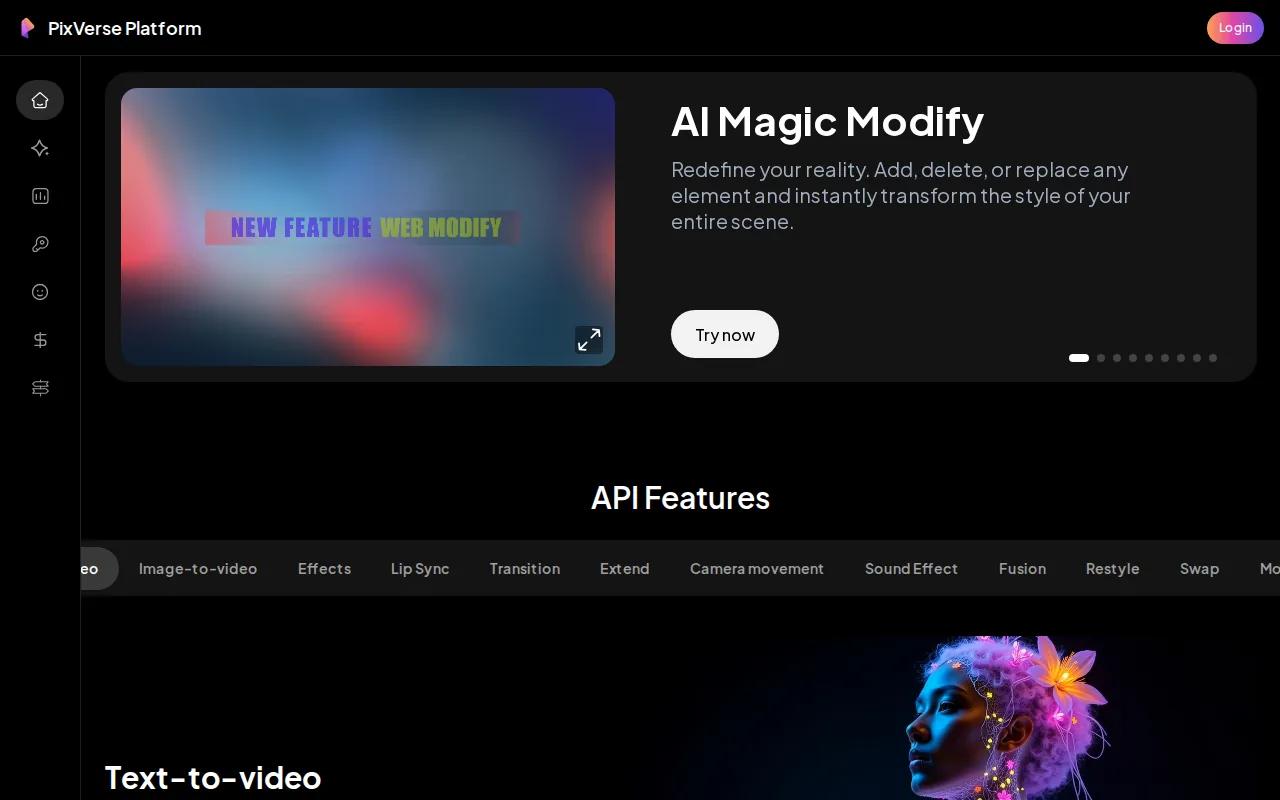
The research places PixVerse around speed and stylized output. That makes it a better match for a visual hook than for a complete direct-response workflow. For example, you could generate a striking opening scene, then place it into an edit with your offer, captions, and CTA.
Think of it as a shot generator inside your wider ad process. You might animate a reference image, try a surreal transition, or build a fast visual loop for a short placement. The result can give a plain product message more energy without requiring a full shoot.
But style can become a problem. A dramatic visual may win attention while saying little about the product. Keep the first frame tied to the promise you’re making. If viewers remember the effect but not the offer, the ad has done only half its job.
PixVerse also isn’t the best pick when you need scripted avatars, product URL research, or built-in campaign testing. Use it when the visual idea is the bottleneck. Use HailuoLabs when you want to develop and refine a wider set of prompted ad concepts.
5. HeyGen, Best for localized talking-avatar and personalized ads
HeyGen is designed for talking-avatar video. It fits marketing and sales teams that need a presenter, localized voice, or personalized message without recording every version themselves.
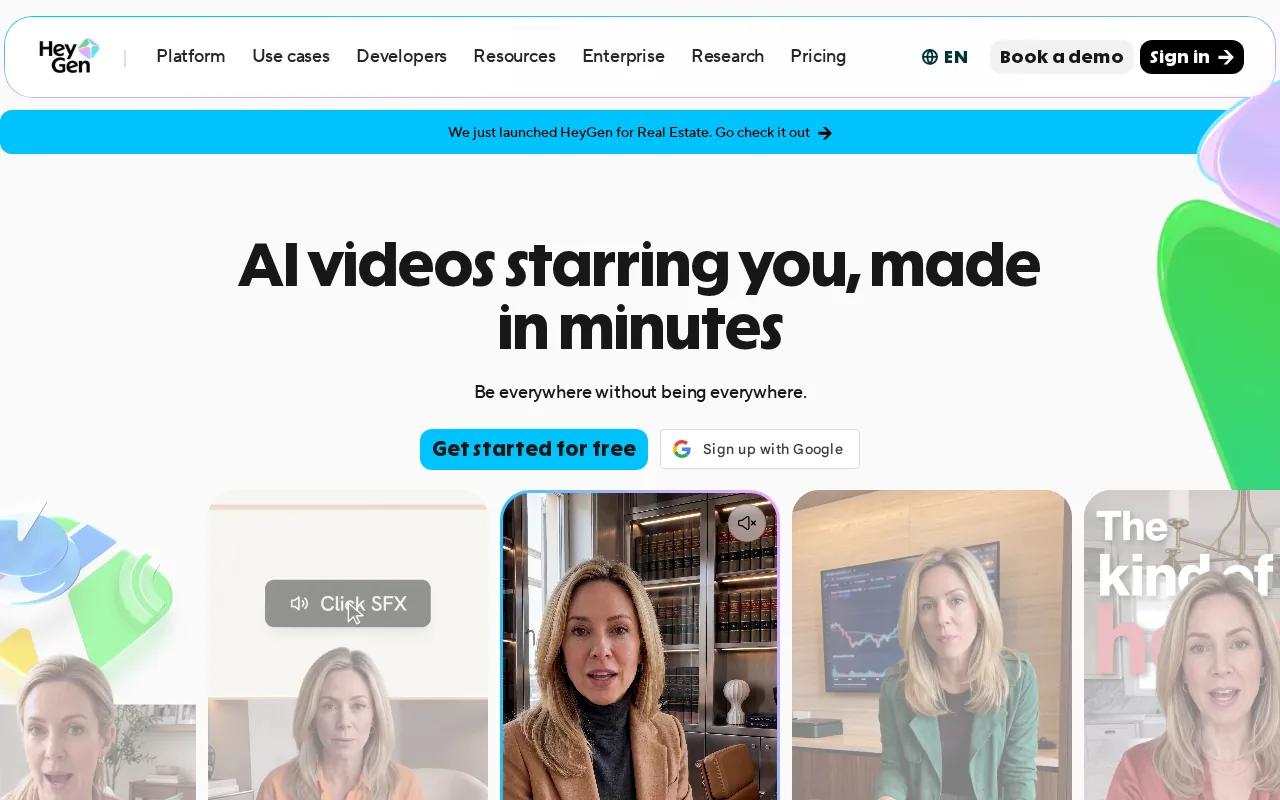
The tool supports text-to-video workflows with avatars, voiceovers, visuals, and editing. Its voice cloning and lip-sync translation features support fast, localized talking-avatar videos.
That makes HeyGen useful for regional campaigns. A central team can write one approved script, then prepare language versions for different markets. The team still needs a human review for names, claims, pronunciation, and local phrasing, especially when the ad has legal or pricing language.
HeyGen also supports captions, B-roll, brand kits, and shared editing. These features help when several people review the same ad. One person can check the script while another adjusts the layout or checks the translated version.
The main limitation is format. If your ad depends on product beauty shots or fast visual storytelling, a talking avatar may feel too stiff. It’s best when the presenter is part of the message, such as a demo, explanation, welcome, or personal recommendation.
For identity-based content, consent matters. HeyGen says custom avatars require identity verification from the person depicted. That is a useful guardrail, but your team still owns the job of getting permission and keeping records.
6. Opus Clip, Best for turning long-form content into social ad clips
Opus Clip is for teams that already have long videos and want short ad clips. It can work with podcasts, webinars, interviews, vlogs, sports footage, and other formats.
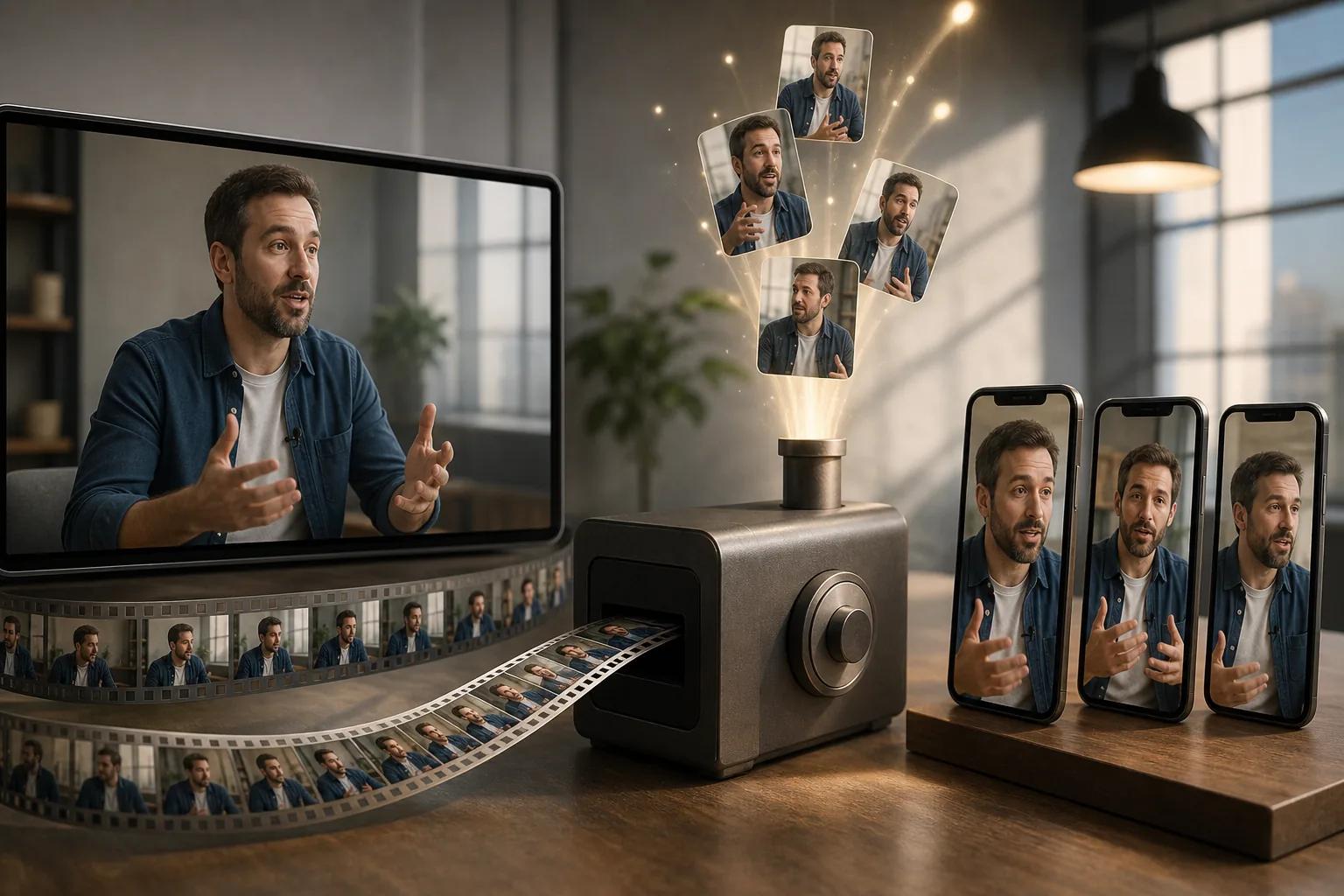
Its AI looks for moments that can stand alone, then reframes the video for different platforms. The object-tracking feature keeps a moving subject centered. That saves time when one source video needs versions for vertical feeds.
Opus Clip also adds dynamic captions and lets you edit the text. Its caption system still needs review: names, product terms, and fast speech can produce errors that weaken trust.
The tool is a good match for a brand with a podcast or regular webinar. A single hour-long recording can become several short clips, each with a different opening. You can then place a clear CTA on the strongest moments rather than forcing every clip to sell the same way.
Opus Clip supports publishing workflows and has an API for connecting video creation with a CMS and other tools. The free plan includes monthly processing time, while paid plans provide more upload capacity. Check current limits before planning a large batch.
Choose Opus Clip when your best ad material already exists in long-form footage. Choose a generative video ad maker when you need to invent the footage first.
7. Adobe Firefly, Best for brand teams prioritizing commercial usage rights
Adobe Firefly fits agencies, brands, and Creative Cloud teams that need generated video inside a familiar design setup. Its clearest appeal is commercial-use positioning for paid campaigns.

The research describes Firefly video generation as commercially indemnified when it uses licensed Adobe Stock content. That does not remove every legal duty. You still need to check music, uploaded assets, trademarks, model releases, and the terms tied to each output.
Firefly is also a sensible choice when your creative team already works in Creative Cloud. A shared design environment can make handoffs easier. The designer can refine the generated material alongside other campaign assets instead of passing files between unrelated tools.
It’s less focused on direct-response ad assembly than Creatify. You may still need to write the hook, add captions, set the CTA, and prepare platform versions yourself. That can be fine for an agency with a clear review process, but it adds work for a solo marketer.
| Decision point | Best fit | Watch for |
|---|---|---|
| Prompted visual concepts | HailuoLabs | Write and review the ad copy yourself |
| UGC product variations | Creatify | Credit limits and claim checks |
| Template-led production | Invideo | Credit use during rerenders |
| Stylized short clips | PixVerse | Visual impact may outpace the message |
| Localized presenters | HeyGen | Consent and translation review |
| Repurposed long videos | Opus Clip | Caption and hook quality |
| Commercial-use workflows | Adobe Firefly | Asset-specific rights still apply |
Firefly is the better choice when rights review sits at the center of your buying decision. If speed and prompt-based ad iteration matter more, HailuoLabs is the simpler first test.
How to choose a video ad maker
Start with the ad goal, not the feature list. Decide whether you need a product demo, a UGC-style testimonial, a localized presenter, a visual hook, or clips from existing footage.
- Set the metric: Pick one main signal, such as a click, lead, purchase, view-through rate, or phone inquiry.
- Write the promise: State what the viewer gets and who it’s for before opening the editor.
- Choose the source: Use a prompt for new footage, a URL for product context, a template for speed, or long-form video for repurposing.
- Plan the frame: Make a vertical version for TikTok, Reels, or Shorts when those placements matter. Keep text large enough to read on a phone.
- Build the first seconds: Start with the problem, result, question, or visual change. Don’t hide the point behind a long logo reveal.
- Check the close: Give the viewer one clear next action. If the goal is a phone lead, an inbound call-generation service may fit the handoff after the ad view.
For pacing, keep each scene focused on one idea. A short ad usually works better when the hook arrives early, the proof is easy to scan, and the CTA has enough time to register. Export a clean master, then check captions, safe zones, audio, and the final link before launch.
Native integrations remain a weak point across many tools. Research across 21 products found that only four listed integrations, while just three mentioned any form of automation. That means you should ask a simple question before buying: where does the finished video go next?
FAQ
What is the best video ad maker for beginners?
HailuoLabs is a strong beginner choice when you want to generate footage from a text prompt or reference image. Invideo may feel easier if you prefer templates and drag-and-drop edits. Start with one short ad, then review the hook, captions, pacing, and CTA before making more versions.
Can AI make a complete video ad?
Some AI video ad makers can handle much of the production, but you still need to review the result. HailuoLabs can generate and refine short footage from text or images. Other tools focus on avatars, templates, or clips from long videos. Human checks remain important for claims, rights, captions, and brand fit.
What should a short video ad include?
A short video ad should include a clear hook, one main message, proof or context, and a direct CTA. Put the key idea near the start. Keep scenes easy to follow, add captions when speech matters, and show the product or result before the viewer loses interest.
Are free video ad makers good enough for paid ads?
Free video ad makers can work for early tests, but limits often affect resolution, watermarks, credits, or export options. Use a free plan to test the workflow first. Before spending ad money, confirm the usage rights and inspect the final export on the exact platform where it will run.
How do I make several ad variations quickly?
Make one core concept, then change one variable at a time. Test the opening hook first, followed by the visual, voice, offer, or CTA. HailuoLabs helps with fast prompt-based visual variations, while Creatify fits product-led UGC versions. Label each file so your performance data stays readable.
Conclusion
Pick HailuoLabs if you want the fastest path from a prompt or image to several short ad concepts. Start with one product, one audience, and three different hooks. Generate the visuals, add a clear CTA, check the rights and captions, then publish the strongest version before expanding the test.


