

A plain script can become a finished video fast, but the tool you pick decides what you can control. Some match stock footage to your words. Others focus on avatars, social edits, or short cinematic clips.
Here are the best script to video AI generator tools, with a clear use case and an honest limit for each one.
1. HailuoLabs
HailuoLabs is the best fit when you want short AI video clips with more than text input. Hailuo 03 accepts text, images, video, and audio in one creative workflow.
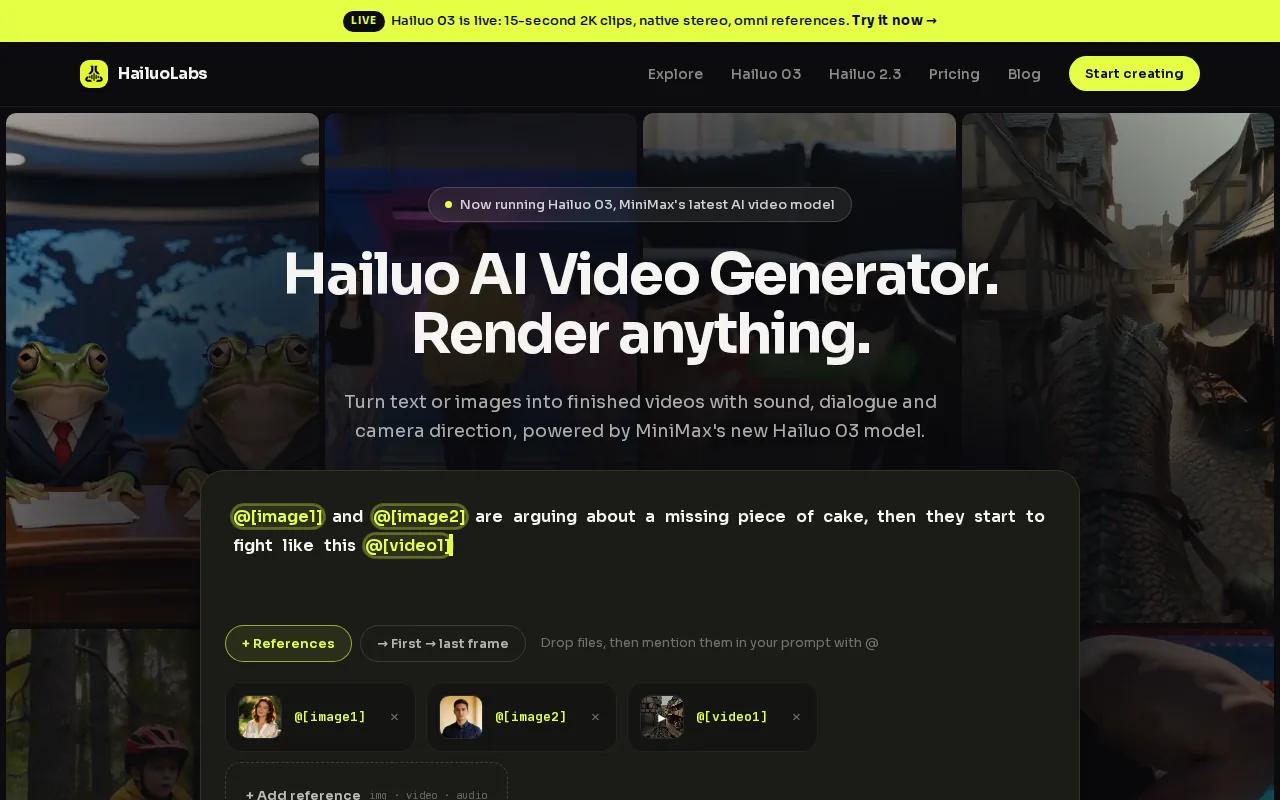
You can use a script to describe the scene, then add a product image or a motion reference. Audio can guide the mood, voice, or timing. Hailuo 03 can combine up to nine images, three video clips, and three audio clips, with a total limit of 12 files.
That makes HailuoLabs useful for product ads, social hooks, visual storyboards, game scenes, and brand concepts. You can guide the character, camera move, action, lighting, and sound in the same prompt. The model also supports first-frame and first-and-last-frame workflows.
Hailuo 03 generates clips from five to 15 seconds at 24 frames per second. It includes native stereo sound and supports common formats such as vertical 9:16, square 1:1, and widescreen 16:9. Paid plans unlock Hailuo 03, 2K output, video references, and editing tools. Free users get Hailuo 02 at 512p with a watermark.
HailuoLabs is also a good choice when you need to fix one bad detail instead of rerunning the whole clip. You can revise people, objects, scenes, dialogue, lighting, or effects with a targeted instruction. That saves time when a product shape or background detail is almost right.
The trade-off is clip length. HailuoLabs is built for short shots, not a complete ten-minute lesson from one prompt. You will usually generate several clips, then assemble them with captions or a voice track in an editor.
Read the complete Hailuo guide to features and limits before choosing a plan. If your main need is flexible references and short-form visuals, this is the strongest first test.
2. InVideo AI: Fast script-to-video assembly
InVideo AI is a strong match for marketers who want a script to become a complete draft with stock footage, voiceover, captions, transitions, and music.
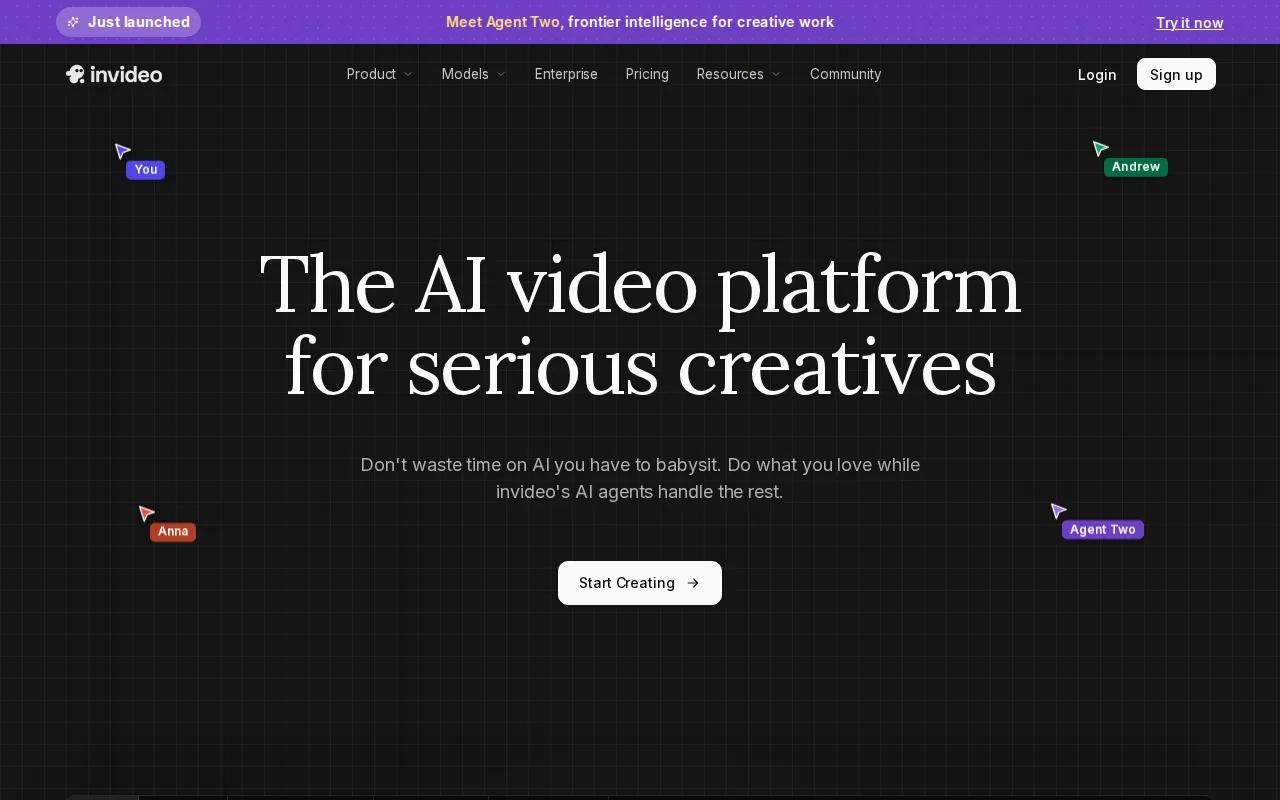
You can start with a script or a topic. The system builds scenes around the text and selects visual material for each part. That workflow suits list videos, product explainers, short ads, and faceless social posts where stock footage is enough.
The main appeal is speed. You don't need to search for every clip by hand before you see a first cut. Once the draft appears, you can change the wording, swap footage, adjust the voice, and fix the pacing.
InVideo AI supports videos up to 60 seconds. Its free tier is watermarked. That matters if you're testing ideas for yourself, but it can be a problem for client work or paid ads where a visible mark makes the export look unfinished.
Use InVideo AI when the finished piece needs a familiar social or marketing structure. A short script about three product benefits can become three visual scenes, each with narration and on-screen text.
Still, review every footage match. AI can pick a clip that fits a keyword but misses the meaning. A script about secure payments may trigger a generic laptop shot, even when a close-up of a checkout screen would make more sense.
The tool is less suited to tightly directed character action or a specific product shape. For those shots, HailuoLabs gives you more control through image, video, and audio references. You can also compare workflows in the AI video generator comparison for 2026.
3. Pictory: Script and blog content repurposing
Pictory fits teams that already have written content and want to turn it into short videos. It supports blog posts and scripts as inputs, so the starting point can be an article, a lesson, or a prepared voiceover script.
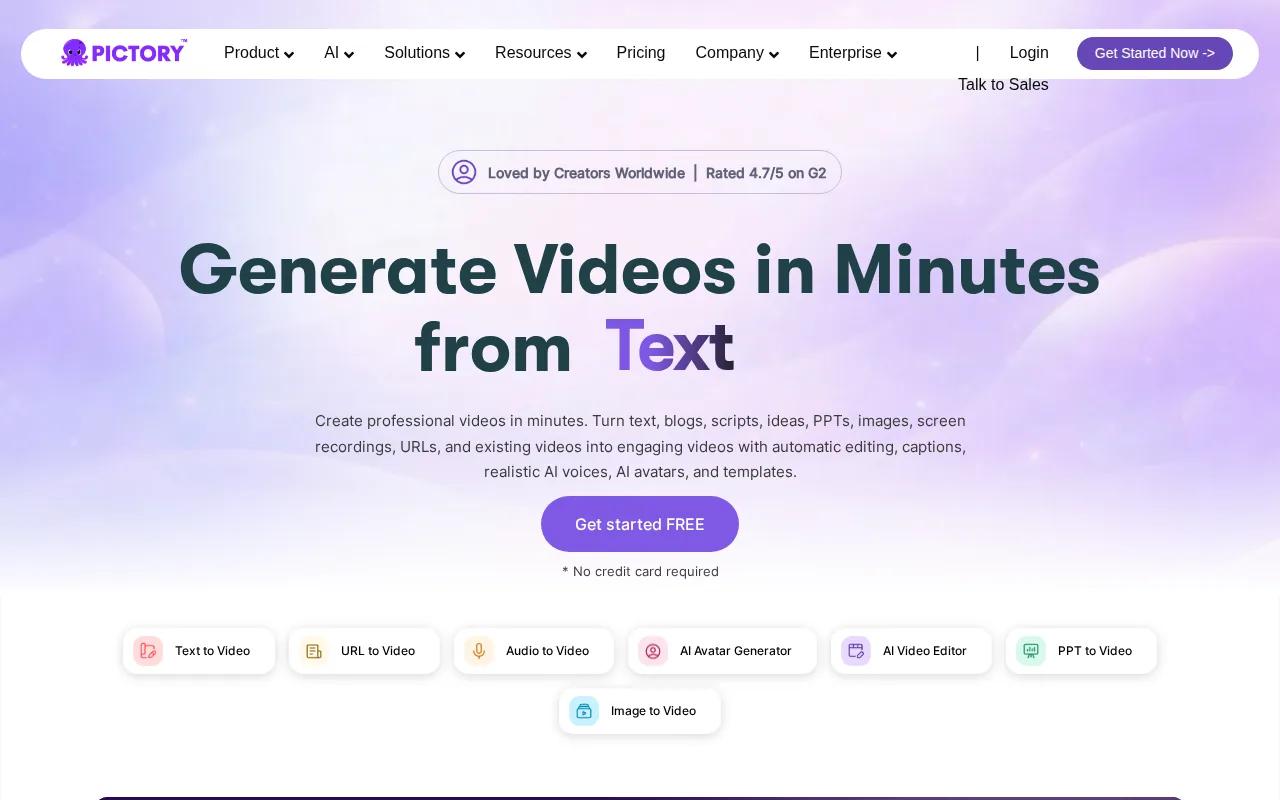
This is useful for content repurposing. A long blog post can become a short narrated video with scenes built around its main points. An educator can turn lesson notes into a visual summary. A marketing team can reuse a campaign brief as a quick social cut.
The key benefit is the handoff between written content and video scenes. You can begin with words instead of a blank timeline, then review the suggested visuals and edit the parts that feel vague.
Pictory also lists Canva as an integration option. That may help if your team already keeps brand layouts or social designs there. Check the final export, though. Written content often needs a shorter hook before it works well as spoken video.
For example, a 900-word article may contain five useful ideas. A social video may need one idea in the opening seconds. Cut the script before generation, or the video may feel slow even when the visuals are fine.
Pictory is less compelling when your project depends on a distinct character, exact product motion, or custom audio references. It is a content-to-video tool first. Choose it for reuse of written material, not for cinematic shot control.
If you want to generate short scenes from mixed media instead, HailuoLabs is the better match. Pictory earns its place when the source material already exists as a blog post or script.
4. CapCut: Social-first editing after generation
CapCut is a good choice when generation is only the first step. Its AI video tools can turn text or reference images into visuals, while its editor handles cuts, captions, effects, voiceover, and social formats.
The script workflow can start with an idea or a full script. CapCut's AI tools can help build a draft, then you can move into the timeline to trim clips and set the pace. Its text-to-speech tools add narration without a recording session.
That makes CapCut useful for TikTok videos, Reels, Shorts, product promos, and quick tutorial clips. Templates can help when you need a familiar vertical layout. Auto captions are useful when viewers watch without sound.
The desktop editor also includes keyframes and graphs for more controlled movement. Smart search can locate media by objects, dialogue, or people. Those tools matter when the first AI draft is close but still needs hands-on polish.
CapCut's free tier is watermarked. Some individual editing tools advertise no-watermark exports, so check the exact feature and plan before you promise a clean client deliverable.
Here is the video embed for a visual look at an AI video maker workflow:
CapCut is strongest as the finish layer. Use it after HailuoLabs when you need a short generated shot inside a larger social edit. The TikTok video generator guide also covers the checks that matter before posting, such as captions, aspect ratio, and product details.
5. HeyGen: Scripted avatar and presenter videos
HeyGen is built for scripted presenter videos. It turns a script into a video with an AI avatar, voice, captions, visuals, and a layout suited to explainers or business content.
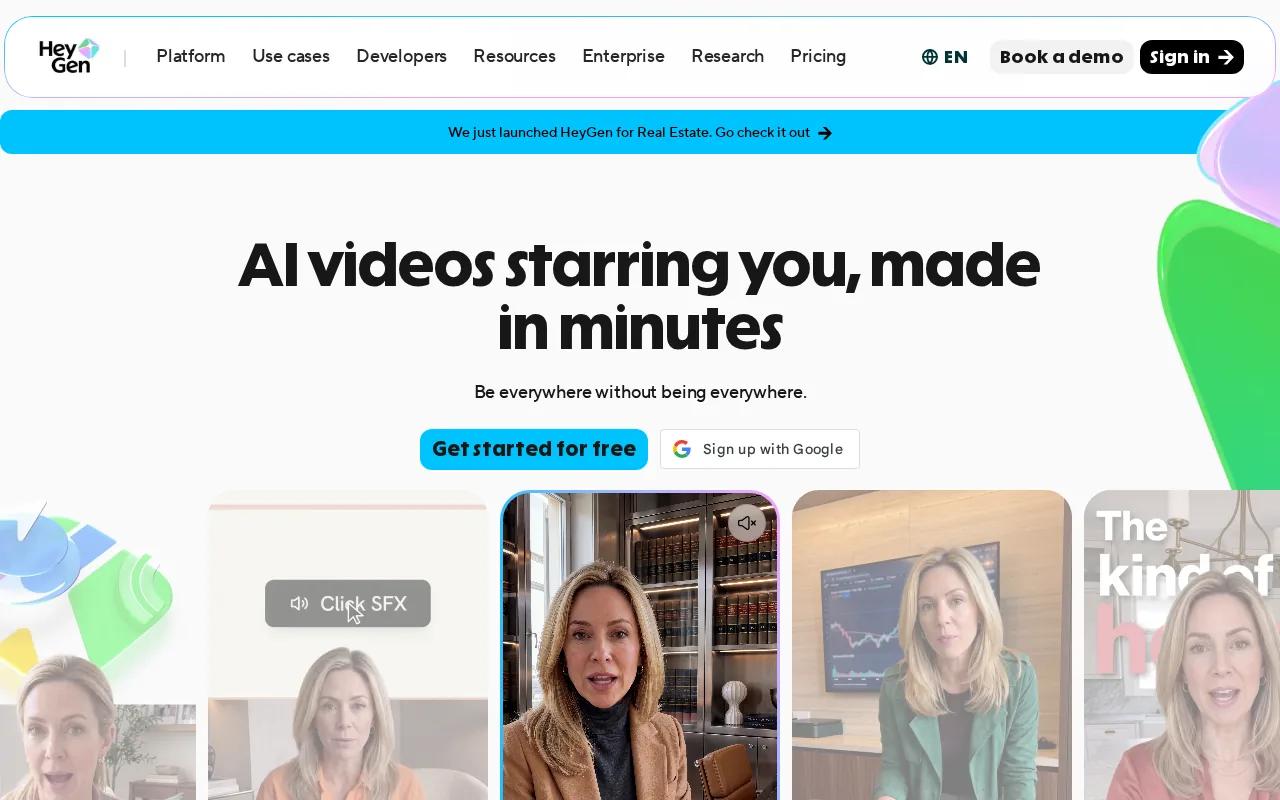
This is the right shape for training modules, sales messages, product explainers, and multilingual presenter content. You can direct tone, delivery, gestures, and emotion through a text-based editor that works much like a document.
HeyGen also supports voice cloning, translation, and lip-sync work. It can turn an uploaded audio file into a video with an avatar, which helps when you already have narration but no camera footage.
For teams, brand controls and collaboration features can reduce the number of handoffs. A reviewer can comment on a scene, while another person adjusts the script or layout. Motion elements remain editable after generation in the AI Studio workflow.
The main limit is style. Presenter videos can feel too formal for a casual creator ad or a visual product teaser. HeyGen supports a maximum resolution of 720p, a three-minute maximum length, and a watermark on the free tier.
Choose HeyGen when a person needs to deliver the message. Choose HailuoLabs when the message depends on a product shot, changing scene, camera move, or mixed reference material.
6. Google Veo (AI Studio): No-watermark text-to-video testing
Google Veo (AI Studio) is worth a look if you want to test text-to-video generation with a free tier that has no watermark.
Veo is a prompt-led option. You describe the scene in text, then judge whether the generated motion matches your idea. It is better suited to testing visual concepts than to turning a long business script into a ready-to-publish edit.
Google Veo (AI Studio) supports up to 1080p output. Veo also supports up to 4K and integrations with Google Cloud, YouTube, and Vertex AI, but those details should not be assumed to apply to every AI Studio workflow.
That distinction matters. Product pages often group several models or access paths together. Check the exact interface, model, export setting, and current usage terms before building a paid campaign around it.
| Tool | Best use | Input style | Limit to check |
|---|---|---|---|
| HailuoLabs | Short multimodal clips | Text, images, video, audio | Short clip length; free output is watermarked |
| InVideo AI | Stock-led marketing videos | Script | Up to 60 seconds; free tier watermark |
| Pictory | Blog and script repurposing | Blog post or script | No free tier |
| CapCut | Social edits and captions | Text, images, or existing media | Free tier watermark listed |
| HeyGen | Avatar presenters | Script | 720p; three-minute maximum; free tier watermark |
| Google Veo (AI Studio) | Text-to-video tests | Text prompt | 1080p; free tier has no watermark |
The table shows the main split in this category. Script-led tools help assemble a full message. Prompt-led tools focus on the shot itself. HailuoLabs sits between those paths because you can start with text while adding the references that words alone cannot describe.
Before you choose, run one complete test. Paste a short script, generate the draft, check the voice and visuals, edit the weak scene, then export it in the format you plan to publish.
FAQ
What is the best script to video AI generator?
HailuoLabs is the strongest first choice when you need short videos guided by text, images, video, and audio. InVideo AI is better for stock-footage assembly, while HeyGen fits avatar-led presentations. Your best pick depends on whether you need visual control, automatic B-roll, or a speaking presenter.
Can AI turn a written script into a video?
Yes, a script to video AI generator can split written text into scenes and add visuals, voiceover, captions, and music. InVideo AI and Pictory focus on this type of assembly. You should still edit the script first, because long sentences and extra detail often produce slow scenes.
Which AI video generator has no watermark?
Google Veo (AI Studio) is listed with a free tier that has no watermark. Watermark rules can change by model or export type, so check the current setting before publishing. HailuoLabs free output carries a watermark, while paid plans unlock clean exports for supported models.
Can I make a long video from one prompt?
Some script to video AI generator tools support longer projects, but the exact limit varies. HeyGen is listed with a maximum length of three minutes, while Hailuo 03 is designed for short clips up to 15 seconds. For longer content, generate separate scenes and assemble them in an editor.
How do I fix bad AI video scenes?
Fix one problem at a time. Shorten the action, place the main subject first in the prompt, and add an image reference when the face or product changes. For a scene with stock footage, replace the clip instead of rewriting the whole script. With HailuoLabs, targeted edits can revise selected people, objects, lighting, or effects.
Start with HailuoLabs if your work needs short, polished shots with rich reference control. Follow the five-step Hailuo setup guide, test one vertical script with an image and audio reference, then move to a paid plan when you need Hailuo 03, 2K output, and clean exports.


