

Making TikTok videos used to mean writing a script, filming clips, editing captions, and finding sound before you could post. AI can now cut that work down to minutes, but the tools vary a lot. Here are seven strong options, with Hailuo AI first for creators who want a free, fast start.
1. Hailuo AI, Fast text-to-video creation for frequent publishing
Hailuo AI is a consumer-facing video platform for making and editing short videos from text or images. It’s the best fit for TikTok creators who want to test ideas often without adding a credit card at the start.
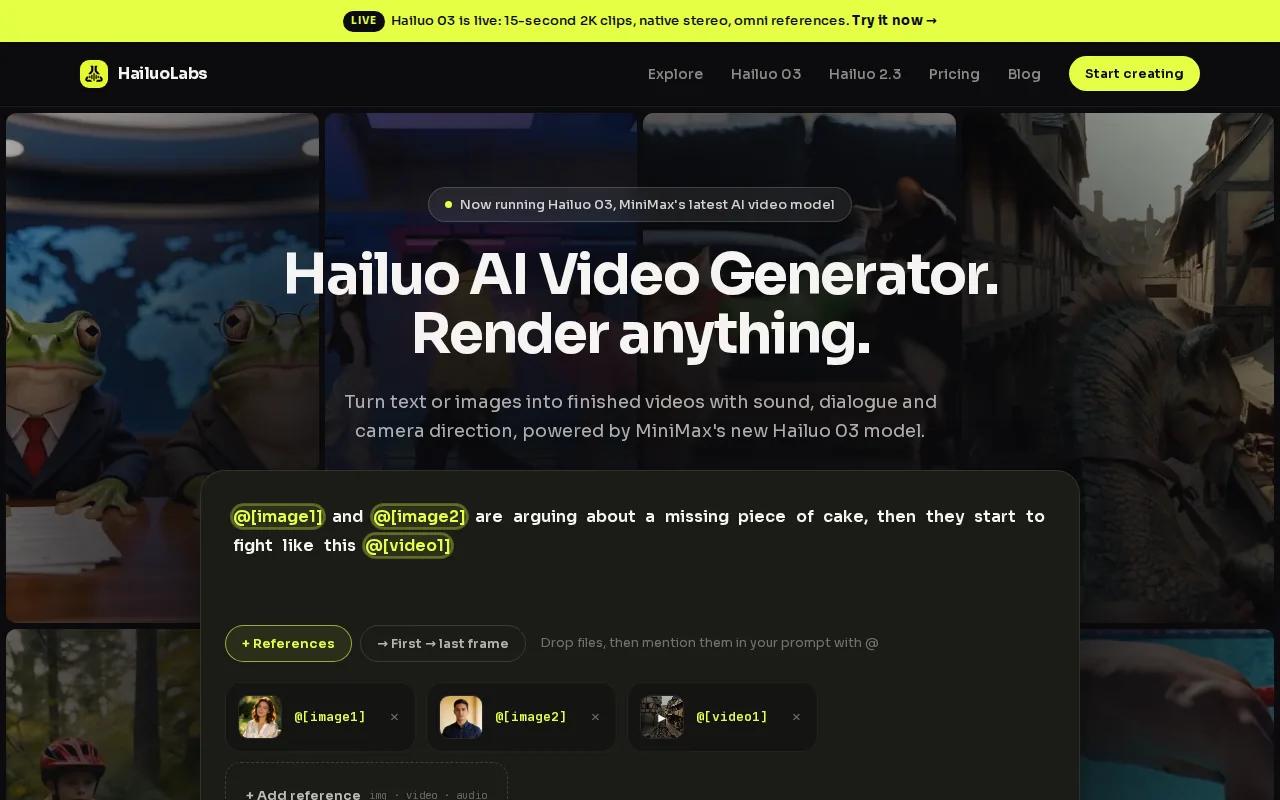
You can describe a scene, add an image reference, and generate a short clip for a vertical post. That makes Hailuo AI useful for product teasers, visual hooks, quick story clips, and faceless content. Its workflow keeps the first step simple: describe the shot, review the result, then adjust the prompt.
Speed matters here. The Hailuo 02 model is highlighted for roughly 90-second renders, which fits a daily publishing routine better than a tool that takes much longer for each draft. You can test several hooks while an idea is still fresh instead of waiting until the next day.
The free tier gives you a couple of videos per month with a watermark and doesn’t require a credit card. Paid plans and credits are also available. The official Hailuo AI site shows the current creation workspace, including text-to-video, image tools, references, and editing features.
| Choose Hailuo AI when you need | What to watch |
|---|---|
| Fast drafts for regular posting | Short clips may need several prompt passes |
| A free first test | Free exports include a watermark |
| Text-to-video or image-to-video | Keep prompts clear and focused |
| Built-in creation and editing | Check usage terms for paid commercial work |
A simple Hailuo AI TikTok workflow
Start with one idea, not a full production plan. Write the subject, action, setting, camera move, mood, and format in one prompt. For example: “A small coffee shop at sunrise, close-up of a latte being poured, slow push-in, warm light, vertical video.”
Generate the first version. Then change one detail at a time. If you alter the subject, camera, and style together, you won’t know which change fixed or hurt the result.
- Pick a hook that makes sense in the first two seconds.
- Generate a vertical clip from text or an image.
- Review faces, hands, text, and fast motion.
- Add a short voiceover or music track in your edit.
- Burn in readable subtitles before uploading.
- Mark the post as AI-generated when TikTok asks for disclosure.
For paid work, read the current Hailuo AI payment and content terms. They state that users retain intellectual property rights to content generated and downloaded on a paid subscription, while also granting Hailuo a license to operate and improve the service.
Hailuo AI is the pick I’d try first if your main goal is simple: make a usable TikTok clip today, learn what works, and keep moving.
2. AIReelVideo, An all-in-one TikTok content operation
AIReelVideo is built for creators and businesses that want one pipeline for a full TikTok content operation. It suits teams that need topic ideas, scripts, generated footage, captions, scheduling, and publishing in one place.
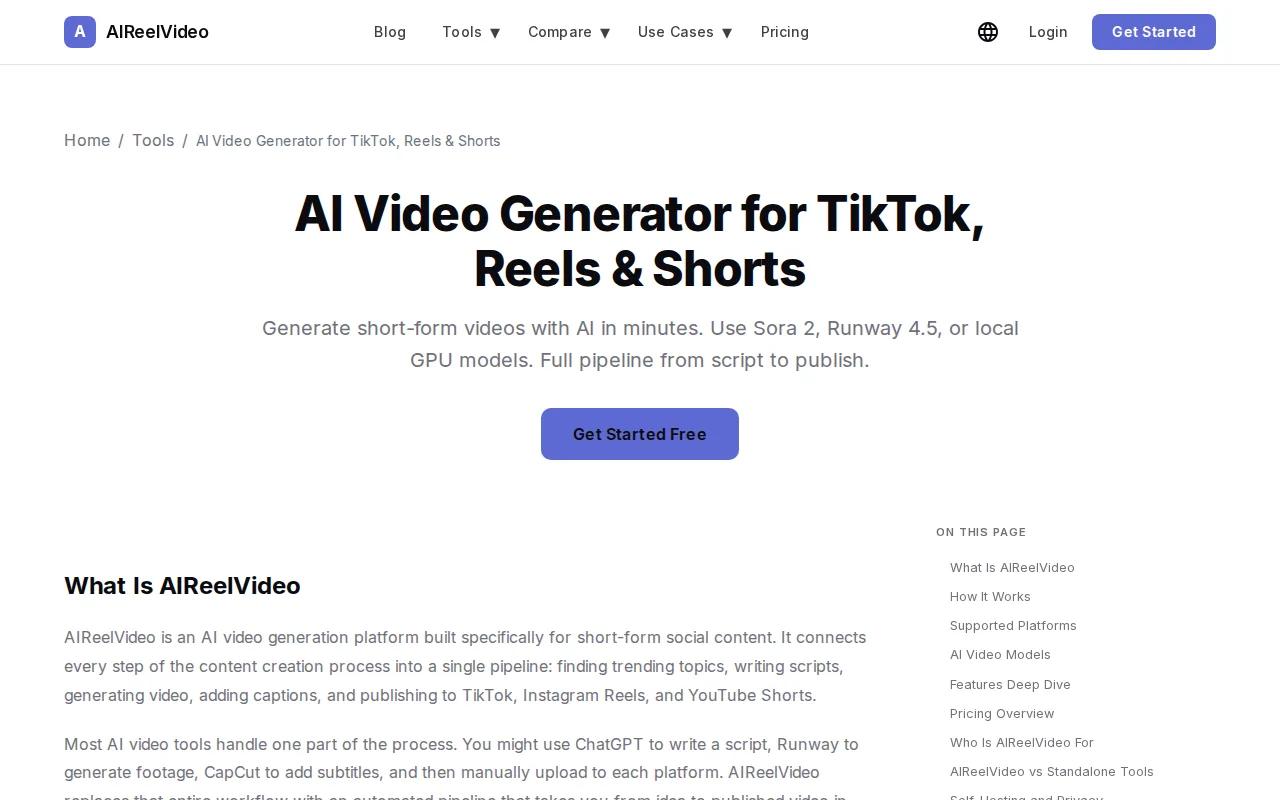
The workflow starts with a market setup. You define a niche, audience, language, content style, and brand rules. The trend discovery system then looks for topics and patterns in TikTok and YouTube content. You can also provide articles or blog posts as source material.
Its script generator uses a short hook, message, and call to action structure. Each script lands in a review queue before video generation begins. That approval step matters. Automation should reduce busywork, not publish every rough draft without a human check.
Once approved, AIReelVideo can generate a vertical 1080 by 1920 video. Its cloud workflow typically takes two to five minutes, based on the supplied platform details. The caption system burns styled subtitles into the file, with controls for font, color, position, and animation.
The platform supports several models, including Sora 2, Runway Gen-4.5, Veo 3, and local generation through open-source models. It also supports avatars, batch script work, scheduled posts, and a REST API. That makes it a better choice than a basic text-to-video app when you need repeatable production.
The tradeoff is cost and setup. AIReelVideo uses tokens for cloud generation, while local generation needs suitable hardware. It has a free local mode, but that route is best for users who already understand GPU-based tools.
Pick AIReelVideo when your bottleneck is the publishing system, not the first video draft. It can help turn one article or topic into a queue of short-form assets, but you’ll still need to review claims, pacing, and brand fit.
3. Runway, Granular visual control for polished TikToks
Runway is for creators who want more control over the look and movement of a TikTok video. It fits polished campaign clips, stylized product shots, and posts where the visual direction matters more than fast bulk output.
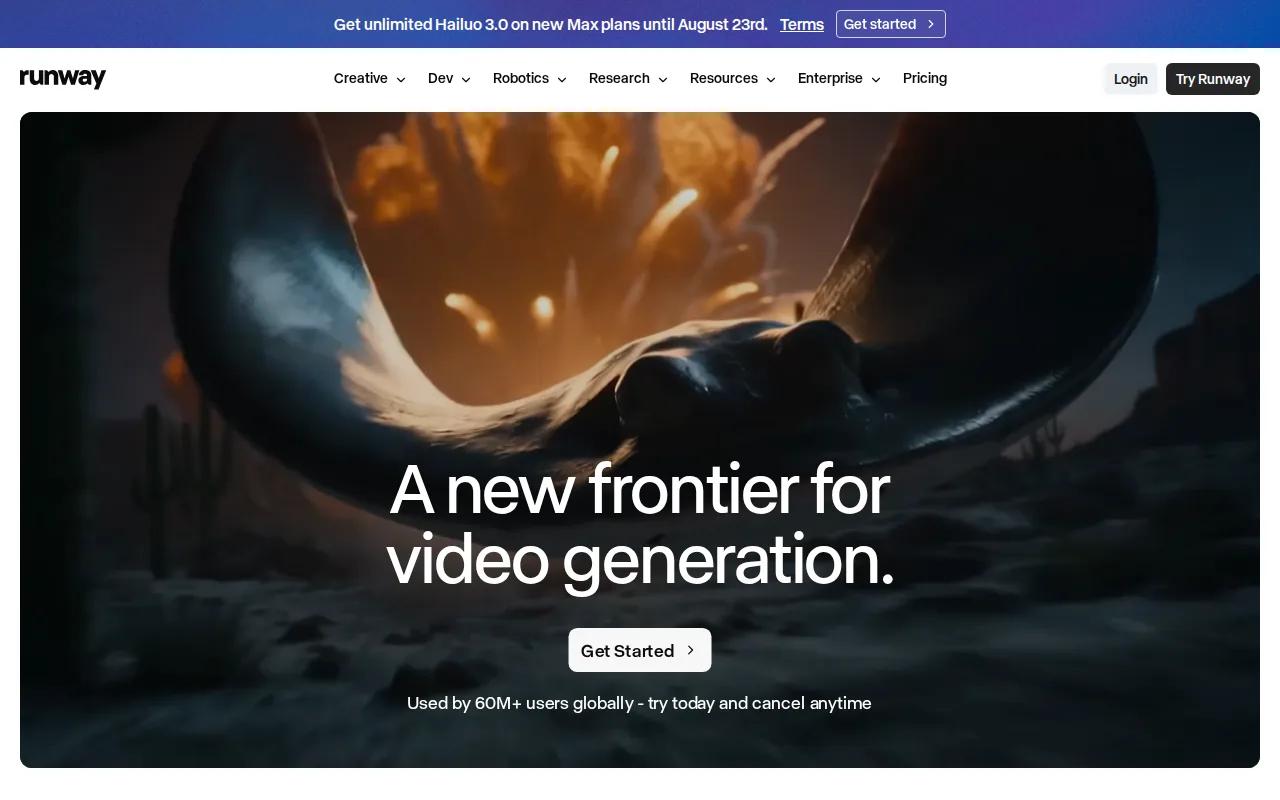
Runway has a mature creative toolset. Runway Gen-4.5 is also noted for motion brush control and accurate image-to-video animation. A motion brush lets you guide which part of an image should move and how it should move.
That control helps when you start with a selfie, product image, or designed frame. You can direct attention toward a face, object, or background instead of asking the model to invent the whole shot. This often gives you a better base for a hook that needs a clear visual beat.
Runway also suits abstract and artistic styles. A fashion creator might begin with a still outfit image, then test a slow camera move, a fabric shift, or a surreal background. A product team could animate one hero frame instead of filming a full set.
Runway has no free tier and is better for generation than for the whole TikTok publishing process. You may still need separate tools for scripts, voiceovers, subtitles, music, scheduling, and upload.
Use Runway when one strong shot matters more than ten quick drafts. If you’re posting every day and still learning which concepts work, Hailuo AI may give you more room to iterate.
4. HeyGen, Talking-head and avatar-led TikTok videos
HeyGen is made for talking-head videos, digital presenters, and avatar-led TikTok content. It’s a strong fit for businesses that need a presenter without filming a new take for every post.

You can start with a script, image, audio file, or video idea. HeyGen’s tools support AI avatars, voice cloning, captions, translation, and text-based editing. The text editor lets you change the script and adjust delivery without rebuilding a traditional timeline by hand.
Avatar consistency is the main draw. Lip-sync means the mouth movement follows the spoken sounds.
That matters for explainers and product posts. You can write a 20-second script, set the tone, and produce a presenter-led clip without setting up lights or a camera. Teams can also use comments, tagging, multi-user editing, and brand controls during review.
The downside is focus. HeyGen is strongest when a person or avatar carries the message. It isn’t the first choice for wild visual scenes, abstract motion, or fast batches of text-to-video experiments. You should also check the current plan limits before building a high-volume workflow.
Choose HeyGen when your audience needs a clear face and voice. For a product montage or visual story, another tool may fit better.
5. VO3 AI, Multi-model flexibility for testing TikTok concepts
VO3 AI is a model hub for creators who want to test several video engines in one workspace. It works best when you’re comparing realism, motion, sound, and cost before committing to one production style.
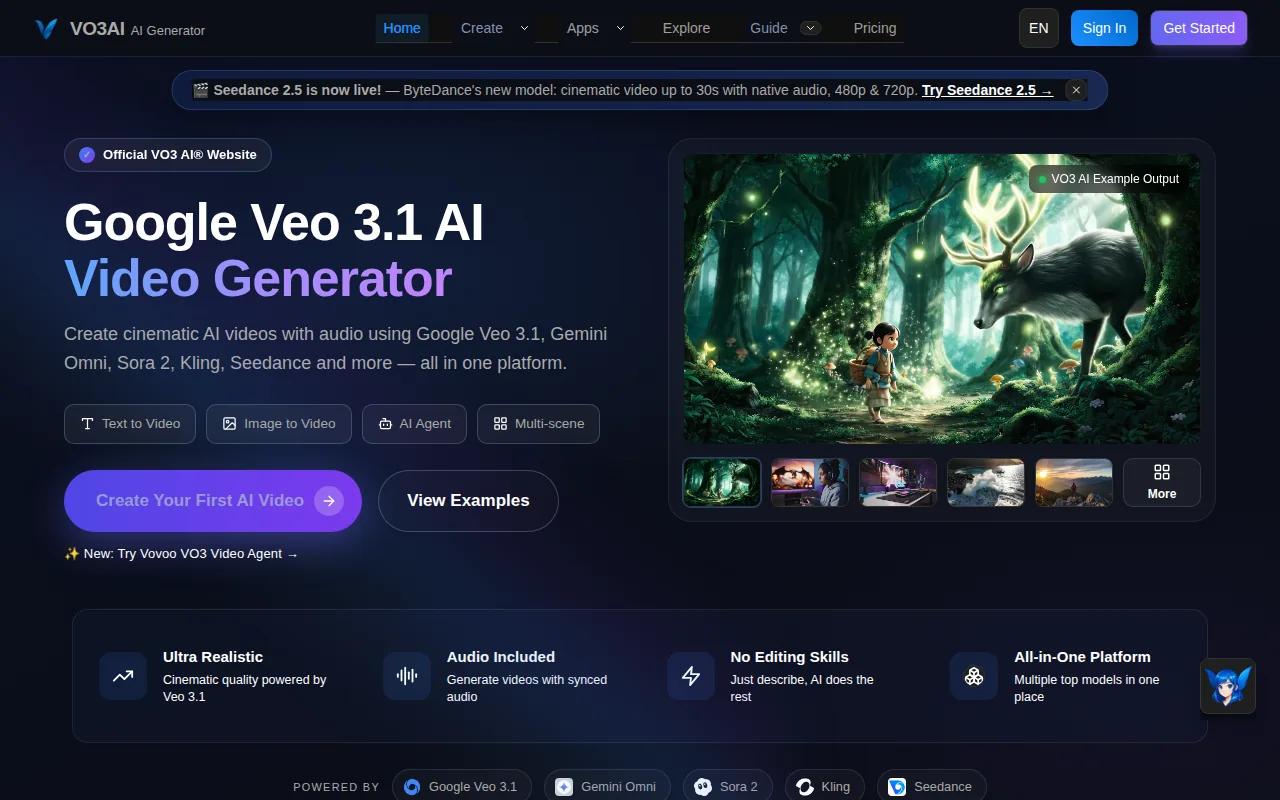
VO3 AI bundles six models, including Veo 3, Sora 2, Kling 3.0, Seedance, Hailuo, and WAN 2.5. It offers three free credits without a credit card, with paid access starting at $9.90 per month.
A hub can save you from opening several accounts. You might use one model for a realistic product shot, another for a dance concept, and a third for an anime-style clip. This makes side-by-side testing easier, though each model still has its own limits and output quirks.
VO3 AI is also useful for creators who don’t know which model fits a new concept. Start with the same prompt and reference image. Keep the duration and aspect ratio as close as the tools allow. Then compare the parts viewers notice first: the opening frame, character motion, face detail, and audio.
The limitation is that a hub adds another layer between you and the model. Credits, export rules, queue times, and model access can change. If you already know that Hailuo AI meets your needs, going direct can be simpler.
Pick VO3 AI when model choice is part of your creative process. It’s less useful when you only want one quick clip with the fewest moving parts.
6. Sora 2, Narrative POV clips with longer single-shot storytelling
Sora 2 fits POV videos and short narrative TikToks that need a longer single shot. 20-second clips are its main strength for this use case.

That extra length can help when the idea needs a setup and payoff. Imagine a first-person walk through a strange shop, a quick scene from a fantasy world, or a product reveal that needs a few beats before the final frame. One continuous shot can feel more natural than several unrelated clips.
Still, longer output doesn’t remove the need for editing. TikTok viewers may decide whether to keep watching before the main action begins. Trim slow openings. Add captions that match the spoken idea. Put the clearest visual in the first second when possible.
Sora 2 has no free tier. Access may also depend on the platform you use, such as ChatGPT Pro or a third-party hub. That makes it better for planned concepts than casual daily testing.
Use Sora 2 when your idea needs a small story. For quick hook tests, Hailuo AI’s faster path may be the more sensible first pass.
7. Kling 3.0, Realistic characters for UGC-style TikTok ads
Kling 3.0 is aimed at realistic characters and UGC-style TikTok ads. It suits brands that want an on-camera person in the frame without filming each version themselves.
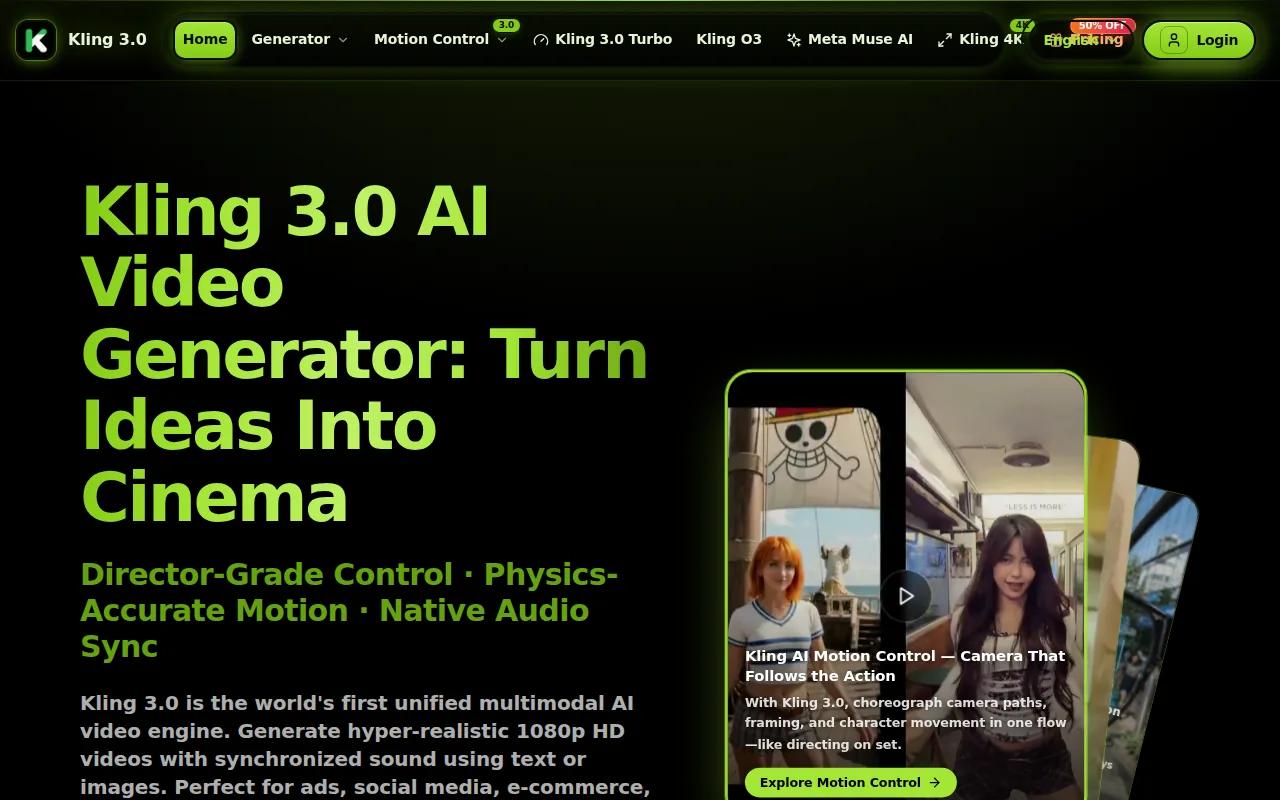
Its main strengths are realistic on-camera characters, three-minute clip length, and voice cloning for faceless creators and UGC ads. That gives you room to build a longer testimonial-style concept or test different scripts around the same character.
For an ad, you could begin with a person holding a product, move into a short claim, then end with a clear action. Keep the script specific. AI characters can look convincing while still getting a product detail, label, hand pose, or spoken line wrong.
Voice cloning needs extra care. Use only a voice and likeness you have permission to use. Don’t make a fake celebrity endorsement or imply that a real person said something they didn’t say. A realistic face raises the trust cost when the content is misleading.
Kling 3.0 is a better fit for character-led ads than for fast, low-cost experimentation. If your goal is to publish several rough concepts each week, start with Hailuo AI and reserve Kling for the ideas that earn more polish.
How to choose the right AI video generator for TikTok
Choose based on the part of your workflow that slows you down. A beautiful clip won’t help much if it takes too long to make, caption, and post.
- Need a free first test? Start with Hailuo AI. Its free tier doesn’t require a credit card, though free exports have limits and a watermark.
- Need daily speed? Look for short render times and a simple prompt loop. Fast drafts let you test more hooks.
- Need a full pipeline? AIReelVideo is the better match for trend discovery, scripts, captions, batches, and scheduling.
- Need visual control? Runway is better for directed motion and polished image animation.
- Need a presenter? HeyGen is built around avatars and talking-head content.
- Need model tests? VO3 AI gives you a hub for comparing several models.
- Need a story shot? Sora 2 fits POV concepts with a longer single clip.
- Need realistic UGC characters? Kling 3.0 is the more focused choice.
Before you pay, make one complete test post. Generate the clip, add subtitles, check the voice, export it, and preview it on your phone. This catches problems that a desktop preview hides.
FAQ
What is the best ai video generator for tiktok?
Hailuo AI is the best starting choice for most creators who want a free, fast way to test short videos. It supports text and image-based generation, and its free tier does not require a credit card. If you need batch publishing, AIReelVideo may fit better. If you need avatars, HeyGen is more focused.
Can I make TikTok videos with AI for free?
Yes, you can make TikTok videos with AI for free, but free plans often include limits, watermarks, credits, or local hardware needs. Hailuo AI provides a free tier with a couple of videos each tool’s current terms before using a free export for paid advertising.
What features should an AI video tool have for TikTok?
An AI video tool for TikTok should support vertical output, short clips, clear prompt control, and an easy export step. Voiceovers, subtitles, music, effects, image references, and templates can reduce editing time. You should also check render speed, watermark rules, commercial rights, and whether the tool works well on your phone.
Can AI-generated videos be used for TikTok ads?
AI-generated videos can be used for TikTok ads, but you must check the tool’s usage terms and avoid misleading claims. Get permission before cloning a person’s voice or likeness. Review every frame for false product details, strange text, and inaccurate speech before sending an ad live.
Is a model hub better than a direct AI video tool?
A model hub is better when you want to compare several engines without switching accounts. A direct AI video tool is often simpler when you already know your preferred workflow. VO3 AI helps with model testing, while Hailuo AI gives you a direct free-first path for short-form creation.
Start with Hailuo AI if you want the lowest-friction test. Make one vertical clip today, add readable captions, and see how it feels in your actual posting routine before you commit to a larger plan.


