
A good commercial can take months when every shot needs a crew, location, and long approval chain. AI changes the first draft. Here are six commercial video maker tools, with HailuoLabs first for fast 15-second clips, 2K output, native stereo sound, and flexible references. For broader comparisons by quality, price, workflow support, and commercial-use needs, review the best AI video generators for 2026.
1. HailuoLabs
HailuoLabs is the best fit when you need a usable ad concept fast, then want room to refine it. The studio runs in your browser and supports text, images, video, and audio as inputs.
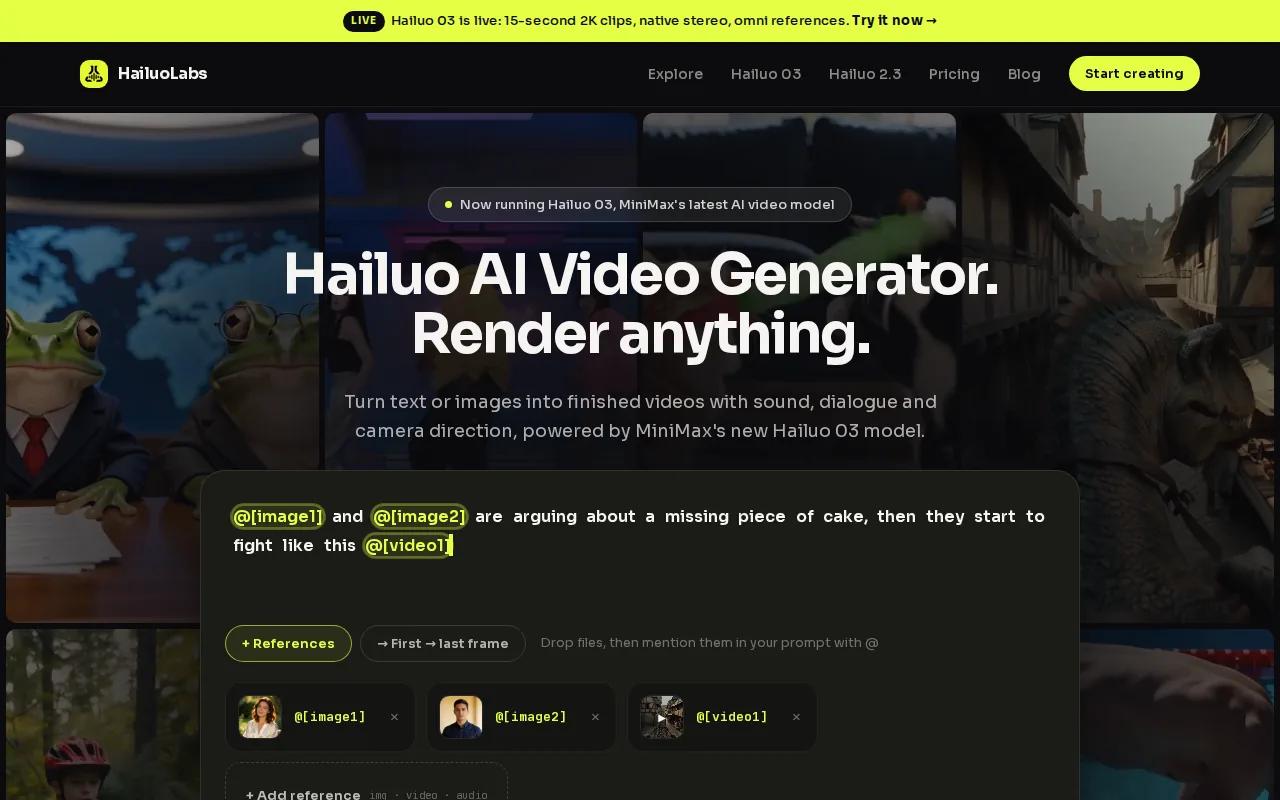
Its flagship Hailuo 03 model can generate clips up to 15 seconds at 768p or 2K. It also adds native stereo audio, first and last frame control, video references, and omni references. Those references let you guide the subject, camera move, mood, voice, or edit rhythm instead of describing every detail in words.
That mix matters when you need several versions of one idea. You might start with a product photo, add a short motion reference, then guide the sound with an audio clip. After generation, you can revise people, objects, lighting, dialogue, or effects while keeping approved parts stable.
HailuoLabs also supports common commercial formats, including landscape, square, and vertical ratios. Paid plans add access to Hailuo 03, higher resolutions, video references, and watermark-free exports with a commercial licence. Free users can test Hailuo 02 at lower resolution with a watermark.
For a closer look at ad workflows, compare the AI video generators for ads that fit different campaign needs.
The trade-off is simple: HailuoLabs is built around short generated clips, not a full agency production. You still need to write the message, check rights, edit the final cut, and approve every frame before publishing.
Watch the full workflow once, then test one short product shot. A small first pass tells you more than a long prompt packed with five actions.
2. Runway Gen-3 Alpha, quality-focused creative control
Runway Gen-3 Alpha suits creators who care more about visual quality than speed. It supports text-to-video and image-to-video workflows, so you can begin with a written idea or a still image.
The tool is known for creative controls such as motion brush and camera control. These let you direct movement in a shot instead of hoping the model picks the right motion.
That makes Runway Gen-3 Alpha useful for a cinematic brand spot. Start with a product image, guide the camera toward it, and shape the motion around one clear action. A director or editor can spend more time refining the shot than rebuilding the whole concept.
There is a cost to that control. More settings can mean more testing, and a quality-first workflow may slow a campaign that needs many ad variations by tomorrow morning. It also makes sense to confirm current export terms before using a clip in paid media.
Choose this option when the look carries the campaign. If your main goal is rapid testing across many hooks, HailuoLabs may be easier to run as a first-pass commercial video maker.
3. Pika 2.0, fast ad variations for marketing teams
Pika 2.0 is aimed at marketing teams that need quick social variations. It offers fast generation, a simple prompt-to-video workflow, adjustable duration, 1080p output, and watermark removal on its Pro plan.

That setup fits a common ad task: test several openings for the same offer. One version can lead with the problem. Another can show the desired result. A third can use a playful visual hook. Keep the message outside the generated scene when exact spelling matters.
Pika also works well for short-form experiments. Its broader toolset includes image animation, object swaps, inserts, talking-face lip sync, and visual effects. These can help you turn one still image into several social concepts without filming each one.
The caveat is control. Fast creative tools can produce drift in faces, props, or small details. Review every version on a phone, since a flaw that looks minor on a large monitor may dominate a vertical feed.
If your team needs speed above all else, Pika 2.0 is worth a test. Keep a prompt log beside each approved version so a winning idea can be rebuilt later.
4. Kling 1.6, physics-driven product and character scenes
Kling 1.6 is a strong match for game developers and indie filmmakers who need motion with physical detail. Its listed strengths include physics simulation for cloth, water, and character actions, plus pose reference for skeleton animation.
That matters for an ad built around movement. Think of fabric reacting to wind, water splashing around a moving object, or a character repeating a specific pose. A pose reference can give the model a clearer starting point than a vague phrase such as “dynamic action.”
Kling 1.6 also lists 2K output. That can help when the final crop needs room for a product close-up or a wider scene. Still, resolution can't fix a weak idea. Write the action first, then use the physics tools to support it.
Kling 1.6 is less suited to a simple presenter ad or a high-volume versioning queue. Its strengths show up when motion itself sells the scene. You may need more review time when the action includes several moving subjects.
Use it when the commercial depends on water, fabric, impact, or character movement. For a quick product teaser, start with one action and one camera move.
5. Synthesia, presenter-led commercial and training videos
Synthesia fits enterprise teams that need presenter-led videos without a traditional shoot. It offers 140+ photorealistic avatars, lip-sync for 120 languages, presenter-style video creation, 1080p output, and a 10 min/month plan.
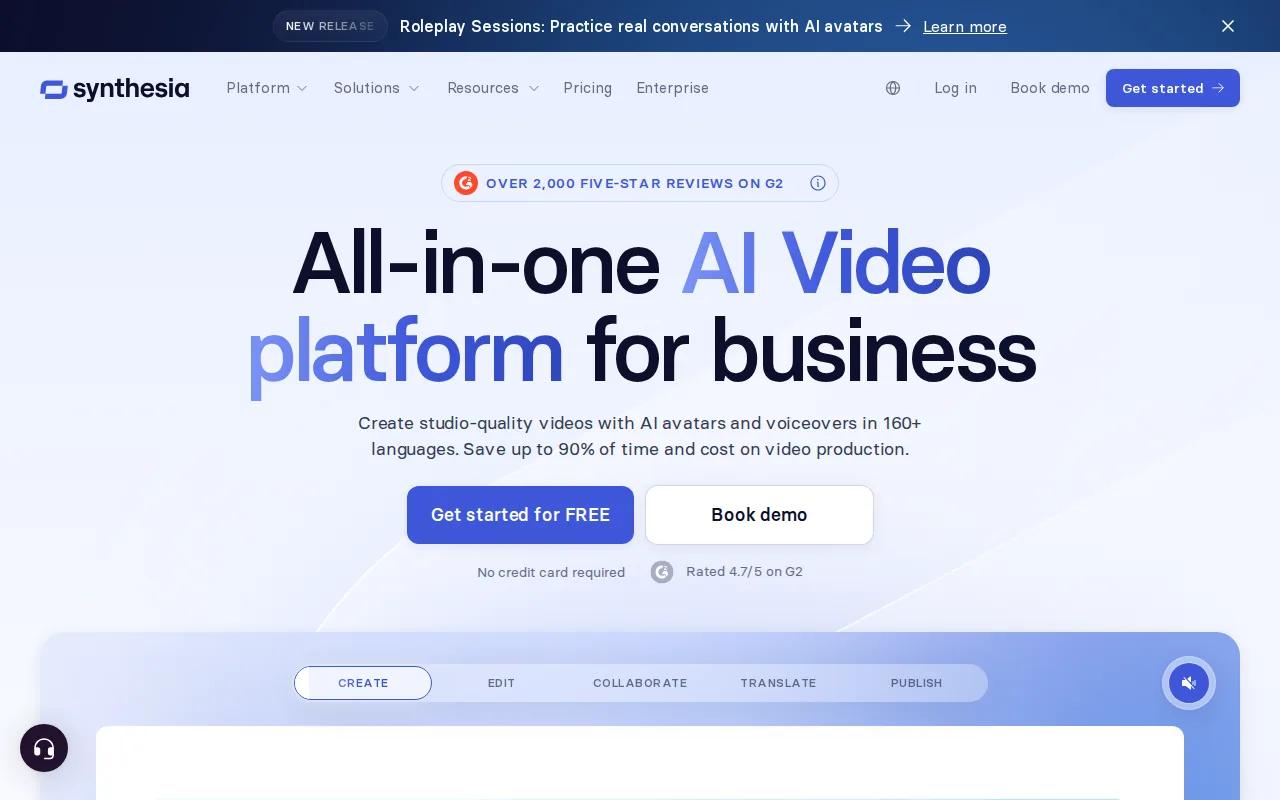
That makes it useful for product explainers, customer service clips, internal launches, and training content. You choose an avatar, add a script, select a language, and shape the visual style around your brand. The tool also lists 1080p output and a 10 min/month plan.
Synthesia's workflow is strongest when the words carry the message. A presenter can explain a new feature, show the next action, then close with a clear call to action. It is easier to update a script than to reshoot a live speaker when a price, policy, or product detail changes.
The limitation is tone. Presenter-led video may feel wrong for a bold lifestyle ad or a product that needs tactile close-ups. You also need to review pronunciation, pacing, and any compliance language before release.
Pick Synthesia when consistency and updates matter more than cinematic action. For a visual brand film, choose a tool built around scenes instead.
6. HeyGen 3.0, multilingual campaigns with voice and translation
HeyGen 3.0 is designed for businesses that need multilingual video. Its listed features include real-time translation, voice cloning, 4K export, API integration, and support for more than 175 languages and dialects.
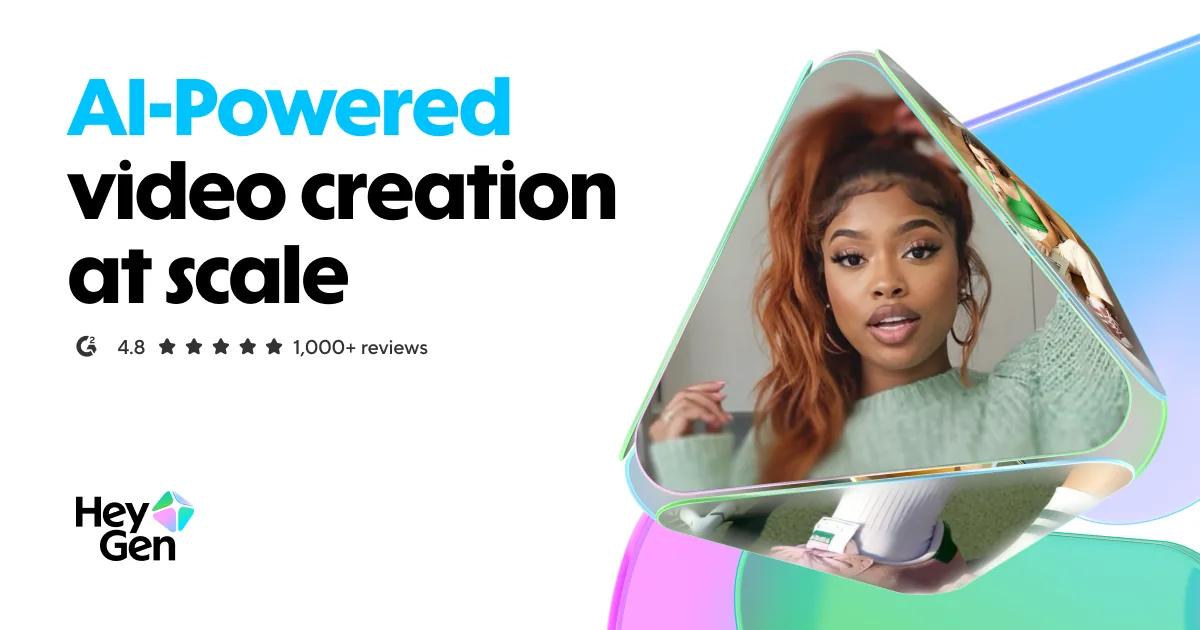
This can shorten the path from one approved script to several regional versions. You can translate existing footage or generate avatar-led video from one script. Lip sync helps the translated voice match the speaker's mouth, while a brand glossary can keep key terms consistent across markets.
HeyGen also supports text-based editing. You can adjust the script, delivery, gestures, or emotion without rebuilding the whole video from scratch. Comments, tagging, multi-user editing, captions, B-roll, and a Brand Kit support team review.
That feature set comes with a review rule: never treat translation as a one-click legal approval. Have a local speaker check names, claims, humor, and calls to action. A technically clean translation can still sound wrong to the audience.
Choose HeyGen 3.0 when localization is the main problem. If you need a fast audiovisual concept with product references and native sound, HailuoLabs is the better first test.
How to Choose a Commercial Video Maker
The right commercial video maker depends on the channel, the message, and the review process. Decide those before you compare resolution claims.
Start with the ad brief
Name the audience and the problem you solve. Lead with the benefit, not a list of features. A razor ad should show smoother skin, not only sharper blades. End with one action such as Shop Now, Sign Up, or Watch the Demo.
For a small product business, even a niche product such as this product needs a clear visual promise. Show the use case, explain the benefit, then make the next step easy to understand.
Match format to placement
| Use case | Starting format | Production choice | Main check |
|---|---|---|---|
| Short-form social ad | 9:16 | Fast hook and captions | Watch without sound |
| Feed ad | 1:1 or 4:5 | Clear product frame | Readable text on mobile |
| YouTube or web spot | 16:9 | Wider scene and voiceover | Strong first five seconds |
| B2B presenter video | 16:9 | Script-led delivery | Approval and captions |
| Regional campaign | Match source ratio | Translation and voice review | Local wording and claims |
Many social ads work best under 30 seconds, while a tight promo can work in 15 to 20 seconds. Don't stretch a simple idea to fill a longer file. HailuoLabs can generate short clips in landscape, square, or vertical ratios, which helps you test the same concept across placements.
Plan the production pass
Use a short script with a clear shape. PAS starts with the problem, makes the tension clear, then presents the solution. AIDA moves from attention to interest, desire, and action. Both work better when each scene has one job.
Storyboard the opening frame, product moment, proof point, and final call to action. Generate a rough version first. Then check motion, spelling, faces, hands, reflections, and sound. Once the shot works, export a clean version for the chosen channel.
Keep the logo, colors, voice, and music consistent. Use music you have rights to use. Check talent releases, stock licences, product claims, and any rights tied to reference images or voices. A commercial licence from a tool doesn't clear every asset inside your prompt.
Measure more than views. Track the first-second hold, watch time, click-through rate, conversion rate, and return on ad spend. Change one variable at a time, such as the hook or call to action, so you can tell what caused the result.
For a low-friction start, review the Hailuo video workflow and build one short draft before planning a full campaign.
FAQ
What is the best commercial video maker?
The best commercial video maker depends on your hardest production need, but HailuoLabs is the strongest starting point for fast AI ad concepts. Hailuo 03 combines text, image, video, and audio references with clips up to 15 seconds, native stereo sound, and up to 2K output. Test one product shot before committing to a larger workflow.
How long should a commercial video be?
A short commercial often works best at 15 to 30 seconds, depending on the placement and message. A commercial video maker can help you test a 15-second hook before you produce a longer cut. Keep one problem, one benefit, and one call to action in the first version.
Can I make a commercial video for free?
Yes, some commercial video maker tools have free plans or trials, but limits often apply. Hailuo Free lets you test Hailuo 02 with lower-resolution, watermarked output. Check the licence before paid use, since free access may not include the commercial rights you need.
What format should a commercial video use?
The best format depends on where the ad will run. Use vertical video for TikTok, Reels, and Shorts. Use square or near-square video for many feed placements. Use 16:9 for YouTube, websites, and many B2B placements. Export separate versions when the crop changes the message.
Can AI-generated videos be used in paid ads?
AI-generated videos can be used in paid ads when your tool plan and source assets allow commercial use. Check the commercial licence, music rights, voice permissions, talent releases, and claims in the script. HailuoLabs paid plans include a commercial licence, while free watermarked output is meant for testing.
Conclusion
Start with HailuoLabs if you need a fast commercial concept that combines visual references with native sound. Write one clear shot brief, generate a short vertical or landscape draft, and review it on the device where your audience will see it. When the idea works, move to a paid plan for cleaner exports and commercial use.


