

Choosing video marketing software can feel like picking from a shelf of tools that all promise the same thing. But most AI video platforms still focus on short clips, with a surveyed average maximum length of only 11.6 seconds. Here are 10 named options, starting with HailuoLabs, and the job each one fits best.
1. HailuoLabs
HailuoLabs is a browser studio for generating AI video with its video models. It fits creators, marketers, and small studios that want text-to-video, image-to-video, video references, or audio-led clips in one workspace.
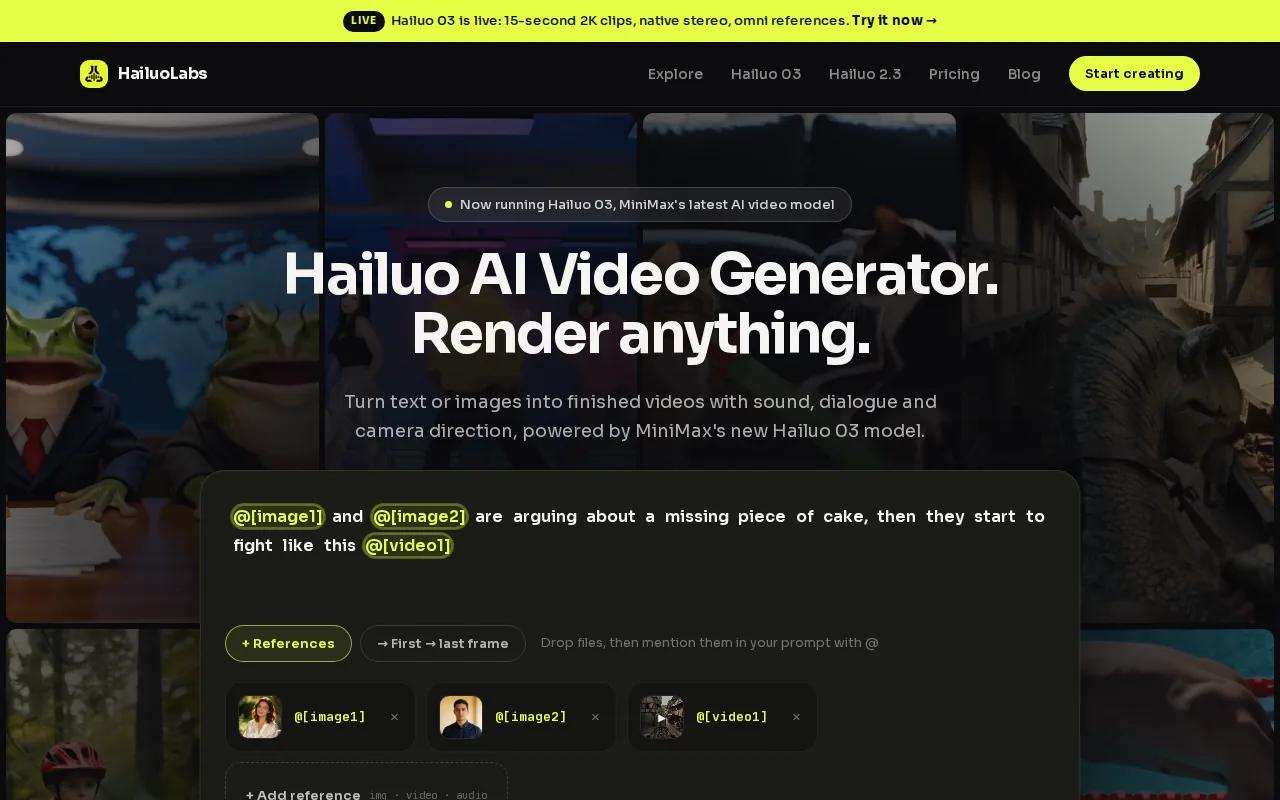
Its flagship Hailuo 03 model supports clips up to 15 seconds, with 768p or 2K output, native stereo, first and last frames, omni references, and instruction-based editing. That extra length matters when a product teaser needs one more beat before the call to action. Paid plans also include a commercial licence, while the free plan provides watermarked Hailuo 02 output.
HailuoLabs uses credits instead of forcing every project into a fixed monthly production pattern. You can start free, then move to paid plans when you need clean exports, higher resolution, or newer models. If you want a closer look at its workflow, the steps for making your first Hailuo video show the process without turning it into a technical setup project.
2. Higgsfield, Automation-Focused AI Video Production
Higgsfield is a strong fit when your video marketing software needs an agent-led production flow.
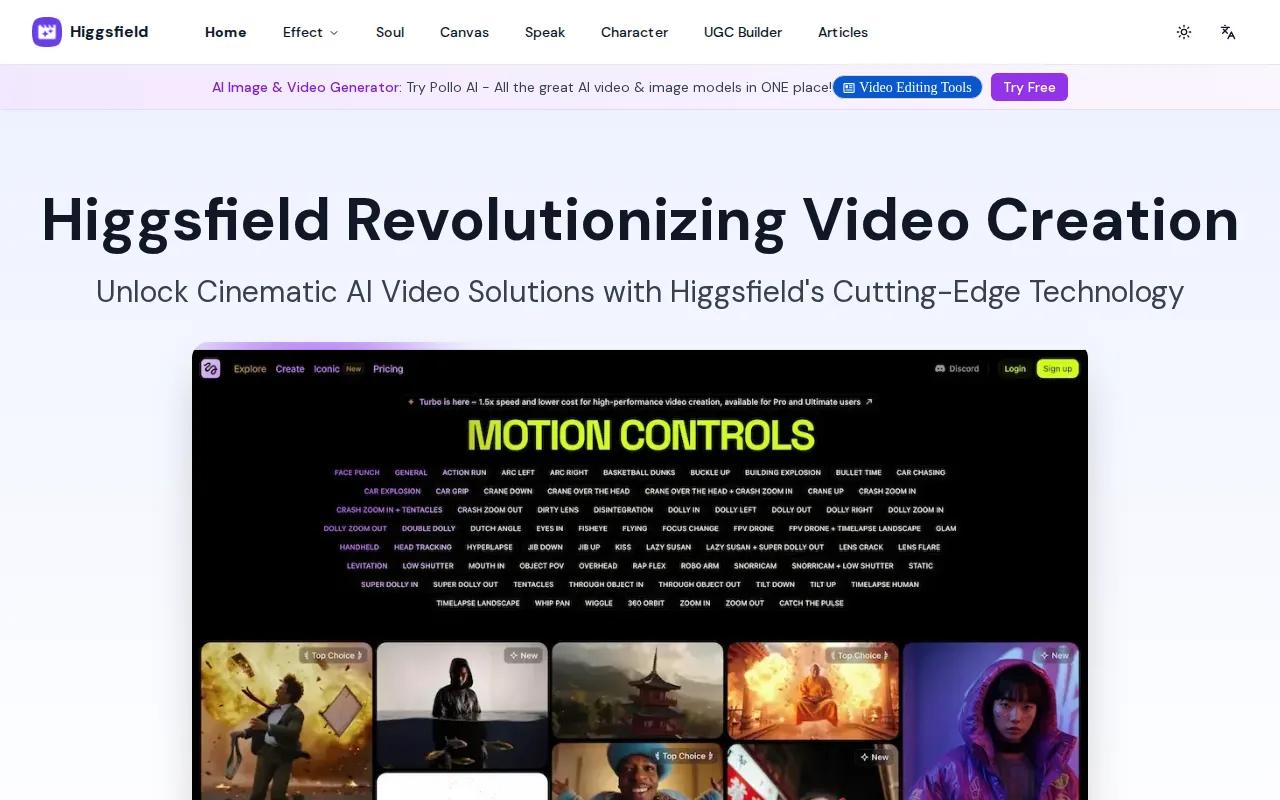
A marketer can ask for a UGC concept, script, creator performance, product close-up, captions, and a social-ready cut as one workflow. Higgsfield also gives connected agents access to more than 30 models, including Hailuo, Kling, Veo, and others. Higgsfield supports image output up to 4K.
The trade-off is setup. You need a Higgsfield account.
3. Runway, Creative Control for Polished Campaign Assets
Runway suits teams that care more about creative control than simple one-click output. It belongs on a shortlist when your campaign needs polished visual assets with a director-led feel.
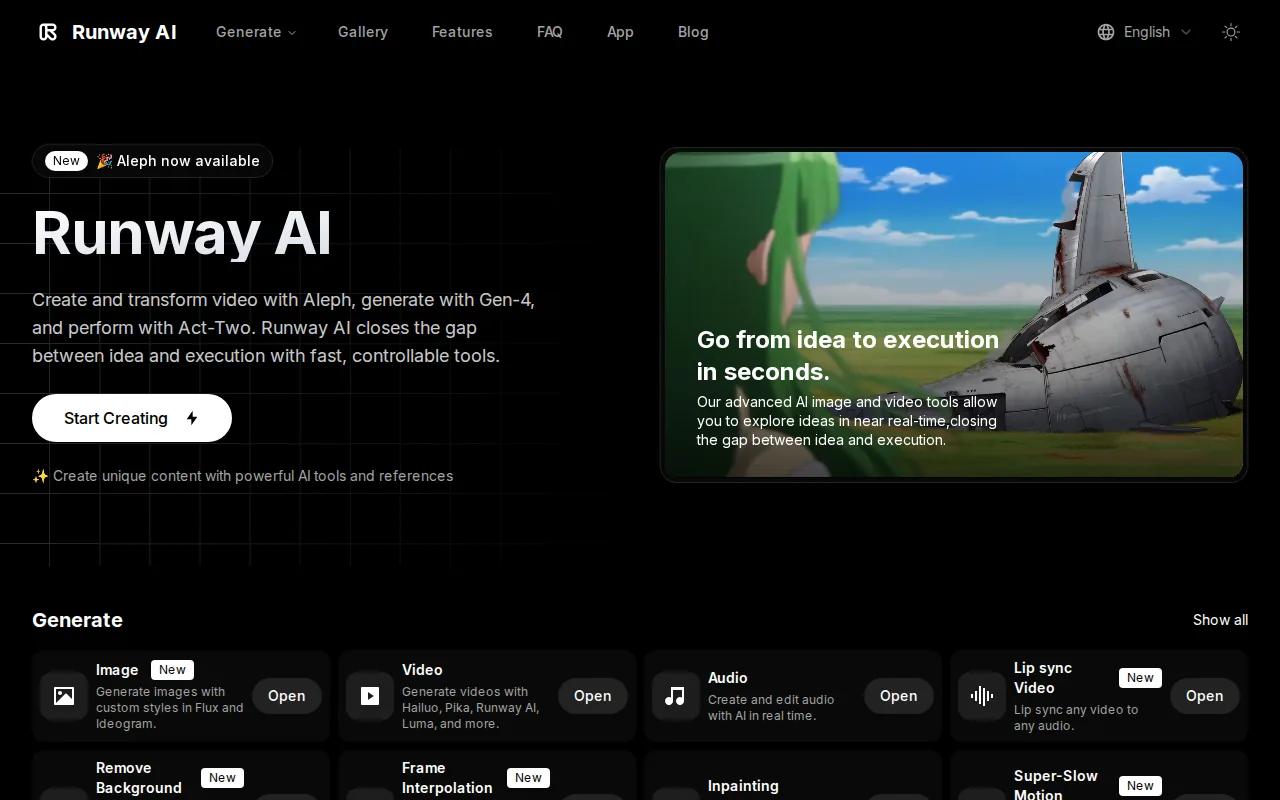
Use it for concept frames, ad ideas, mood pieces, and short product scenes where visual direction matters. It can sit beside an editor in a larger workflow, especially when the first draft needs several visual passes before approval. That makes it more useful for campaign teams than for someone who only wants a quick social post.
The limitation is workflow scope. You may still need a separate editor, media library, analytics system, and publishing tool. For product-led campaigns, compare that workflow with these product demo video maker options.
4. Veo 3.1, Enterprise Workflows and Ecosystem Integrations
Veo 3.1 fits enterprise marketing teams already working inside Google's ecosystem. Its documented surfaces include Vertex AI, Google Flow, Google Vids, and Google Photos.
It supports text-to-video, image-to-video, and scene extension. That mix helps when a team needs to extend an approved shot instead of starting from scratch. Its reported pricing has three tiers, Lite, Fast, and Quality, with per-second rates ranging from $0.03 to $0.40 in the cited comparison.
Veo 3.1 makes the most sense when your security review, billing process, and team access already run through Google tools. It is less attractive if you want a simple creator studio with credit-based control and no wider cloud stack.
5. Sora 2, Programmatic Cinematic Video Generation
Sora 2 is aimed at engineering teams building creator tools or agencies producing cinematic video through a programmatic workflow.
The research describes synchronized audio, dialogue, and sound effects generated in one pass. Sora 2 also has discrete duration settings, while Sora 2 Pro supports longer clip choices. That can help when a developer needs predictable generation parameters inside an application.
There is a major lifecycle risk. The consumer app and website are no longer available, while the API is scheduled to shut down on September 24, 2026. Any team considering it needs a migration plan before writing it deeply into a production system. For a less code-heavy path, compare the broader AI video generator shortlist.
6. Gemini Omni Flash, Shorts-First Content for Social Teams
Gemini Omni Flash is built for consumer creators and brand teams focused on YouTube Shorts. It accepts text, images, audio, and video as inputs, then generates up to 10 seconds of video.
Its standout use case is the Shorts workflow. The model is available through YouTube Shorts Remix, Google Flow, and the Gemini app. Audio input gives it a different angle from tools that only generate sound after receiving a text or image prompt.
The ceiling is clear. Output is reported at 720p and 24 frames per second, and generated clips carry an imperceptible SynthID watermark. The developer API was also described as still forthcoming in the cited launch coverage, so check availability before building a publishing process around it.
7. Kling, Motion-Led AI Video Experimentation
Kling is a good choice for motion-led experiments where camera movement, light, sound, and scene changes matter more than a standard template workflow.
Kling supports motion-led experimentation for complex multi-scene work, where visual identity and vocal tone need to remain consistent.
That makes Kling useful for testing a dramatic product reveal or a short story beat before spending on a full shoot. Check current capabilities before planning a production workflow.
8. Pika Labs, Fast Social Content and Style Testing
Pika Labs is built for quick social content, style tests, and short clips that need a strong visual hook.
It accepts prompts, still images, existing footage, and audio. Its tools cover frame-to-frame transitions, object swaps, inserts, inpainting, playful effects, and talking-face lip sync. Pika also supports web and iOS access, with a free tier for getting started.
That makes it handy for Reels, TikToks, Shorts, product teasers, and ad concepts. Pika is less suited to a formal brand approval process when you need deep access control, campaign analytics, or a direct CRM handoff. Still, its fast iteration cycle is useful when a social team needs five visual directions before lunch.
For a wider social workflow, the social media video maker comparison helps separate generation tools from editing and publishing tools.
9. Luma AI, Realistic Product Visuals and Marketing Scenes
Luma AI fits marketing teams that need realistic product visuals, scene concepts, or polished campaign imagery.
Its strongest stated use cases include product videos, realistic visualizations, and marketing content. That can help when you need to show a product in a setting that is hard to film, such as a future retail space or an imagined lifestyle scene.
The main caveat is style. Pick it when realism is the brief. Pick another tool when the campaign depends on bold cartoon motion or surreal effects.
10. WaveSpeedAI, Broad Model Access for Studios and Agencies
WaveSpeedAI is aimed at professional creators, studios, agencies, and businesses that want broad model access across several production paths.
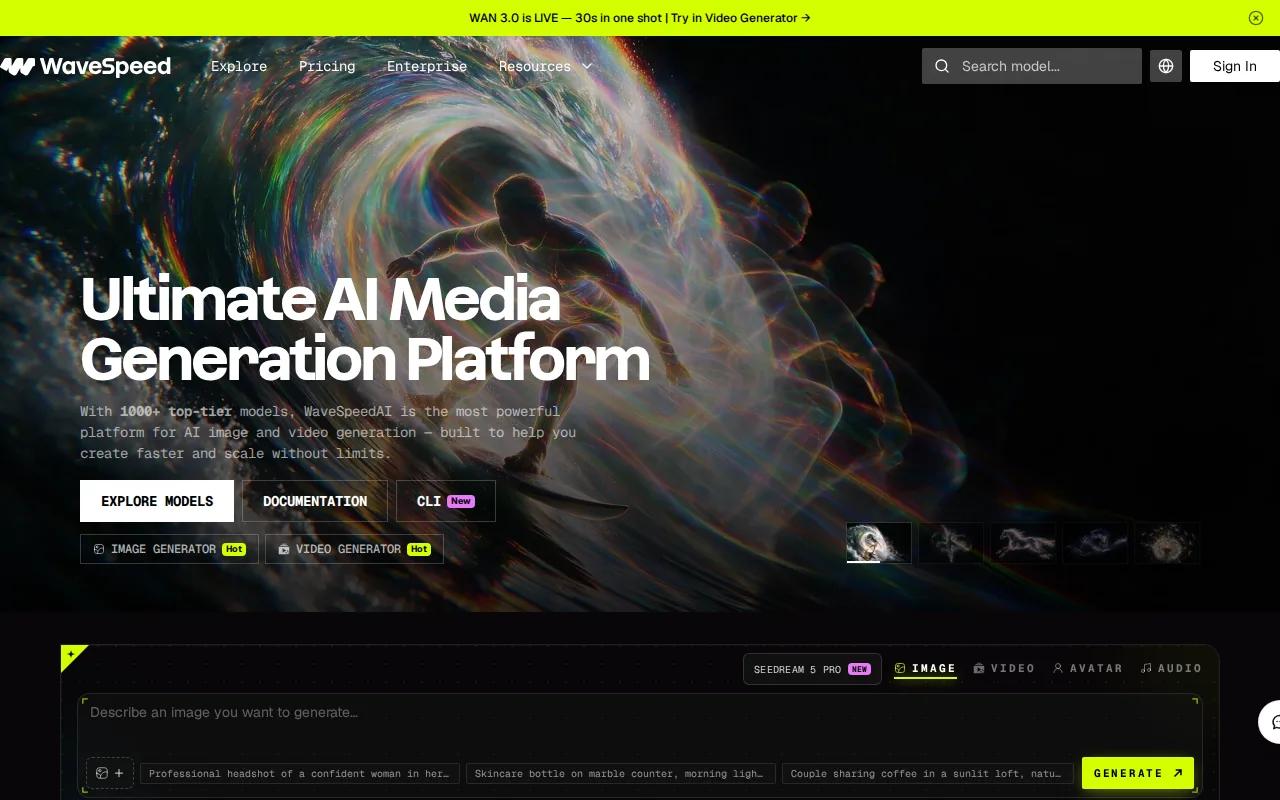
Its desktop product provides access to more than 600 AI models for image generation, video work, face swaps, enhancement, and media cleanup. The desktop app supports Mac, Windows, Linux, and Android. It also includes local tools for tasks such as background removal and video upscaling, so some files can stay on your machine.
The choice between desktop, web, and API matters. A studio may want local processing for selected assets, while an agency may need an API for a repeatable production system. WaveSpeedAI's wider model menu is useful, but it also means your team must set rules for quality checks, permissions, and brand consistency.
| Best fit | Pick to test first | Watch for |
|---|---|---|
| Longer AI-generated campaign clips | HailuoLabs | Paid plans are needed for clean commercial output |
| Agent-led UGC production | Higgsfield | Setup and credit use |
| Google-based enterprise workflows | Veo 3.1 | Cloud ecosystem dependence |
| Shorts-first social work | Gemini Omni Flash | 10-second output and watermarking |
| Broad model access | WaveSpeedAI | More tools require stronger team rules |
Video marketing software is only one part of the sales path. For email outreach, use a short personal message with one clear next step. For demos, show the problem before the interface. For webinars, cut the strongest answers into smaller clips. On social media, test the first two seconds before you spend time polishing the rest.
Track more than views. Watch open rate when video sits in email, completion rate for short clips, click-through rate on calls to action, and lead or sale data after the view. Add campaign names to your links so your analytics tool can connect the video to the next action.
Ready to make branded clips without a complex setup? HailuoLabs→
FAQ
What is the best video marketing software for most creators?
HailuoLabs is the best starting point for creators who want a browser-based AI video studio with flexible inputs and a longer flagship clip length. Hailuo 03 supports up to 15 seconds and up to 2K output. You can start with free watermarked Hailuo 02 output, then move to paid access for higher resolution and commercial use.
What software is best for AI product demos?
HailuoLabs works well for AI-generated product scenes and short demo assets, while Runway suits teams that want more creative direction. A useful demo should show the customer's problem first, then the product action that fixes it. Keep the final call to action tied to your main sales goal, such as booking a demo or starting a trial.
Can video marketing software track sales and leads?
Some video marketing software can report engagement, but generation tools often do not include a full CRM or sales dashboard. Track views and completion inside your video system, then connect clicks, form fills, trials, or purchases in your analytics stack. Use campaign tags so the video can be linked to later conversion data.
What should a business check before choosing an AI video tool?
Check output length, resolution, commercial rights, watermark rules, media retention, access controls, and export formats. Then test the handoff into your email, CRM, ad, or social workflow. A tool may produce attractive clips but still slow your team if review and publishing happen somewhere else.
Is free video marketing software good enough for a business?
Free video marketing software is useful for testing prompts and learning a workflow, but free plans often limit resolution, credits, or watermarks. Use the free tier to test quality and speed. Before publishing paid campaigns, confirm commercial licensing and export rules for the exact model and plan you intend to use.
Conclusion
Start with HailuoLabs if you want a simple browser workflow, credit-based control, and up to 15-second Hailuo 03 clips at up to 2K. Make one short product or social video, check its export and brand fit, then measure the click or lead that follows. See HailuoLabs pricing when you're ready to move beyond the free plan.


