
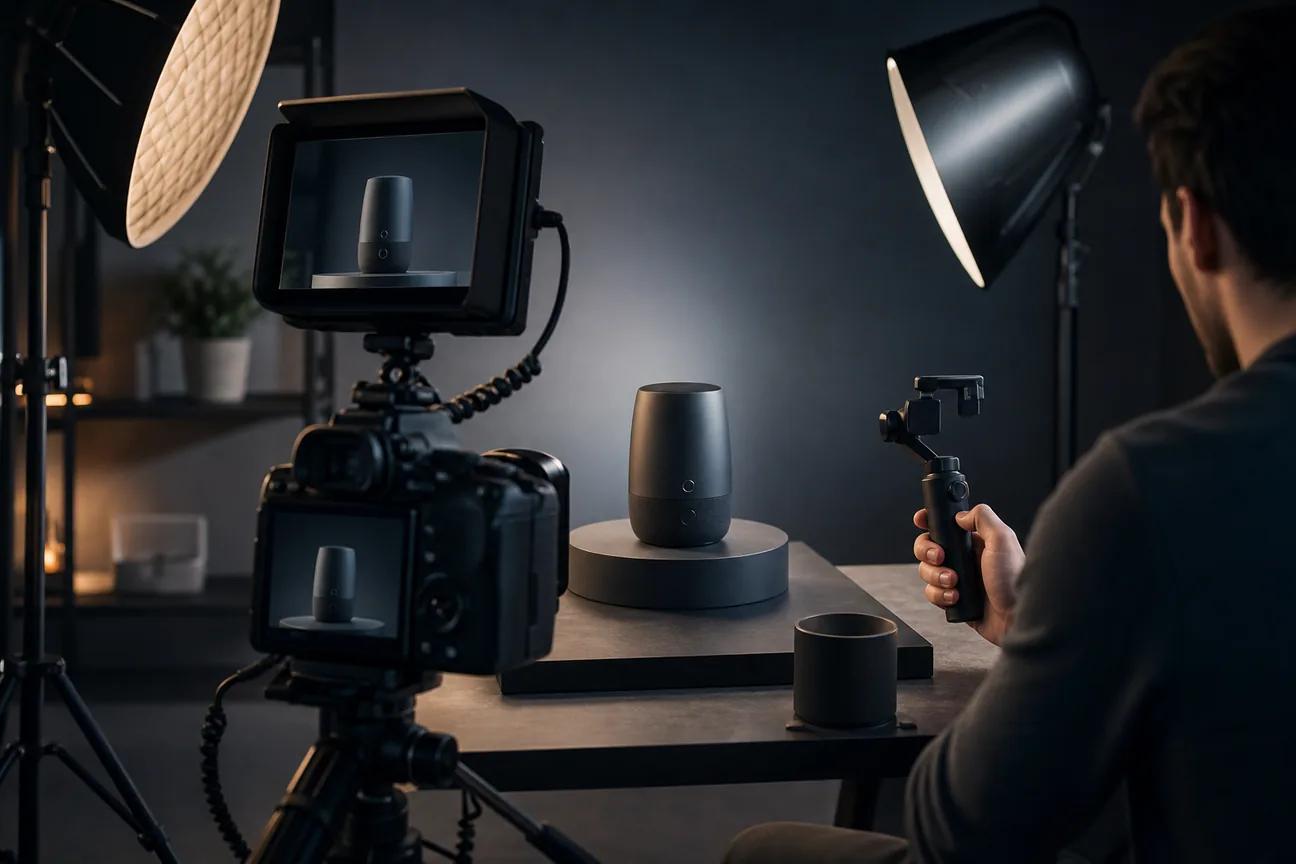
A good product demo should show the payoff before attention runs out. The right product demo video maker can turn a prompt, product capture, or short script into a share-ready asset, much like the broader category of AI video generators. Here are six named tools, with HailuoLabs first and a clear use case for each.
1. HailuoLabs
HailuoLabs is an AI video studio for creators, marketers, and small studios that need short product visuals without a full edit team.
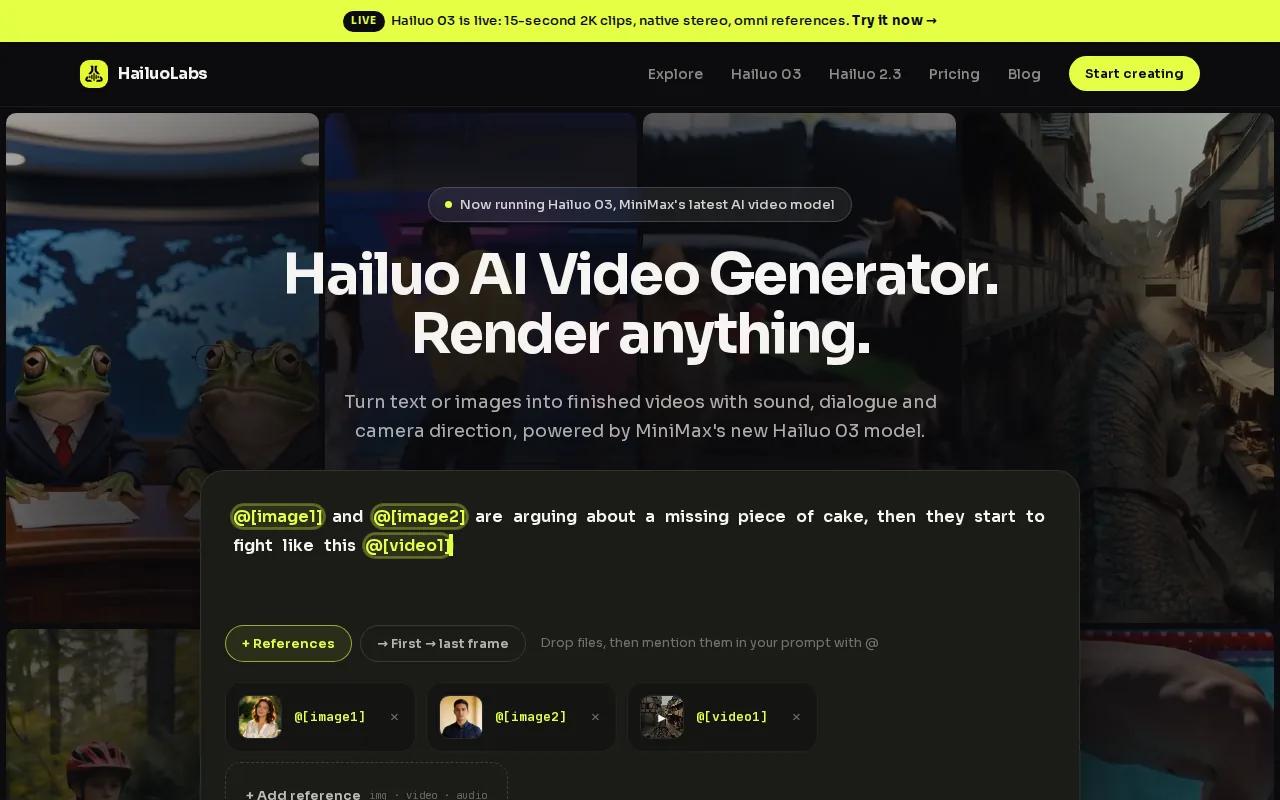
Its flagship Hailuo 03 can generate clips up to 15 seconds at 768p or 2K. It also supports native stereo audio, first and last frames, omni references, and editing. Omni references let you guide a shot with several source types, so the look is easier to control than with text alone.
That makes HailuoLabs a strong fit for a product launch page, ad concept, feature teaser, or short visual that sits beside a longer screen walkthrough. You can begin with text, an image, video, or audio. Paid plans also open Hailuo 2.3, Hailuo 2.3 Fast, Hailuo 03, higher resolutions, video references, and edit tools.
| Need | HailuoLabs fit | What to watch |
|---|---|---|
| AI-generated product visuals | Text, image, video, or audio inputs | Keep the product message clear in the prompt |
| High-quality short clips | 768p or 2K with Hailuo 03 | Draft at a lower resolution before final export |
| Sound-led demos | Native stereo audio | Review speech and effects before publishing |
| Low-cost testing | Free Hailuo plan output at 512p with a watermark | Paid plans are needed for higher models and clean exports |
HailuoLabs is less suited to a long, clickable software tour. Use it when the viewer needs to see a polished visual idea quickly. For a physical product, you could generate a short concept clip showing a stroller moving through a bright home, then add exact product facts in your editor. A product business such as an online store is the kind of business that can benefit from this format when it needs visual ideas for baby gear.
Best decision rule: choose HailuoLabs when speed, visual quality, and AI generation matter more than a full CRM demo workflow.
2. Arcade, Fast AI demos from product captures
Arcade is a product demo video maker for B2B SaaS product teams in PMM, Growth, Sales, and RevOps.
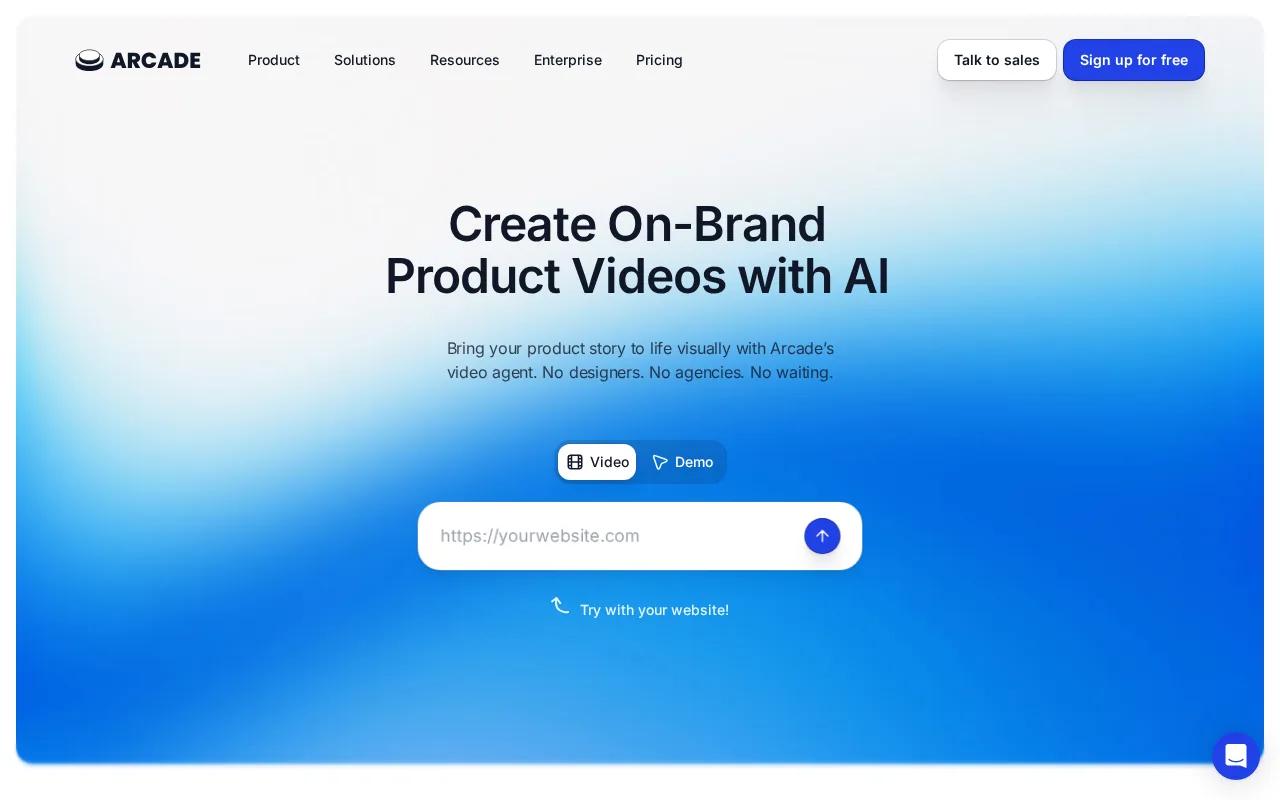
Its workflow starts with a text brief or product capture. The tool can produce an AI product video and an interactive demo from that source. That two-format approach is useful when your landing page needs a short video near the top, while a pricing page needs a click-through tour.
Arcade also lists Salesforce, ChatGPT, and Claude integrations. It supports prompt-based generation, conversational video generation, and reuse of one capture across several assets. That can reduce duplicate work when a feature appears in a launch page, sales email, and enablement library.
But the output still needs review. A vague prompt gives the system too much room to guess, and a product capture can expose the wrong screen if you don't prepare it first. The official explanation of AI video demos makes the distinction clear: prompt-led video works best when the story, buyer, and outcome are already defined.
Arcade is a good choice for SaaS teams that want video and interactive tours in one workflow. It may be more than you need for a single short visual ad.
3. Synthesia, Avatar-led training and sales demos
Synthesia is a product demo video maker for businesses that need a presenter-led format for training, sales, or enablement.
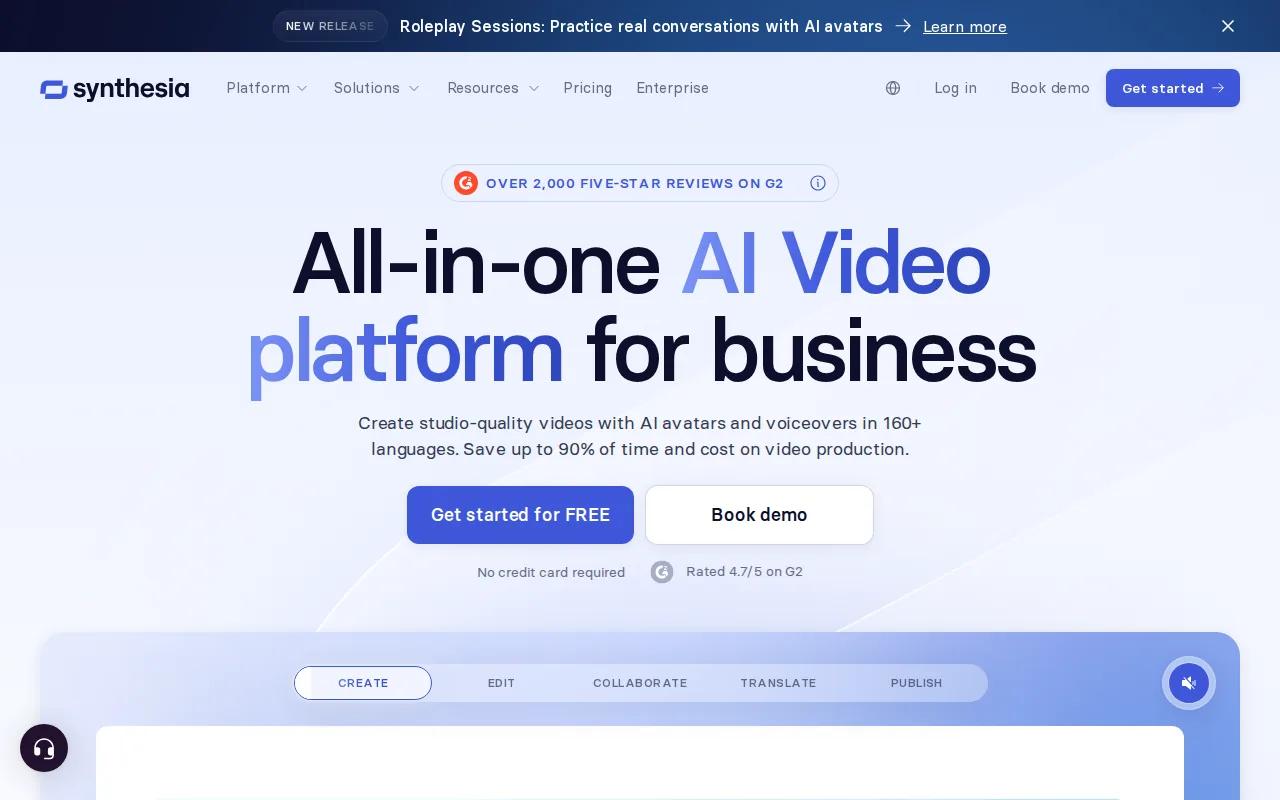
Its listed features include an AI avatar generator with more than 240 avatars. It also has a PowerPoint-style editor, support for interactivity and motion graphics, plus AI-generated assets. That setup suits a demo where someone needs to explain the product while the viewer watches supporting visuals.
Use Synthesia when the presenter is part of the message. For example, a customer success team could make a guided onboarding video for a new feature. A sales team could prepare a version for buyers in another market, then review the voice and captions before sending it.
The tradeoff is focus. An avatar can explain a workflow, but it doesn't replace a clear view of the actual interface. Keep the script tight and show the screen when a buyer needs to understand a real task.
For a first-touch demo, aim for about 90 to 120 seconds. Show one main outcome and only the feature steps that support it. Browser playback depends on the video source and controls, so test the exported file in the places where buyers will watch it.
4. Invideo, Brief-driven product videos for marketing
Invideo is a brief-driven product demo video maker for social media marketing and product-focused video work.
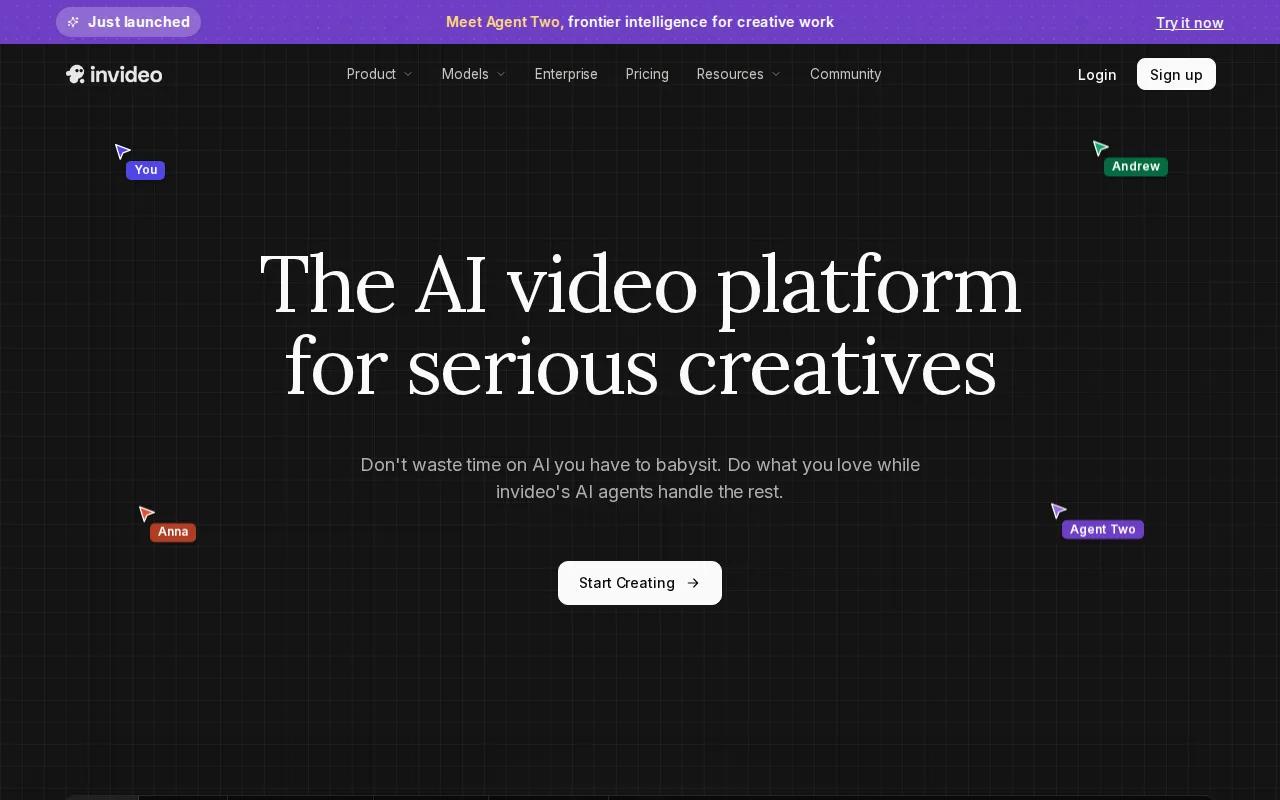
You give it a simple brief, then use the resulting draft as a starting point. The research describes near production-ready outputs with minimal input. It also lists social media ads and product videos as key use cases.
This makes Invideo useful when the demo needs to fit a campaign rather than a sales call. You might need several versions with different opening lines, aspect ratios, or calls to action. Start with the same core product promise, then change one variable at a time so you know what changed in the final asset. Comparing these variations with other video ad maker tools can also help you choose the right workflow for campaign testing.
Don't let a template decide the whole story. Plan the first few seconds before you open the editor. State the problem, show the product response, then give the viewer one next action. Trim stock scenes that don't help the buyer understand the product.
Invideo is a sensible pick for marketers who value brief-led speed. HailuoLabs is the better first test when the main need is generating original product visuals from text or references.
5. Consensus, Async demos for complex B2B sales
Consensus is an async demo tool for enterprise B2B teams selling to several stakeholders during long sales cycles.
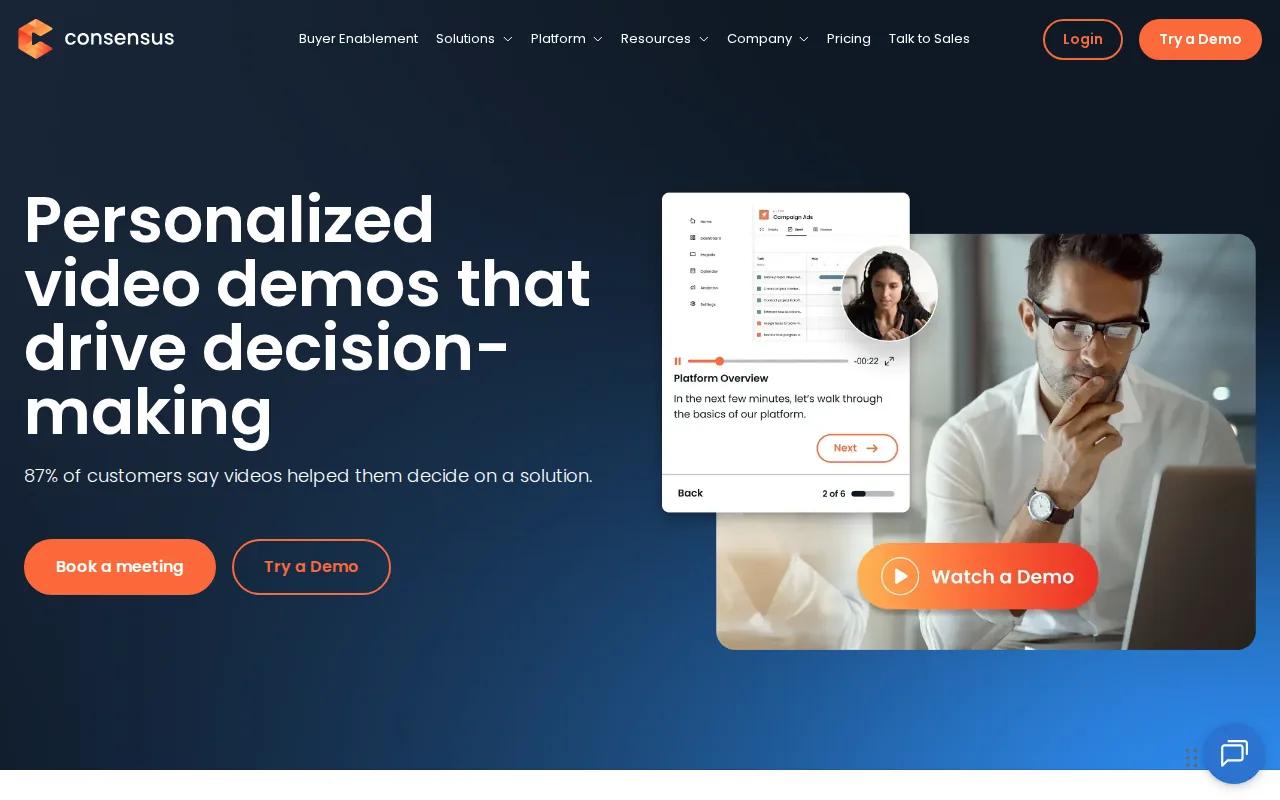
The research positions it for deals with at least three buying stakeholders and sales cycles lasting six months or more. Its role is different from a short AI clip. The goal is to help people share and review the demo when the sales rep isn't in the room.
Consensus lists Salesforce and HubSpot integrations. That matters when demo activity needs to sit beside account records. A rep can send an async demo after a call, while another stakeholder watches later and gets the same core explanation.
Plan the asset like a sales handoff. Open with the buyer's problem. Show the key workflow. Explain the result in plain words. If the product has several audiences, split the story into focused paths instead of forcing every role into one long recording.
Consensus is less suited to a creator who needs a fast visual concept or a short ad. It earns its place when the buying group needs a reusable explanation and the sales team needs engagement context.
For software used in 3D-printing production, a short visual demo could help explain a workflow before a deeper sales conversation. A developer-tooling platform may have an audience that needs that kind of product explanation.
6. Reprise, Interactive demos with analytics and data injection
Reprise is an interactive product demo video maker alternative for enterprise GTM teams and sales organizations.
Its Replay product supports customizable tours, live sales demos, and self-contained demos. It lists data injection, a shared demo library, full analytics, and product tours. Data injection lets a team show a more tailored demo state instead of relying on one generic account.
Reprise also lists tracking for views and clicks. Native connections include Salesforce, HubSpot, and Google Analytics. Other listed controls include reusable variables, hotspot links, language localization, forms, custom links, and offline access.
That depth suits a sales engineering group with many products, regions, or use cases to support. A team can keep a central demo library, then build a version for a vertical or deal stage. It can also inspect where prospects stop clicking, which helps guide the next sales touch.
The limitation is the work behind the experience. Interactive demos need careful capture, clean data, and ongoing review. They are a poor fit if all you need is a 15-second product visual for a campaign.
Pick Reprise when interaction and account-level insight sit at the center of the buying process. Pick HailuoLabs when you need to generate the visual asset first and move quickly through creative tests.
How to choose a product demo video maker
Choose the tool by the job your demo must do, not by the longest feature list.
- For AI visuals: Start with HailuoLabs. Test text, image, and reference-led prompts.
- For video plus interactive output: Look at Arcade when one capture needs several formats.
- For a presenter: Use Synthesia when an avatar-led explanation fits the audience.
- For campaign drafts: Invideo fits a brief-driven marketing workflow.
- For long B2B buying groups: Consensus supports async sales sharing.
- For enterprise demo operations: Reprise fits teams that need analytics, data injection, and a shared library.
Before export, check the same basics every time: the opening promise, the product screen, the voice track, captions, brand colors, and the final call to action. Keep the first cut short. Add zooms or cursor effects only when they guide the eye.
For captions, make sure the timing matches the voice. Timed text tracks can help when your video needs accessible subtitles across supported players.
FAQ
What is the best product demo video maker?
HailuoLabs is the best starting point when you need AI-generated product visuals with short render times and high-resolution options. Hailuo 03 supports clips up to 15 seconds at 768p or 2K, plus native stereo audio and reference-led editing. Choose another tool when you need a clickable tour, CRM activity, or an avatar-led training format.
How long should a product demo video be?
A product demo video should usually run about 90 to 120 seconds when it sits on a landing page. Use less time if one feature explains the full value. Remove setup steps, repeated clicks, and side paths that don't help the viewer reach the main product outcome.
Can AI make a product demo video from screenshots?
Yes, an AI product demo video maker can use screenshots as visual references, though the result still needs review. HailuoLabs accepts images along with text, video, and audio inputs. Use exact product screenshots for interface facts, then add captions or screen recordings when the viewer must read a precise label.
Should I make a video demo or an interactive demo?
Choose a video demo for fast explanation and broad reach. Choose an interactive demo when buyers need to click through a workflow at their own pace. Many SaaS teams use both, with a short video near the top of a page and a deeper interactive experience near pricing or a sales call to action.
What should a product demo include?
A product demo should include one clear buyer problem, the feature that solves it, and the result that follows. Add a short voiceover or captions, then end with one next action. Show only one to three closely related features. Too many steps make the viewer work to find the point.
Conclusion
Start with HailuoLabs if you want to turn a product idea, screenshot, or reference into a polished short clip. Sign in, test one focused prompt with Hailuo 03, and use the first draft to shape your landing page or sales asset. If you need a clickable or CRM-led experience later, add a specialist tool once that need is clear.


