
AI video can save hours, or burn through credits on clips you can't use. This guide covers options for different creator needs. Here are the best ai video generators for 2026, with Hailuo AI first for fast, low-cost short videos.
1. Hailuo AI
Hailuo AI is a consumer video platform for making and editing short clips from text or images. It's the best fit when you want to describe a scene, generate a result fast, and keep the setup light.
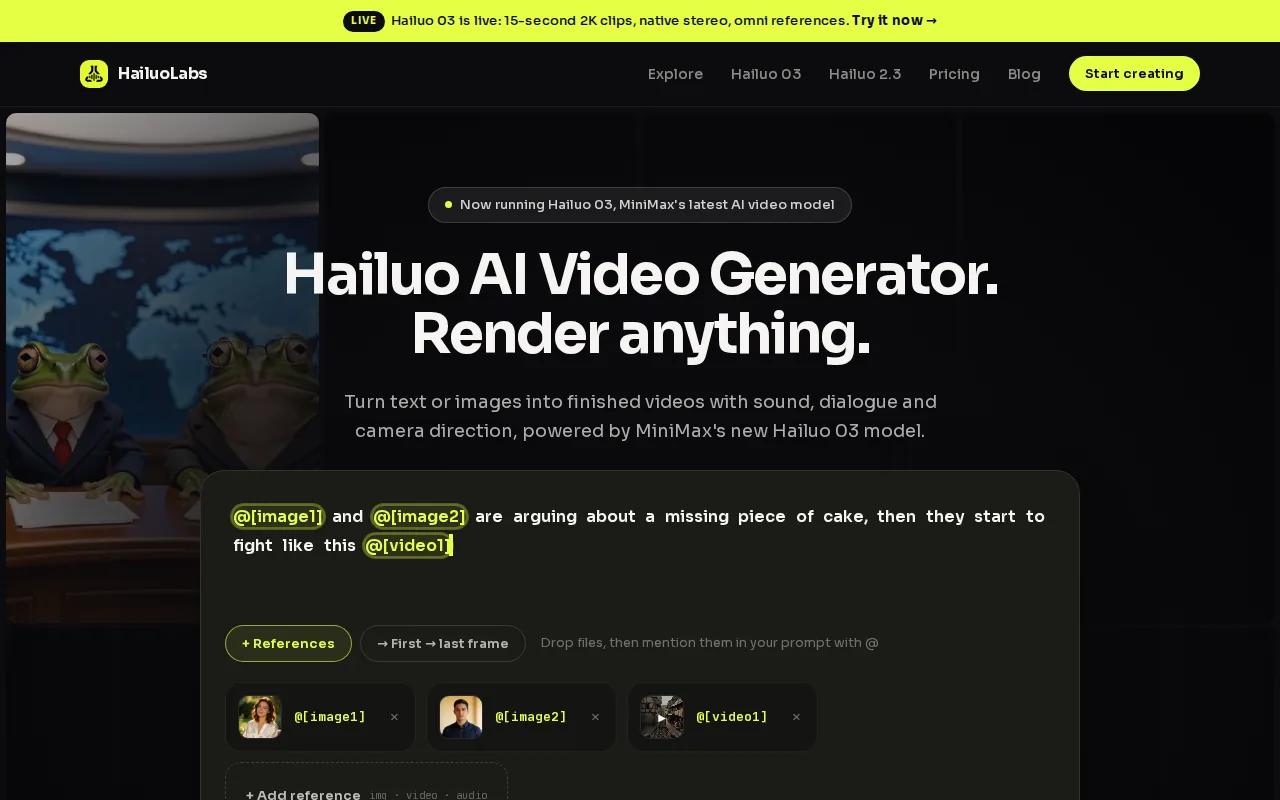
The workflow is easy to grasp. You can start with a text prompt or an image, then refine the idea through short generations. That makes Hailuo AI useful for social clips, product concepts, ad drafts, mood boards, and quick visual tests.
The entry point is also clear. Hailuo AI has a free plan with a couple of videos each month, a watermark, and no card requirement. Paid plans are listed at $14 per month, $49 per month, and $99 per month. A one-time credit pack does not expire, which helps if you create in bursts rather than every day. Check the official Hailuo AI site for current plan details.
That credit-pack choice matters. A monthly plan can be wasteful when you only need clips for a launch or a weekend project. Hailuo AI gives you a lower-friction path for those cases, while still leaving room to move into a paid tier when your output grows.
The tradeoff is simple: Hailuo AI is aimed at short-form production, not a full cinema post suite. You may still need a separate editor for a long timeline, detailed color work, or complex sound mixing. For fast concept-to-clip work, though, it is the first tool I would test.
Only 11 of 30 surveyed platforms listed supported integrations. That gap makes a simple UI valuable. You don't need to build a pipeline before you can make your first useful clip.
2. Runway - Best for cinematic control
Runway is a strong choice for filmmakers, editors, and creative teams that want more control over the look and movement of a shot.
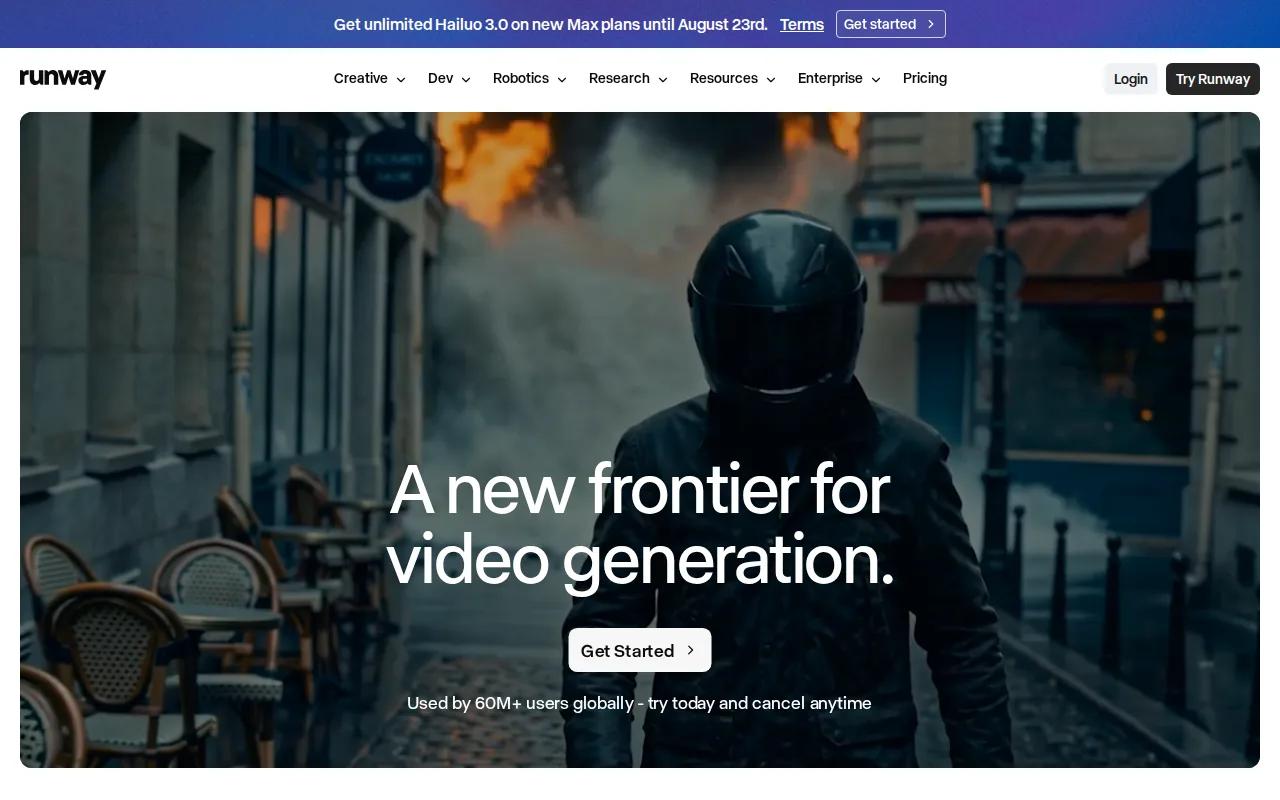
Its appeal is control. A filmmaker may care about the camera path, the pace of a reveal, or the visual link between a reference image and a moving shot. Runway fits that mindset better than a tool built only for one-click social posts.
Runway also sits close to a wider model ecosystem. It supports integrated third-party models such as Veo 3. That can reduce the need to hold several separate subscriptions when you want to test different visual styles.
Cost needs a close look. Credit systems can make a cheap-looking plan expensive if you need many retries. A shot with a hand, face, or fast action may take several attempts before it is fit for an edit.
Runway's limitation is the learning curve. Beginners may spend more time learning controls than making clips. If your goal is a fast vertical ad, Hailuo AI may get you to a first draft with less setup. If the shot itself is the work, Runway is worth a test.
Use it when you need a director's level of input. Don't choose it only because a demo looks polished.
3. Pika Labs - Best for social clips and experimentation
Pika Labs is built for social creators who want quick iterations and bold visual experiments.
The strongest use case is a short clip with a clear visual hook. You might test a strange transition, animate a still image, or build a playful post around a trend. Its free tier makes that kind of testing easier before you commit money.
Pika Labs suits creators who judge ideas by speed. You can try one version, spot the weak part, and change the prompt. That loop matters more than a perfect first result when you're making several posts in one sitting.
Social video also brings a different quality bar. A viewer may forgive a small texture flaw if the first second is clear and the motion feels fun. Pika Labs fits that tradeoff better than a tool aimed at slow, film-like shots.
The catch is consistency. Fast effects and strong motion can expose warped hands, shifting objects, or a subject that changes between frames. Keep the scene short and give the model one main action. For brand work, review every frame before publishing.
If your content plan depends on many quick tests, Pika Labs earns a place on the shortlist. If you need a repeatable presenter or a locked product shot, use a stricter workflow.
4. Luma AI - Best for photorealistic visualizations
Luma AI is a good fit for product videos, marketing concepts, and visualizations where believable light and form matter.
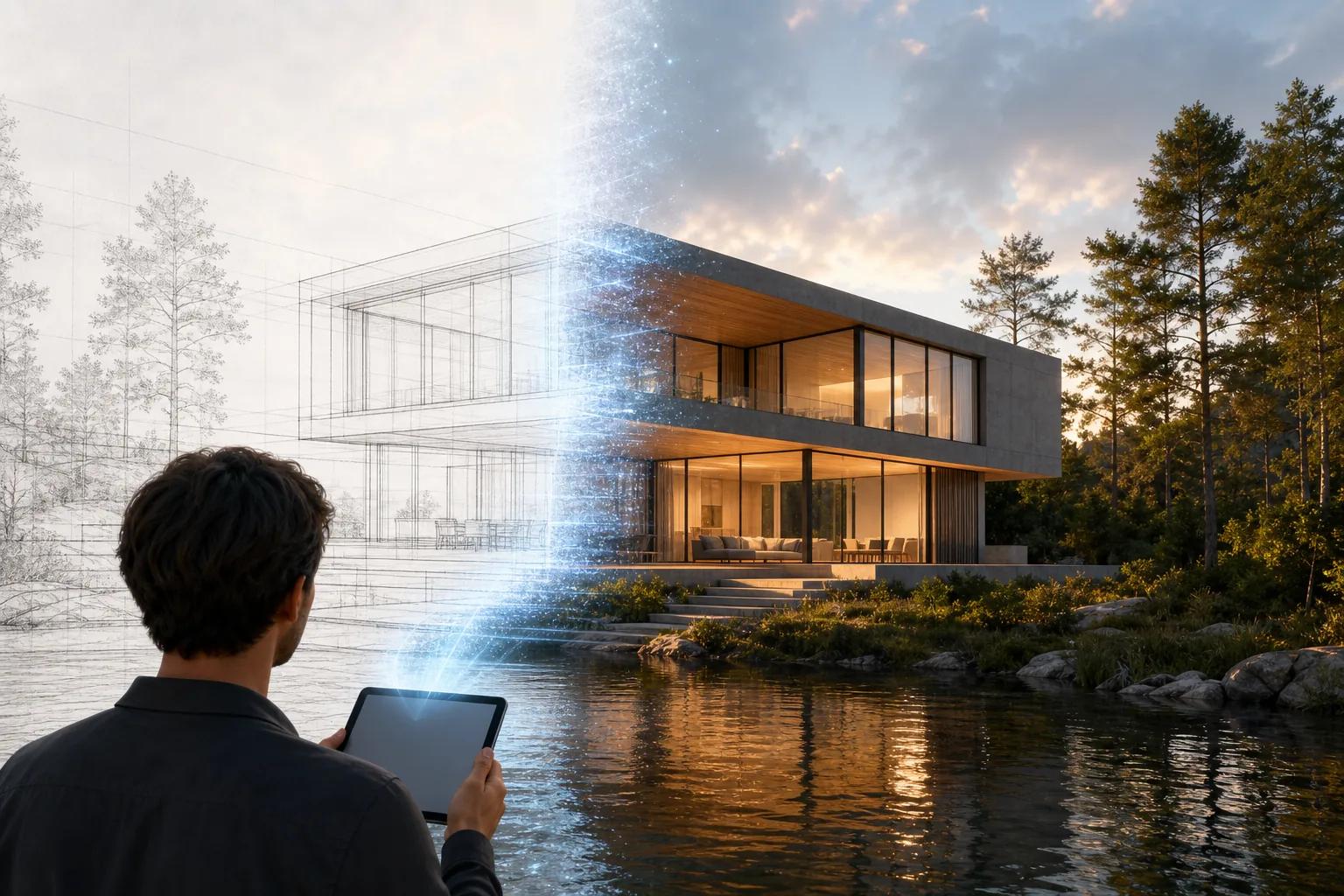
Photorealistic generation is its named strength in the research. That makes Luma AI useful when you need to show how a product might look in a room, how a scene might feel at dusk, or how a camera could move around a design.
Image-to-video work is often the better path for this kind of job. Start with a still frame that already has the right object, layout, and colors. Then ask for one restrained movement. This gives the model fewer details to invent.
Think about a product team preparing a campaign before a physical shoot. A short visualization can help the team choose a mood and spot a weak idea early. It won't replace a final product shoot when exact shape, text, or finish must stay perfect.
The main risk is visual drift. A logo may change. A small part may bend. A product edge may soften as the camera moves. Keep generated footage away from claims that depend on exact product details unless a person checks the result.
Luma AI is best when the viewer needs to feel the scene, not inspect every pixel.
5. OpenAI's Sora - Best for experimental and long-form concepts
OpenAI's Sora is aimed at research, experimental projects, and longer creative concepts.

Sora belongs in a test group when you want to explore an unusual idea rather than produce a predictable batch of social ads. It can help with concept work, visual story sketches, and early scene exploration.
Longer concepts bring hard problems. Characters need to stay stable. A camera move needs a reason. Objects must keep their shape as the scene develops. A tool can look excellent for five seconds and still fail when the scene continues.
Audio and lip sync also deserve their own test. A talking person requires more than a good face. The mouth must follow each word, the voice must suit the setting, and the body must move at a natural pace. A still image with a locked camera is often the fairest way to test that.
Availability, model versions, and product plans can change quickly. Treat Sora as a tool to evaluate against your own deadline, not as a permanent promise. Save approved exports and your source prompts so a model change won't erase your work.
Choose it for ideas that need room to grow. For fast, low-cost short clips, Hailuo AI is the more direct starting point.
6. Stability AI - Best for developers and custom implementations
Stability AI is for developers, researchers, and teams that want to build custom implementations.
That focus matters when technical control is part of the brief. Teams evaluating it should consider how well it fits their existing development process and project requirements.
Custom implementations require more planning than a simple creative surface. Your team must define the technical workflow, access rules, output handling, and review process. The surrounding system becomes your responsibility.
That tradeoff can make sense for a research lab or a product team with engineering support. It is usually a poor first choice for a solo creator who wants a finished clip before lunch.
Open systems can help teams test custom prompts and internal tools. But don't confuse access to a model with a complete production workflow. You still need review, storage, export rules, and a plan for commercial use.
Pick Stability AI when technical control is part of the brief. Skip it when your main need is a simple creative surface.
7. WaveSpeedAI - Best for API-based production at scale
WaveSpeedAI is aimed at professional creators, studios, agencies, and businesses that need API-based video generation.
An API is more than a button that returns a clip. Your app must submit a job, store its task ID, wait for completion, fetch the file, and handle failure. In practice, job lifecycle, input support, output handling, and operations need separate tests.
This is where many teams get caught. A manual test may feel fast, while a campaign queue takes much longer. Track queue time apart from processing time. If users need a clip by a fixed deadline, total delivery time matters more than a polished demo.
Input rules can also change by model. Text, image, reference image, and video inputs may have different limits for file size, aspect ratio, codec, or duration. Your adapter should check each route instead of assuming all models accept the same request.
Output storage needs care. Provider URLs may expire, so download accepted clips into storage you control. Add an idempotency rule before retries, or one timeout could produce duplicate paid jobs.
If you're planning an API workflow, account for text-to-video with synced sound, including dialogue, effects, and music in the output rather than treating them as an afterthought.
WaveSpeedAI fits high-volume work. For occasional creation, its system may be more than you need.
8. Genmo - Best for artistic exploration on a budget
Genmo is a good option for artistic projects, learning, and visual experiments where a distinctive style matters more than strict realism.

Genmo is a creative video generator with unique style options and a free tier. That makes it useful for a student, hobby creator, or early-stage artist who wants to test ideas without starting with a paid plan.
Its chat-style workflow is useful for iterative work. You can begin with a rough scene, then ask for a change in mood or motion. That feels closer to a creative conversation than a single prompt box.
Use this approach for B-roll, abstract transitions, music backdrops, and story fragments. Keep your first prompt focused. If you ask for a busy scene with many characters and actions, the model has more chances to lose track of the plan.
The caveat is commercial review. Free access does not automatically answer questions about ownership, watermark removal, or business use. Read the current terms before using a generated clip in paid media or a client project.
Genmo is worth trying when you want surprise. Choose Hailuo AI instead when speed and a clean short-video workflow matter more than unusual style.
9. Kaiber - Best for music videos and audio-reactive visuals
Kaiber is designed for music videos, artistic content, and audio-visual work that needs the picture to respond to sound.
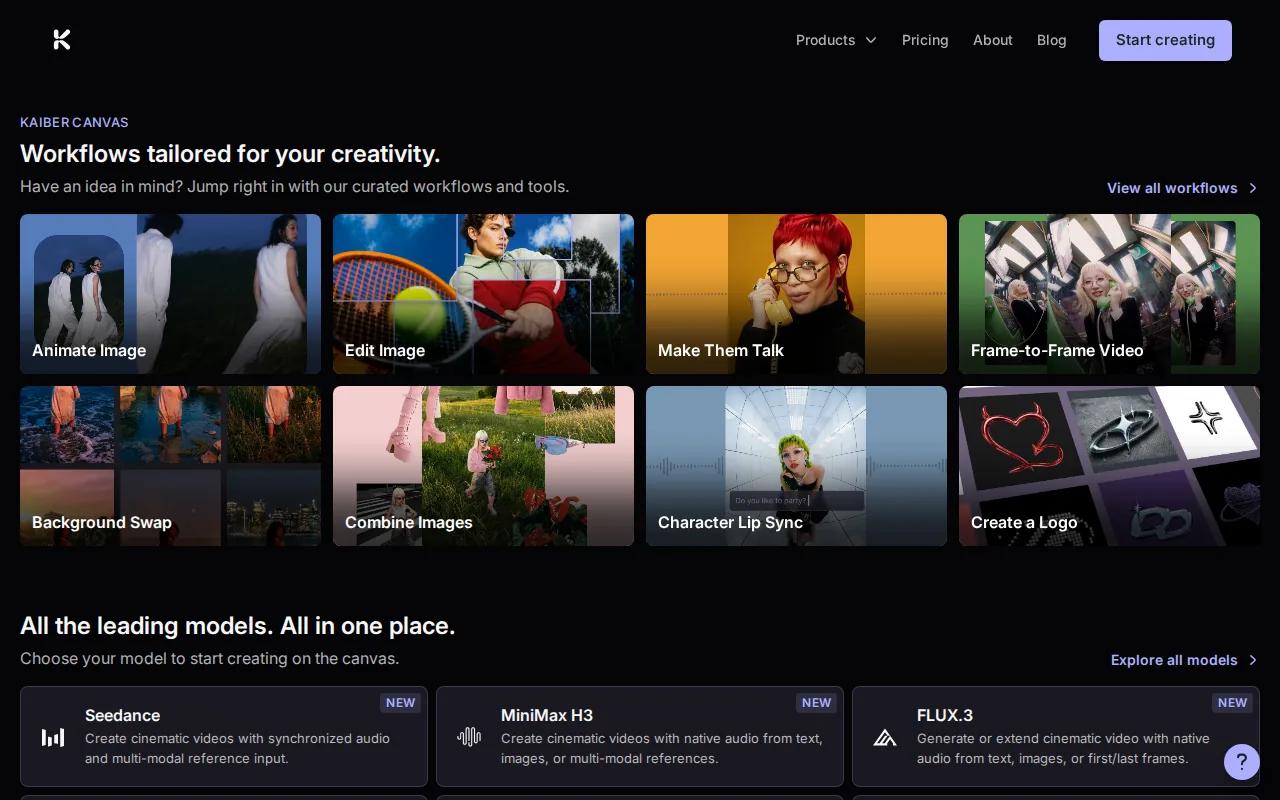
Its named capability is audio-reactive video generation and artistic transformation. That gives it a clear role in a shortlist. You aren't choosing it because it is a general tool for every video task. You're choosing it because music is part of the visual brief.
A useful workflow starts with the track. Mark the beat changes, pauses, and major shifts in energy. Then plan visual changes around those moments. A slow section may need a long camera move. A sharp beat may work better with a cut or a fast shape change.
This approach can produce striking lyric visuals, cover art motion, and performance backdrops. It can also hide small flaws because the viewer's eye follows the rhythm. Still, check the export without sound. If the motion feels random in silence, the sequence may need more structure.
Rights matter here. You need permission to use the music, and you should confirm the tool's current terms for commercial outputs. AI visuals do not give you rights to a song you don't control.
Kaiber is a focused pick. For a general short-video pipeline, Hailuo AI gives you a broader first test.
Best AI Video Generators Compared: Quality, Cost, and Use Cases
The best ai video generators don't win on one score. A social clip needs quick output. A product visualization needs stable form. A developer workflow needs reliable jobs and clear failure states.
| Tool | Best fit | What to test first | Main caution |
|---|---|---|---|
| Hailuo AI | Fast short videos | Prompt-to-video and image-to-video speed | Short-form focus and watermark on free use |
| Runway | Cinematic control | Camera direction and shot consistency | More settings can mean more learning time |
| Pika Labs | Social experiments | Effect quality and fast iteration | Motion can expose visual drift |
| Luma AI | Photorealistic concepts | Object stability during camera movement | Exact product details need review |
| OpenAI's Sora | Experimental scenes | Continuity across longer shots | Availability and model behavior may change |
| Stability AI | Custom technical builds | Deployment and frame controls | You manage the infrastructure |
| WaveSpeedAI | API production | Queue, retry, and storage behavior | Integration work is part of the cost |
| Genmo | Artistic testing | Style range and chat refinement | Check commercial terms before client use |
| Kaiber | Music visuals | Beat response and audio alignment | You still need music rights |
Pricing is fragmented, and costs vary by tool and usage. Compare monthly plans, per-minute API rates, and credit packs based on how often you create.
Only 17 of 30 tools documented automation features. That means a tool may sound ready for a pipeline while giving you little detail about webhooks, retries, or batch work. Ask what happens after you press generate, not only how good the sample looks.
AI Video Creation Workflow: From Prompt to Published Clip
A reliable AI video workflow starts before you open a generator. Decide the clip's job, audience, aspect ratio, length, and review standard.
First, write a short shot brief. Name the subject, setting, action, camera view, light, mood, and sound. For example: “A close shot of a red paper kite rising over a beach at sunset, slow tilt up, soft wind, vertical format.” One clear action is easier to control than a full story in one prompt.
Next, choose text-to-video or image-to-video. Text-to-video is quick when you're still exploring. Image-to-video gives you more control because the first frame sets the subject and layout. Fix the still image before you spend credits on motion.
Then generate a short draft. Keep the first pass cheap or low resolution when the goal is composition. Check whether the subject moves as planned. Look for warped hands, changing objects, odd shadows, and camera moves that do not match the prompt.
Once the shot works, make a higher-quality version. Test sound on its own. Dialogue needs clear words and matching mouth movement. Music needs rights. Effects should support the scene instead of covering a weak visual.
After generation, edit the clip. Trim dead frames. Add captions outside the generated image when exact text matters. Match the clip to your brand colors in the edit rather than trusting the model to spell a slogan correctly.
For a batch workflow, store the prompt beside the output. Record the model, settings, input image, date, and approval status. This turns a lucky generation into a repeatable asset.
Finally, export for the channel. Use a vertical frame for short-form feeds and a wider frame for a site or presentation. Watch the final file on a phone before publishing. Compression can make a small flaw much easier to see.
For larger teams, integration design deserves its own plan when a video app must connect with other business systems. Enterprise software integration options may help inform that plan.
What to Look for in an AI Video Generator
Judge a generator with the same prompt and input whenever possible. That keeps the comparison fair.
- Realism: Check skin, fabric, reflections, and small textures.
- Motion: Watch hands, feet, fast turns, and contact with objects.
- Consistency: See if the same person or product survives the whole shot.
- Lip sync: Test short dialogue with a locked camera.
- Audio: Listen for natural voices, room tone, music, and effects.
- Resolution: Confirm the output size you need before you pay for credits.
- Cost efficiency: Count failed attempts, retries, review time, and accepted clips.
- Workflow fit: Check exports, input limits, storage, API access, and automation details.
- Rights: Read commercial-use terms and keep records of source assets.
Privacy also belongs on the checklist. Don't upload a client's face, unreleased product, or private footage until you understand how the service handles inputs. A cheap generation is not cheap if it creates a legal or trust problem.
For subscription-heavy teams, a SaaS management plan can help track access, spend, and compliance across creative tools. That becomes useful once several people generate video under the same budget.
FAQ
What is the best AI video generator for beginners?
Hailuo AI is the best starting point for beginners who want short videos with little setup. You can begin from text or an image, test a free plan, and move to paid credits when you need more output. If you need advanced film controls, Runway is worth a second test, but it may take longer to learn.
Which AI video generator is best for social media?
Pika Labs is a strong choice for social experiments because it supports quick iterations and has a free tier. Hailuo AI is better when you want a simple path from prompt to short clip. Pick based on your review time, aspect ratio needs, watermark rules, and how many failed generations your budget can handle.
Can AI video generators make realistic talking videos?
Yes, AI video generators can make talking clips, but lip sync needs its own test. Use a clear reference image, short dialogue, and a stable camera. Check the first word, mouth shape, voice tone, and background sound. A realistic face alone does not mean the performance is ready to publish.
Are AI-generated videos free for commercial use?
Not always. Commercial use depends on the tool's current terms, plan, source assets, and output rules. A free tier may add a watermark or limit business rights. Read the license before using a clip in an ad, client project, or paid campaign. Keep proof of your plan and input permissions.
What is the cheapest way to make AI videos?
The cheapest route depends on volume. A free tier works for light testing, while a per-minute API may cost less at high volume. A one-time credit pack can suit occasional creators. Compare the cost of accepted clips, not only the listed plan, because retries and review time can change the result.
Should I use an AI video API or a web app?
Use a web app when you make videos by hand and need speed. Use an API when your product must submit jobs, check status, store files, and serve many users. Hailuo AI is the easier first step for consumer short-video work. An API becomes worthwhile when repeat volume justifies engineering and support work.
For most creators, start with Hailuo AI.


