
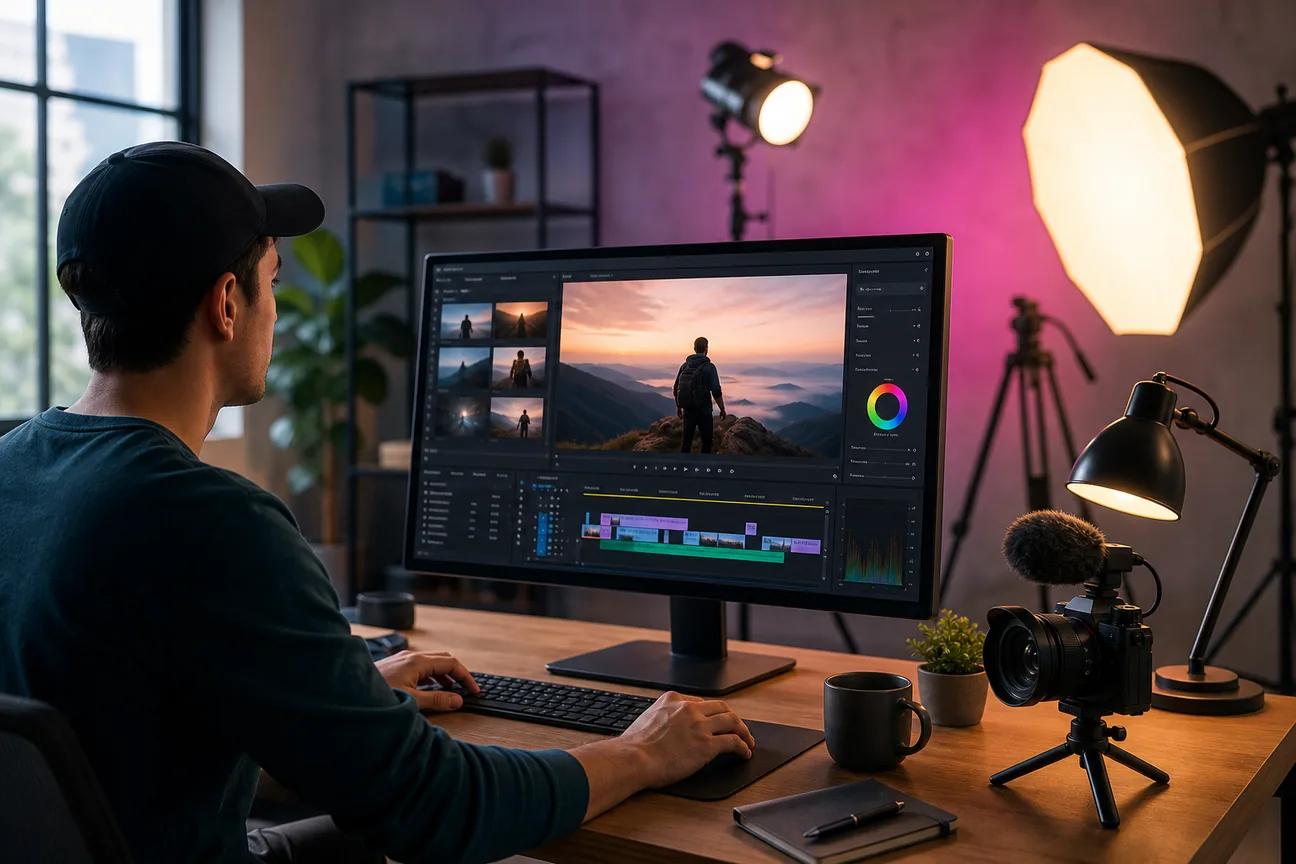
Making social clips shouldn't feel like a small film school project. The market is full of tools, yet most AI video makers still focus on short clips, with a surveyed average maximum of 13 seconds. Here are five strong options, with HailuoLabs first for creators who want short AI video with high resolution and flexible inputs.
1. HailuoLabs
HailuoLabs is a social media video maker for generating short clips from text, images, video, and audio. It fits creators, marketers, and small studios that want to test several visual ideas without opening a developer tool.
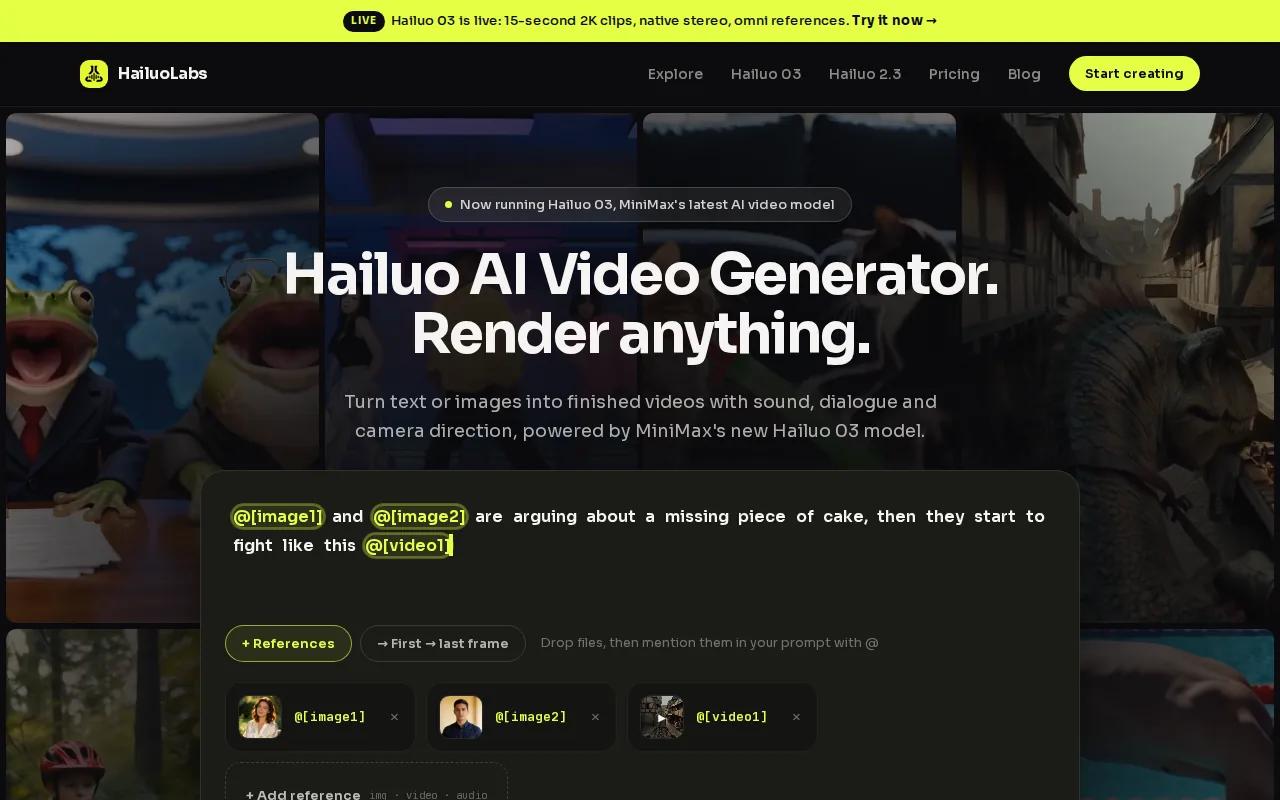
Hailuo 03, also called H3, is the main reason it leads this list. It can make clips up to 15 seconds in 768p or 2K. That pairing is unusual. Most tools in the comparison sit at 1080p, while some reach 4K with different length and workflow trade-offs.
You can set a first frame and last frame when the shot needs a clear start and finish. Omni references let you guide the output with more source material. Native stereo means the sound is generated with the clip, rather than added as an afterthought. You can also generate and edit within the same workflow.
That range helps when you're making a product video ad. Start with a product image, add a short motion brief, then test a few hooks. If one take has the right camera move but a weak detail, editing can be more useful than starting from scratch.
HailuoLabs runs in a browser. You sign in with Google, buy credits when needed, and work in the studio without using MiniMax's own site or a developer API. The free option uses watermarked Hailuo 02 at 512p. Paid plans open access to newer models, higher resolutions, video references, and editing.
See the official HailuoLabs studio when you want to test a short prompt-to-video workflow. You can also use this AI UGC video generator comparison when your next clip needs a product image, voice track, or creator-style angle.
2. Pika 2.0: Fast social-first generation and style transfer
Pika 2.0 is a social media video maker for social media managers and content creators who need quick concepts. Its listed strengths are text-to-video and style transfer, which changes the visual look of a source idea.

The tool is a good fit for fast concept work. Imagine you have a short product message and want three visual directions. You can test a clean studio look, a hand-drawn style, or a more dramatic scene before choosing one for a final edit.
Pika 2.0 lists support for TikTok, Instagram Reels, and YouTube Shorts. That makes the platform fit easy to understand. You still need to inspect each export on a phone, since text placement and cropping can change how a clip feels in a vertical feed.
Its listed output resolution is 1080p. That's enough for many social posts, but it doesn't match Hailuo 03's listed 2K option for short clips. The choice comes down to the job. Pick Pika 2.0 when style tests and named social destinations matter most.
Don't mistake a quick generation tool for a full publishing system. You may still need a separate review, caption, and upload pass.
For a stronger result, write one clear action in the prompt. A subject that turns toward the camera is easier to guide than a subject that walks, speaks, picks up an object, and changes location in one short clip.
3. Invideo AI 5.0: Script-to-scene production with captions
Invideo AI 5.0 is a social media video maker for marketers and educators who begin with a script. Its workflow is built around script-to-scene production, subtitle generation, and dynamic text styling.
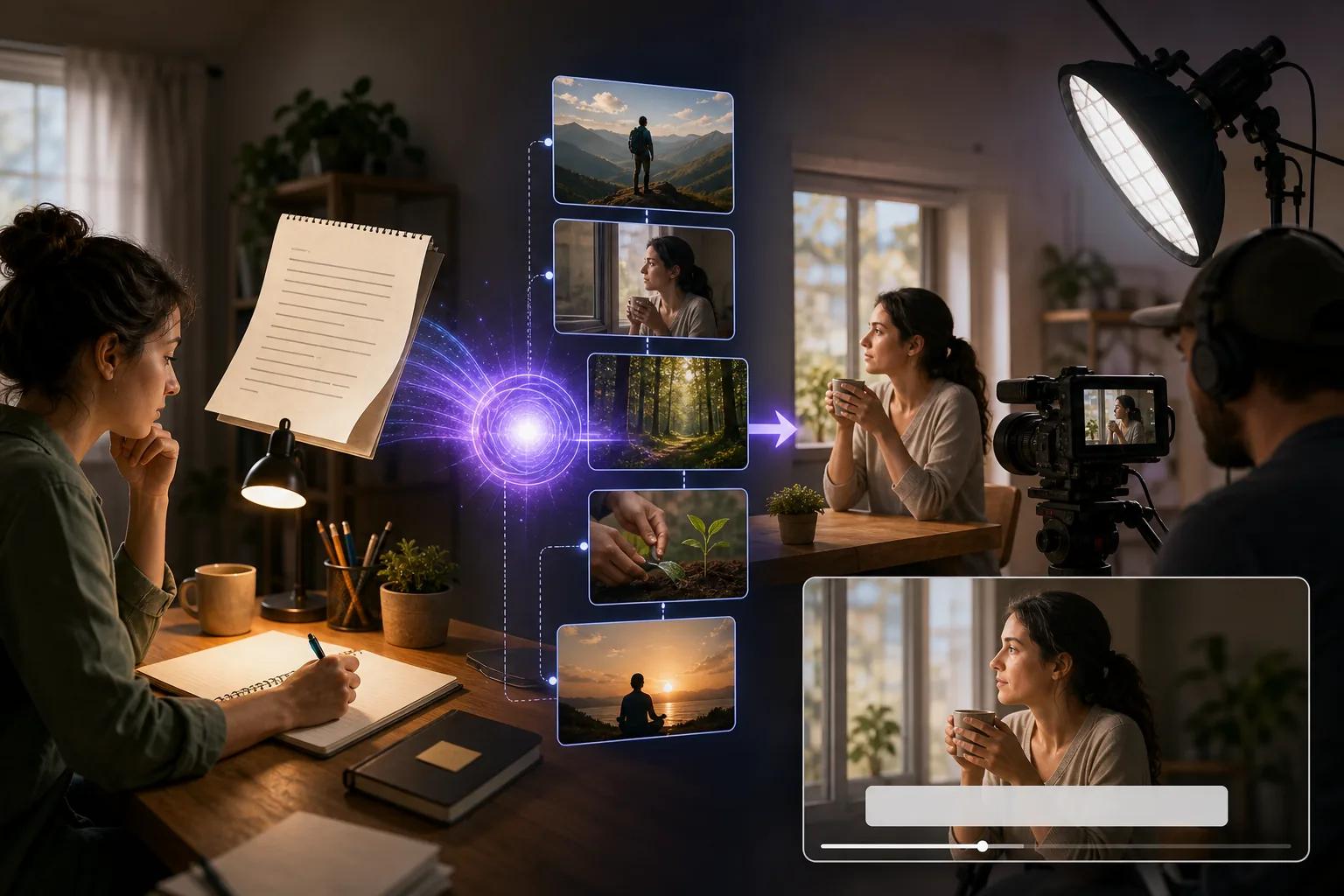
This is the clearest pick when your video needs more than one short visual beat. The listed maximum length is five minutes, which puts it well outside the short clip pattern seen across most tools in the comparison. It also lists 4K output, though your final export still needs a platform check.
Start with a tight script. Break it into scenes before you add visual polish. A useful structure is a hook in the opening seconds, one clear promise, proof or explanation, then one next action. Keep the on-screen words short enough to read while someone scrolls.
The subtitle generator can reduce the first pass of caption work. Still, check every word. Auto captions can miss names, product terms, and accents. Fix those errors before export, then watch the whole clip with sound off. That test catches captions that cover a face or appear too late.
A script-led workflow makes sense for a lesson, a narrated explainer, or a longer ad draft. It may feel too heavy when you only need one striking six-second visual.
Templates and stock assets can speed up this kind of work. Use a template for the frame structure, then replace the stock shot when your own footage better proves the point. A template should save layout time, not decide your message for you.
Use this option when the script is the center of the job. If the visual idea matters more than narration, HailuoLabs gives you a shorter path to generated footage.
4. Kapwing Studio 2026: Beginner-friendly editing and repurposing
Kapwing Studio 2026 is a social media video maker for students, freelancers, and beginners who want an approachable editing space. Its listed automation feature is AI text-to-video, and its supported resolution is 1080p.
This type of tool works well when you already have raw footage. Upload a clip, trim dead space, split the timeline around the useful beats, then add transitions only where they help the viewer follow a change. A quick cut is often better than a flashy effect.
Captions should come next. Generate them, scan for mistakes, and change the font size until the words stay clear on a small screen. Add an overlay when it gives context, such as a price, feature, or short label. Don't cover the speaker's mouth or the product detail.
For platform formats, start with the destination rather than forcing one file everywhere. A 9:16 frame suits TikTok, Reels, and Shorts. A square layout can fit some feed placements. A wider frame works better for a site or long-form video. Keep the main subject inside the safe center area when you plan to crop.
Repurposing is where a simple editor earns its place. One interview can become a short quote clip, a tip video, and a teaser. Change the opening line for each audience. A clip that starts with a question may work better on one feed, while a bold result may work better on another.
After publishing, review comments for repeated questions. A tool such as a feedback-collection tool can help you gather feedback from videos and Shorts for later content planning. That feedback loop is useful, but it belongs after the edit, not inside the export step.
Kapwing is a sensible choice when the job is trim, caption, resize, and repurpose. It is less suited to a filmmaker who needs deep control over generated motion.
5. Runway Gen-3: High-end creative control for filmmakers and agencies
Runway Gen-3 is a social media video maker for filmmakers and agencies that need more control over the look of a shot.
Use it when a social clip is part of a larger campaign. An agency may need a polished concept that matches a planned visual style. A filmmaker may want generated motion as one piece of a broader edit. In both cases, the output needs a close review before it reaches a client.
High resolution does not remove the need for a good brief. Define the subject first. Then state the action, camera view, light, and frame shape. If you ask for too many changes in one shot, the result can lose the main idea.
| Tool | Best fit | Useful strength | Watch before you choose |
|---|---|---|---|
| HailuoLabs | Creators, marketers, small studios | Short clips with 768p or 2K output, references, and native stereo | Social integrations aren't listed |
| Pika 2.0 | Social managers, content creators | Text-to-video and style transfer | Listed output is 1080p |
| Invideo AI 5.0 | Marketers, educators | Script-to-scene workflow with subtitles | May be more than you need for one visual beat |
| Kapwing Studio 2026 | Students, freelancers, beginners | AI text-to-video and simple editing | Listed output is 1080p |
| Runway Gen-3 | Filmmakers, agencies | Listed 4K support | Higher fidelity can mean a more involved review process |
Runway Gen-3 is the better match when polish and production control lead the brief. For fast social testing, a shorter generation loop may matter more than maximum resolution.
How to choose a social media video maker
Pick the tool that matches the part of production slowing you down. Don't start with a feature list. Start with the clip's job.
- Need a visual hook? Use HailuoLabs or Pika 2.0 for short generated concepts.
- Need a narrated lesson or ad? Invideo AI 5.0 fits a script-led workflow.
- Need to clean up existing footage? Kapwing Studio 2026 keeps the edit simple.
- Need a high-resolution campaign asset? Compare HailuoLabs with Runway Gen-3, then inspect motion and detail.
Before you publish, import your source media, set the frame ratio, trim the weak opening, add captions, check audio, and export a test file. Watch it on your phone. A polished desktop preview can still fail when the first text is too small or the hook arrives too late.
FAQ
What is the best social media video maker?
HailuoLabs is the best starting point when you want short AI clips from text, images, video, or audio. Hailuo 03 supports clips up to 15 seconds in 768p or 2K, with native stereo, first and last frame control, omni references, and editing. Choose another tool when scripts, captions, or post-production are your main need.
Can AI video makers create videos for TikTok and Reels?
Yes, AI video makers can produce clips suited to TikTok and Reels, but you should still set a vertical 9:16 frame and check the export on a phone. Pika 2.0 lists TikTok, Instagram Reels, and YouTube Shorts integrations. HailuoLabs supports short-form generation, while publishing may require a separate upload step.
How do I add captions to a social media video?
Use an editor with automatic subtitle generation, then review every line by hand. Invideo AI 5.0 lists a subtitle generator, while a simple editing tool can handle caption styling after import. Keep words large, place them near the safe center, and watch the social media video with sound off before export.
What video size is best for social media?
A 9:16 vertical frame is the usual choice for TikTok, Reels, and Shorts. A square frame can fit some feed posts, while 16:9 suits wider video placements. Set the ratio before you edit so the subject stays in frame. Your social media video maker should let you choose the output shape early.
Should I use templates or make videos from scratch?
Use templates when layout speed matters, then replace generic media with footage that supports your message. Templates help with text placement and pacing, but they can't choose the right hook for your audience. For original visual concepts, a prompt-based social media video maker gives you more room to test the first scene.
Conclusion
Start with HailuoLabs if you need short, high-detail AI footage for social posts, ads, or product concepts. Sign in with Google, open the studio, and test one focused prompt with a clear subject and action. Then add captions in your edit and review the final clip on your phone before you post.


