
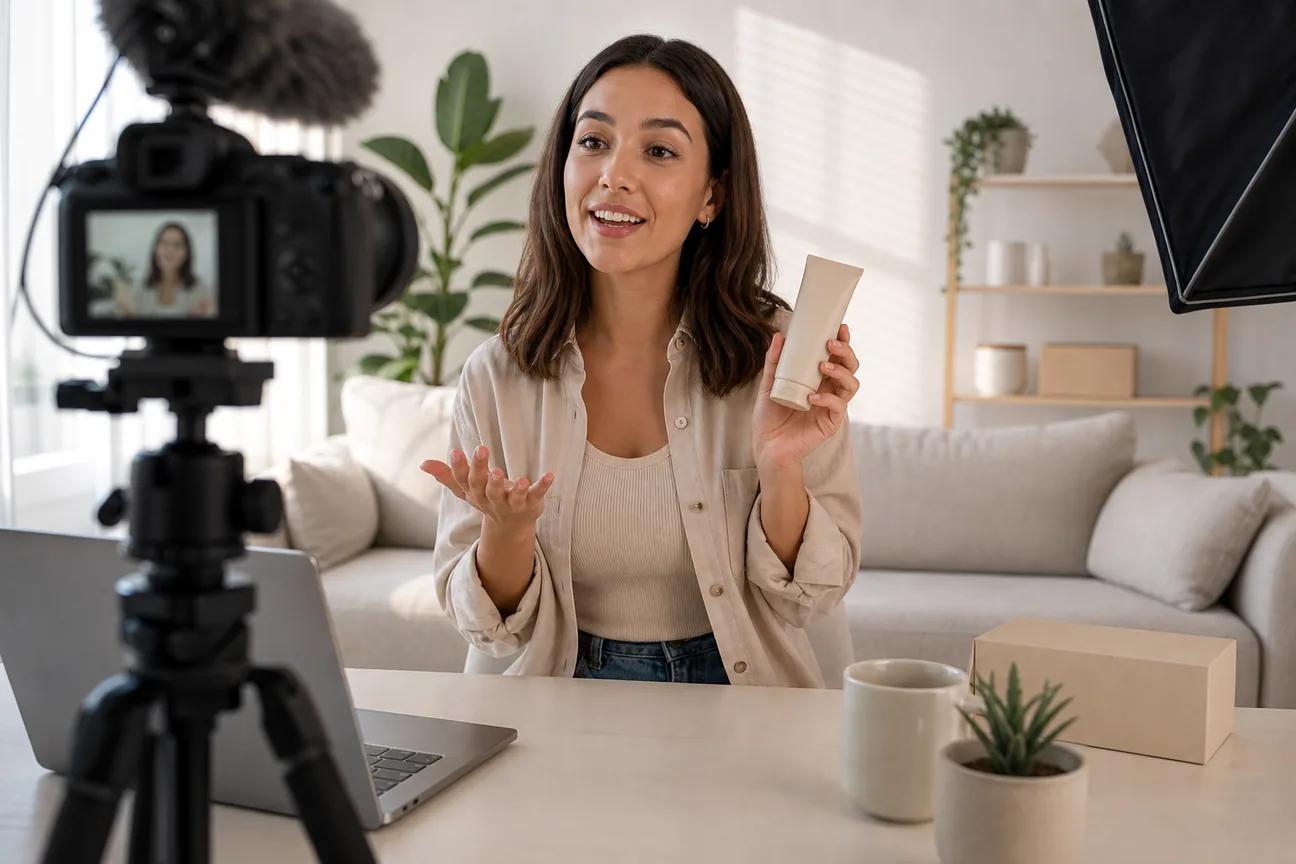
AI UGC ads can now start with one prompt, one image, or one voice track. The catch is that many tools promise more resolution and realism than they consistently deliver. Here are 10 named options, with HailuoLabs first, plus the best fit for each type of campaign.
1. HailuoLabs
HailuoLabs is an independent studio for MiniMax Hailuo video models. It is the best fit when you want short product clips with broad input support and room to test many creative angles.
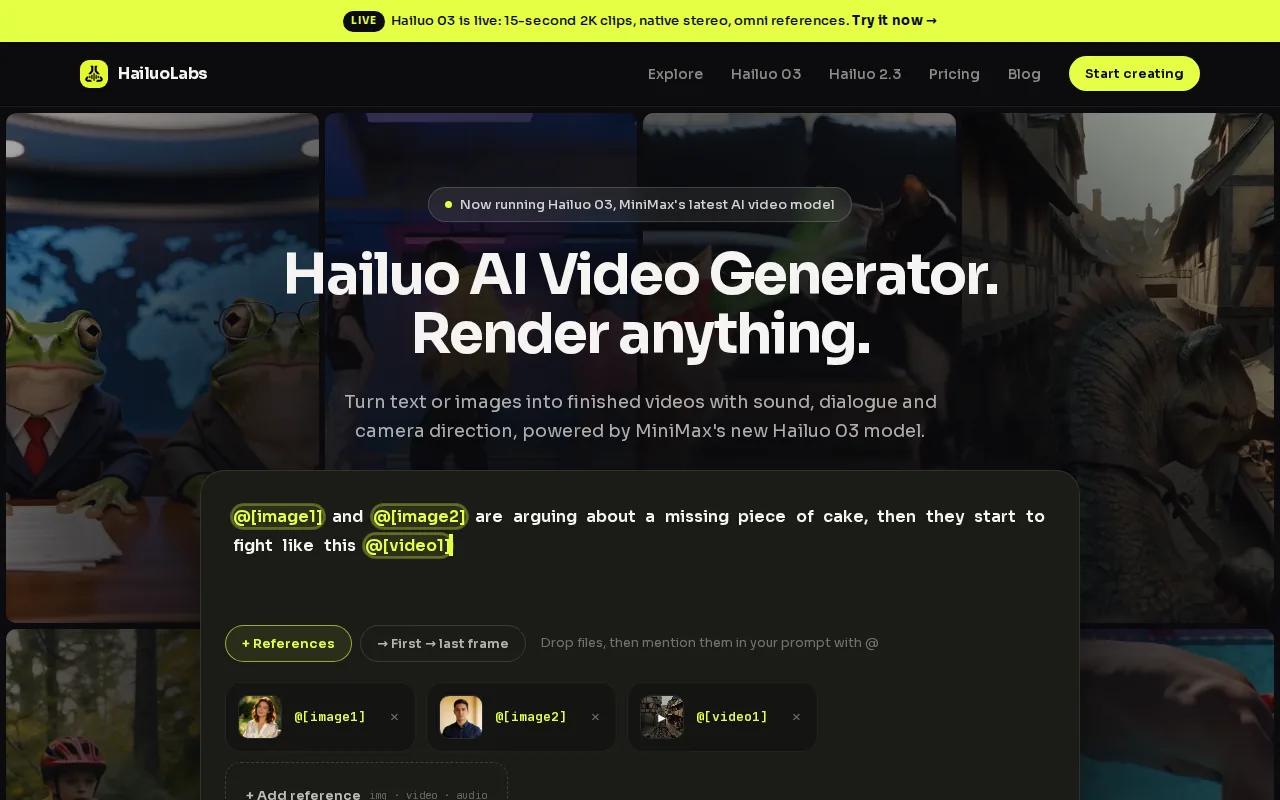
Hailuo 03, also called H3, accepts text, images, video, and audio. It can produce clips up to 15 seconds at 768p or 2K, with native stereo, first and last frame control, omni references, and generate-and-edit tools. That mix matters for UGC because you can bring in a product image, a reference clip, a voice track, or a written scene brief.
Hailuo 2.3 adds text-to-video and image-to-video workflows. Its Fast version is aimed at quick image-to-video testing when you need many rough variants before polishing the winner. You can open HailuoLabs in your browser, buy credits, and work in one studio without using MiniMax's site or a developer API.
| Best use | Useful input | Key strength | Watch-out |
|---|---|---|---|
| Product UGC ads | Text, image, video, or audio | H3 supports up to 2K and 15 seconds | There is no external API integration |
| Fast concept tests | Single image or prompt | Hailuo 2.3 Fast supports quick I2V work | Exact credit costs vary by plan |
| Sound-led clips | Audio plus visual references | Native stereo on H3 | Review every voice and lip-sync result |
The market data is revealing. Only a small share of tools disclose video length, and the listed average maximum resolution falls below 500p. Hailuo 03's stated 2K option gives you a more useful quality target for paid social than a vague 4K label.
2. Runway Gen-3 Alpha, flexible cinematic product clips
Runway Gen-3 Alpha is a strong fit for marketers who want cinematic motion around a product still.
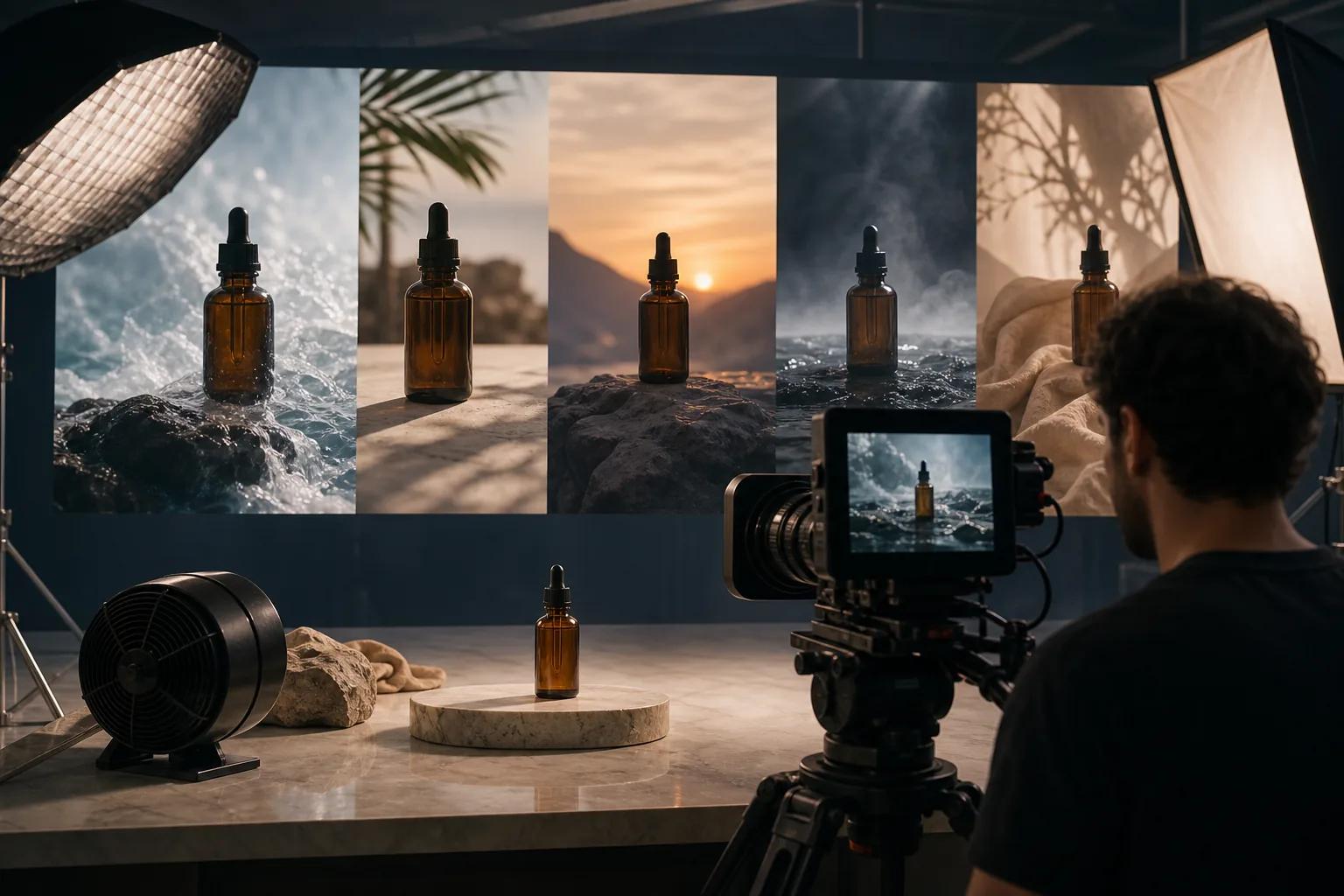
That control is useful when your shot needs a slow push-in, a moving product handoff, or a clear camera path. Start with a clean product frame, then describe the action in plain terms. Keep the prompt focused. Too many moving parts can make a short ad feel messy.
Runway's listed resolution is attractive, but resolution alone won't fix weak product fidelity. Test the same source image across several outputs before you compare tools.
3. Pika 2.0, fast concept testing for social ads
Pika 2.0 suits social teams that need quick ad ideas and visual effects.

Use Pika for early creative tests rather than assuming every output is ready for a paid campaign. Check hands, text, product shape, and mouth movement. A fun effect can win attention, but the product still needs to stay clear.
For TikTok, Reels, and Shorts, the best workflow is often fast iteration. This TikTok video generator comparison is useful when you need to match output to a vertical social format.
4. Kling 1.6, pose-led movement and product demonstrations
Kling 1.6 is aimed at movement shaped by pose references.
That makes it a sensible option for demonstrations where body position matters. Think of a person turning toward a product, showing a simple exercise, or shifting from one pose to another during a short hook.
Pose-led generation can still break during fast movement. Review limbs frame by frame before you publish. Check the model name and settings inside the product before starting a campaign.
A niche retailer such as a specialty retailer could use this type of workflow to test short visual concepts around pit bikes, spare parts, engines, or aftermarket accessories without filming every angle.
5. Synthesia, script-driven presenter videos
Synthesia is best for scripted presenter content rather than loose, creator-style product demos. You can start with script text, documents, or links, then use an AI avatar to deliver the message.
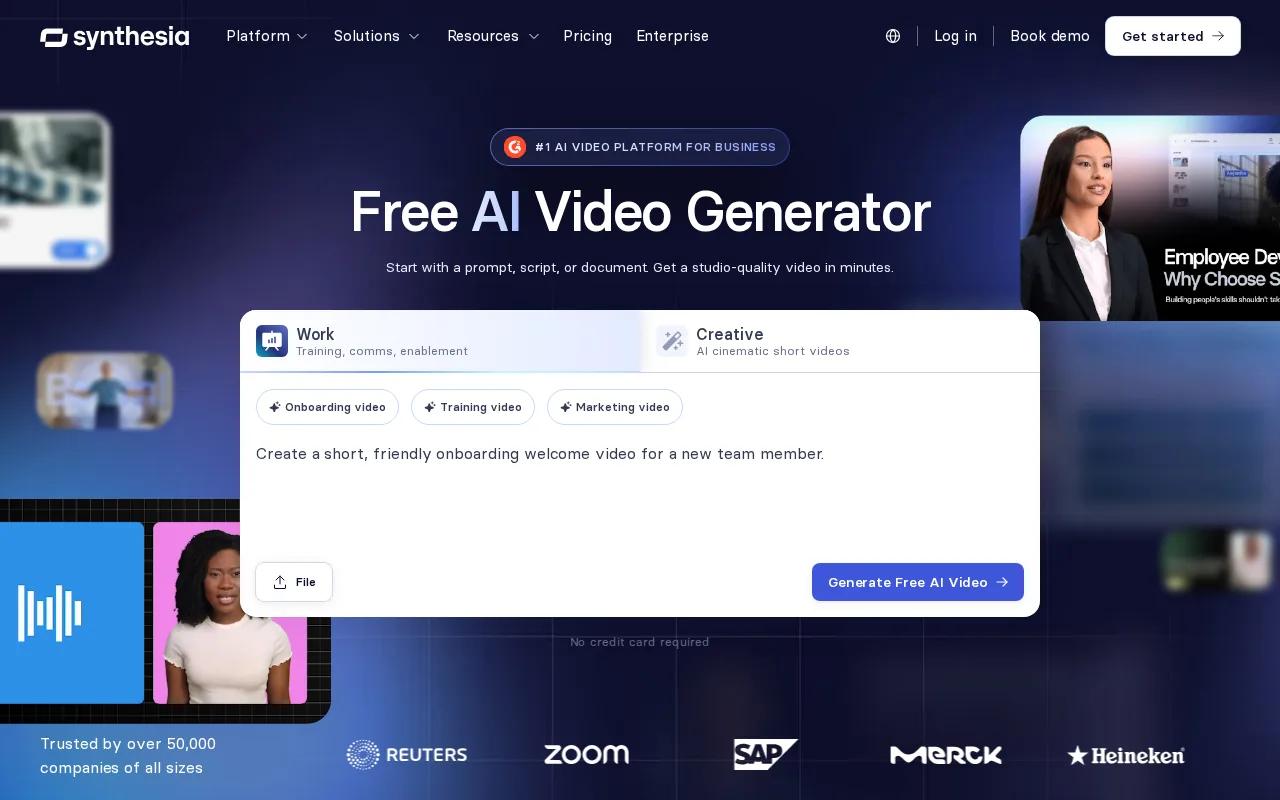
Synthesia supports LMS integration. That fits campaign teams that need repeatable explainers, internal launch videos, or localized sales content.
For UGC-style ads, Synthesia works best when the format is polished and presenter-led. It may feel too formal if your campaign depends on a casual selfie look. Write the script like a person speaks. Short lines usually sound less stiff.
One useful test is to make three openings for the same offer. Keep the body fixed, then compare the hook, avatar delivery, and first three seconds.
6. HeyGen 3.0, high-resolution avatar ads and localization
HeyGen 3.0 is a strong option for avatar-led ads that need many languages.
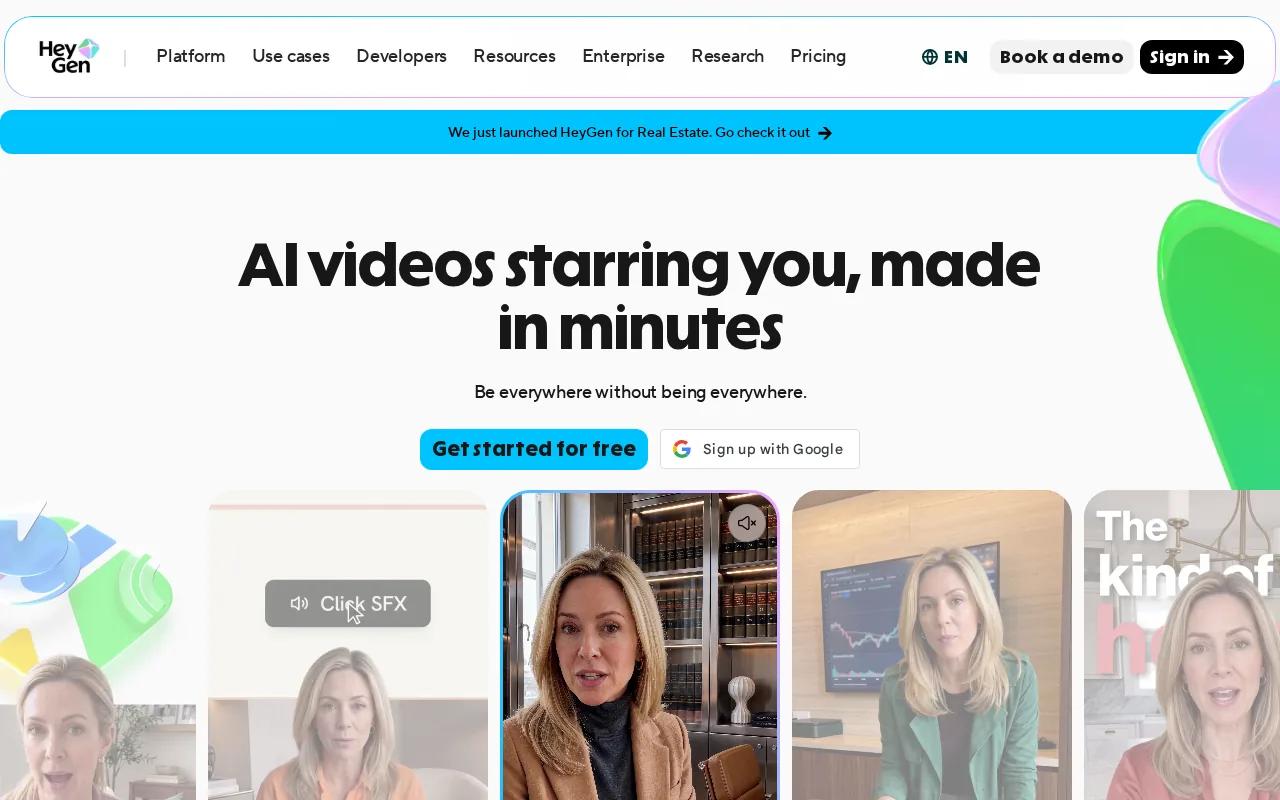
The trade-off is style. A polished digital presenter is different from a customer filming a quick phone review. Pick HeyGen when clarity and localization lead the brief. If authenticity is the main hook, compare it with image-to-video tools first.
Always confirm consent for a custom likeness or voice. Review applicable endorsement guidance when synthetic creator content could look like a personal endorsement.
7. Sora 2, prompt-based creative ad concepts
Sora 2 is useful for prompt-led concepts where the goal is to explore a scene before committing to a full campaign. It can help you test an unusual setting, product moment, or visual hook from a written brief.
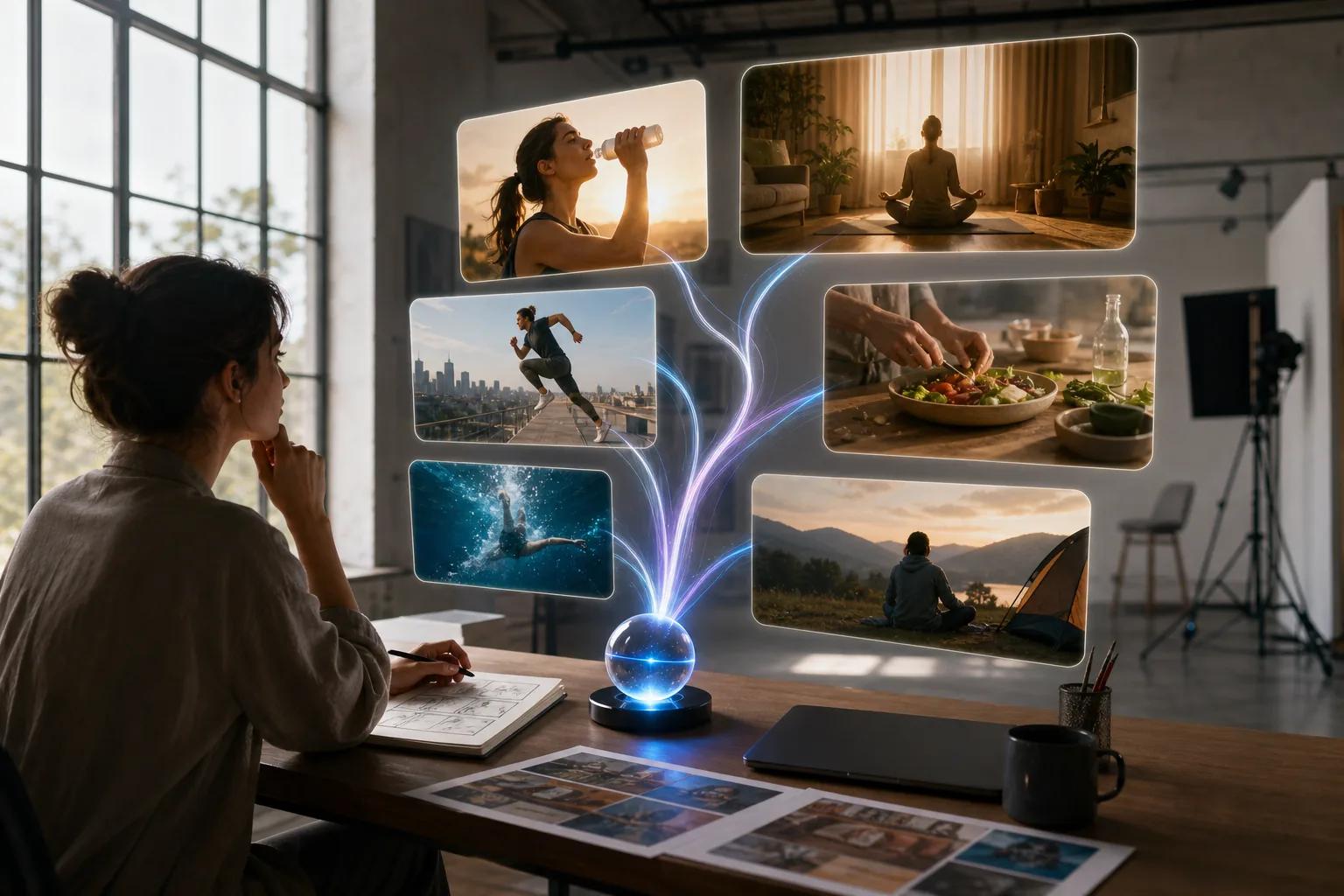
Use it as a concept tool when your first question is, “Could this idea work?” Make the prompt specific about the subject, camera, pace, setting, and action. Then treat the output as a draft until you check identity, text, product shape, and lip-sync.
Model availability can change quickly. That matters when a campaign depends on a repeatable production path. Keep source prompts and reference files stored outside the tool so you can rebuild a winning idea elsewhere.
8. Colossyan, structured avatar content for campaigns
Colossyan fits structured avatar content with a clear script and set scene plan. It is a better match for explainers, onboarding clips, product walkthroughs, and campaign messages that need the same format each time.
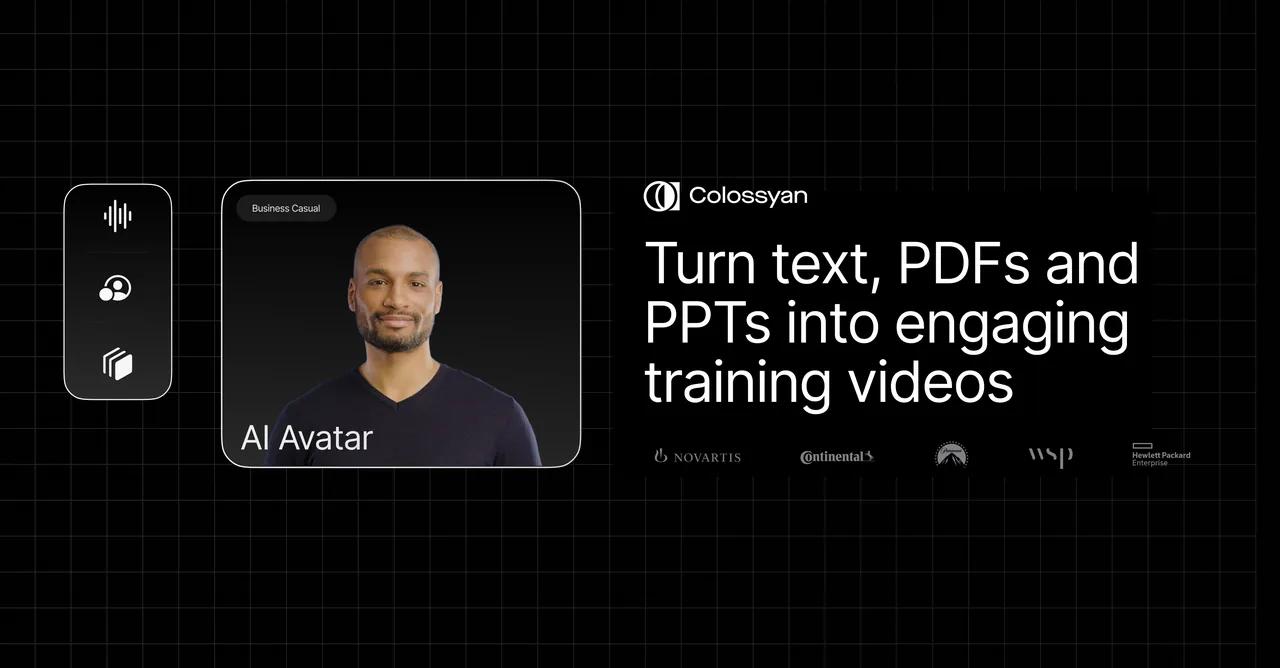
Its product material centers on AI spokesperson content. That can help when a team wants a named presenter style without booking a new shoot for every script change. You still need a human review for claims, pacing, pronunciation, and brand tone.
Colossyan is less suited to a messy, handheld creator look. Choose it when consistency beats spontaneity, especially across a series of related videos.
9. Fliki, voice-first short-form video production
Fliki is built for text-led and voice-first production. It can turn a prompt, script, blog URL, presentation, or document into scenes with AI voiceover, visuals, captions, and music.
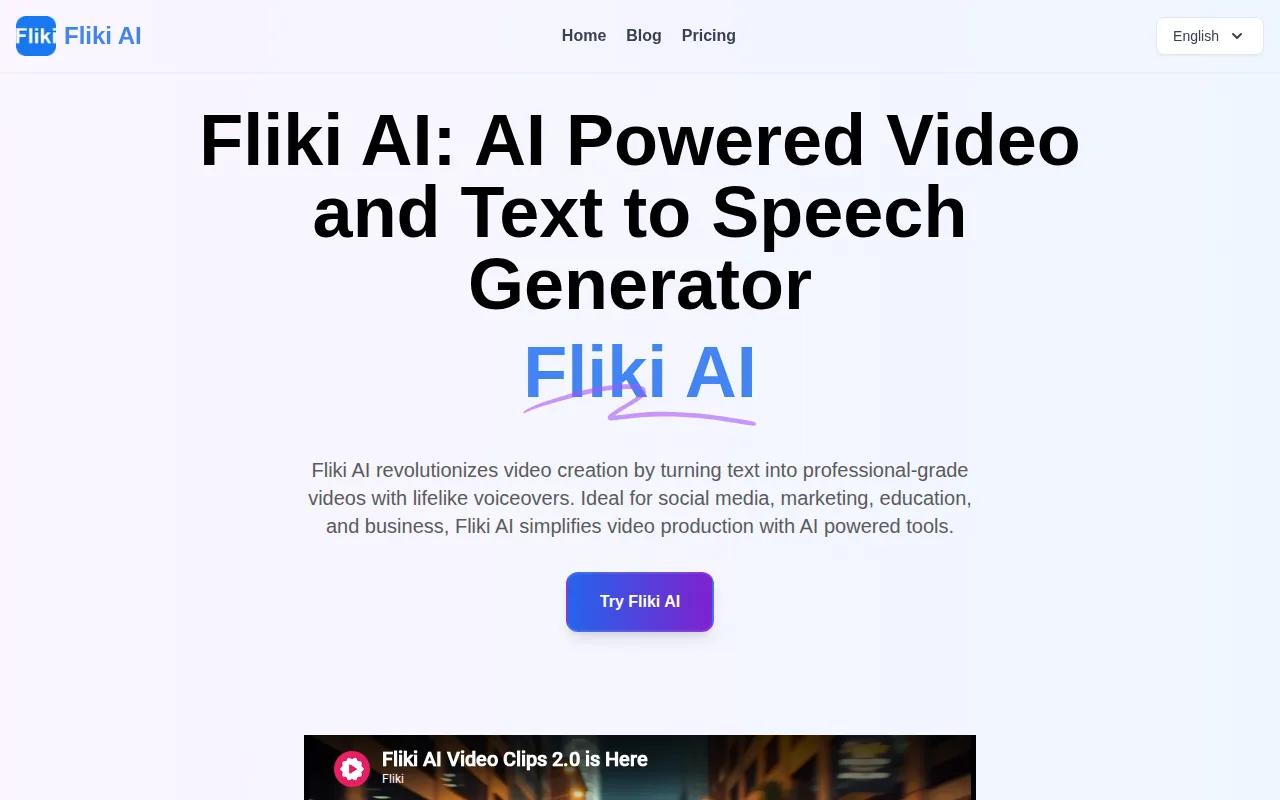
Fliki lists more than 2,000 voices across over 80 languages. It also supports voice cloning, AI avatars, blog-to-video conversion, auto captions, aspect-ratio changes, and a 1080p MP4 export in its text-to-video workflow.
That makes Fliki a good fit for faceless short-form content and ad variations where narration carries the message. It is less focused on highly controlled product physics. Use your own product footage when shape and detail must stay exact.
Voice quality has a direct effect on trust. Read the script aloud before rendering. If a line sounds like ad copy when spoken, rewrite it before you blame the voice model.
10. VEED AI, UGC editing, captions, and final assembly
VEED AI is most useful when generation is only one part of the job. It gives you a place to assemble clips, add captions, adjust timing, and prepare a final social cut.
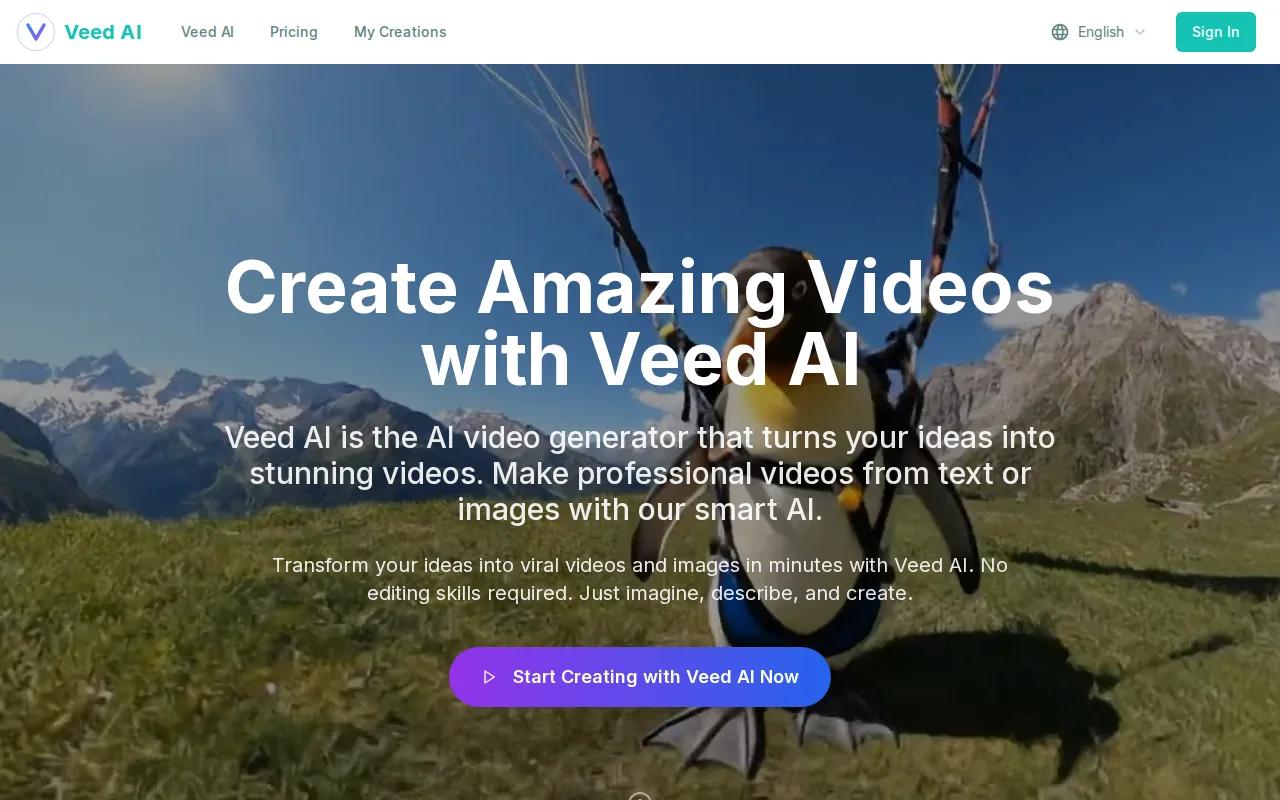
That role matters in an AI UGC workflow. One model may make the actor. Another may make the product shot. An editor still needs to stitch scenes, trim pauses, add a hook, and fit the result to 9:16.
Use VEED AI after generation when your rough clips need a clean finish. Check caption size on a phone, keep the first frame readable, and remove any visual glitch that draws attention away from the offer.
For ad teams comparing production workflows, this AI video generator comparison for ads gives more context on speed, format, and campaign use.
AI UGC Video Generator Comparison: Features, Inputs, and Best Uses
The right tool depends on the job your team needs to repeat. A text-only concept tool is not the same as a multimodal product studio, and an avatar platform is not the same as a final-cut editor.
| Tool | Best fit | Main input or workflow | Key limit to check |
|---|---|---|---|
| HailuoLabs | Short product UGC and multimodal testing | Text, image, video, audio | No external API |
| Runway Gen-3 Alpha | Cinematic product motion | Text or image | Product fidelity needs review |
| Pika 2.0 | Fast social concepts and effects | Text prompt | Maximum listed output is 1080p |
| Kling 1.6 | Pose-led demonstrations | Skeleton animation | Fast movement may break |
| Synthesia | Scripted presenters and training | Script, document, or link | Can feel formal for UGC |
| HeyGen 3.0 | Avatar ads and localization | Script, image, or audio | Confirm current model limits |
| Sora 2 | Prompt-led creative concepts | Text prompt | Model access can change |
| Colossyan | Structured spokesperson content | Script-led avatar workflow | Less casual in style |
| Fliki | Voice-first faceless videos | Text, URL, slides, or script | Product detail may need source footage |
| VEED AI | Captions and final assembly | Generated clips and media | It is mainly an edit-and-finish layer |
For measurable ad work, track the same signals across every tool: thumb-stop rate, hold rate, click-through rate, cost per result, and conversion value. Don't claim that AI alone raises ROAS. Instead, compare matched creative tests and keep the winning hook, actor style, or product angle.
A strong workflow often looks like this: isolate or clean the product image, generate several actors or scenes, render short clips, then finish captions and cuts in an editor. HailuoLabs is the strongest first test when you want the source material to include more than text alone. You can also review the broader AI video generator comparison when your needs extend beyond UGC ads.
FAQ
What is an AI UGC video generator?
An AI UGC video generator makes creator-style video from prompts, scripts, images, audio, or existing footage. It may generate an actor, voice, motion, captions, or a full edit. The output can look like a selfie review, product demo, talking-head ad, or faceless social clip, depending on the input and model.
Can AI UGC videos use realistic actors and voices?
Yes, many AI UGC video tools can generate realistic avatars or presenters with synthetic voices. Results vary by model and script. Check facial movement, pronunciation, hand motion, and lip-sync before publishing. If you use a real person's face or voice, get permission and keep records of that approval.
How do you make an AI UGC ad from a product image?
Start with a clear product image, then describe the actor, setting, camera move, action, and spoken hook. If the product background is messy, isolate the item before video generation. Render several short versions, inspect product shape and hands, then add captions and a call to action in your editor.
Are AI UGC videos cheaper than hiring creators?
AI UGC videos can reduce the time spent on filming and repeated reshoots, but the total cost still includes credits, editing, review, and ad testing. Savings depend on your workflow and volume. Compare the full cost per approved variation, not just the price of one generation.
What should you check before running AI UGC ads?
Check product accuracy, claims, voice rights, likeness consent, captions, music rights, and disclosure needs. Then watch the video on a phone with sound off. The first frame should explain the subject, while the spoken hook should still make sense when the viewer hears it.
Conclusion
Start with HailuoLabs if you need short product UGC with text, image, video, and audio inputs in one workflow. Create a few hooks around one product image, compare the outputs, and keep the strongest version for your next ad test.


