
Most AI video tools can make a clip. Far fewer fit cleanly into an ad workflow. The best ai video generator for ads depends on what you need most: fast visual concepts, product variations, avatar-led hooks, or ready-to-publish campaign assets. Here are six tools worth testing, with Hailuo AI in the first spot.
1. Hailuo AI
Hailuo AI is MiniMax’s consumer-facing AI video platform for making and editing short videos from text or images. It’s best for creators and ad teams that need fresh video concepts without a long production cycle.
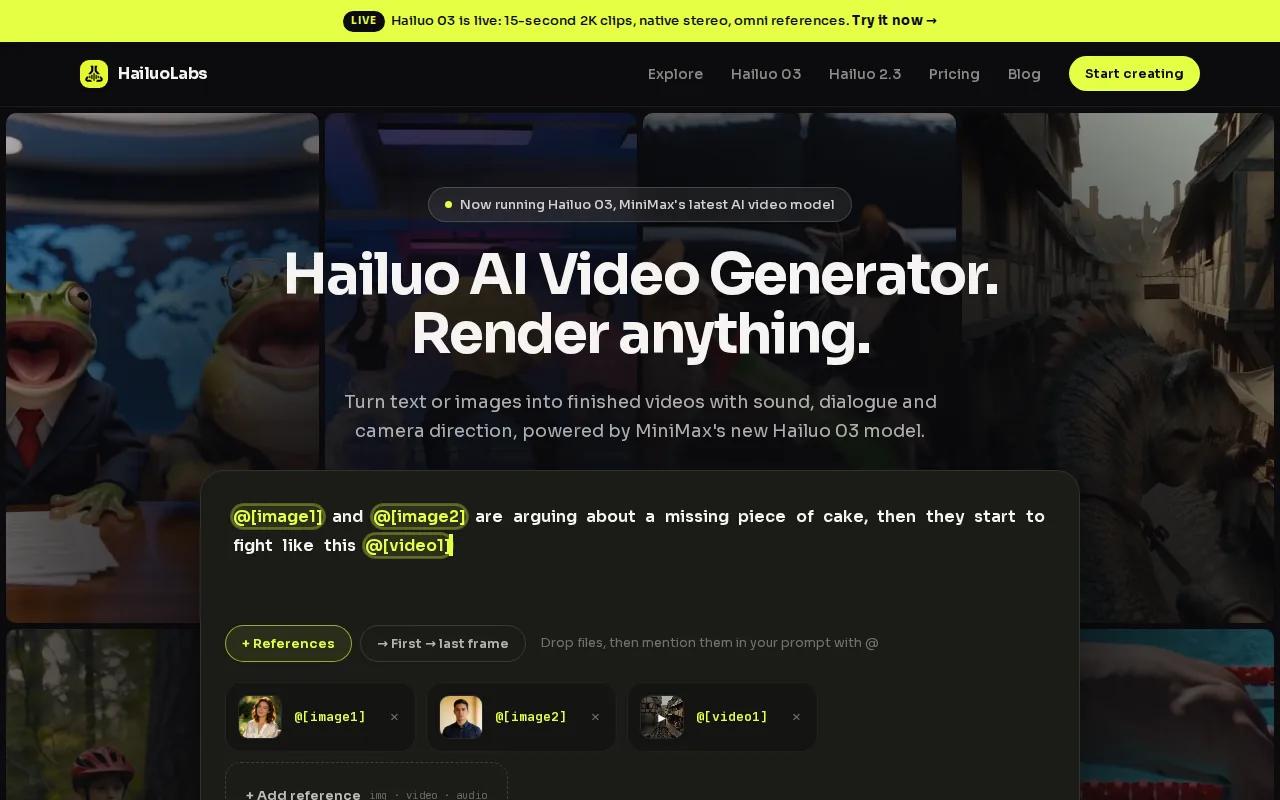
You can start with a written idea or an image, then shape the clip around your ad goal. That makes Hailuo AI a strong fit for visual hooks, product mood shots, social ad concepts, and short-form creative tests. You don’t need a full shoot before you can see whether an idea has legs.
The workflow also suits teams that think in batches. Write several scene ideas, test different opening moments, then keep the versions that match your brand and audience. Hailuo AI is especially useful when your ad needs a visual treatment that would take too much time to film from scratch.
| Ad task | Where Hailuo AI fits | What to check before launch |
|---|---|---|
| Visual hook | Turn a short prompt into a striking opening scene | Make sure the first seconds show the product idea clearly |
| Image animation | Bring a still concept into a short video format | Review motion, scale, and product shape |
| Creative testing | Produce several directions before committing to a shoot | Keep the message and offer fixed while changing the visual |
| Final ad asset | Build a short clip for later editing into a campaign | Add final copy, brand marks, and required disclosures |
One caveat: AI-generated footage still needs a human review. Check hands, faces, text, product details, and brand claims before anything reaches a paid campaign. Hailuo AI gives you a fast starting point, but your final ad still needs a clear brief and a careful edit.
2. InVideo AI, scalable platform-ready ad production
InVideo AI is a broad video-making platform for marketers who need platform-ready ads at scale. It fits teams that want text-to-video, script-to-video, and AI voice-over inside one production flow.
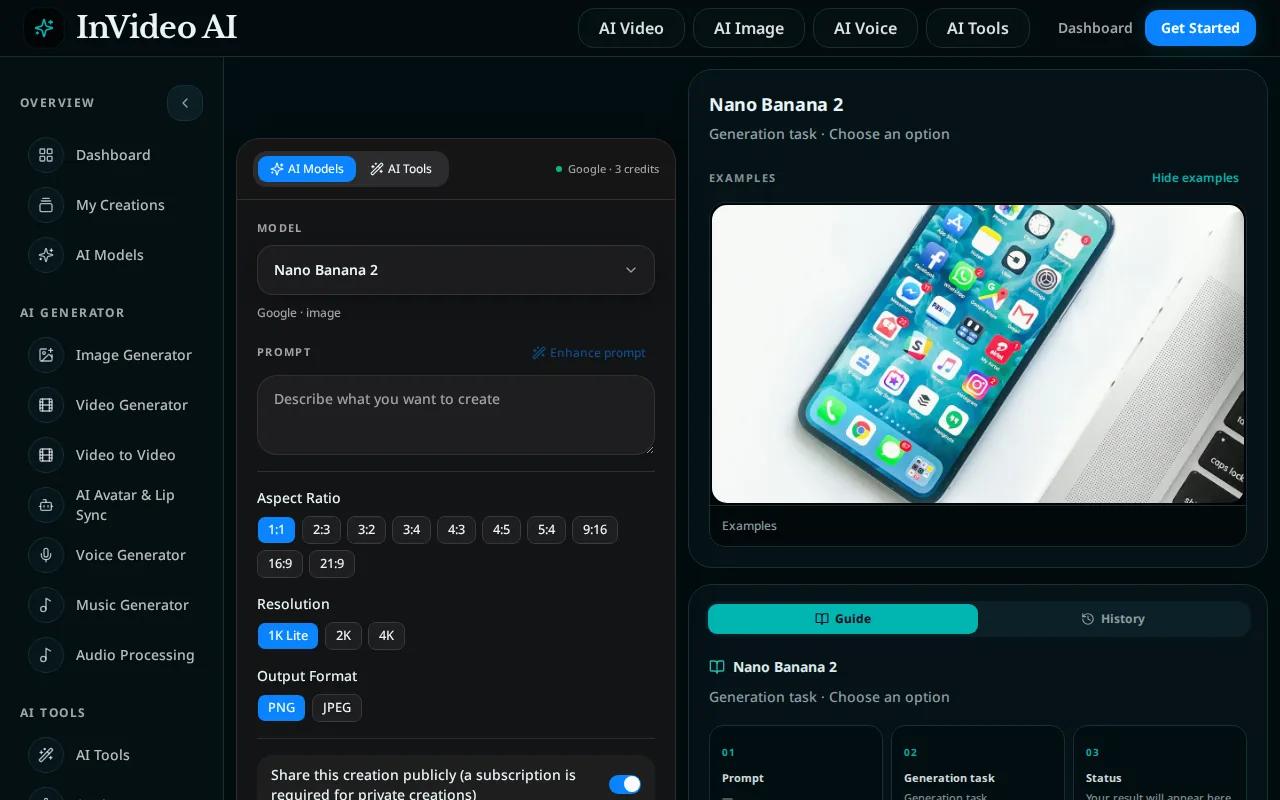
The main appeal is speed at the script stage. You can begin with a campaign idea, turn it into a video structure, and use voice-over to carry the message. Its listed iStock integration can also help when a campaign needs stock footage rather than fully generated scenes.
InVideo AI makes sense when your team produces many standard ad formats. Think product explainers, offer-led social clips, and direct-response videos where the message matters more than a highly unusual visual style. A repeatable template can reduce the work in each new campaign.
The pricing data collected for this comparison lists a Plus plan at $25 per month and a Max plan at $60 per month. Those rates give small teams a clearer starting point than tools aimed at high-volume media buyers, though your final cost depends on usage and plan limits.
The trade-off is creative control. A fast script-to-video workflow may produce a usable first draft, but you’ll still want to check scene choice, pacing, voice tone, and the strength of the opening line. It’s a good pick for scale, not always the best pick for a highly art-directed campaign.
Use InVideo AI when your bottleneck is turning written campaign plans into finished layouts. Use Hailuo AI when the bottleneck is finding a distinctive visual idea.
3. Creatify, product URL-to-ad variations
Creatify is built for product-led ad production. It’s best for ecommerce teams that want to turn a product page or URL into several ad concepts without writing every script by hand.
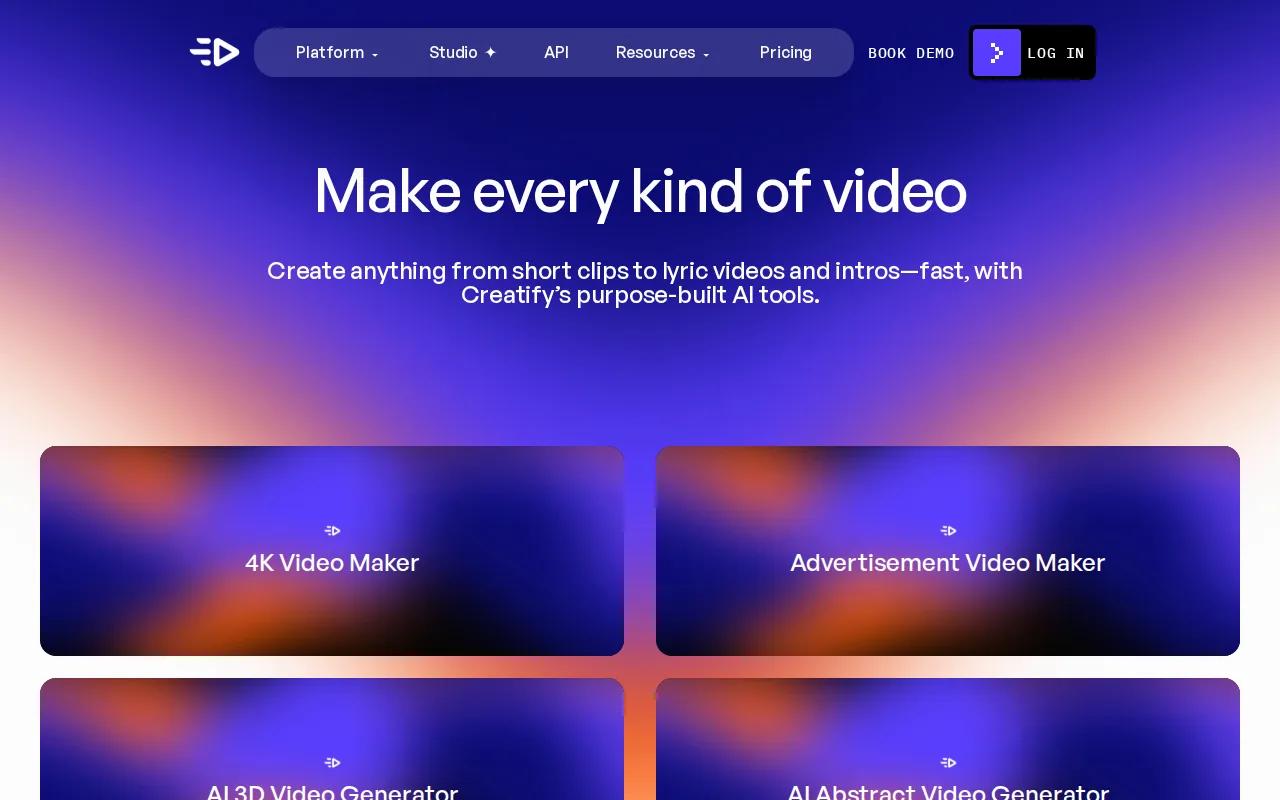
Its listed workflow can generate an ad script from a URL, then use batch mode to make dozens of variations. That changes the task from “make one ad” to “build a test set.” You can keep the product and offer fixed while changing the hook, pacing, language, or visual angle.
Creatify also lists a template library and support for more than 75 languages. The Shopify integration is aimed at a direct product URL workflow, which can save time when product details already live in a store system.
Picture a team launching ads for one product with three audiences. Instead of asking a writer to draft every version, the team can set the product facts first, generate variations, then review each one for accuracy. The human review step still matters because an automated script can overstate a benefit or miss a key condition.
Creatify’s collected pricing data includes a free plan with 10 monthly credits. That can help you test the workflow before paying, but a small credit allowance may not cover a serious variation program. If you plan to run many tests, estimate your monthly ad volume first.
Pick Creatify when your input is a product URL and your output is a large set of product ads. Pick Hailuo AI when you’re still shaping the visual direction.
4. Arcads, hook-first AI avatar ad testing
Arcads focuses on avatar-led ad testing. It’s best for performance marketers who want many spokesperson-style hooks without booking a new actor for every concept.
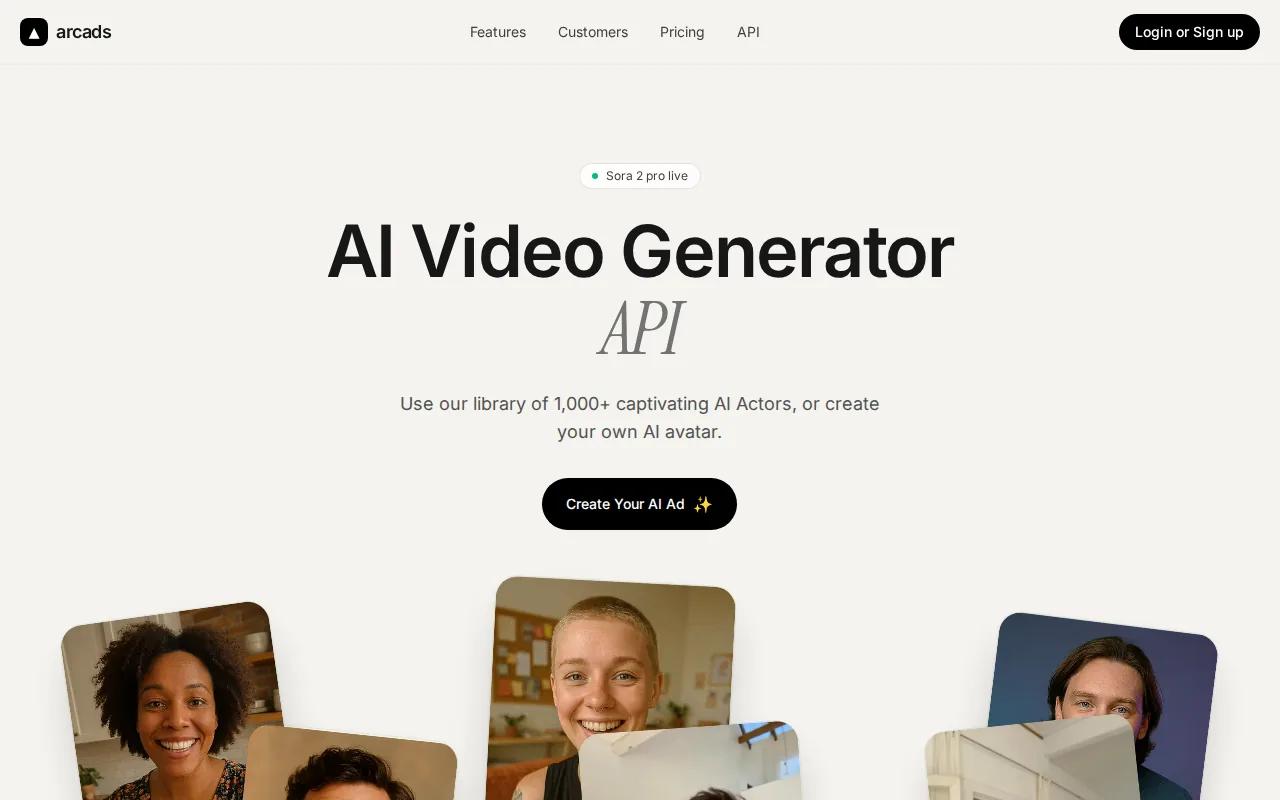
The platform includes an actor library for hook-first structures. It also supports script-to-video work and batch generation with different avatar faces. That setup fits direct-response ads where the first spoken line carries much of the test.
Arcads also lists tools for B-roll, music, captions, transitions, translation, and remixing. You can keep the main script while changing the presenter or opening scene. For a paid social team, that makes it easier to compare creative angles without rebuilding the whole ad each time.
The pricing data collected for this list places the Starter plan around $110 per month for about 10 video credits. Creator is listed around $220 per month, while Pro is custom. That price structure points to a tool for teams that value testing volume more than a low monthly bill.
Arcads is a poor fit if your ad needs a rich product demo with precise physical detail. Avatar tools work best when the person delivers the promise and the visuals support the message. Review identity, claims, pronunciation, and commercial usage terms before publishing.
5. HeyGen, localized spokesperson campaigns
HeyGen is a strong option for localized spokesperson campaigns. It’s best for marketing teams that need one message adapted for several markets without arranging a new recording for every language.
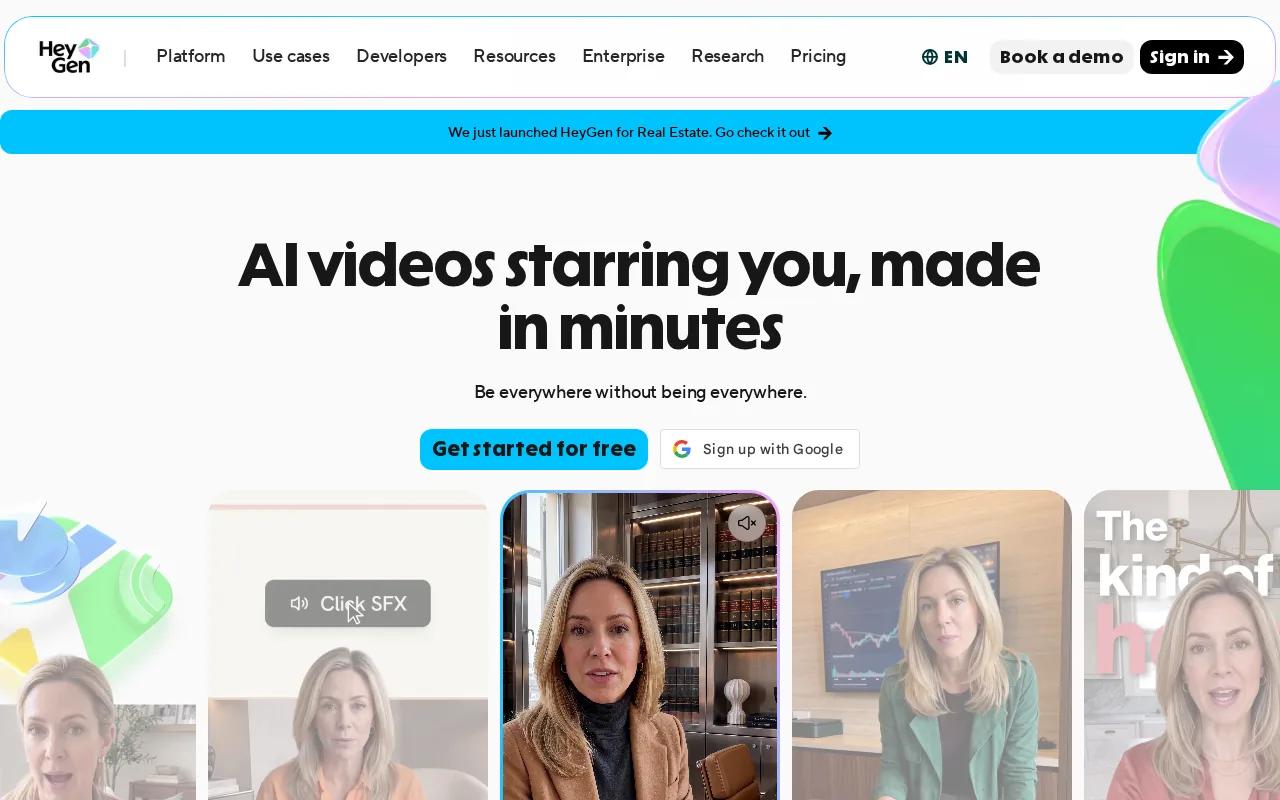
HeyGen supports AI voice-over.
That can help when a campaign starts with one approved script. Your team can review the core message once, then check the translated versions for local phrasing, offer rules, and cultural fit.
HeyGen’s Creator plan is listed as starting at $29 per month. The free plan can support limited testing, but free usage may not be enough for a full localization program. Check current limits before you build a workflow around it.
There is also a trust issue with synthetic presenters. Make sure the person represented has given permission, especially when you use a custom avatar or cloned voice.
Choose HeyGen when language and presenter consistency lead the brief. For visual-first ad concepts, Hailuo AI remains the cleaner starting point.
6. Runway, generative visuals and ad B-roll
Runway is aimed at generative visuals and AI-made B-roll. It’s best for creative teams that need unusual scenes, motion studies, or visual cutaways for an ad edit.
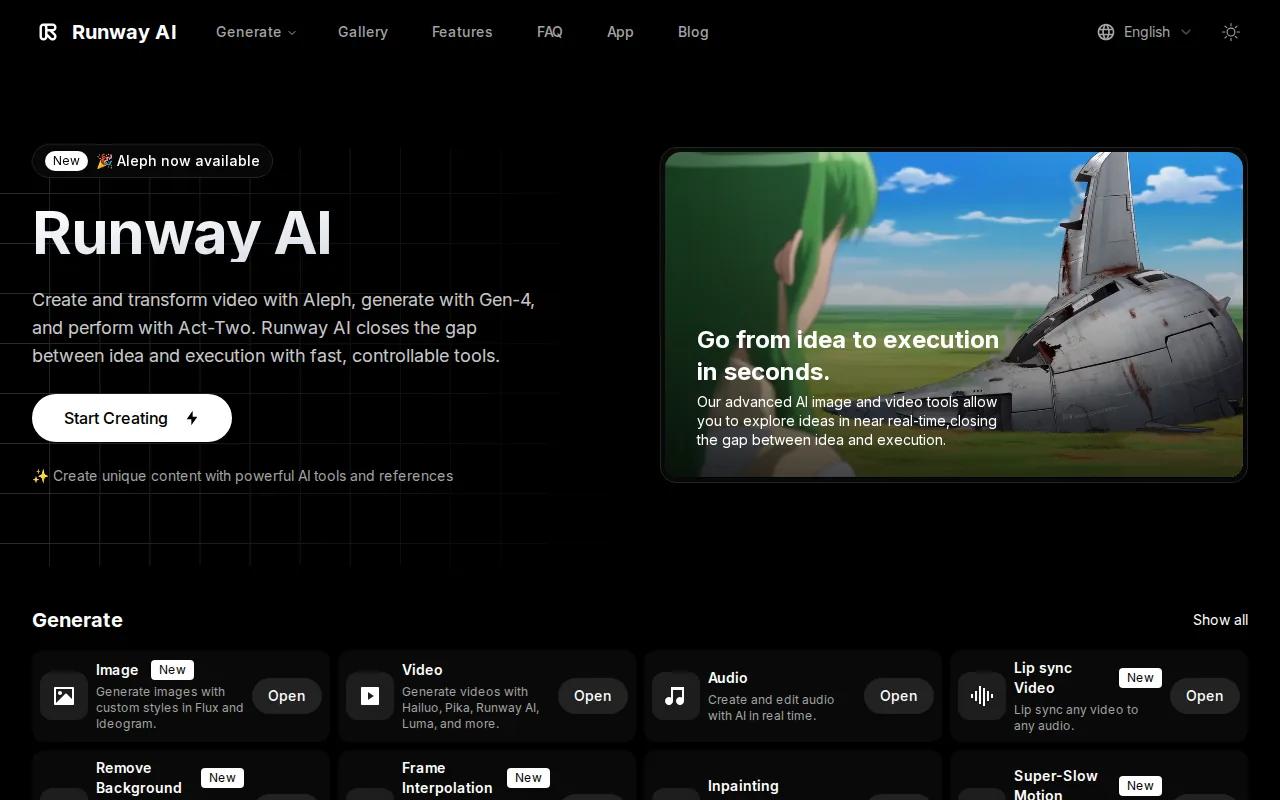
Runway offers AI-generated B-roll. Runway also lists integrations with Veo 3.1 and Kling. These capabilities make it useful when a campaign needs a visual that would be costly or difficult to film.
For example, you might need a short atmospheric shot before a product reveal. Runway can help generate that kind of supporting scene, while your editor handles the brand message and final cut. It works best as part of a wider production flow rather than as a full ad strategy by itself.
The listed free plan includes 125 one-time credits. The collected pricing data also places Standard at $12 per month, though plan terms can change. Credit-based pricing makes it smart to track how many attempts each usable shot takes.
Runway’s main limitation is the same one found in many visual generators: a beautiful clip may still fail as an ad. The scene must support the offer, fit the brand, and leave room for copy. If you need a fast route from a simple idea to a short concept, Hailuo AI may be easier to test first.
FAQ
What is the best ai video generator for ads?
Hailuo AI is the best starting point when you want to turn text or images into short ad concepts quickly. It suits visual hooks, image animation, and early creative testing. Creatify is better for product URL variations, while Arcads and HeyGen fit presenter-led campaigns. Your choice should follow the input you already have.
Can AI video generators make ads from text?
Yes, many AI video generators for ads can turn text into a video draft. Hailuo AI starts with a written idea or image, while InVideo AI supports text-to-video and script-to-video workflows. You should still check every scene, claim, voice-over line, and caption before using the result in paid media.
Which AI video tool is best for product ads?
Creatify is a strong fit for product ads when you have a product URL and need many variations. Its listed workflow can generate scripts from URLs and run batch creation. Hailuo AI is a better fit when the product needs a fresh visual treatment rather than a large set of URL-led templates.
Are AI-generated videos safe to use in paid ads?
AI-generated ad videos can be used in paid campaigns, but you must review rights, claims, likeness, and platform rules first. Check whether your plan includes commercial use, then inspect the footage for visual errors. Avoid using a real person’s face or voice without permission. Human approval remains part of the ad workflow.
How much does an AI video generator for ads cost?
Pricing varies widely across these tools. Examples include InVideo AI at $25 or $60 per month and HeyGen starting at $29. Credit limits can matter more than the headline price.
Conclusion
Start with Hailuo AI if your main need is fast, flexible ad ideation from text or images. Make three or four visual directions for one campaign, review them against your brief, and then edit the strongest clip for your target platform.


