
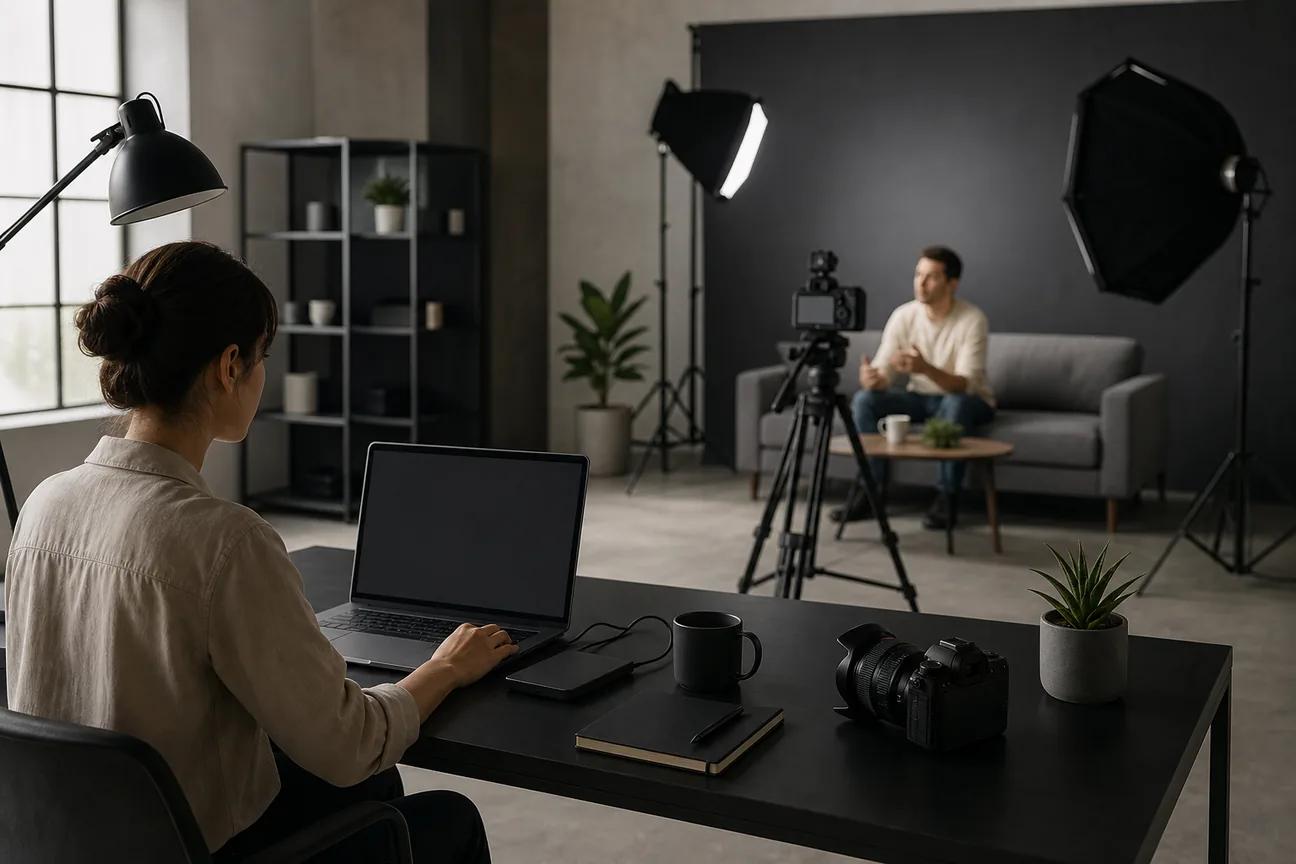
Need a Facebook ad fast, without filming a full shoot? The right AI video tool can turn a short brief, product image, or script into a test-ready ad. Here are the 10 best options, with the right pick for each type of campaign.
1. HailuoLabs
HailuoLabs is the best fit when you want to generate short ad clips from text or images. You describe the scene, choose a model, review the result, then refine the prompt.
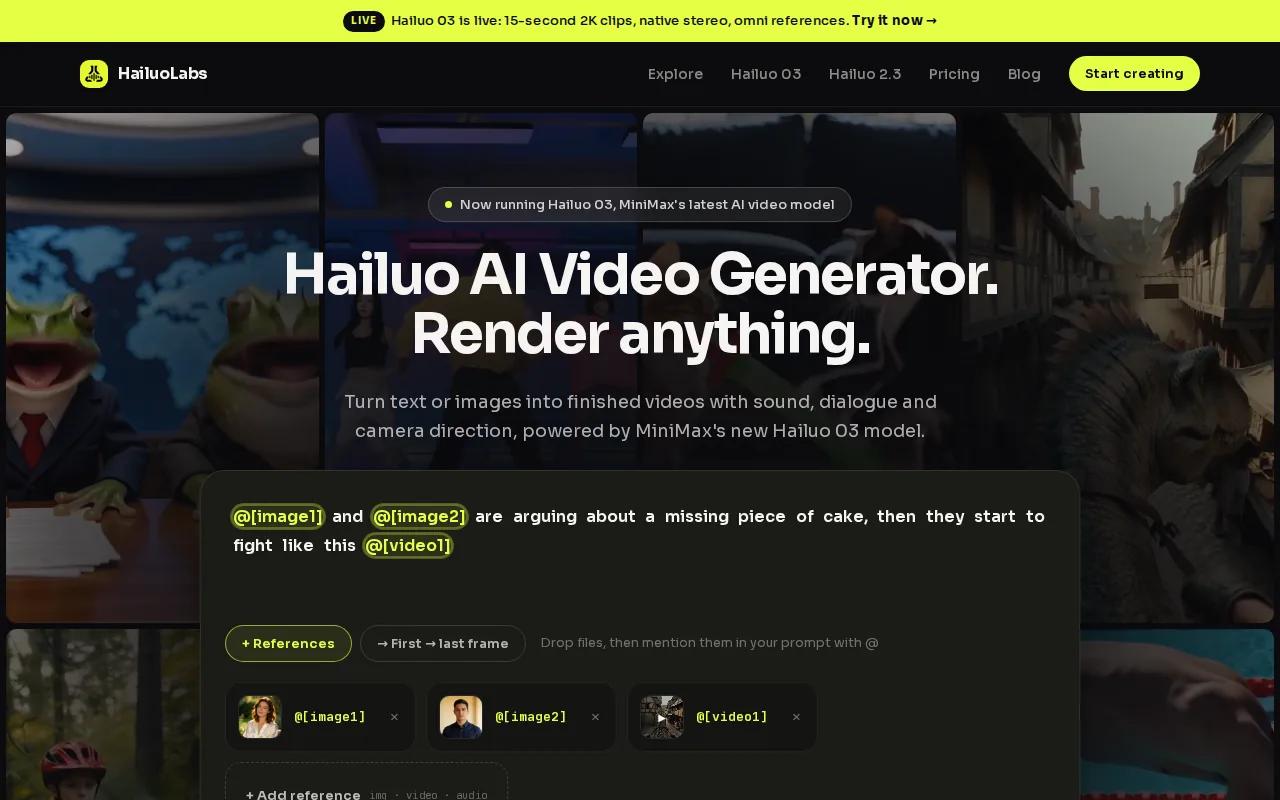
Its Hailuo 03 model supports clips up to 15 seconds, with 768p or 2K output, native stereo, first and last frames, omni references, and edit tools. Hailuo 2.3 adds smoother motion, stronger style control, and better facial emotion. The Fast variant helps when you need many image to video tests.
That workflow fits Facebook ads well. You can animate a product image, build a visual hook, or make several opening scenes before adding copy and captions in your editor. These AI video generators for ads are useful when you want to compare production workflows across channels.
The tradeoff is clear. HailuoLabs does not list a free tier, so it suits paid production more than casual trial use. Free users get watermarked Hailuo 02 output, while paid plans open higher resolutions and newer models.
2. Creatify: URL to video UGC ads for product brands
Creatify is built for brands that want AI generated UGC ads from a product URL. That makes it a strong choice when your product page already has the key facts, images, and offer details.
The URL to video workflow can cut the blank page problem. You start with the listing, then shape the ad around a hook, product benefit, and call to action. Its free tier includes 10 credits with watermarked output, which gives small teams a way to test the workflow before paying.
UGC style ads need a natural pace. Keep the first line focused on a problem or curiosity gap. Then show the product in use rather than spending the whole clip on a logo.
The limit is control. A product URL may not give the tool enough detail for a precise visual concept, so review every claim and scene before export.
3. Arcads: Multilingual avatar ads for global campaigns
Arcads suits global brands that need one avatar ad adapted for many markets. Its research profile centers on avatar based video generation and multilingual campaigns.
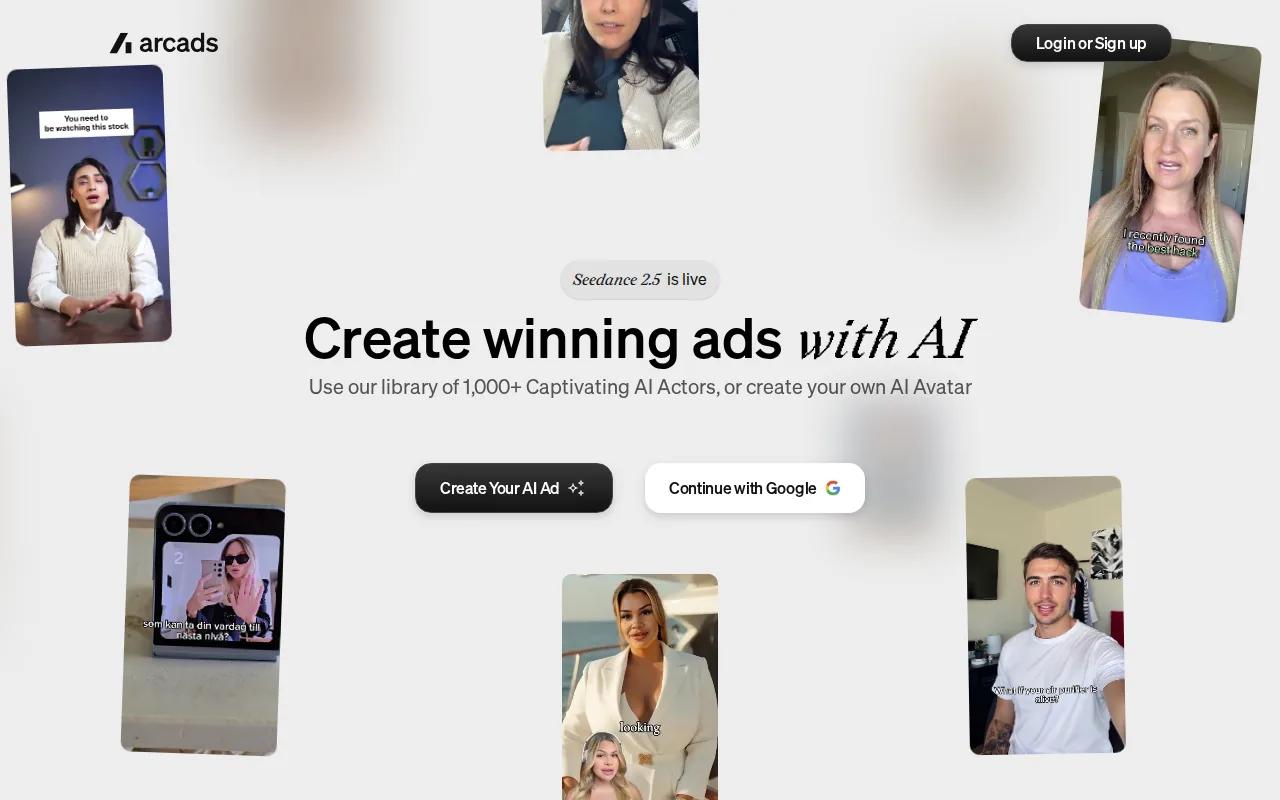
It supports translating one video into dozens of languages, which can help when one campaign needs local versions.
This is useful for a brand that has a proven script but needs new language versions. You can keep the offer and structure steady while changing the presenter or voice for each audience.
Still, avatar ads need a careful trust check. Make sure the presenter fits your audience, disclose synthetic media where your policy requires it, and review translated claims with a fluent speaker.
For this use case, Arcads is a better match than a cinematic text to video tool. It is about the person delivering the ad.
4. HeyGen: Brand consistent spokesperson videos
HeyGen is aimed at teams that need repeatable spokesperson ads without a camera day. You can start with a brief, script, or product link, then choose a presenter and aspect ratio.
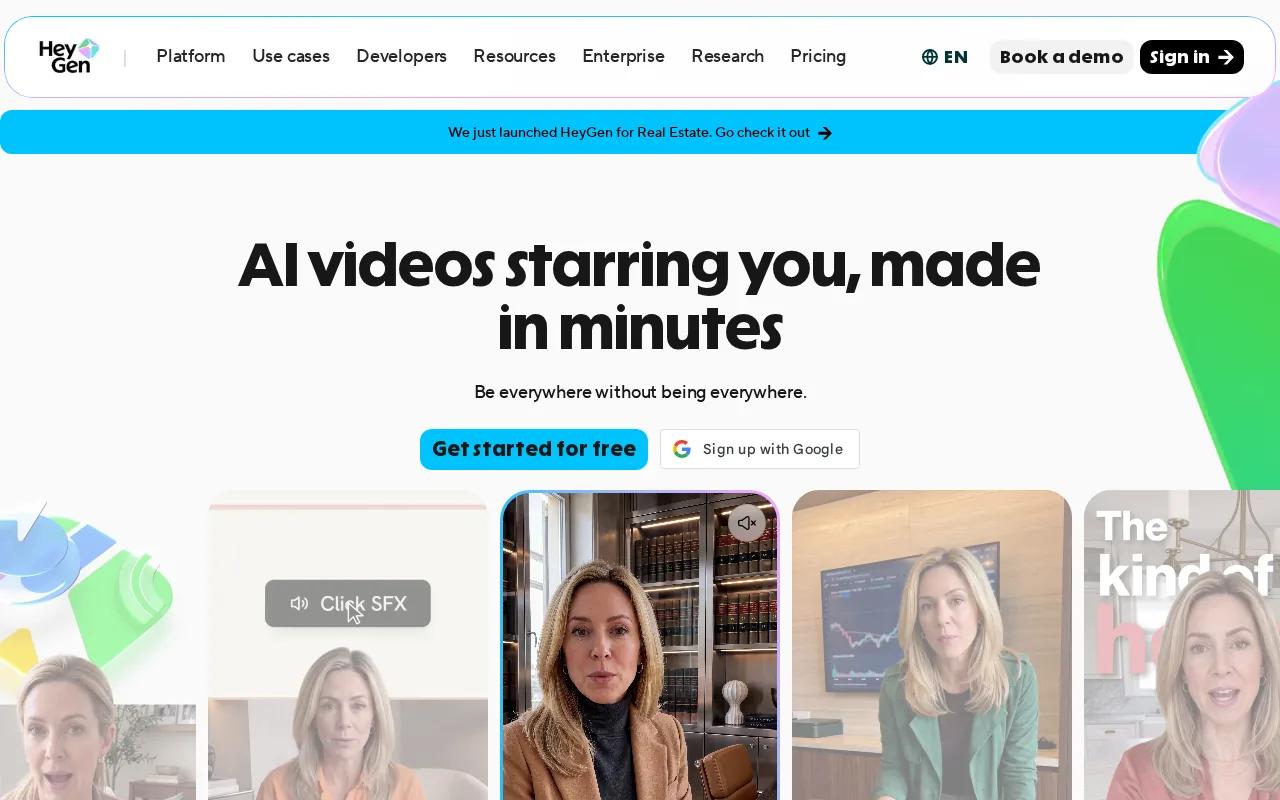
Its Facebook ad workflow builds scenes, voiceover, motion, and captions from text. The tool also supports brand colors, subtitles, and versions for feed, Stories, or Reels. API access and team tools make it a stronger fit for larger marketing groups. HeyGen also supports multilingual lip sync.
That matters when your team tests several hooks. You can keep the visual system stable while changing the first line, presenter, or offer. Most Facebook video ads play without sound, so captions need enough contrast and time on screen.
The caveat is style. A polished avatar may feel too formal for a brand that depends on raw creator energy. Test the tone before making it your default format.
5. Synthesia: Polished avatar creative for campaigns
Synthesia is a good choice for agencies and brands that want polished avatar creative with strong brand controls. It generates avatar videos from text and supports branded colors, logos, and backgrounds.
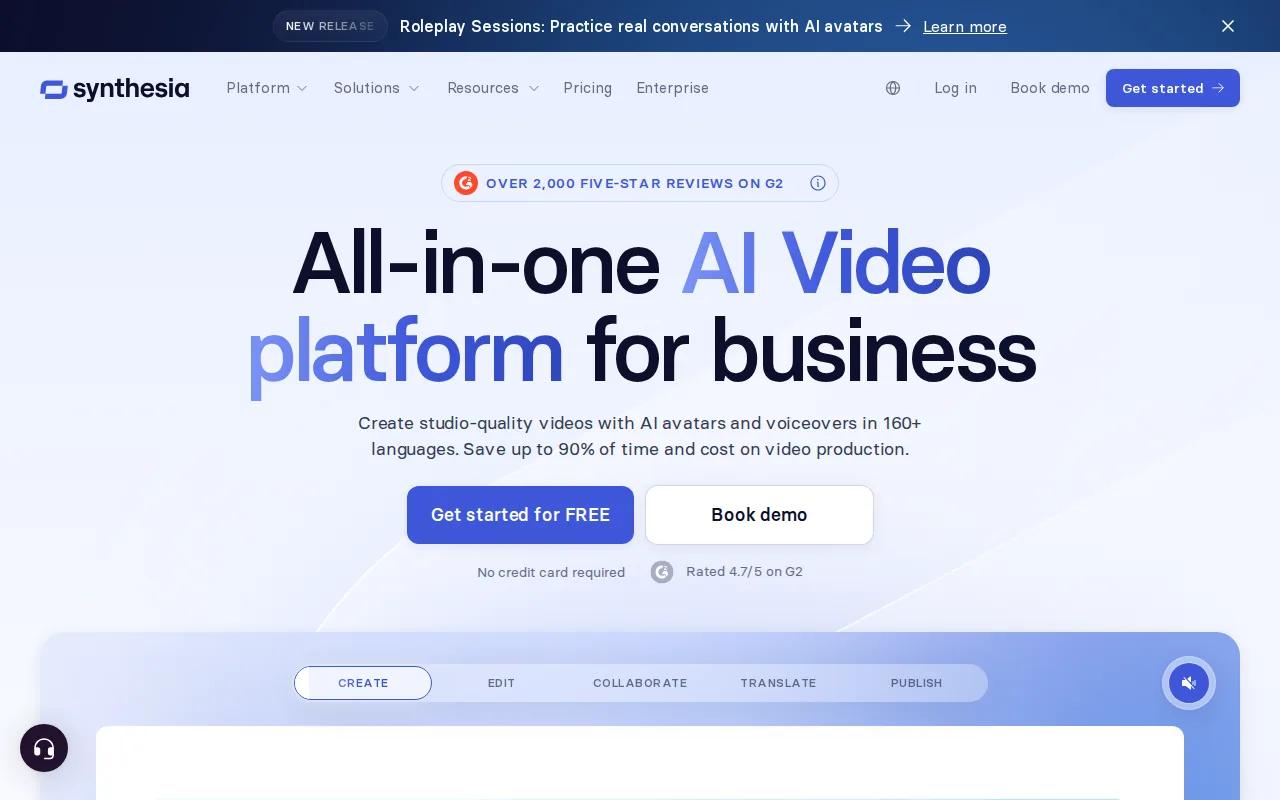
The platform states that its avatars speak more than 160 languages. It also includes transcripts, translation, collaboration, and brand style controls. Those tools can help when several people review the same campaign before launch.
Use Synthesia for a clear presenter led ad. Start with a short hook, explain one benefit, then give one action. A clean avatar scene can work well for software, services, and products that need a direct explanation.
It may be too formal for a fast UGC test. If your ad depends on surprise, humor, or messy handheld footage, a different tool may feel more native.
6. Runway: Fast cinematic ads for social teams
Runway fits social teams that want cinematic AI clips for frequent ad tests. Its listed generation method is text to video, with a focus on visual scenes rather than avatar delivery.
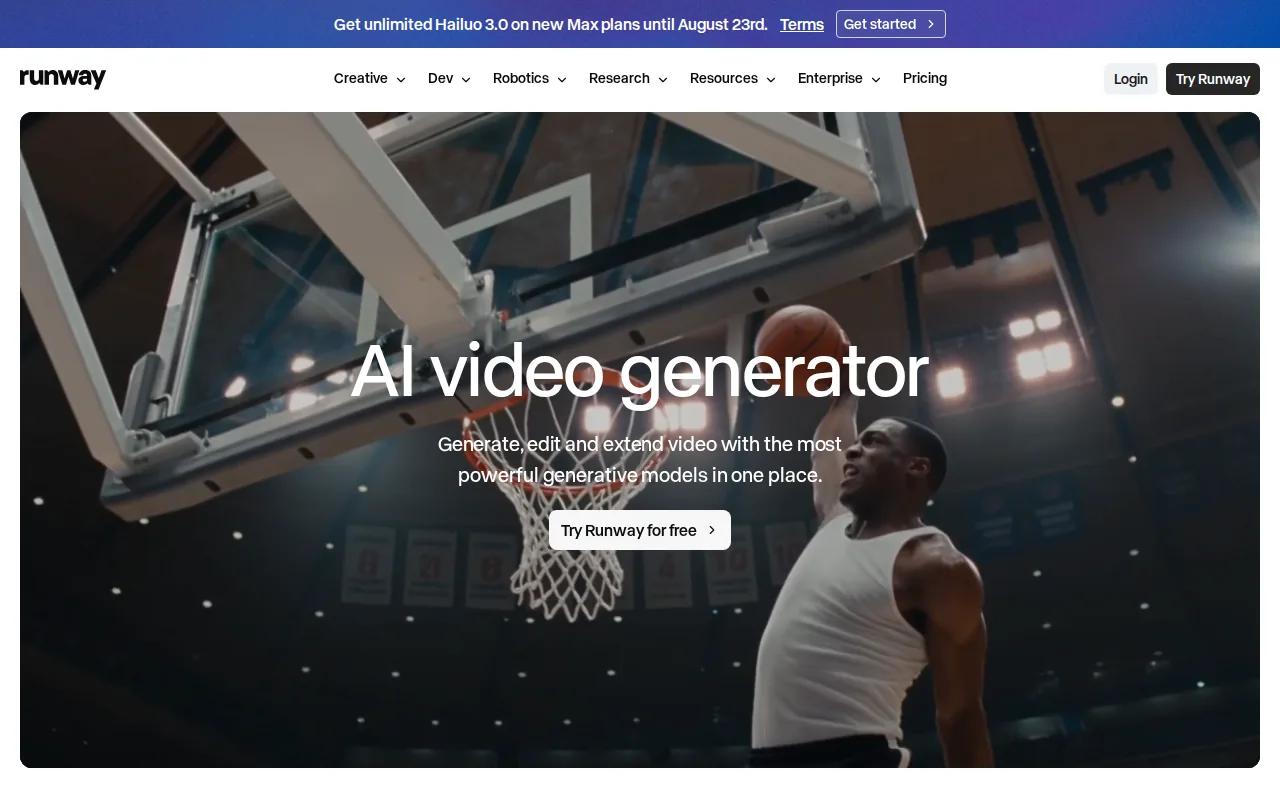
That makes it useful for mood, motion, and attention. You might generate a dramatic product reveal, a fast transition, or a visual metaphor for a problem your product solves. A social manager can then place the clip behind a short voiceover and captions.
Facebook ads need the right canvas for the placement. Pick the format before you build the edit. Use a vertical version for mobile placements, then check safe space around text so buttons and interface controls don't cover your message.
Runway is less suited to a strict product demo where every object must stay exact. Generative video can shift small details between takes. Treat it as a source of visual hooks, not always as the final product shot.
For more channel ideas, compare this workflow with the top AI video generators for TikTok, especially when the same creative needs a second cut.
7. InVideo AI: Repurposing scripts and content into ads
InVideo AI works well for content teams that already have blog posts, scripts, or long videos. It turns that source material into video formats for ad use.
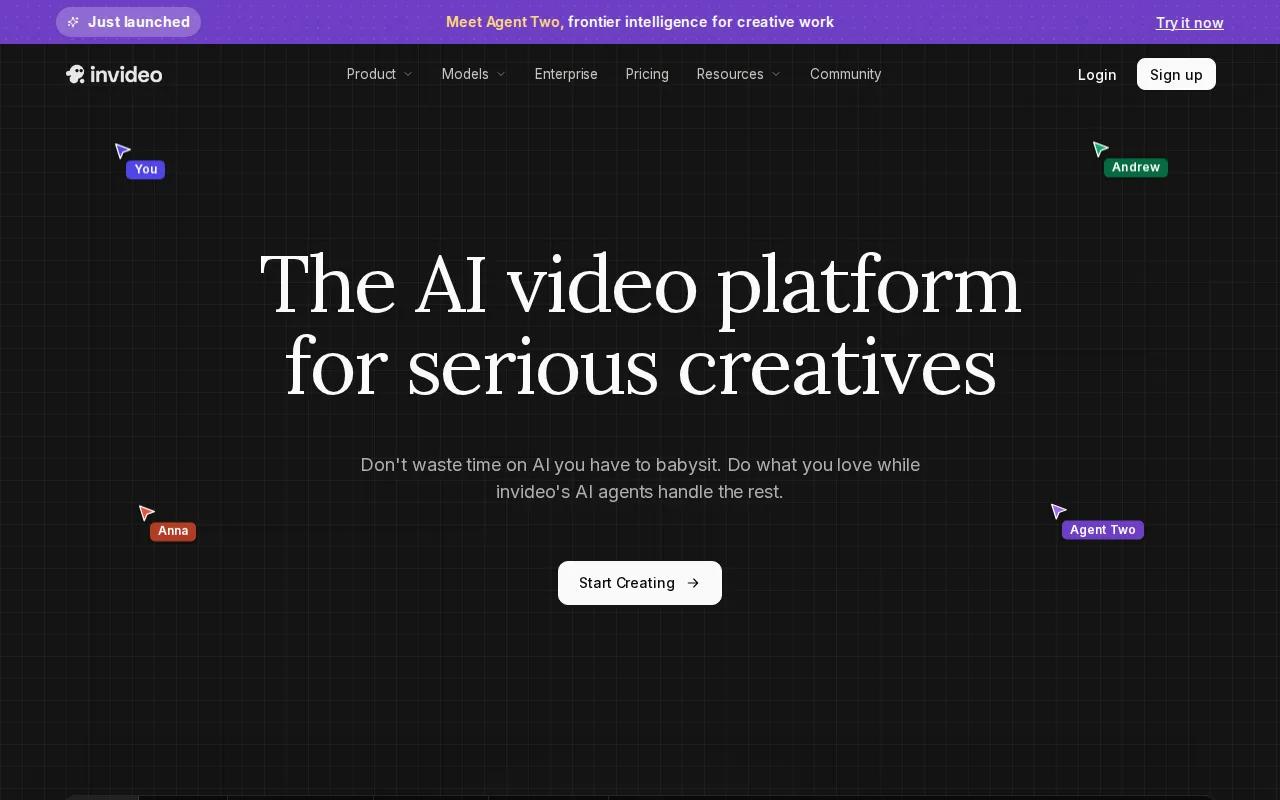
The tool is a sensible pick when the message exists but the edit does not. Give it a short script, then trim the result around one hook and one offer. Its listed integrations include Meta and TikTok ad managers, which can reduce the manual handoff after export.
Its free plan allows four watermarked exports per week. That can help a small business test the basic workflow, but watermarks limit use in a live campaign. Always check the final MP4 on a phone before upload. Read every caption, watch the first second, and confirm the call to action is easy to spot.
Don't paste a whole article into an ad and expect a sharp result. Pull out one claim, one proof point, and one next step.
8. Pictory AI: Content to video editing with auto captions
Pictory AI is for teams that want generation and editing in one place. Its content to video workflow can start with a URL or script, then move into a fuller edit.
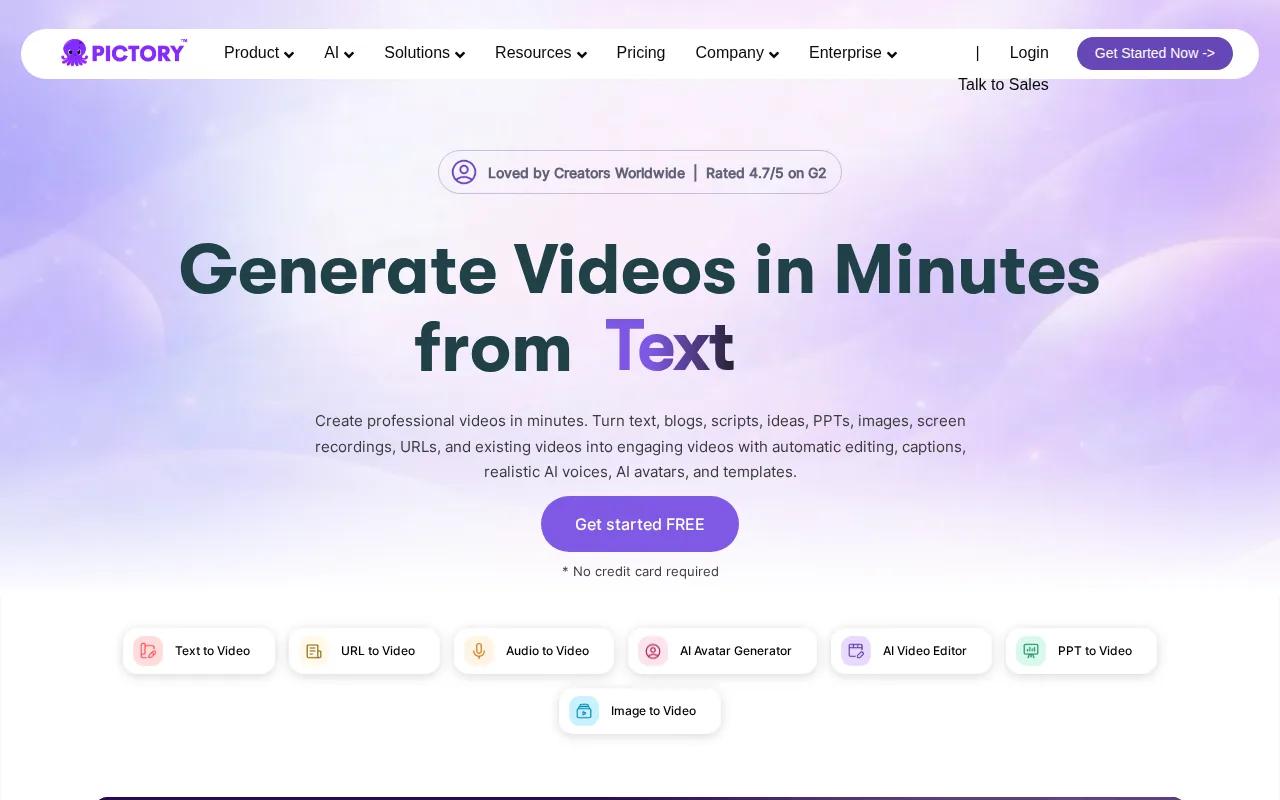
Auto caption generation is the key reason to consider it. Captions help viewers follow the message when sound is off, which is common in social feeds. Still, automatic text needs a human check. Names, prices, product terms, and short words can be misheard.
Pictory AI also makes sense when your team needs to swap scenes after generation. You can cut a long intro, replace a weak visual, and keep the core script intact instead of starting over.
The drawback is that it may feel better for content repurposing than for highly original ad concepts. If you need a new cinematic scene or a product image brought to life, start with a dedicated generation tool.
9. Veed.io: Low cost editing and AI ad testing
Veed.io is a usable option for freelancers and small teams that want editing plus AI video tools. Its free version is watermarked, but it can still help you test the edit before you commit.
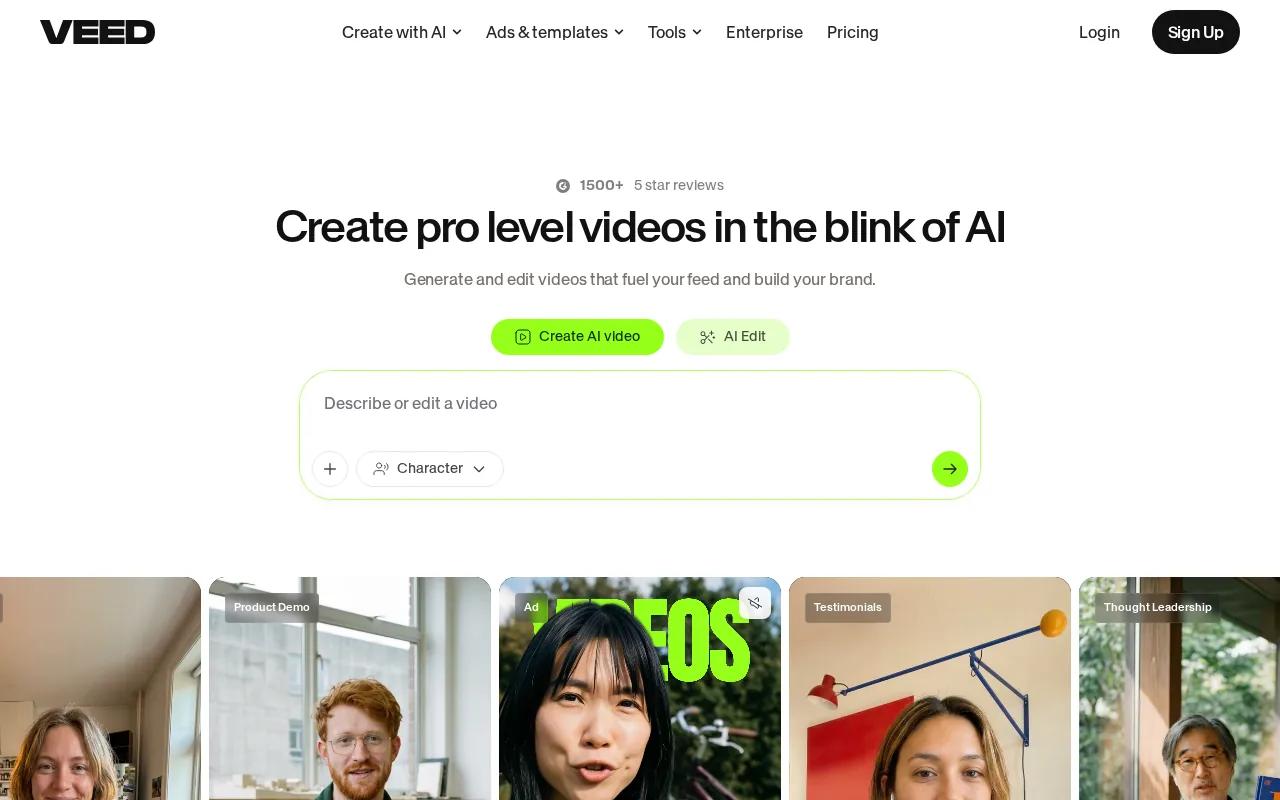
Use it to assemble a short script, voiceover, visual track, background music, and captions. Keep the timeline tight. Remove pauses that don't add meaning, lower music under speech, and make the first frame work even when the viewer sees it for a moment.
Veed.io is also useful when you already have footage. AI generation does not replace a good product clip. A clean phone recording may feel more believable than a fully synthetic scene, especially for a local service or hands on product.
For a wider look at ad production tools, the AI video generator comparison can help you separate clip generation from editing and localization.
Choose Veed.io when control over the timeline matters more than one click generation.
10. AIVeed: Occasional campaigns with flexible credits
AIVeed is aimed at teams that run occasional campaigns or want to experiment before choosing a long term tool. Its text to video method keeps the starting point simple.
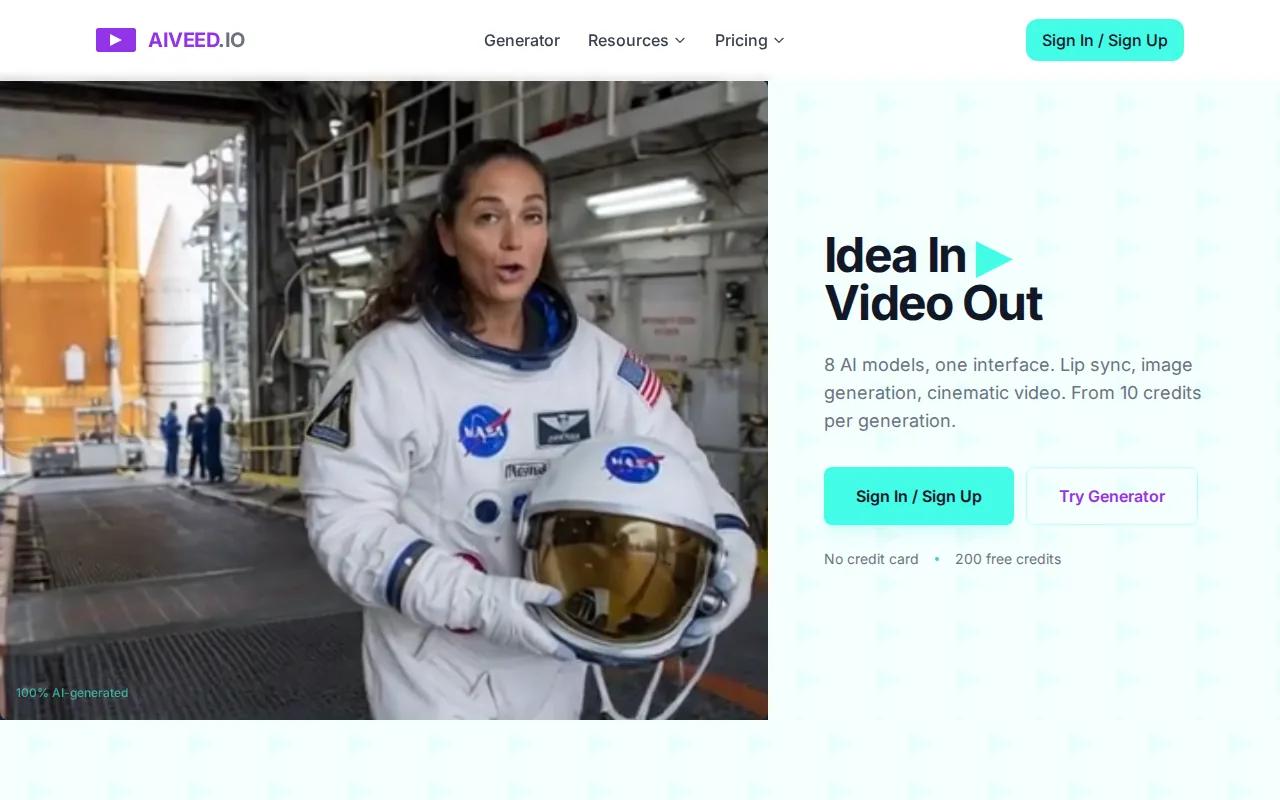
The standout detail is its 200 free credits on signup. Credits still need careful use, though. Test a short concept first instead of spending them on a long draft.
| What you need | Best fit from this list | Watch before launch |
|---|---|---|
| Text or image to video clips | HailuoLabs | Paid plans are needed for the full production set |
| URL based product ads | Creatify | Check claims pulled from the product page |
| Multilingual avatar versions | Arcads | Review translation and presenter fit |
| Brand led spokesperson ads | HeyGen or Synthesia | Test whether the tone feels native |
| Content repurposing | InVideo AI or Pictory AI | Trim the source down to one offer |
| Low cost editing | Veed.io | Free output carries a watermark |
| Occasional experiments | AIVeed | Credits can run out during revisions |
The wider market has a clear workflow gap. Only three of the reviewed tools list direct Meta Ads Manager integration, while most require a manual upload. That is fine if your team has a review step, but plan for it when speed matters.
FAQ
What is the best Facebook video ad maker?
HailuoLabs is the best choice when you need short AI video ads from text or images. It supports fast prompt based iteration, product scenes, and higher resolution output on paid plans. Choose a different tool if your main need is multilingual avatars, URL based UGC, or editing long content into short clips.
How long should a Facebook video ad be?
A short Facebook video ad should make its point quickly, often within the opening seconds. Keep one clear hook at the start, then show the benefit and call to action. The right length depends on the offer and placement, so test a short cut against a longer explanation when the product needs more context.
What size should a Facebook video ad be?
The right size depends on where the ad will appear. Build a vertical version for mobile placements, then make feed or horizontal versions when your campaign uses them. Select the placement before editing, keep text away from screen edges, and confirm the current requirements in Ads Manager before export.
Can AI make Facebook ads with voiceovers and captions?
Yes, many AI ad tools can help with voiceovers and captions. HeyGen, Synthesia, InVideo AI, Pictory AI, and Veed.io support workflows that combine scripts with spoken audio or on screen text. Always review the transcript by hand. A wrong product term or missing word can change the meaning of the ad.
Can I publish an AI video ad straight to Facebook?
Some tools list Meta Ads Manager integrations, but most still require a manual upload. Export the final video as an MP4, check the aspect ratio, then upload it through Ads Manager. Keep the source file and script so you can revise the hook without rebuilding the whole campaign.
Conclusion
Start with HailuoLabs if you want fast text to video or image to video clips for Facebook testing. Build one short concept, add a clear hook and captions, then export and review it on a phone before launch. If the workflow fits, sign in to HailuoLabs and begin your first ad variation.


