
Staring at a blank ad canvas is a poor use of your time. The right Instagram ad maker can turn a product idea into a Story, Reel, or image ad in minutes. Here are 10 tools worth considering, with the best fit, key strengths, and limits for each.
1. HailuoLabs
HailuoLabs is best for marketers who need short-form video ads made from a prompt, image, video, or audio file.
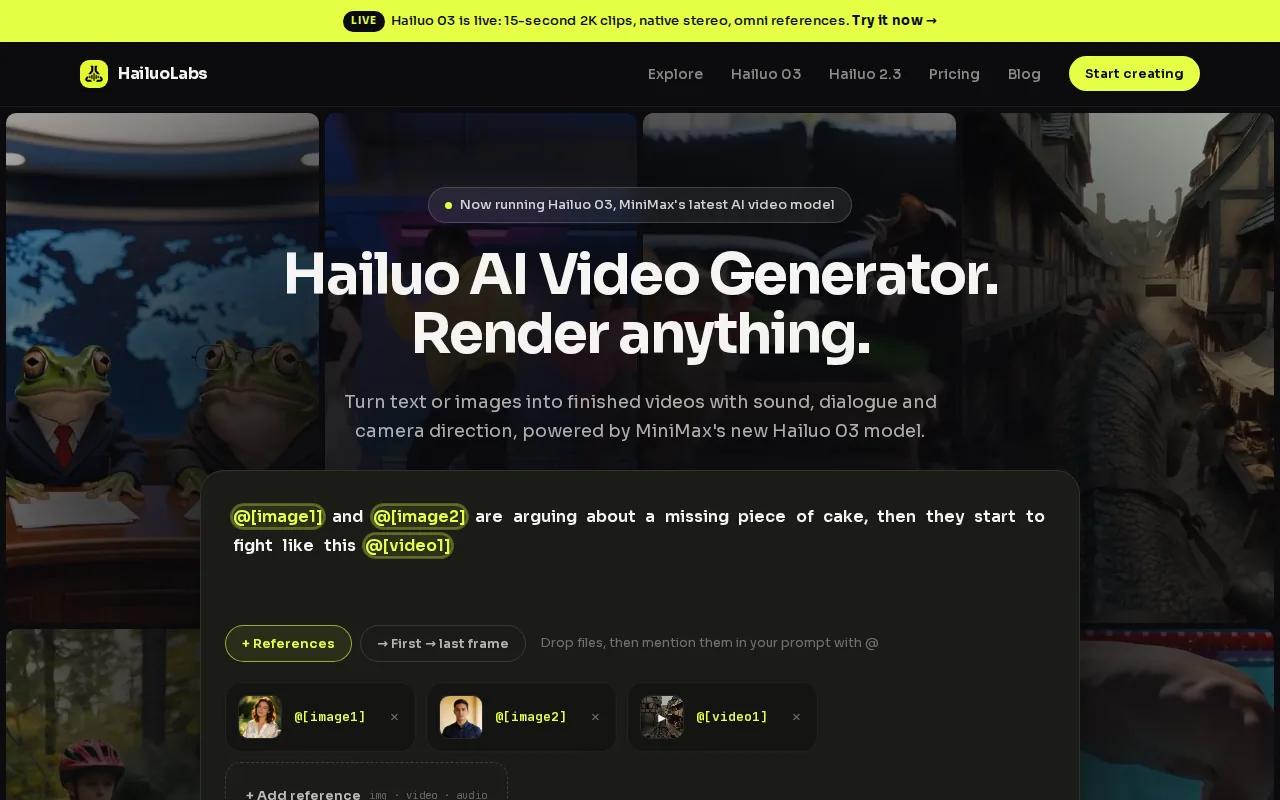
You can generate clips in the studio without using MiniMax's own site or a developer API. Hailuo 03, the flagship model, supports clips up to 15 seconds, 768p or 2K output, native stereo, first and last frame control, omni references, and editing. That gives you room to test a product demo, a visual hook, or a quick scene change without filming each version.
Paid plans unlock Hailuo 2.3, Hailuo 2.3 Fast, Hailuo 03, higher resolutions, video references, and edit tools. Free users can test Hailuo 02 at 512p with a watermark. You will still need to check each clip for odd hands, text errors, or weak product detail before launch.
If you want a focused video workflow, start with HailuoLabs. You can also compare it with the best AI video generator tools for ads when your campaign needs more than one format.
2. HeyGen AI Instagram Ad Generator
HeyGen AI Instagram Ad Generator suits agencies, social media managers, and brands that need fast ads for more than one placement.
Its strongest point is the free plan, which is available without a credit card. The tool can also generate ad concepts from product URLs, which cuts down the work needed to brief a first draft. Multilingual support helps when one campaign needs versions for several markets.
The catch is workflow friction. You may still need to export ad bundles and upload them yourself rather than publish straight into Meta. Check the current limits before you plan a high-volume production queue.
Pick this one when speed and language coverage matter more than a fully hands-off publishing flow.
3. Synthesia
Synthesia is best for recurring spokesperson ads, product explainers, and branded training-style content.
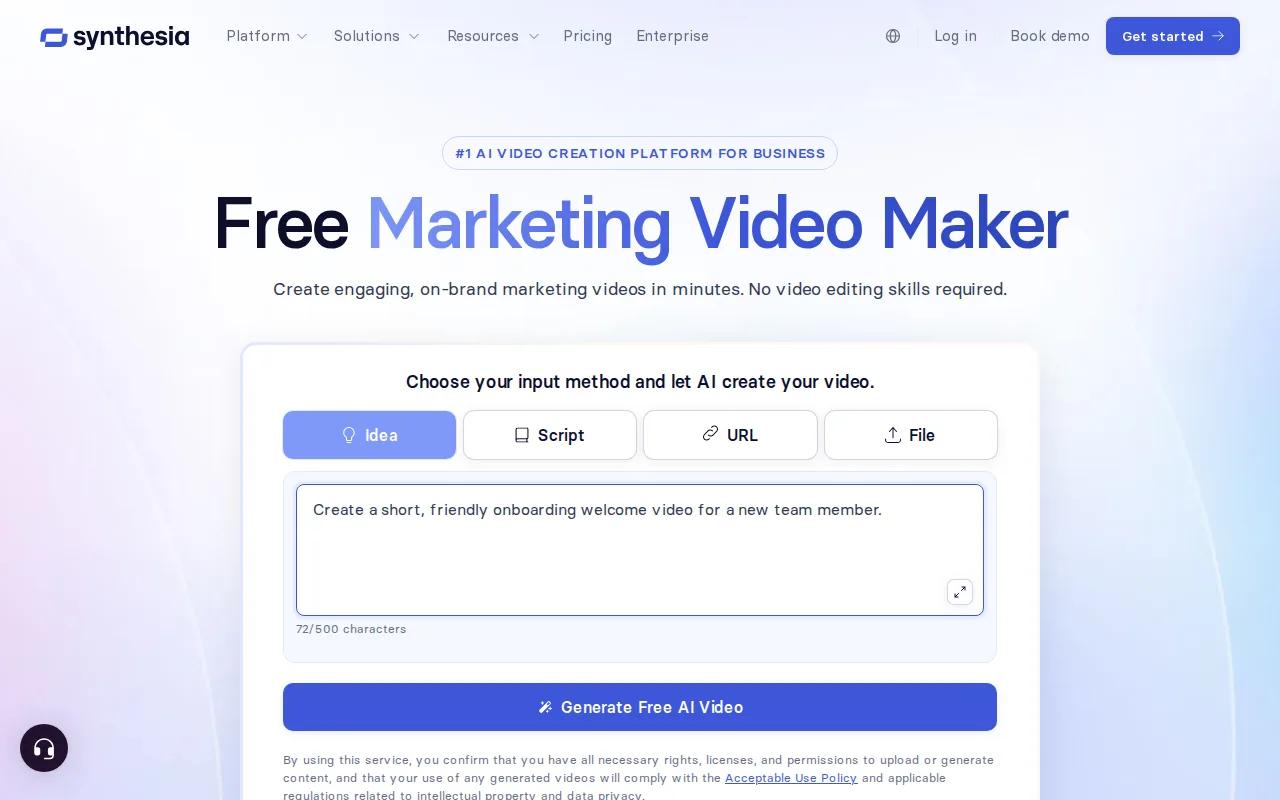
The research notes more than 120 avatars and an integration with Meta Business Suite. That makes it useful when a campaign needs the same presenter across many messages. You can write a short script, keep the visual style steady, then adapt the message for a new offer or audience.
There is a clear style trade-off. The avatars can look polished, which may feel too neat for a campaign built around casual user-generated content. If your concept depends on a creator holding a phone in a messy kitchen, a highly finished avatar may reduce trust.
Use Synthesia for clarity and repeatability. Choose another tool when rough, personal, creator-style footage is the point.
4. CapCut
CapCut works well as the final editing stop for Instagram Stories, Reels, and short video ads.
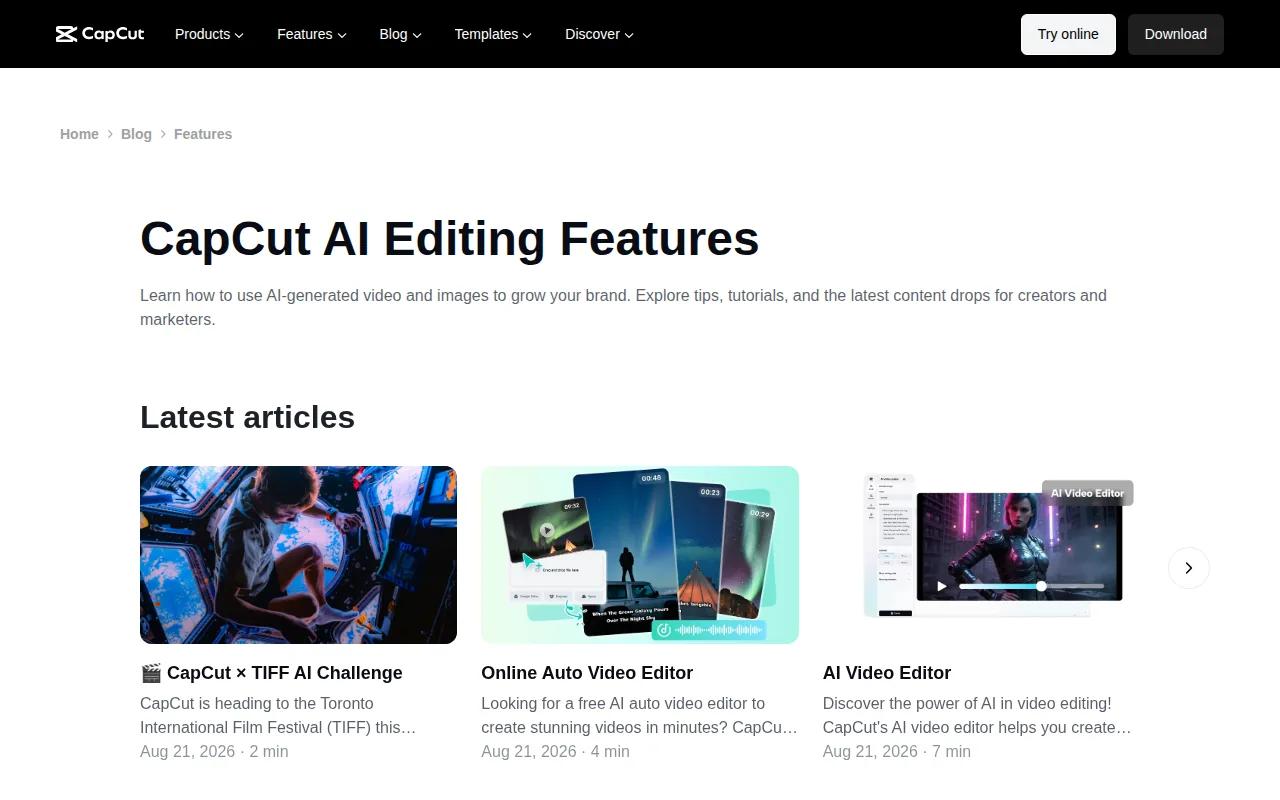
CapCut supports trimming, caption styling, and platform-specific music for final production. The vertical layout helps prevent awkward crops. You can start with a template, replace the media, add a voice track, then check the first two seconds on a phone-sized preview.
The research also lists an AI caption tool with 99.2% accuracy, though you should still review names, prices, and claims by hand. The free plan covers basic use, while the listed Pro price is $7.99 per month. Treat CapCut as an editor rather than a complete campaign system.
It is a good choice when your raw footage is ready and the last 10 percent needs polish.
5. Pictory
Pictory fits ads built around b-roll, text overlays, captions, or voice-over instead of a talking head.
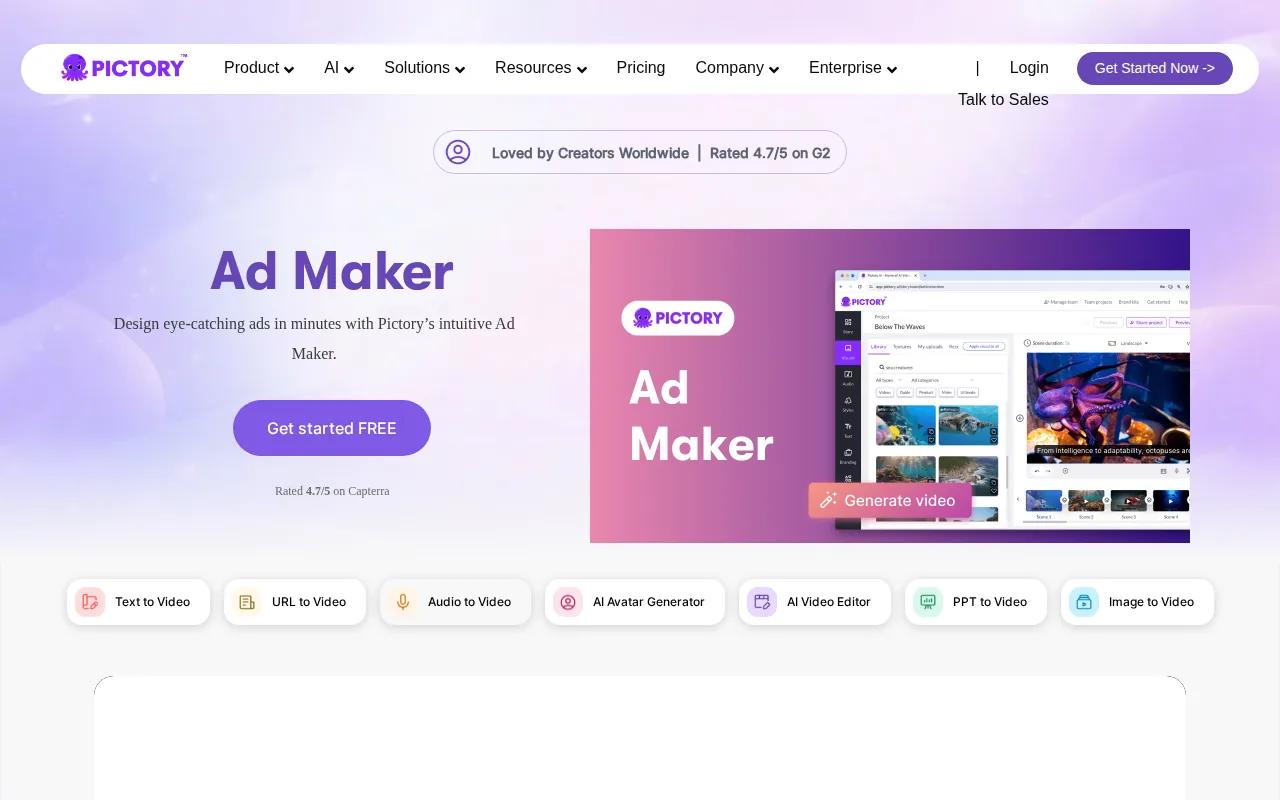
It can turn written content into video and uses licensed stock footage in the workflow. Auto-synced captions help when viewers watch without sound. Mood Mapping can help match visuals to the tone of a script, which is useful for a product story that shifts from a problem scene to a clear offer.
Pictory also supports Meta ad formats. That makes it a sensible pick for turning a blog post, product guide, or customer question into several short creative angles. It may feel less useful when your ad needs a real product demonstration or a distinctive founder-led voice.
Choose it when the message carries the ad and the visuals need to support it.
6. Runway ML Gen-3 Alpha
Runway ML Gen-3 Alpha is for in-house creative teams that want more control over generated video scenes.
The listed features include Storyboard to Ad, multi-scene narratives, custom brand colors, and object motion control. That combination can help a team plan a short sequence instead of relying on one isolated clip. For example, you might build a three-scene Reel with a product reveal, a use moment, and a final call to action.
The trade-off is a steeper learning curve. A small team may spend more time learning controls than making ads. It also needs a careful review pass because generated motion can shift between scenes.
Runway makes sense when creative control matters more than speed. For a faster text-to-video workflow, to AI video generators for TikTok-style content.
7. Predis
Predis is aimed at brands that publish often and need creation, scheduling, and publishing in one work area.
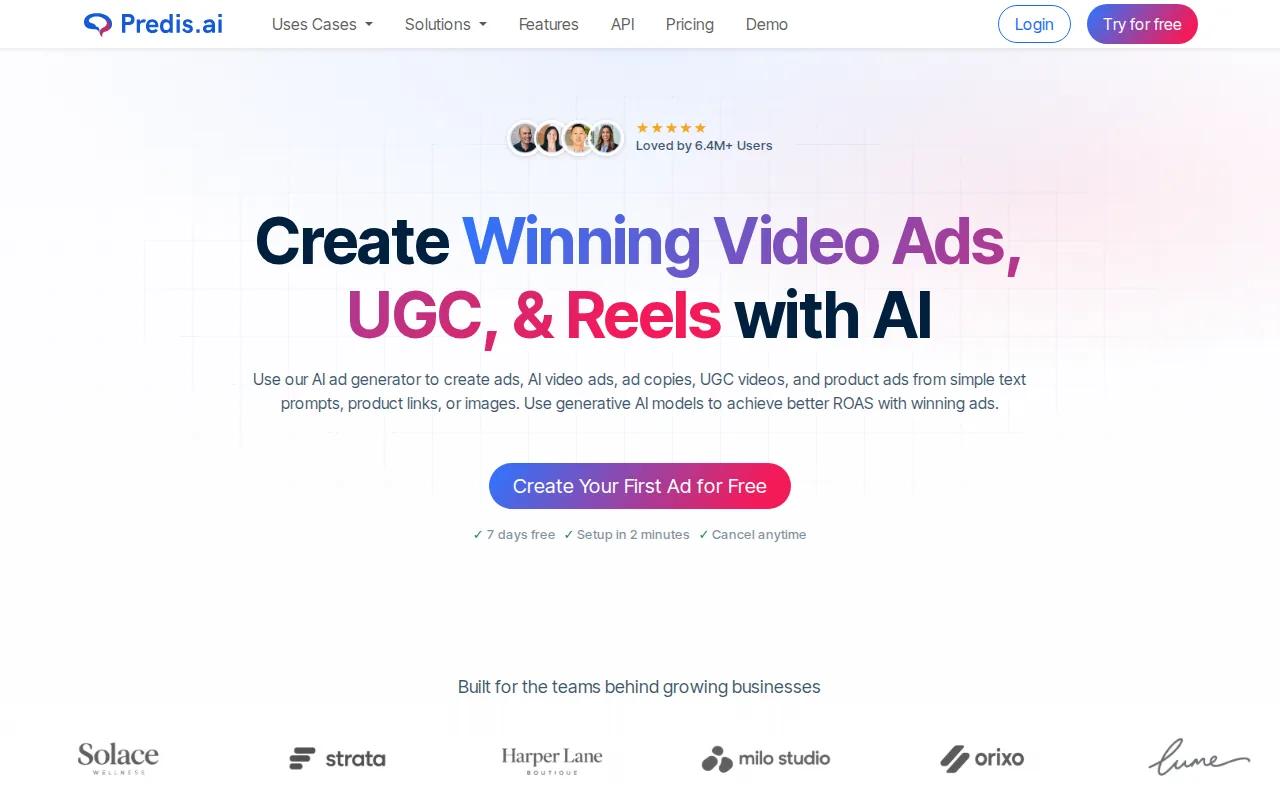
It is a fit for teams producing 20 or more ads each month. The free plan includes 15 credits monthly, which the research describes as enough for about five to seven posts. That gives a small team a way to test the workflow before paying for more volume.
Scheduling bugs and slow customer support are reported limits in the research. Those issues matter when a launch has a fixed date or when several clients share one content calendar. Keep a backup export of each approved ad and don't rely on one scheduled post for a time-sensitive offer.
Predis is strongest when your problem is content volume. It is less attractive when every ad needs deep creative control.
8. AdCreative.ai
AdCreative.ai is best for e-commerce teams with strong product photos that need quick static banner concepts.
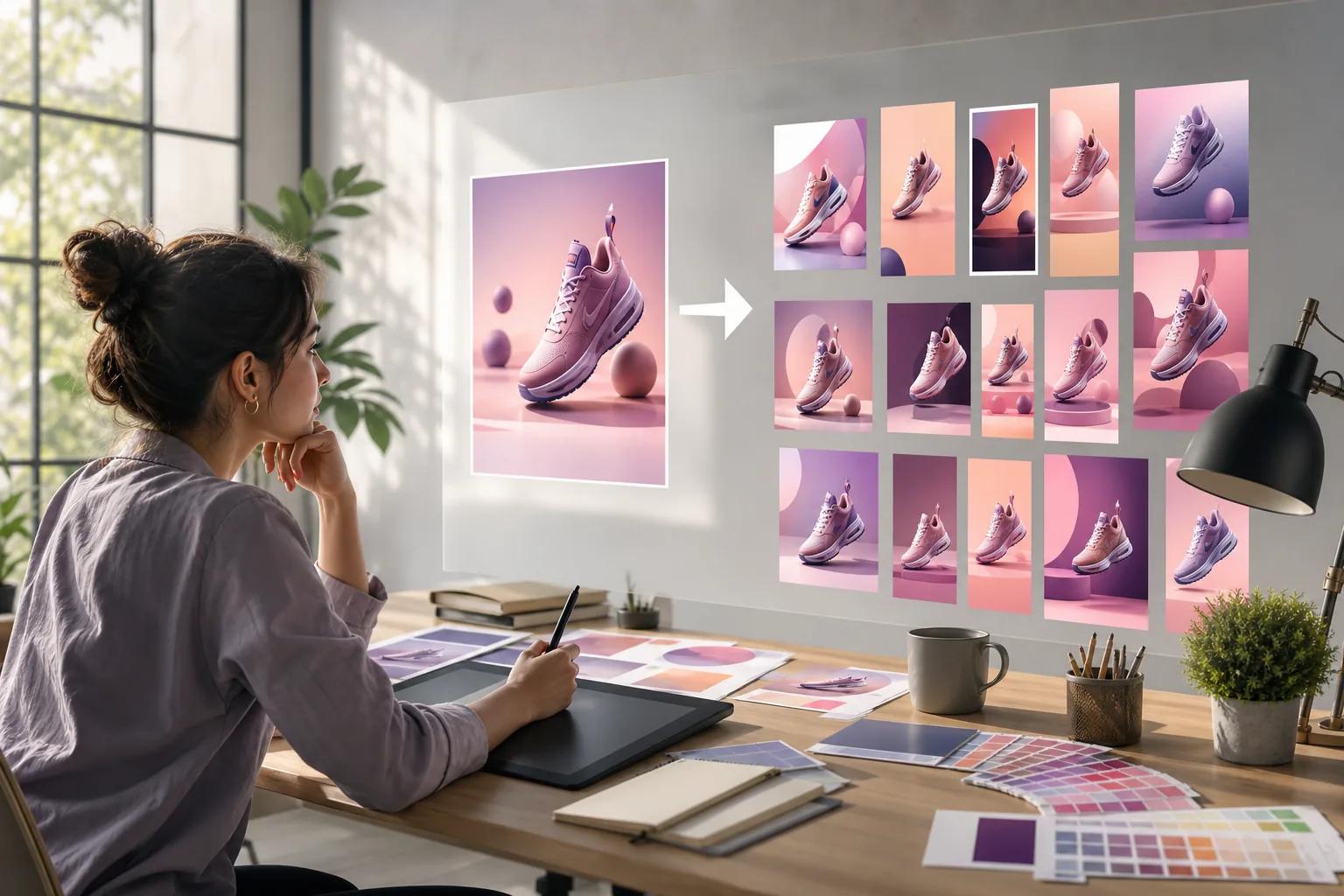
Its value comes from turning existing product images into ad variations for Instagram and Facebook. That makes it useful for testing different headlines, layouts, and visual angles without asking a designer to rebuild every draft. Start with clean product photos and a single goal, such as a sale, sign-up, or product launch.
The research warns that billing can be hard to forecast and that the tool is not a replacement for a designer. Watch credit use before you hand the account to several people. You should also check every claim and make sure the final layout leaves room for platform overlays.
Choose AdCreative.ai for quick image ad ideation, not for a complete video production pipeline.
9. Creatify
Creatify suits brands focused on video ads for Instagram Reels and Stories.
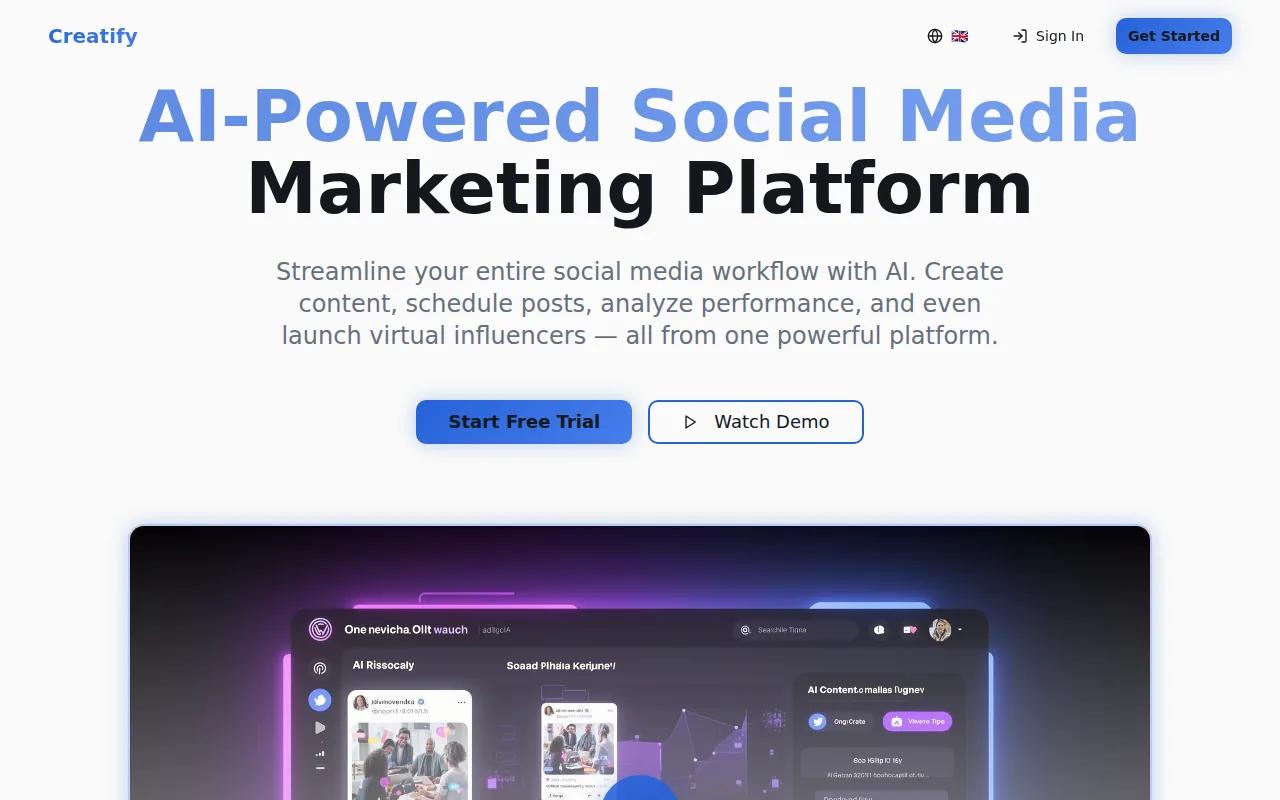
The free plan includes two watermarked videos, so you can test the basic workflow before paying. That is useful when you want to judge the script quality, pacing, and visual fit with your own product. A short URL or product brief can give you a starting point for several creative versions.
Creatify only handles video. The research also notes fewer integrations than some competing tools. If your campaign needs static feed images, you will need a second editor. That split can add review work because your image and video ads may use different fonts or calls to action.
Pick Creatify when video is the whole brief. Skip it if one dashboard must handle every ad type.
10. Tagshop
Tagshop is built for marketers who need many UGC-style video ad versions for testing.

Its focus is useful when you want to try different hooks, creator styles, or product messages without arranging a new shoot for every variation. A testing team can keep the offer fixed while changing the opening line, pace, or visual setup.
The limits are clear. Tagshop handles video UGC rather than static creative, and pricing becomes custom after limited free testing. That makes budget planning harder for agencies with several active clients. Ask how credits are counted before you map out a monthly test plan.
Tagshop is worth a look when version volume is the main need. For a mixed image-and-video campaign, pair it with a separate image editor.
Instagram Ad Maker Comparison Table
The best choice depends on where your production bottleneck sits. Use this view to match the tool to the job before you sign up.
| Tool | Best fit | Main format | Free access noted | Watch for |
|---|---|---|---|---|
| HailuoLabs | Short-form AI video | Video | Yes, watermarked Hailuo 02 | Review generated details |
| HeyGen AI Instagram Ad Generator | Fast multi-placement ads | Video | Yes | Manual export work |
| Synthesia | Recurring spokesperson | Avatar video | — | May look too polished |
| CapCut | Final editing pass | Video and Stories | Yes | Not a full ad manager |
| Pictory | B-roll and text-led ads | Video | — | Less suited to product demos |
| Runway ML Gen-3 Alpha | Creative control | Generative video | — | Steeper learning curve |
| Predis | High publishing volume | Social content | 15 credits monthly | Scheduling reliability |
| AdCreative.ai | Product-photo ad concepts | Static ads | — | Credit billing |
| Creatify | Reels and Stories | Video | Two watermarked videos | No static ads |
| Tagshop | UGC testing at scale | Video UGC | Limited testing | Custom pricing |
Automation details are also missing or marked as unavailable for many tools. Plan for a manual export, review, and upload step unless the vendor clearly confirms otherwise.
What to Look for in an Instagram Ad Maker
Start with the ad format you need most. A Story needs a vertical 9:16 layout. A feed image needs a clear headline and product focus. A Reel needs motion in the opening seconds and captions that work without sound.
Then check the handoff. Can you export clean files? Does the tool keep your brand colors? Can it make several hook versions without changing the offer? If it connects to Meta Business Suite, confirm whether that means direct publishing or only account access.
- Creative control: Look for image references, scene control, templates, and edit tools.
- Testing: Make at least two versions with one main change, such as the hook or headline.
- Targeting: Set audiences in your ad account, then use the maker for creative variation. Try retargeting past site visitors or testing a lookalike audience only when your account has enough signal.
- Compliance: Use media you have permission to use. Check music rights, product claims, disclosures, and creator permissions before launch.
- Measurement: Track click-through rate, cost per acquisition, and return on ad spend. Judge the creative only after it has enough delivery to support a fair comparison.
Keep the copy tight. Lead with one clear problem or result, show the product quickly, then give one next action. Don't pack five claims into a six-second clip.
FAQ
What is the best instagram ad maker?
HailuoLabs is the best fit when you need short-form AI video from text or images. It supports several Hailuo models, higher-resolution output on paid plans, and editing tools in one studio. If you need avatar presenters, static layouts, or scheduling, another tool in this list may fit that narrower job better.
Can I make Instagram ads for free?
Yes, several Instagram ad maker tools have free access, but limits vary. HeyGen has a free plan with no credit card required. Predis lists 15 credits per month, while Creatify lists two watermarked videos. Free plans are useful for testing, but check watermarks, export limits, and credit rules first.
What size should an Instagram Story ad be?
A vertical 9:16 layout is the standard starting point for an Instagram Story ad. A Story workflow can use 9:16 templates to reduce cropping problems. Keep key text away from the top and bottom edges, since interface controls may cover those areas during playback.
Can AI tools publish ads directly to Instagram?
Some tools connect with Meta Business Suite, but direct publishing is not common across the category. Treat export and manual upload as part of the plan unless the vendor confirms direct publishing for your account.
What should teams consider when testing Instagram ad creatives?
Test one major change at a time, such as the opening hook, image, presenter, or call to action. Keep the audience and offer stable, then compare click-through rate, cost per acquisition, and return on ad spend. Pause weak versions only after they have enough delivery for a fair read.
For most teams, HailuoLabs is the strongest first test when video is the main need. Sign in, add a product image or prompt, generate a few vertical concepts, and review the best one before exporting it for your next campaign.


