

A video editing API can turn a prompt, image, or raw clip into a finished video through code. But the market has a catch: only 3 of 12 reviewed providers describe built-in editing automation. Here are the strongest options, what each is good at, and where each one falls short.
Prices also need care. Read the fine print before you build your workflow around a low headline price.
1. HailuoLabs
HailuoLabs is best for creators and small teams that want AI video generation without building a developer pipeline first. It is a studio rather than a public developer API today, so you sign in, buy credits, and work inside the browser.
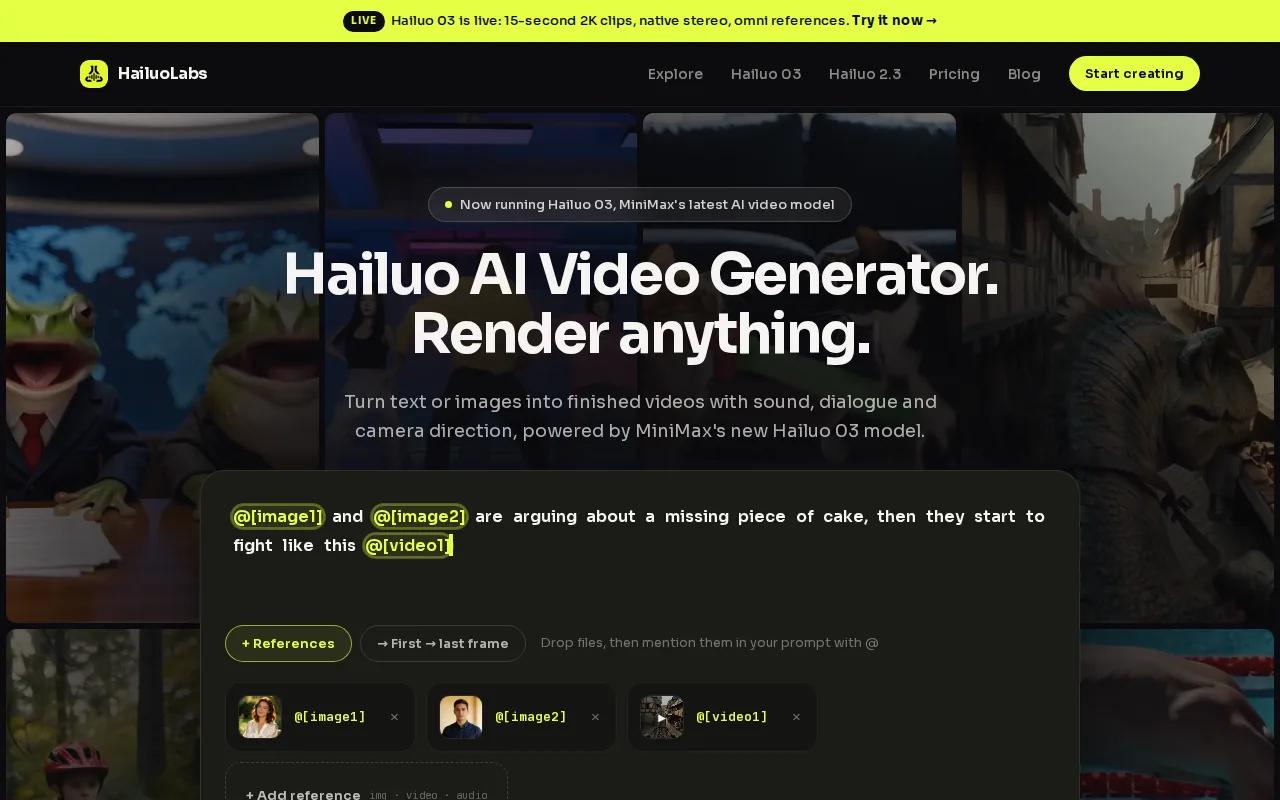
You can generate video from text, images, video, or audio. Hailuo 03 supports clips up to 15 seconds at 768p or 2K. It also has native stereo sound, first and last frame control, omni references, and an edit mode. Those tools help when you need a short product scene, social ad, or visual test without writing code.
Paid plans open access to Hailuo 2.3, Hailuo 2.3 Fast, Hailuo 03, higher output sizes, video references, and editing. Free users can try Hailuo 02 at 512p with a watermark. The HailuoLabs pricing and plans page explains the current credit model and commercial licence details.
The limit is clear. If your SaaS needs a customer-facing render endpoint, HailuoLabs is not the same thing as a public API. For hands-on generation, though, it is the easiest pick on this list. You can also review the Hailuo 2.3 model details before choosing a plan.
Think of HailuoLabs as the fast path for testing ideas. You can prove the look of a campaign before asking a developer to wire up a full video editing API.
2. Sora-2
Sora-2 is best for teams that need high visual quality and Azure-based controls. The documented integration path includes Azure OpenAI and Azure AI Content Safety, which makes it a fit for products that already use Microsoft's cloud tools.

Its listed capabilities include prompt-to-motion translation, frame consistency, scene control, length and timing controls, multimodal input, and post-processing support. Sora-2 is also one of the few reviewed options that mentions clip stitching as an automation feature.
3. Runway Gen-4
Runway Gen-4 is best for serious video production teams that need quality, control, and video-to-video editing.

Video-to-video editing means you start with footage and ask the model to change its look or motion. That is useful for a campaign team that wants several visual styles from one base clip. It can also help a game studio test art directions without reshooting every scene.
Runway Gen-4 makes sense when the API is part of a larger production system. It is a weaker fit if you only need a few quick clips and don't want to manage API credentials, queues, and usage logs.
4. Kling 2.0
Kling 2.0 is best for long-form generation where character or scene consistency must hold across extended durations. The reviewed integration is exclusively through the WaveSpeedAI platform.
That single gateway can simplify access if your team already works there. It can also limit your choices later.
This option is worth a look for story scenes that need more time than a single short generation. It is less attractive when vendor portability matters more than duration.
5. Pika Labs
Pika Labs can suit a social app that needs quick variations.
That combination works well for a social app that needs quick variations. A marketer could test several hooks, aspect ratios, or visual treatments before sending one version into a larger render queue.
Pika Labs is also one of the three reviewed providers that lists an automation feature. Its reported price range is $0.03 to $0.08 per second, which places its lower tier below the reviewed median and its upper tier near the middle of the market.
The tradeoff is depth. The research describes basic editing rather than a full production timeline. If your product needs detailed caption rules, multi-track audio, or strict brand layouts, you may still need FFmpeg or a separate composition layer.
6. Luma
Luma is best for 3D-aware video generation and scenes that depend on spatial understanding. The listed integration is the Luma API, so developers can work through a vendor-specific path rather than a shared gateway.
Its key strength is depth and spatial awareness. That can help when a camera move must feel grounded in a scene, such as a product orbit, room walkthrough, or object reveal. It is a different choice from a tool aimed mainly at quick social edits.
The reviewed price range is $0.06 to $0.12 per second. That spans the median rate in the dataset and reaches the middle of the reported market range. Cost planning still needs a test with your target resolution and average clip length.
7. HailuoLabs
HailuoLabs is best for developers seeking a speed-focused model through a pay-as-you-go API.
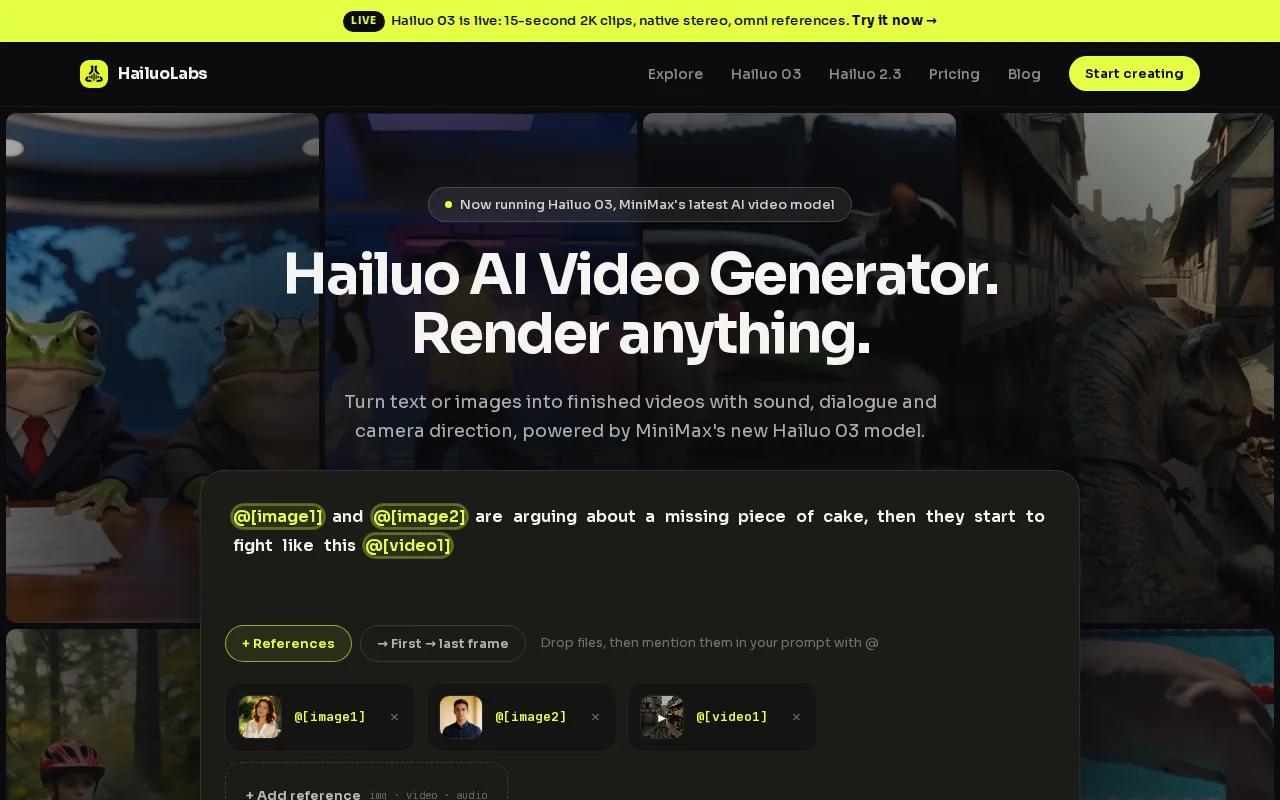
Its low-cost positioning can matter more than a high average. If your app generates many short drafts, a low per-second rate can matter more than a high average. Run the math with your actual workflow, though. Failed tasks, retries, storage, and post-processing can add cost outside the model call.
HailuoLabs is described as a quick-turnaround option rather than a full editing suite. You should expect to build the surrounding pipeline yourself. That may include an upload service, a task queue, a status check, and a final export step.
For a no-code workflow, HailuoLabs may be simpler because it removes that setup. For a coded product with a clear render queue, this API path may be more suitable.
8. Minimax
Minimax is best for developers who want experimental video capabilities through develoed data lists competitive features and an API access path that requires registration.
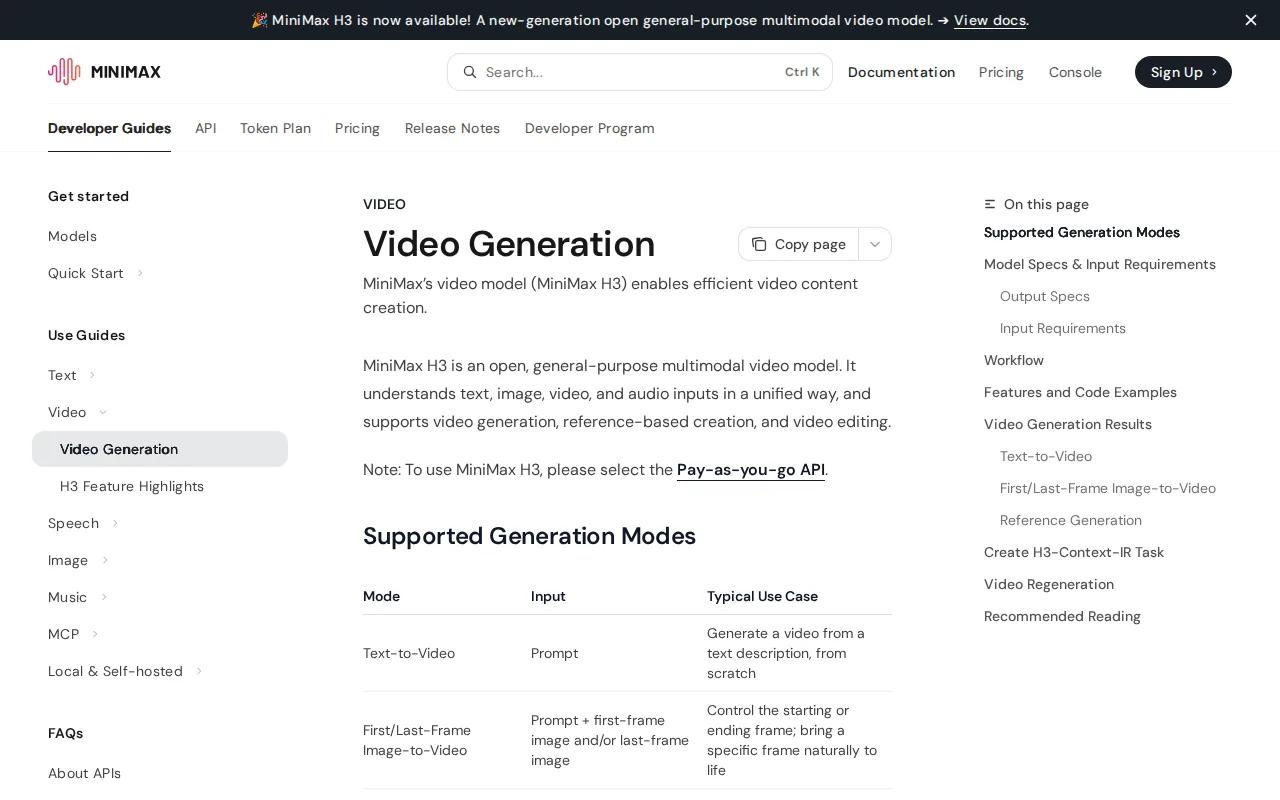
The reported price range is $0.04 to $0.09 per second. That makes it cheaed set, though the range crosses the low and mid tiers. A small benchmark will tell you more than the label alone.
Minimax is a model provider, not a finished editing workflow. You may need to pair it with a template engine or FFmpeg. FFmpeg can cut clips, join files, add audio, extract frames, and burn in subtitles through commands. An n8n workflow can then send a media URL to a worker, poll the job, and save the returned file.
This setup is powerful, but it adds work. Protect API keys on the server. Add rate limits. Store request IDs so failed renders can be traced without asking users to repeat the whole job.
What the pricing data really says
Don't use the average alone.
For a simple budget, multiply expected seconds by the model rate. Then add a buffer for retries and post-processing. A 10-second clip at $0.03 per second looks cheap, but ten failed attempts can change the outcome quickly.
How template-based video APIs work
A template-driven workflow keeps the layout fixed while your data changes. Your JSON might hold a product name, image URL, price, voice track, caption text, and call to action. The render service maps those fields into a timeline.
This pattern fits e-commerce catalogs, paid ads, onboarding clips, and social posts. You can keep one approved design and generate a new version when a product image or campaign message changes.
Cloud processing also makes bulk work possible. A queue can accept many jobs, while workers render them in the background. Your app should show task status instead of making the user wait on one long HTTP request. Some APIs take minutes to finish, so asynchronous processing is the safer design.
A typical asynchronous video editing API uses a create-task step followed by polling, with task IDs and temporary result URLs. That kind of detail can prevent silent failures in production.
How to connect an API to no-code tools
Make.com, n8n, and Zapier can pass a media URL into an API request. The basic pattern is simple:
- Receive a form entry, product record, or uploaded file.
- Send the prompt and asset URL to the video service.
- Save the task ID and poll until the job finishes.
- Write the final video URL back to your database or content system.
For a more advanced editor, pair an AI model with FFmpeg. The model can decide where a cut belongs or write caption text. FFmpeg can then apply the exact edit. This split gives you repeatable output instead of asking a generative model to handle every timeline detail.
Free tiers versus paid plans
Free access is useful for testing prompt quality and output style. It may include watermarks, lower resolution, limited models, or fewer credits. HailuoLabs, for example, gives free users watermarked Hailuo 02 output at 512p.
Paid access makes more sense when you need commercial work, higher resolution, more model choices, or repeatable production. Before you pay, test one full workflow. Include upload, generation, edit, export, and delivery. A model that looks good in a playground may not fit your handoff process.
FAQ
What is a video editing API?
A video editing API lets software send media and instructions to a remote service, then receive an edited or generated video. Your request may include a prompt, video URL, image reference, duration, aspect ratio, or template data. Most services return a task ID first, then provide the result after processing finishes.
Can I use a video editing API without coding?
Yes, you can use a video editing API through a no-code tool or a browser studio. Make.com, n8n, and Zapier can send requests and watch task status, but setup still requires fields, authentication, and error rules. HailuoLabs is the simpler choice when you want to generate clips in a studio without building those connections.
What is the cheapest video editing API?
Pika Labs reaches $0.03 per second at its lower bound. Price alone doesn't settle the choice. Check output quality, retries, storage, editing support, and whether the service fits your workflow.
Do video editing APIs include automatic captions and music?
Some video editing API workflows can add captions or music, but you shouldn't assume every provider does. Many teams use a model for clip generation, then add subtitles, audio, overlays, and stitching with a separate tool such as FFmpeg.
Is HailuoLabs a public developer API?
HailuoLabs is currently a browser studio, not a public developer API with general API keys. You can sign in, buy credits, and generate through the product. That makes it a strong fit for creators and small teams that want fast access to Hailuo models. If you need embedded generation inside your own SaaS, review the current API status before planning integration.
Conclusion
Pick HailuoLabs if you want to test and ship AI video without building a render pipeline first. Start with a free generation, try one short campaign or product clip, then review the current Hailuo API information if your next step is a deeper integration.


