
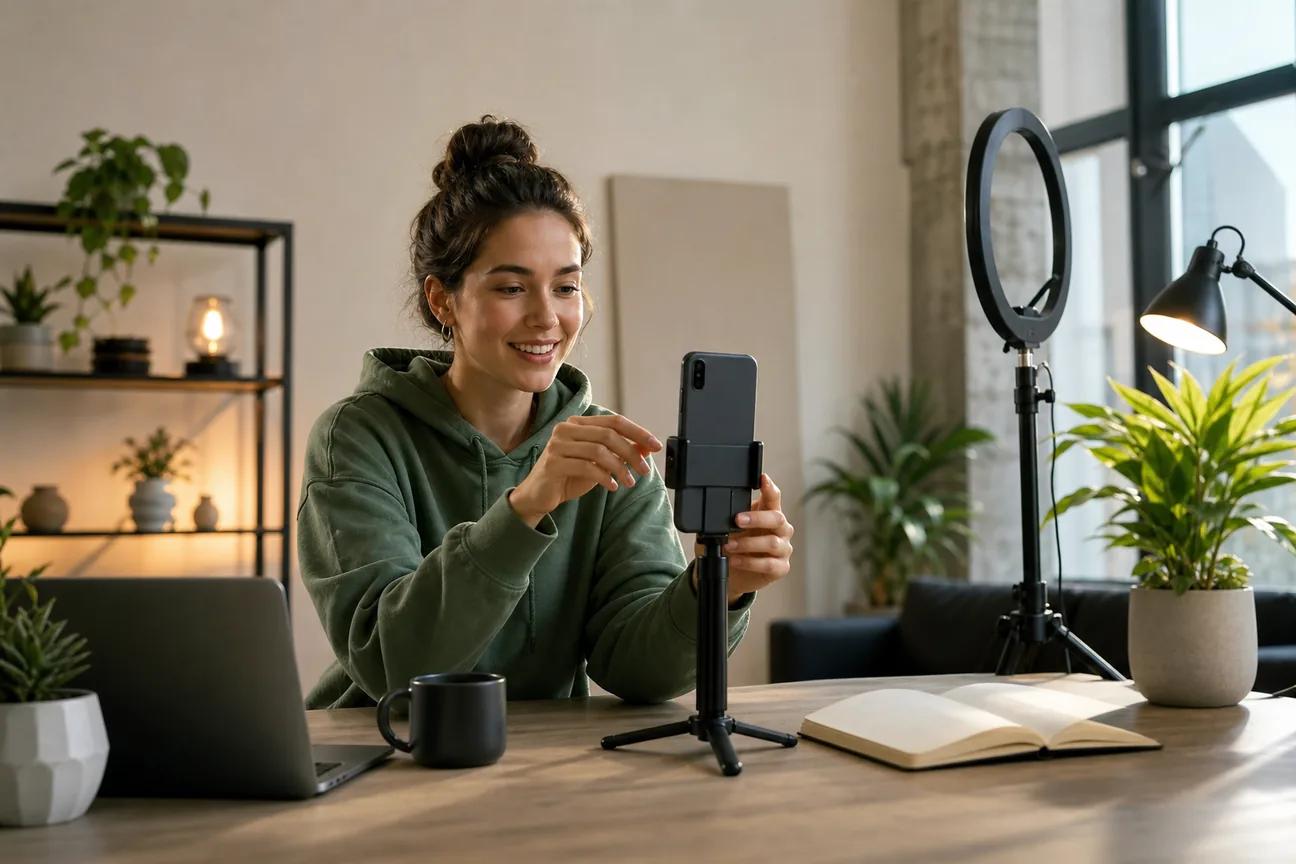
Want to turn one idea into a sharp YouTube Short before your coffee gets cold? The right tool can draft scenes, add voiceover, cut footage, or build visuals while you focus on the point. Here are eight YouTube Shorts maker tools, with the best use for each and the tradeoffs you should know.
1. HailuoLabs
HailuoLabs is the best fit when you need original AI-generated visuals for a Short. It works well for creators, marketers, and small studios that want to turn text, images, video, or audio into short clips.
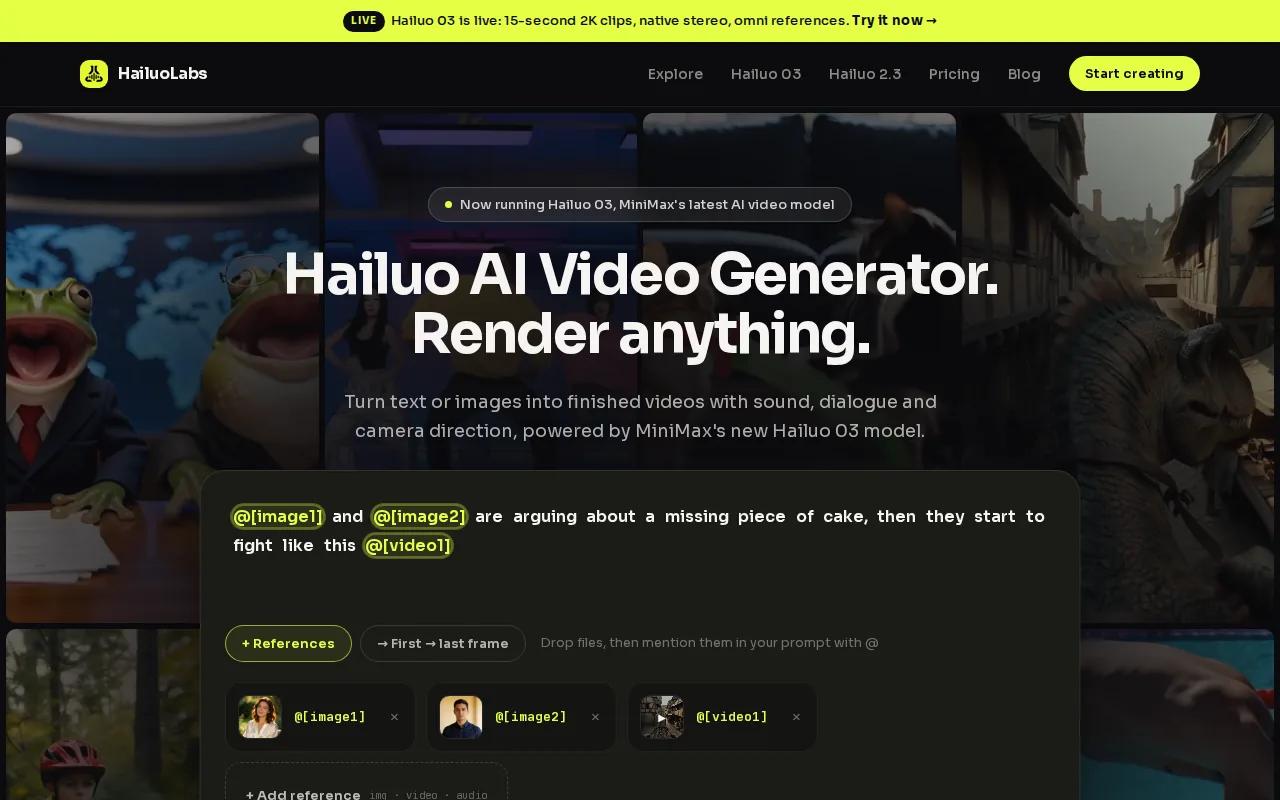
Its flagship Hailuo 03, also called H3, supports clips up to 15 seconds in 768p or 2K. It also has native stereo sound, first and last frame control, omni references, and tools for generating or editing a shot. That gives you more control than a basic text prompt with a random visual result.
Free users can test Hailuo 02 at 512p with a watermark. Paid access opens Hailuo 2.3, Hailuo 2.3 Fast, Hailuo 03, higher resolutions, video references, and editing tools. The public specs are useful because you can plan a Short around the actual clip length and output size.
Start with a short shot brief. Name the subject, one action, the setting, camera move, light, and sound. One clear action usually works better than a crowded prompt.
For a first test, follow a step-by-step HailuoLabs workflow and make three versions of one idea. Change the opening visual each time. Keep the voiceover and closing line the same so you can judge the hook.
The limitation is simple: HailuoLabs makes source clips, not a complete social publishing calendar. You may still need an editor for captions, pacing, music, and the final upload. That is a fair trade when the visual hook is the part you can't find in stock footage.
2. Topview's Viral Video Agent, polished branded Shorts for marketers
Topview's Viral Video Agent is aimed at marketers and influencers who want polished, on-brand vertical video without heavy editing. It belongs on your shortlist when brand consistency matters more than making every visual from scratch.
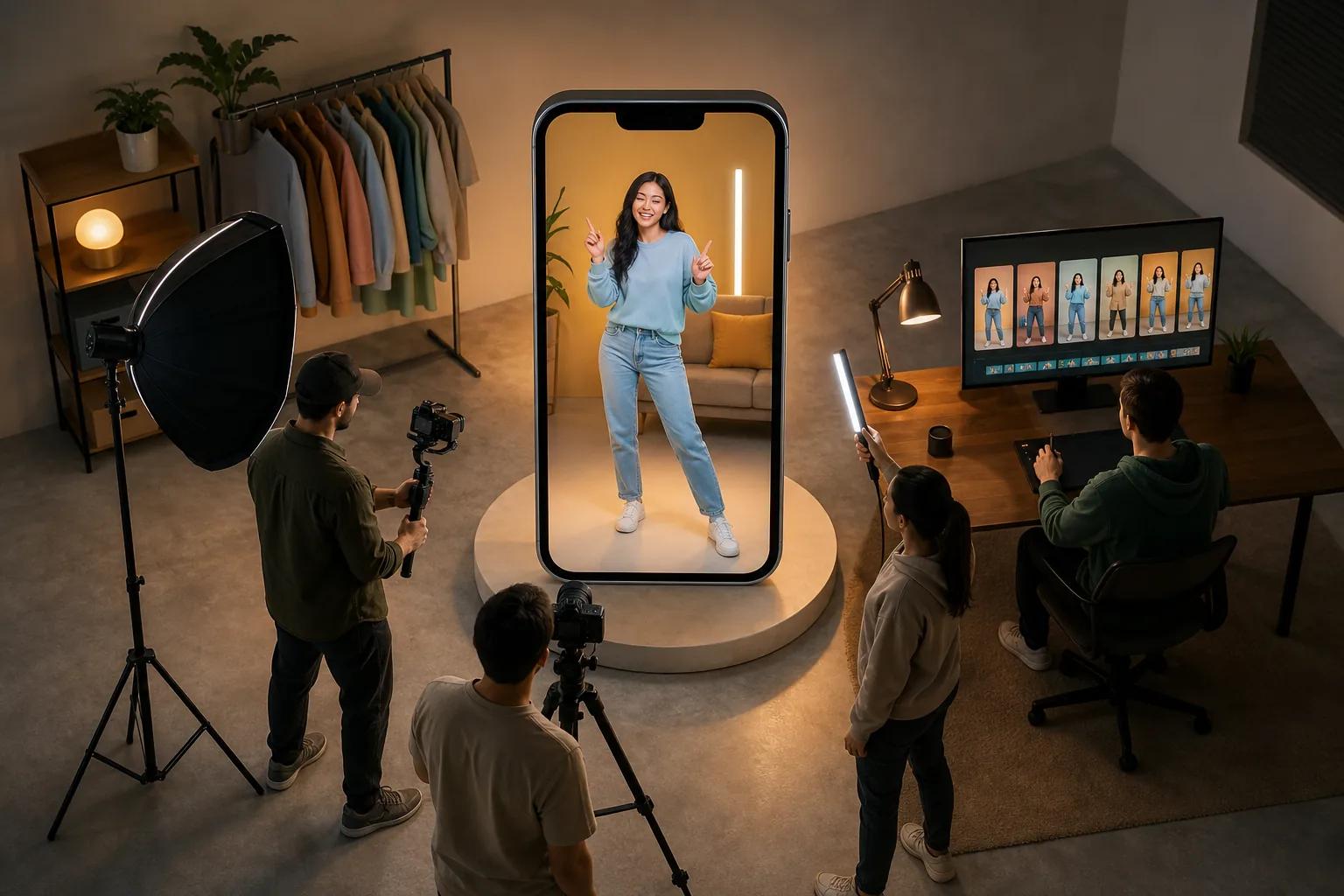
For this tool, consider how AI text-to-video fits into the workflow. Treat it as a production assistant for branded vertical content, rather than assuming it can generate a complete scene from a blank prompt.
A sensible workflow starts with the message. Write the offer or lesson in one sentence. Then decide which footage, images, or brand assets should carry the idea. A tool can make a video look neat, but it can't fix a vague promise.
Topview's stated audience makes it a natural option for repeat social work. Think product tips, creator posts, short campaign updates, or a series with the same visual rules. Build one format first, then change the topic while keeping the layout familiar.
The caveat is fit. If your concept depends on a strange fictional scene, a custom product shot, or exact motion, a generative video tool such as HailuoLabs may give you more room. If you already have approved brand material, Topview may reduce the edit burden.
Before export, check the first two seconds on a phone. Logos can wait. The viewer needs to see the problem, result, or visual surprise right away.
3. InVideo, fast branded text-to-video Shorts
InVideo is a strong choice for small businesses and creators who want a quick branded vertical draft from text. Its research profile is one of only two tools in the nine-tool sample that lists AI text-to-video.
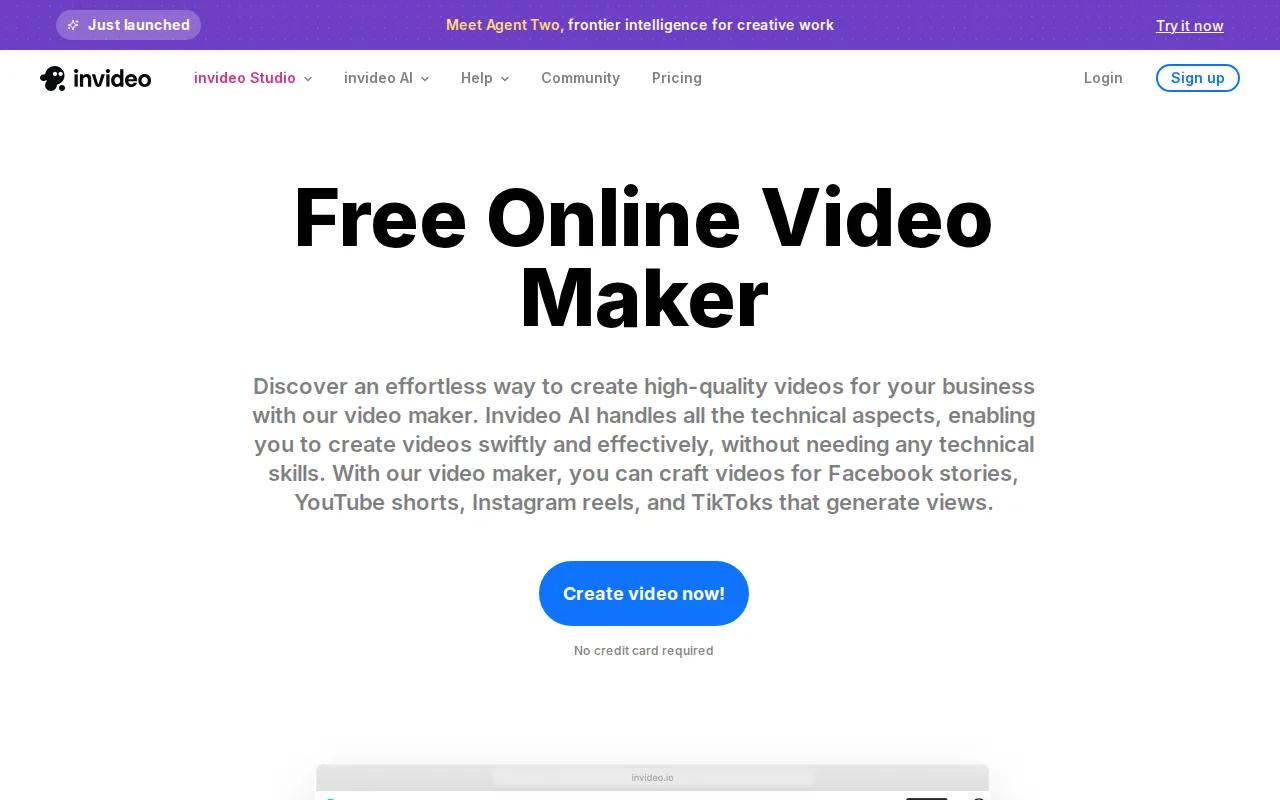
The workflow is built around a brief. You provide the topic, then review the draft before export. The tool is useful when the Short needs a clear explanation supported by stock footage, generated visuals, captions, voiceover, music, or scene changes.
That speed has a cost. A first draft may open with a familiar line, use a visual that feels merely relevant, or make a claim that sounds right without proof. Treat the result like a junior editor's first pass. Keep the structure if it works. Rewrite the hook and verify every factual claim.
A better prompt includes the audience, one viewer problem, the target length, the tone, the visual style, and the action you want viewers to take. “Make a viral Short about productivity” is too broad. “Explain why a new habit fades after two weeks, use clean captions, and end with one test the viewer can try today” gives the tool a real job.
Use InVideo when a complete first draft saves you time. Use HailuoLabs when the Short needs an original visual moment that stock footage can't supply.
4. Pictory, turn long-form recordings into Shorts
Pictory is best for anyone with a backlog of long-form recordings. It makes sense when your raw material already exists in interviews, webinars, lessons, podcasts, or recorded talks.
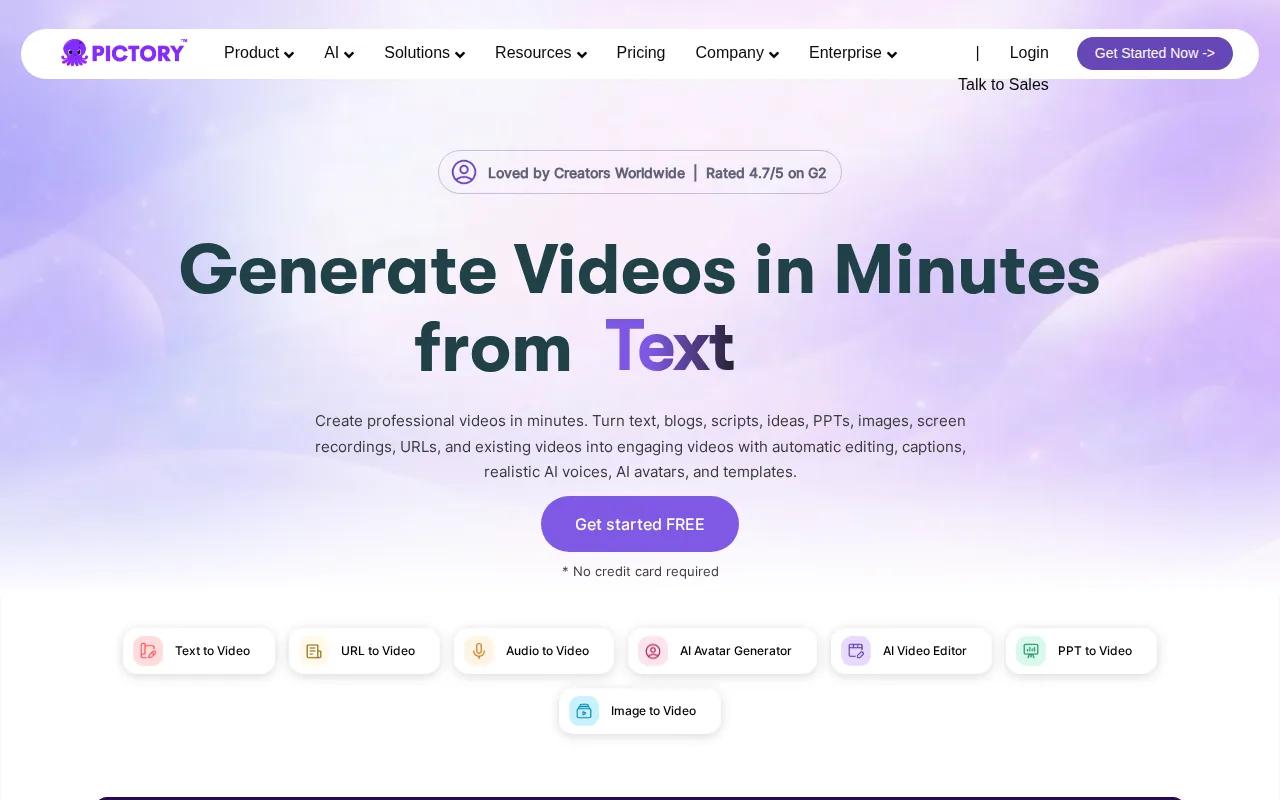
The main job is selection. A useful Short rarely comes from the first sentence of a recording. Look for a sharp answer, a surprising detail, a clear mistake, or a statement that stands on its own without ten minutes of setup.
Start with the transcript if one is available. Search for phrases that signal a complete thought. Then trim the clip so the viewer gets the setup and payoff without the slow lead-in. A good cut may send people to the full recording, but it should still make sense on its own.
Captions need a mobile check. Put them high enough to avoid the app interface, but not so high that they cover a face or key object. Read the full Short with the sound off. If the meaning disappears, the captions need work.
Pictory is a weaker fit when you need a wholly new scene. It repurposes existing material, so it can't replace a generative visual tool for a fictional setting or custom product action. Pairing selected clips with new visual inserts can solve that gap.
Keep a simple record of each source timecode and Short topic. That makes it easier to avoid posting the same point twice and helps your team find the full version later.
5. HeyGen, avatar-led Shorts for brands and educators
HeyGen fits corporate teams, educators, and e-commerce brands that want an avatar-led presenter. It is useful when a person needs to explain a product or lesson, but filming a new take for every language or update would slow the team down.
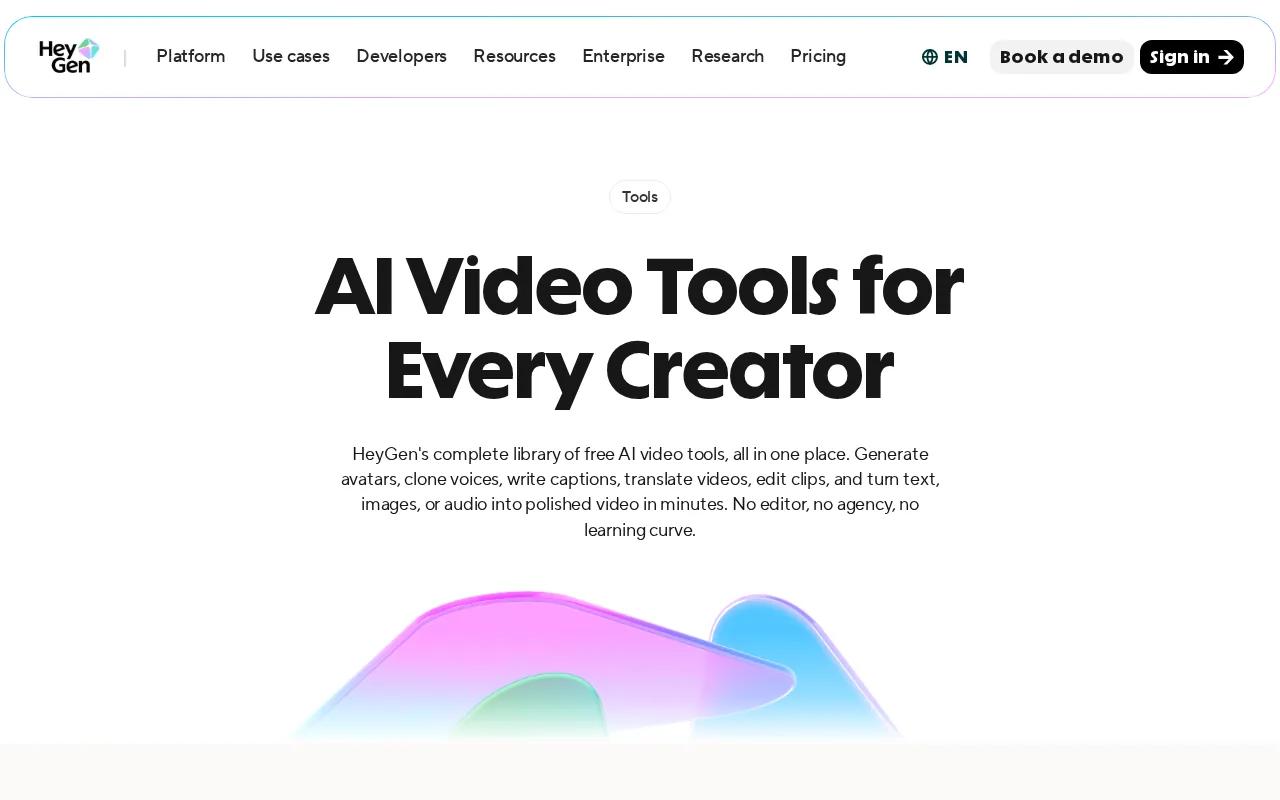
An avatar format works best when the script is direct. Give the presenter one claim per scene. Put the key phrase on screen as text, then support it with a product view, chart, or screen recording when the subject needs proof.
For an educator, that might mean one definition followed by one example. For a shop, it might mean a short answer to a common product question. The format is clear, but it can feel distant when the subject depends on personal trust or hands-on evidence.
That is the main caveat. An avatar should not make unsupported claims sound more certain. Review the script, check the pronunciation, and show the thing being discussed whenever possible.
HeyGen is a good fit for a repeat presenter format. HailuoLabs is a better first choice when your Short needs cinematic action, an unusual setting, or sound and motion generated around a scene.
6. Fliki, simple script-to-voice Shorts for solo creators
Fliki is aimed at solo creators and educators who want to turn a script into a narrated Short. It is a sensible choice when the voiceover carries the lesson and the visuals can stay simple.
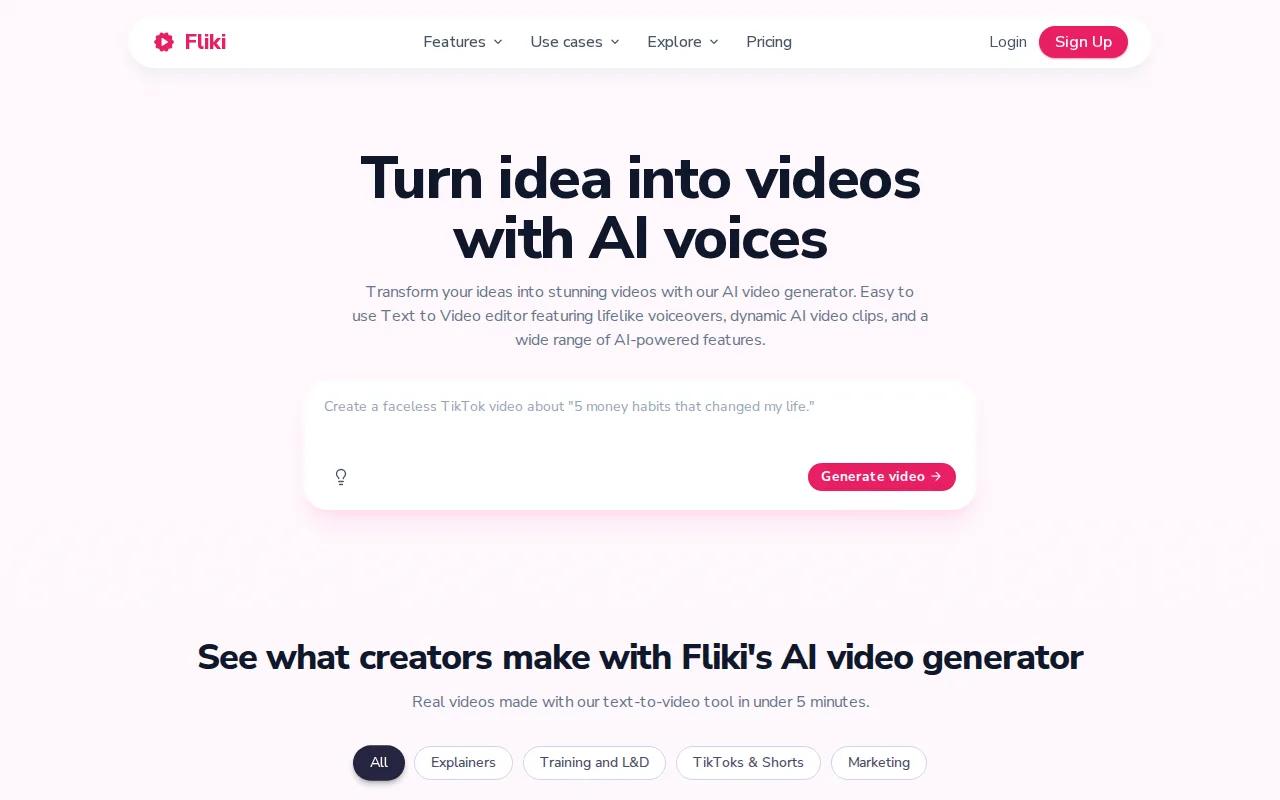
Write the script for the ear, not the page. Use short lines. Place the main idea early. Add a pause before the key fact or punchline. A voice track can sound smooth while the script still feels flat, so read it aloud before you generate anything.
For a daily series, use a repeat structure. Start with the viewer's question. Give one answer. Add one example. Close with a next step. The pattern saves time, but each episode still needs a fresh point.
Fliki is less suited to a Short where the visual event is the reason to watch. A voice can explain a scene, but it can't replace a strong demonstration. Use original footage or an AI-generated clip when the viewer needs to see motion.
Watch for caption timing. A word that appears too soon can reveal the punchline before the voice reaches it. A word that arrives too late makes the video feel broken. Make the captions follow the speech, not the other way around.
If you want a faceless workflow with a low filming burden, Fliki is worth testing. Keep the script human. That is where most of the personality will come from.
7. Veed.io, AI assistance layered onto existing footage
Veed.io is for creators who already have footage and want AI help during the edit. It fits interviews, screen recordings, product demos, talking-head clips, and event footage.
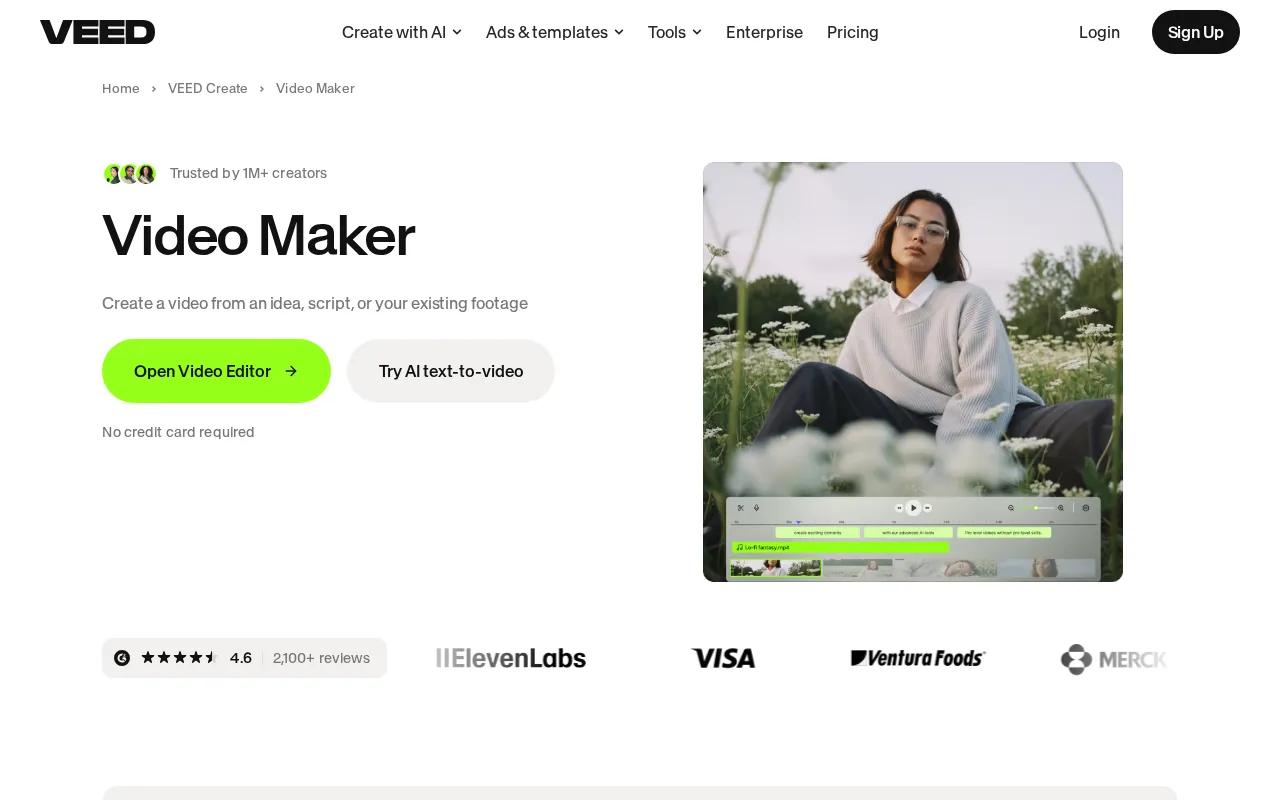
The right question is not whether AI can make a Short quickly. It is whether the cut keeps the useful part of the source. Start by finding the strongest sentence or visual change. Remove pauses that add no meaning. Then check the first frame, since that frame often decides whether someone stops scrolling.
AI assistance can help with the repetitive work around an edit. You still need to judge the cut. A caption may be technically correct but cover the product. A zoom may add motion but distract from the speaker. A music bed may make a lesson harder to hear.
Veed.io is a weak fit when your source footage is poor or your idea needs new scenes. Editing can't invent proof that was never recorded. In that case, use HailuoLabs for generated inserts, then bring the useful clips into the edit.
Review the finished video on a phone. Check caption size, face placement, sound level, and the space around the app controls. If you plan to reuse the Short elsewhere, keep a clean master without platform-specific stickers.
For feedback work, exporting public comments can also help you spot repeated questions. A comment-exporting tool can help organize public comments for analysis.
8. Jogg AI, avatar Shorts without the on-camera grind
Jogg AI is aimed at educators, founders, and social creators who want an avatar presence without filming every post. It is close to HeyGen in use case, but the choice should come down to your preferred workflow and output style.
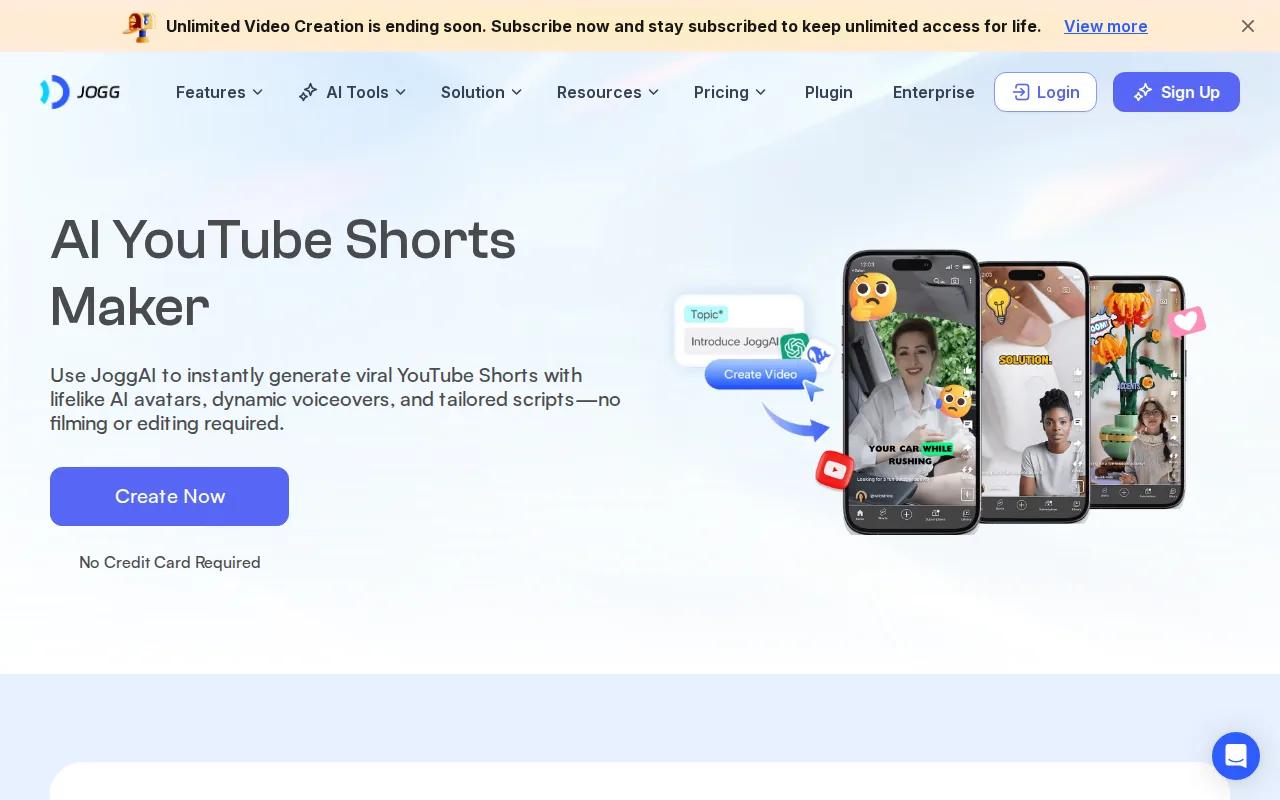
Avatar Shorts work best when the presenter has a clear role. Use the avatar to answer a question, explain a feature, or introduce a short lesson. Don't ask it to carry a complex story with many emotional shifts.
| Need | Better fit from this shortlist | Watch for |
|---|---|---|
| New AI-generated scenes | HailuoLabs | Review motion and sound before export |
| Text-to-video draft | InVideo | Rewrite generic hooks and check claims |
| Long-form repurposing | Pictory | Choose clips with a complete thought |
| Avatar presenter | Jogg AI or HeyGen | Show proof beside the presenter |
| Existing footage edit | Veed.io | Keep captions clear on mobile |
| Script and voice workflow | Fliki | Match caption timing to speech |
The main limitation is authenticity. If viewers follow you for your face, voice, or lived experience, an avatar may reduce trust. Use it for repeat explanations instead of personal stories that need a real point of view.
Jogg AI can reduce the pressure to appear on camera. HailuoLabs remains the stronger pick when the channel needs original visual storytelling rather than a presenter in every frame.
How to Choose a YouTube Shorts Maker
Choose the tool based on your source material first. If you have no footage, start with HailuoLabs or InVideo. If you have a library of recordings, test Pictory. If the edit already exists, Veed.io may be enough.
Then check the parts that affect your handoff: output size, clip length, caption control, voice quality, commercial use, and the number of edits needed after generation. Specs are often vague. For a broader comparison of capabilities and use cases, review the best AI video generators for 2026. HailuoLabs states its Hailuo 03 limit and resolution clearly, which makes planning easier. You can also review the free HailuoLabs option before paying.
Keep the production loop small: brief, draft, fact check, edit, phone review, publish.
FAQ
What is the best YouTube Shorts maker?
HailuoLabs is the best first test when you need original AI-generated visuals for Shorts. Hailuo 03 supports clips up to 15 seconds in 768p or 2K, while free users can test Hailuo 02 with a watermark at 512p. Choose another tool when your main need is repurposing recordings, avatar presentation, or editing existing footage.
Can AI make a YouTube Short from text?
Yes, some AI YouTube Shorts maker tools can turn text into a draft, but the feature is not universal. In the nine-tool sample, Hailuo 03 and InVideo list AI text-to-video. You still need to edit the script, check claims, replace weak visuals, review captions, and confirm the final video matches your channel.
How long should a YouTube Short be?
A YouTube Short should be only as long as the idea needs. A single visual beat may need a few seconds, while an explanation may need more room. Build short clips around one action, then join them in an editor when the story needs more time.
Can I make YouTube Shorts without showing my face?
Yes, you can make faceless Shorts with generated visuals, stock footage, screen recordings, voiceover, captions, or an avatar. HailuoLabs suits visual storytelling, while Fliki suits script-led narration. Keep the channel useful and original. A faceless format still needs a clear idea, accurate claims, and a reason for viewers to watch.
How do I make AI Shorts feel less generic?
Give the Short a specific viewer problem and write the hook yourself. Then add one clear action, a defined camera move, and a visual that proves the point. AI can assemble a draft, but your choice of example and final edit gives the YouTube Shorts maker output a reason to exist.
Conclusion
Start with HailuoLabs if original AI visuals are the main reason you're making Shorts. Test one idea in the free tier, use a tight prompt, and review the clip on your phone before you build a full batch. When you're ready for clean exports and higher-resolution work, open the Hailuo 02 model page and choose the setup that fits your workflow.


