
Some Reel makers promise a long list of AI tricks while leaving out a basic detail: output resolution. That gap can hurt your visual quality after Instagram compression. Here are 10 named tools, with the job each one handles best and the limits worth checking before you commit.
1. HailuoLabs, AI video generation for original Reel concepts
HailuoLabs is an Instagram Reel maker for original clips built from text, images, video, or audio. It’s best when you need fresh visual concepts instead of another edit of footage you already shot.
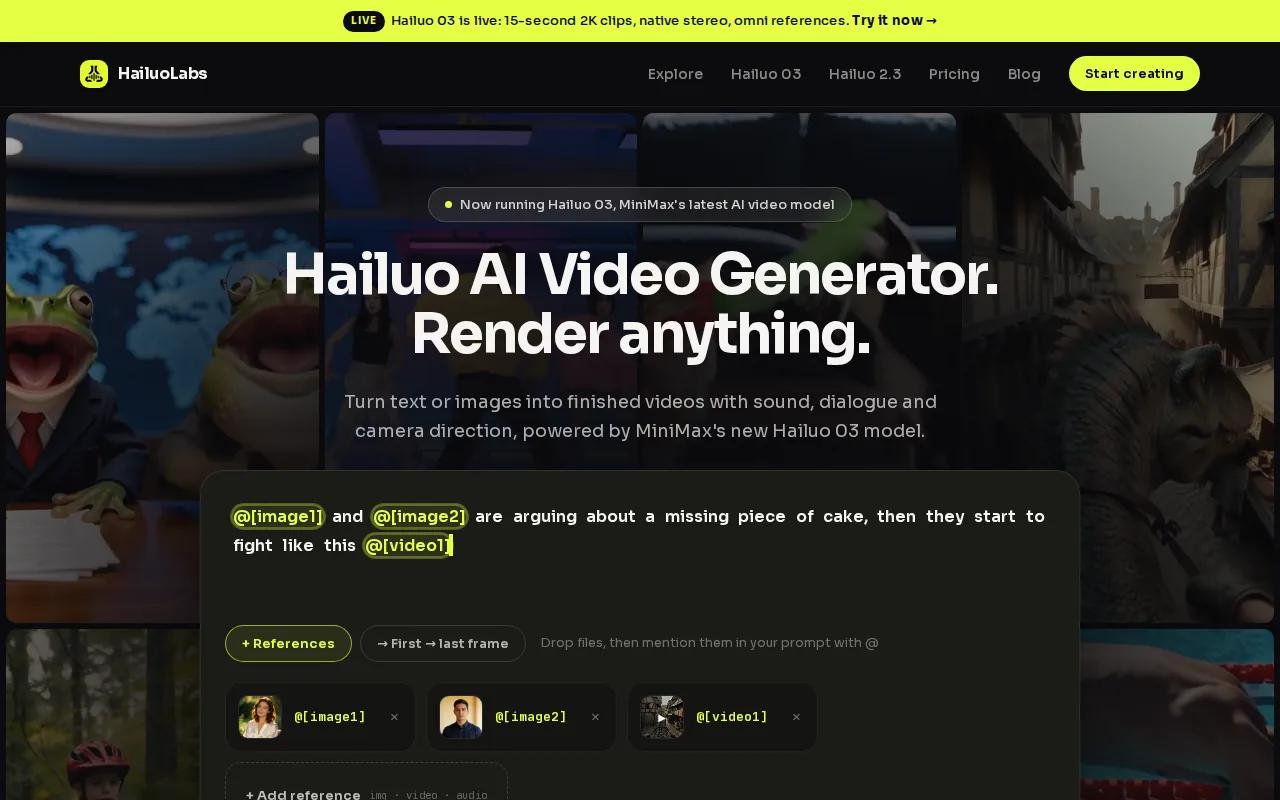
Hailuo 03, the flagship model, can make clips up to 15 seconds in 768p or 2K. It also supports native stereo sound, first and last frames, omni references, and clip edits. Those references help hold a product, face, color palette, or motion style steady across a concept. If you are new to the workflow, the five-step Hailuo setup shows how to move from account creation to a first clip.
Free users get watermarked Hailuo 02 output at 512p. Paid plans add Hailuo 2.3, Hailuo 2.3 Fast, Hailuo 03, higher resolutions, video references, and editing tools. You’ll still want a final caption pass in an editor.
For prompt-based social ads, product teasers, and cinematic hooks, HailuoLabs’ browser video studio is the strongest first stop in this shortlist.
2. CapCut, powerful free editing for creators with their own footage
CapCut is a strong Instagram Reel maker for people who already have clips and want a capable free editor. Its free tier includes core editing tools, and standard exports have no watermark.
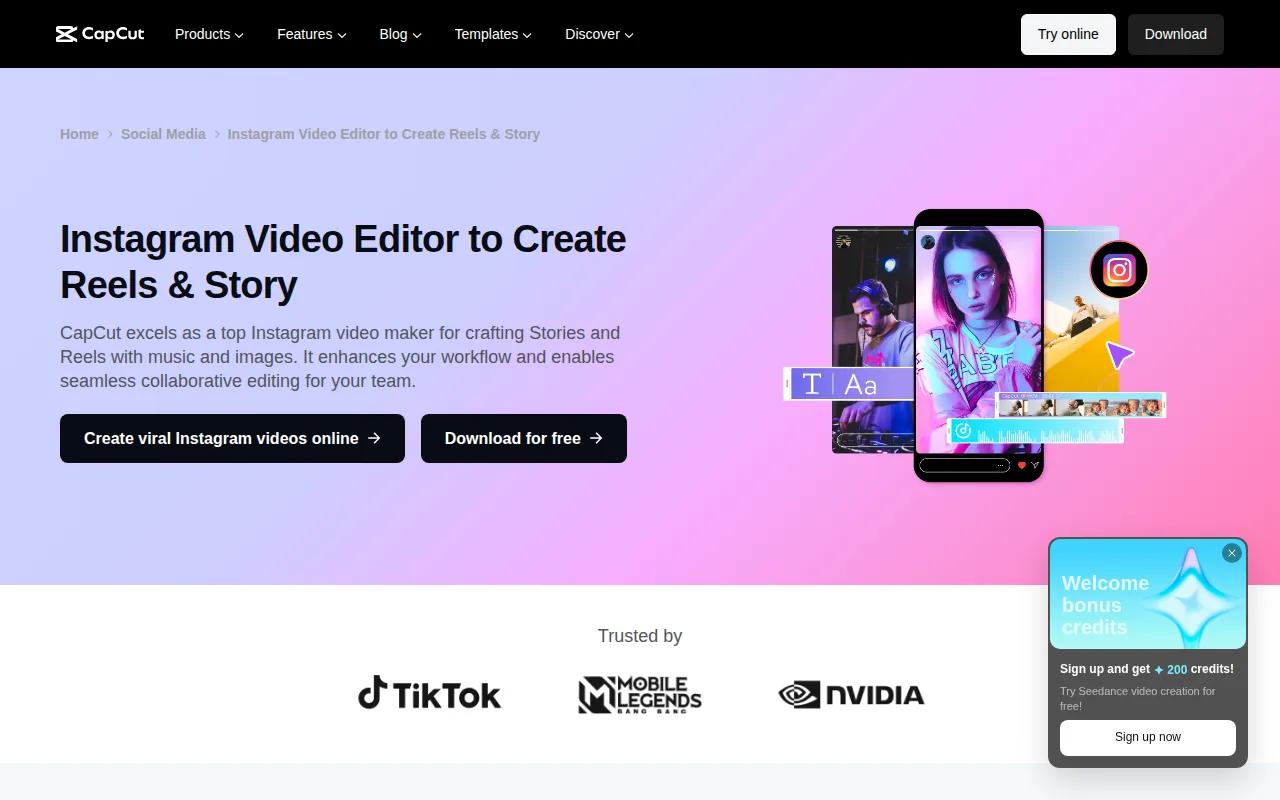
Its Reel workflow supports a 9:16 canvas, text overlays, stickers, emojis, filters, transitions, music, and keyframes. Keyframes let you move text or graphics over time, which helps when a hook needs motion instead of a static title.
The official editor also lets you set frame rate, format, quality, and resolution before export. Start with a clean 9:16 project, keep text away from the screen edges, and watch the export on your phone before posting.
CapCut is a sensible choice for footage-led content. Its main weakness is choice overload. A simple talking-head Reel can take longer when every effect is competing for attention.
3. Canva, brand-consistent Reels for small businesses and social teams
Canva is an Instagram Reel maker for small businesses, marketers, and social teams that need a repeatable visual style. Its free plan is generous, while paid access may be needed for some assets or advanced brand controls.

Start with the Instagram Reel canvas, then build a sequence of short scenes. Canva’s template-based editing works well for product tips, quote videos, event promos, and photo-led Reels. Brand Kit tools help keep colors and type choices steady across a team’s work.
You can add your own photos, apply transitions between pages, and adjust the pace of each scene. That makes Canva useful when the team has no dedicated video editor but still needs a clear handoff.
The caveat is motion. Canva can make a polished Reel, but it may feel flat if every scene is only a still image with a transition. Add a real clip or generated motion when the opening needs more pull.
For more ad-focused workflows, the Instagram ad maker comparison also covers how creative format, captions, and export choices affect short video ads.
4. InVideo AI, scripted narration over stock footage
InVideo AI is an Instagram Reel maker for scripted narration over stock footage. It fits faceless explainers, list videos, simple product education, and voice-led posts.
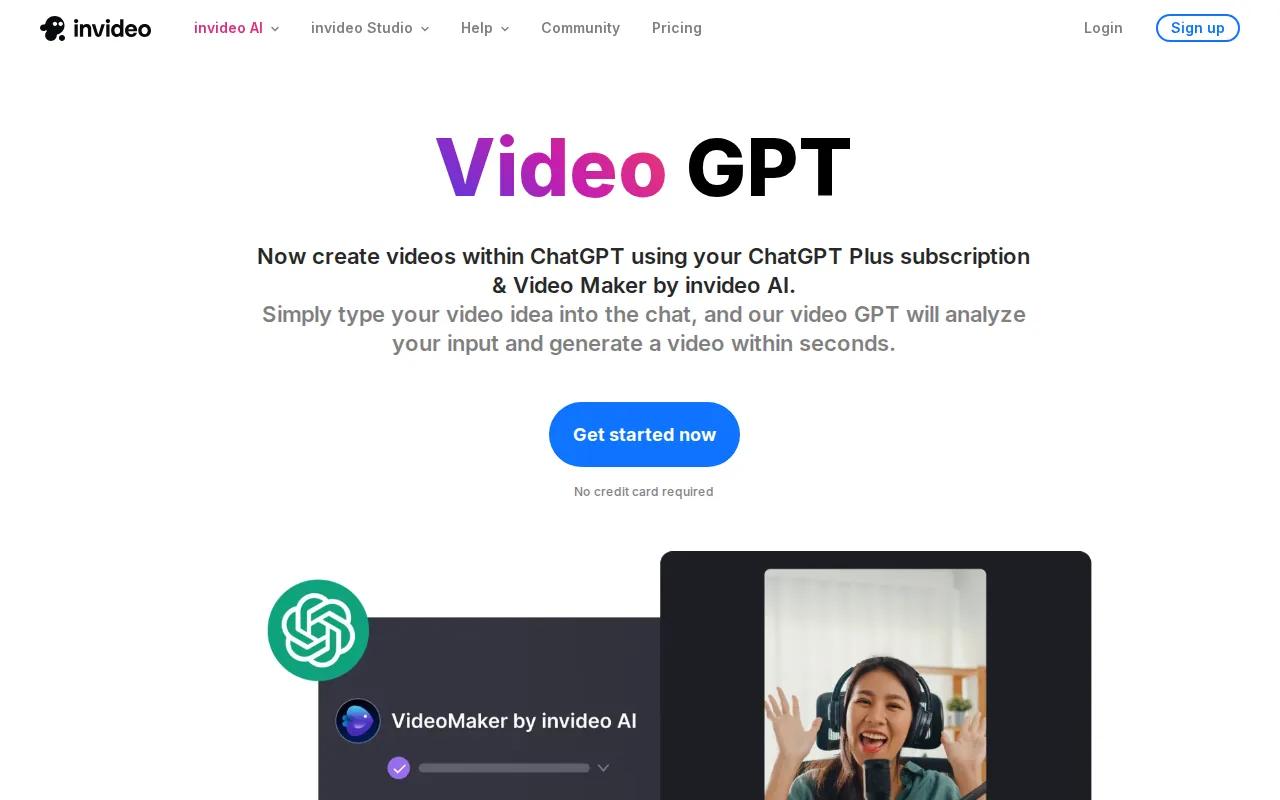
It offers scripted voiceover and automatic captions. Its Reel output is available in 9:16, which matches the vertical frame most creators need for Instagram.
This workflow starts with a written idea rather than a camera roll. That can save time when you know the message but lack footage. Read the script aloud before export, since a technically correct voiceover can still sound stiff or move too fast.
The free plan is watermarked. You’ll also need to review stock clips closely. A generic visual can weaken a specific claim, especially in a product demo or expert lesson.
5. Runway, cinematic AI-generated b-roll for standout Reels
Runway is an Instagram Reel maker for cinematic, original b-roll. It suits creators who want a short visual beat that would be costly or hard to film.
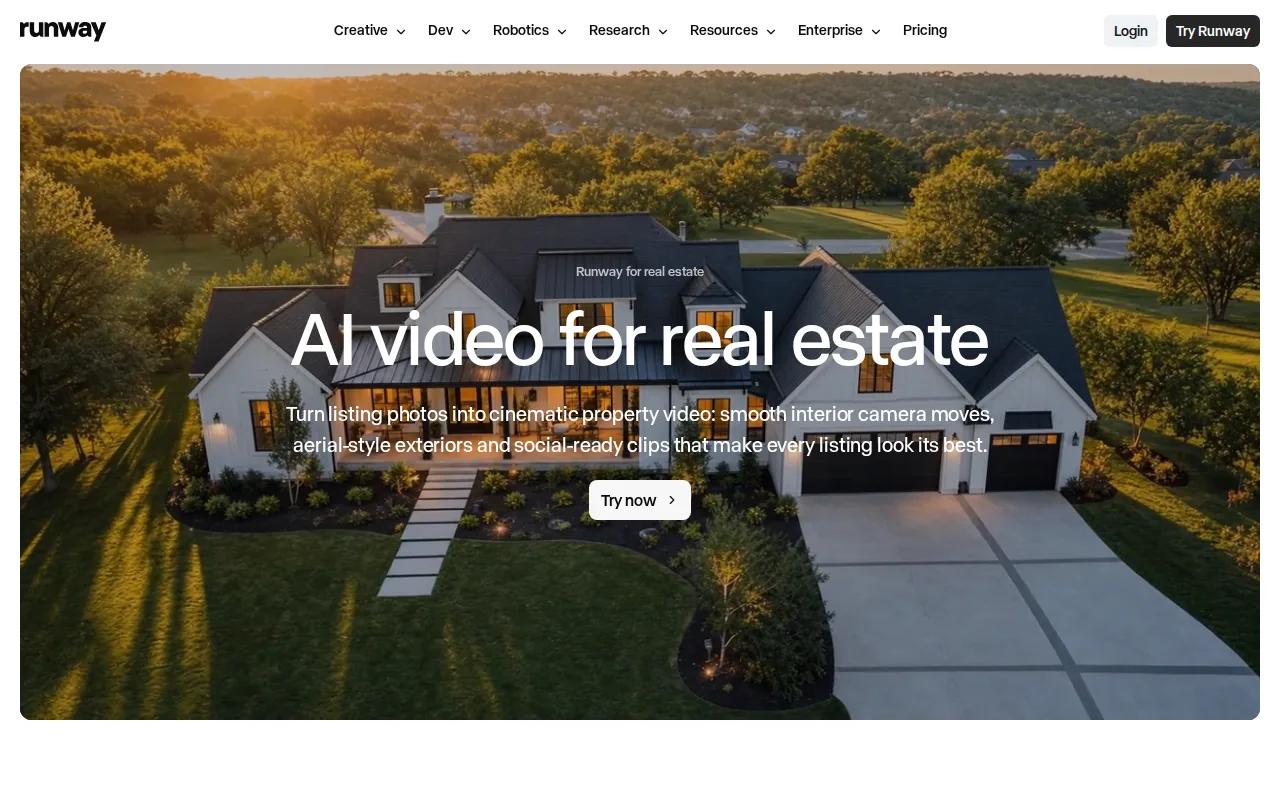
Runway supports cinematic video generation and 9:16 output. Use it for an atmospheric opening, a transition between talking points, or a visual metaphor behind a voice track.
Keep the prompt focused on one subject and one action. A short clip has little room for a busy scene. Generate a few variations, then choose the take with the clearest movement rather than the most dramatic prompt.
Runway’s free access is a one-time trial credit offer. It’s better for testing a visual idea than for a high-volume weekly publishing plan.
6. Kling AI, lifelike motion from still images
Kling AI is an Instagram Reel maker for adding lifelike motion to a still image. It works well when you have a strong photo but need movement for a short post.
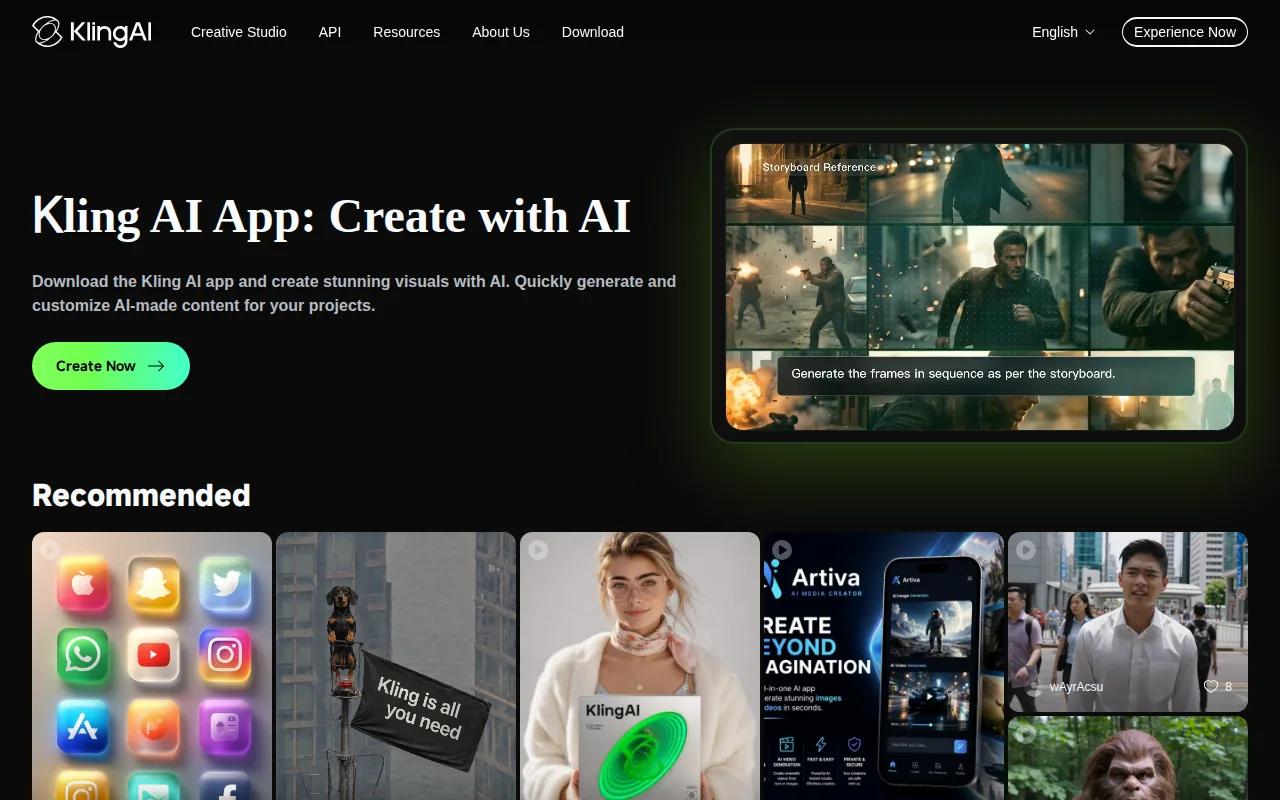
Kling AI supports photo-to-video motion and 9:16 output. You might animate a product scene, add a slow camera move to a location photo, or give a character image a small action.
Start with a clear image and request one movement. Too many actions can make the result look strange. This is also a case where you should inspect hands, faces, labels, and edges before publishing.
Daily free credits make testing easy. But still-image animation won’t replace a full editor when your Reel needs several clips, a spoken script, or a strong caption layout.
7. Captions, talking-head editing for coaches and educators
Captions is an Instagram Reel maker for coaches, educators, and personal-brand creators who film themselves. It targets the small edits that slow down talking-head work.
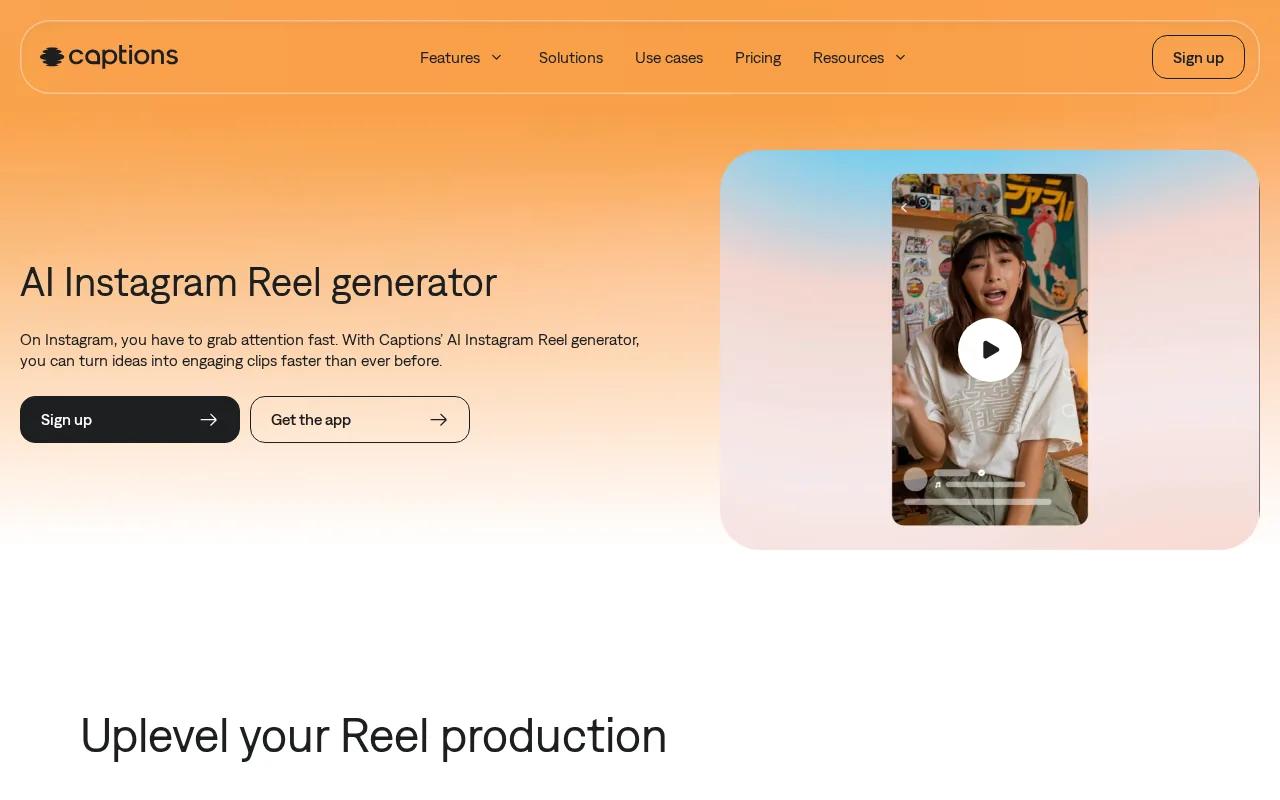
Its feature list includes filler-word removal, eye-contact correction, animated captions, and AI presenters. Removing repeated filler can tighten a lesson without forcing you to record the whole take again.
Animated captions can help viewers follow a lesson with sound off, but style still needs restraint. Use a few words per screen and check that the captions don’t cover your face or key visual.
The free plan is limited. Captions makes the most sense when you publish face-to-camera content often enough to value faster cleanup.
For storytelling beyond short edits, a broader storytelling perspective is useful when you’re planning a Reel around a human story rather than a product pitch.
8. VEED.IO, customizable automatic subtitles and accessible Reels
VEED.IO is an Instagram Reel maker for automatic subtitles that you can edit to fit your layout. It’s a good match for interviews, lessons, podcasts, and any clip where spoken words carry the message.
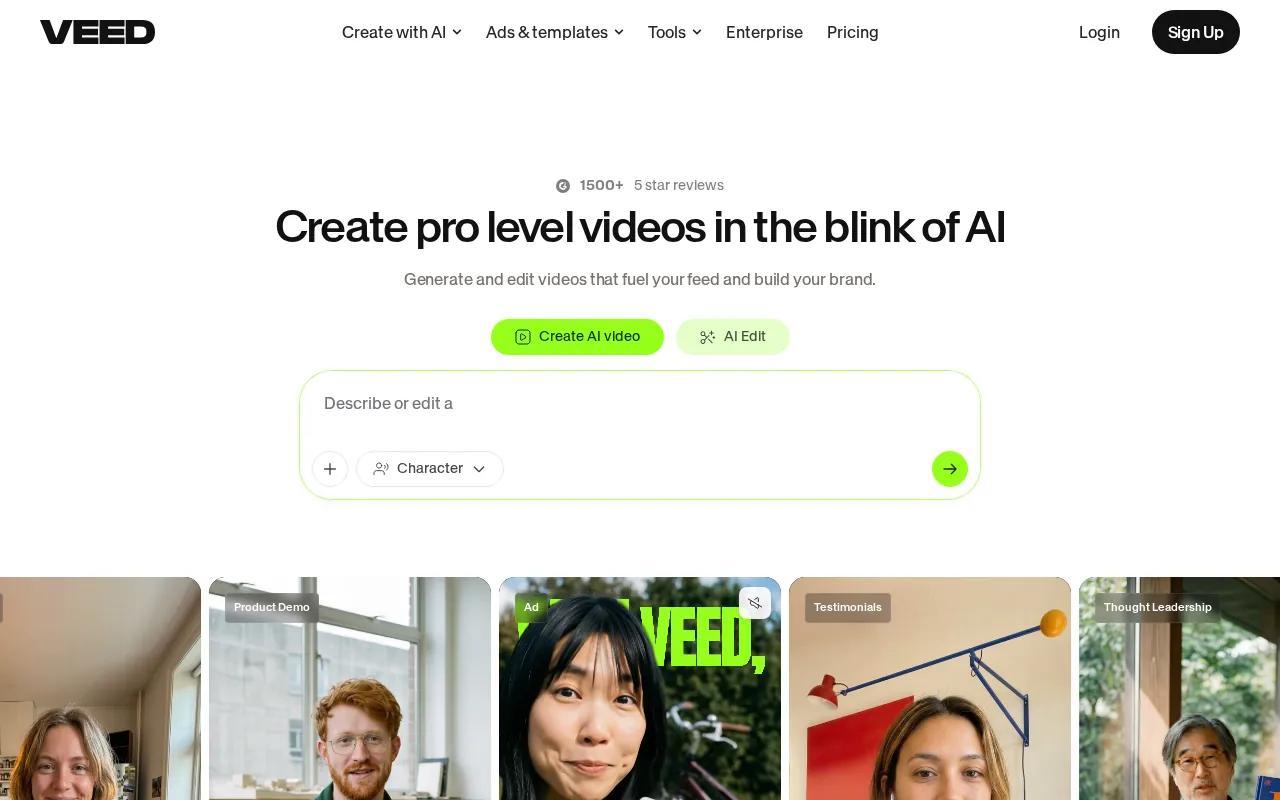
VEED.IO offers accurate customizable auto-subtitles, auto captions, and 9:16 support. Review every line before export. Names, numbers, accents, and specialist terms often need a human correction.
Captions also help people who watch without sound. Keep contrast high and give each line enough time to read. If your video includes key visual information, describe it in the spoken track or on-screen text instead of relying on audio alone.
VEED.IO has a watermarked free plan. It’s a strong caption stop, but you may want another tool for original AI scenes or deep color work.
9. Submagic, caption, b-roll, and sound treatment for short-form clips
Submagic is an Instagram Reel maker for creators who already have a short clip and want a caption-plus-b-roll treatment. It can add AI captions, b-roll, effects, and sound inside one editing flow.
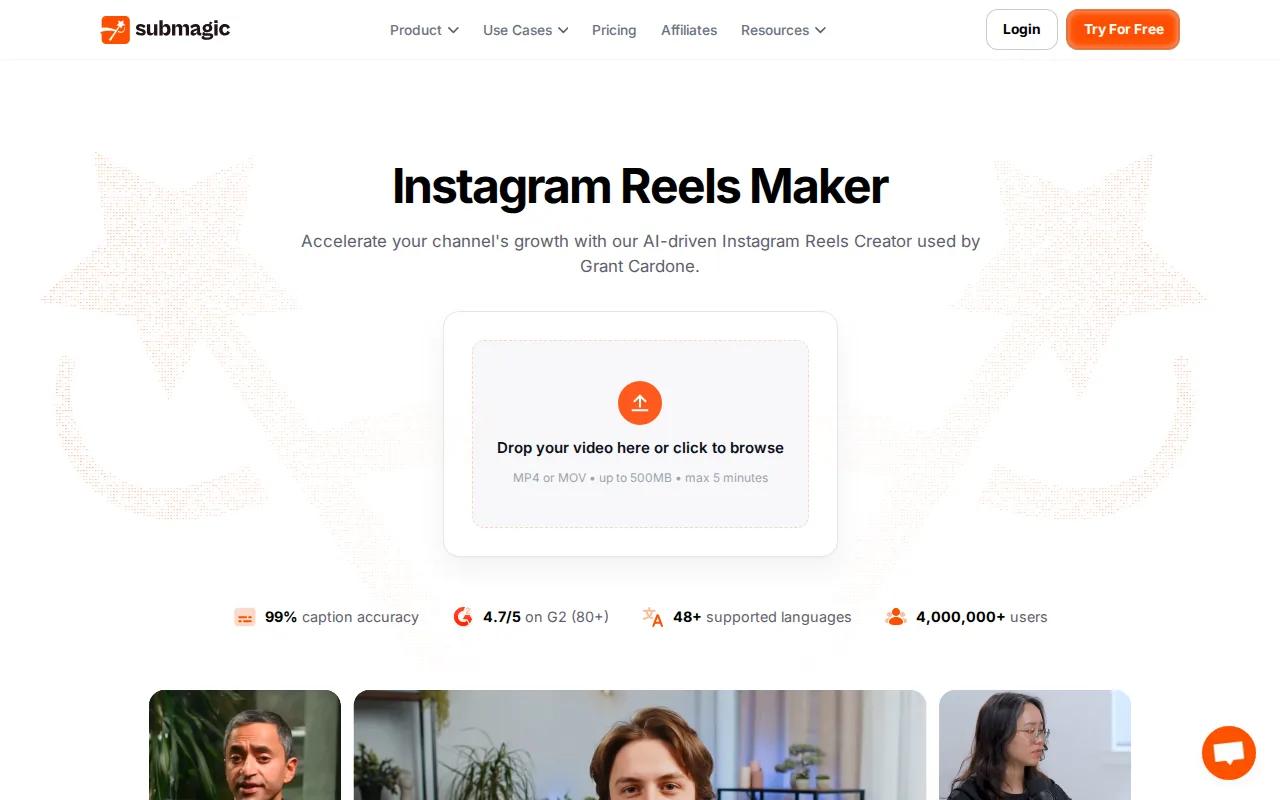
The editor works in vertical 9:16 format and can add auto captions and auto b-roll insertion.
The free plan allows three videos per month, with a 90-second limit and a watermark. Free users can publish one Reel through Publish Now, while future scheduling needs a paid plan.
Submagic fits a repeatable short-form workflow. It’s less useful when your starting point is a blank canvas or a fully original AI scene.
10. Opus Clip, repurposing podcasts and long videos into Reels
Opus Clip is an Instagram Reel maker for YouTubers, podcasters, and educators with long videos. It finds short segments, reframes them for vertical viewing, and adds captions.
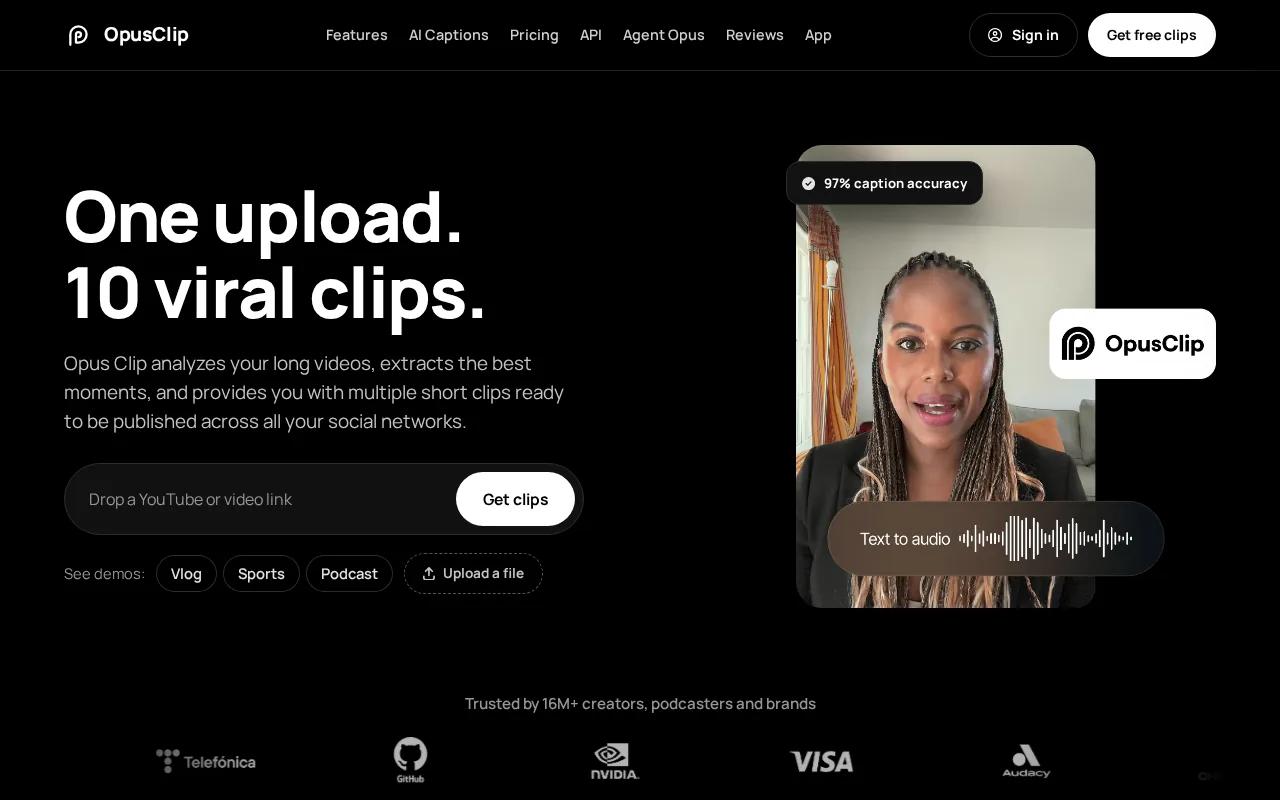
Opus Clip offers segment extraction, auto-captioning, format conversion, and virality scoring. Its AI can also select clips by keyword or timeframe.
This is useful after a podcast recording. Upload the full conversation, review the suggested moments, then fix the crop and caption breaks before export. Multiple speakers need special care, since a bad crop can make the exchange hard to follow.
Opus Clip saves time when the source is strong. It can’t fix a weak conversation or invent a clear argument from a rambling one.
If you also make short video ads, the AI video generator comparison for ads covers prompt-based creative and product-focused video workflows.
Instagram Reel Maker Comparison: Features, Formats, and Best Uses
The best Instagram Reel maker depends on the raw material you have. A prompt, a photo, a talking-head clip, and a two-hour podcast each need a different workflow.
| Tool | Best starting point | Key strength | Format or access note |
|---|---|---|---|
| HailuoLabs | Prompt, image, video, or audio | Original AI video concepts | 9:16 available; free Hailuo 02 output is watermarked 512p |
| CapCut | Your own footage | Detailed editing and keyframes | 9:16 templates; free core tier |
| Canva | Photos and brand assets | Templates and brand consistency | Generous free plan |
| InVideo AI | Script and narration | Stock-footage video creation | 9:16; free exports are watermarked |
| Runway | Text or visual concept | Cinematic b-roll | 9:16; one-time trial credits |
| Kling AI | Still image | Photo-to-video motion | 9:16; daily free credits |
| Captions | Talking-head footage | Filler cleanup and animated captions | Limited free plan |
| VEED.IO | Spoken clip | Customizable subtitles | 9:16; free exports are watermarked |
| Submagic | Finished short clip | Captions, b-roll, effects, and scheduling | 9:16; free plan has three videos monthly |
| Opus Clip | Long video | Segment extraction and reframing | Segment extraction and format conversion |
AI feature lists are common while technical specs stay thin. Integration details are missing for 15 tools, so check whether “publishing” means direct posting or only file export.
Instagram remains the final destination, so check its current upload and media settings before you publish.
FAQ
What is the best Instagram Reel maker?
HailuoLabs is the best pick when you need original AI-generated Reel footage from text, images, video, or audio. CapCut is better for editing footage you already shot. Choose Canva for brand templates, Opus Clip for long videos, or VEED.IO when subtitles are the main task.
What size should an Instagram Reel be?
A 9:16 vertical canvas is the standard starting point for an Instagram Reel maker. Keep key text away from the edges because interface controls can cover it. Check the export resolution and watch the file on a phone before uploading. Tools often report formats more clearly than they report resolution.
Can I make a Reel without filming myself?
Yes, you can make a Reel without appearing on camera. HailuoLabs can generate original visual clips, while InVideo AI can build scripted narration over stock footage. Canva works for photo-led scenes. Add a clear hook and captions so the post still communicates without a visible presenter.
Are Instagram Reels better than Stories?
Reels are built for short video discovery and can remain on your profile, while Stories are temporary posts that typically disappear after 24 hours. An Instagram Reel maker suits polished, repeatable content. Stories fit quick updates, polls, replies, or behind-the-scenes moments.
Can Reels help me gain followers?
Reels can help attract new followers, but no maker guarantees growth. The tool only handles production. Your result still depends on the opening seconds, the clarity of the story, useful captions, and a clear reason to follow. Review watch time and retention in Instagram Insights, then change one part of the next Reel.
Can I use music from another platform in a Reel?
Music rights can change when you move a track between platforms. Audio cleared for Instagram may not be cleared for a repost elsewhere. Use music you have permission to use, or choose a library with terms that cover your planned channels. Keep proof of the licence for brand work.
Conclusion
Start with HailuoLabs if your Reel needs original visual material, then finish the clip with captions and a focused call to action. Sign in to HailuoLabs, test one short 9:16 concept on the free tier, and inspect the result on your phone before choosing a paid workflow.


