
Video editing can eat the whole day before you publish a single clip. AI video editors cut that delay by handling tasks like captions, scene drafts, reframing, and background work. Here are the best AI video editors for creators, marketers, podcasters, trainers, and small studios, with a clear use case for each.
1. HailuoLabs
HailuoLabs is the best fit when you need AI video generation and editing in one focused studio. It works well for creators, marketers, and small studios that start with a prompt, image, video, or audio file.
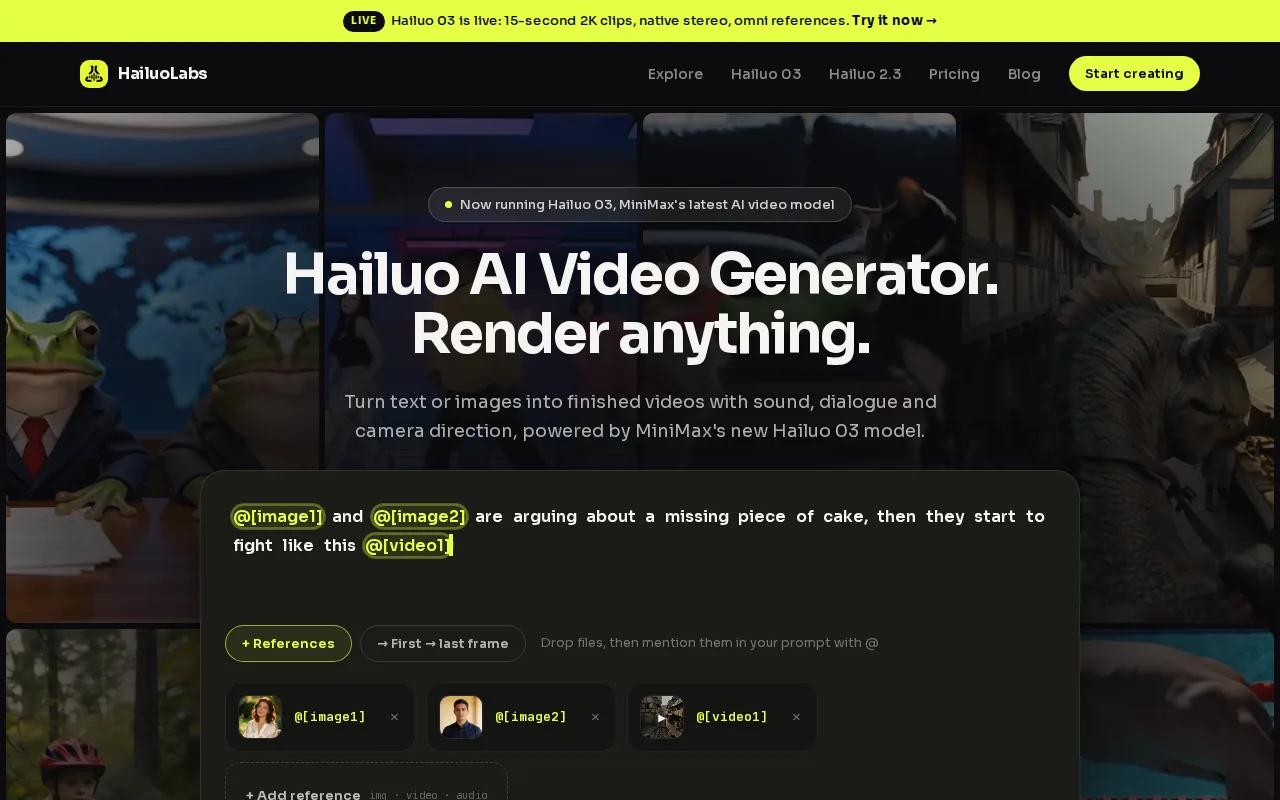
Its flagship Hailuo 03, also called H3, can make clips up to 15 seconds at 768p or 2K. It supports native stereo, first and last frame control, omni references, video generation, and editing. That wide input range makes it useful for ads, concept shots, social clips, and visual B-roll.
HailuoLabs also makes its output limits clear. Free users get watermarked Hailuo 02 output at 512p. Paid plans unlock higher resolutions, Hailuo 2.3, Fast, H3, video references, and editing.
Choose HailuoLabs when the source material may change. You can start with text, then add an image reference or audio cue as the idea takes shape. This first-video walkthrough shows the basic path without burying you in settings.
2. CyberLink PowerDirector, feature-rich desktop editing
CyberLink PowerDirector is aimed at consumer-level editors who want a fuller desktop timeline with AI-driven modules. It fits YouTube creators and home video makers who want more control than a template-first editor gives them.
The key strength is range. You can work with a traditional timeline while using AI tools for selected parts of the job. That makes it a better match for longer projects where you need to trim scenes by hand, adjust timing, and keep control over the final cut.
The trade-off is learning time. A larger desktop editor gives you more room to work, but it also gives you more controls to learn. CyberLink describes PowerDirector as a fast, full-featured editor with consumer-level ease, though buyers should check the current plan details before committing.
Pick it when your project needs hands-on editing after the AI has done its first pass. It is less suited to a creator who wants to type one prompt and publish a finished short.
3. Filmora, beginner-friendly AI editing
Filmora is one of the better choices for absolute beginners who want AI video editing software without starting with a complex professional timeline. It combines a standard editor with AI-driven effects and enhancement tools.
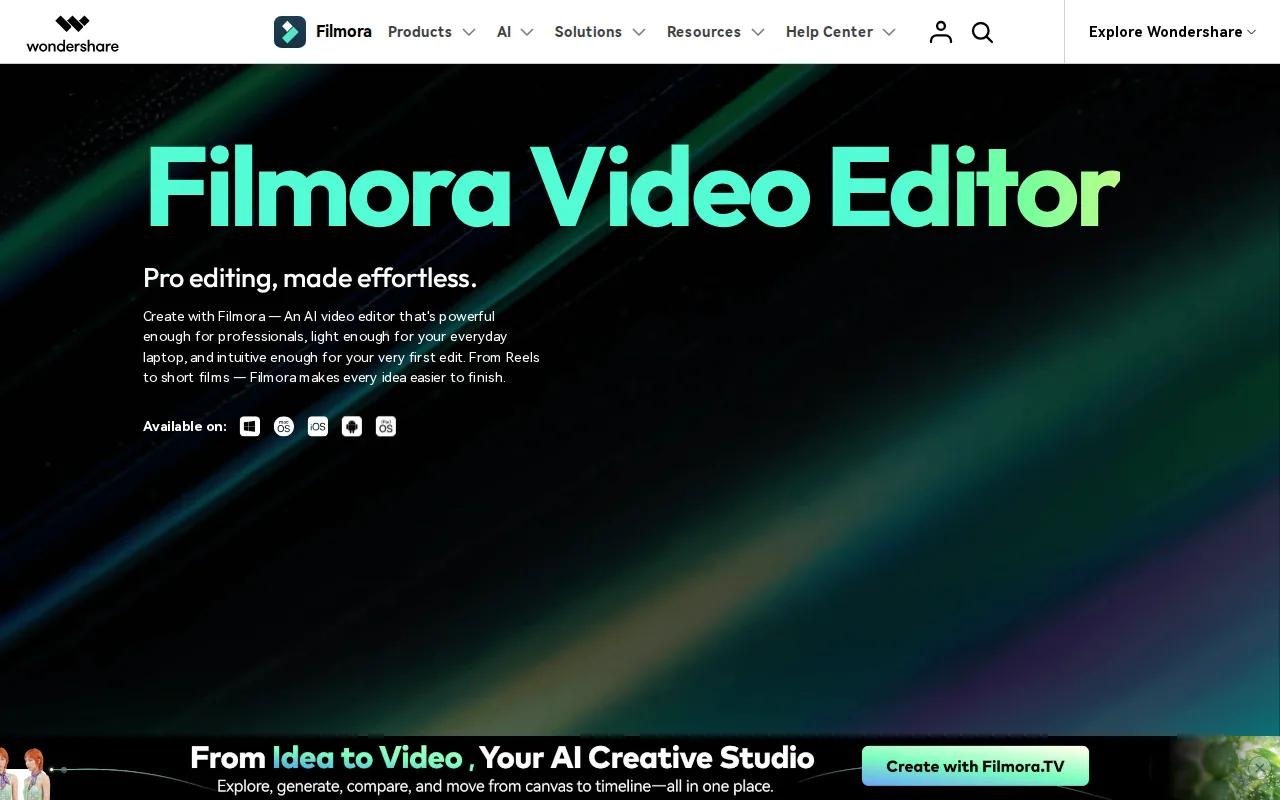
Its current feature set includes AI Extend, object removal, background cutout, and video enhancement. You can also use a library of effects after the first edit is ready. That makes Filmora useful for a new YouTube channel, school project, or small business video where the result needs polish but the workflow must stay simple.
Filmora can generate video from supplied images and audio, then let you refine the result with effects and color tools. A limitation remains: it focuses on editing rather than the full publishing workflow. You may still need another service for hosting, team review, or distribution.
Try Filmora if you want a gentle entry point. If your main need is prompt-based scene generation, HailuoLabs is the stronger first test.
4. Runway, advanced AI-assisted visual editing
Runway suits social creators, editors, and marketing teams that need AI help with specific visual tasks. It is built for people who already think in shots, layers, and visual effects.
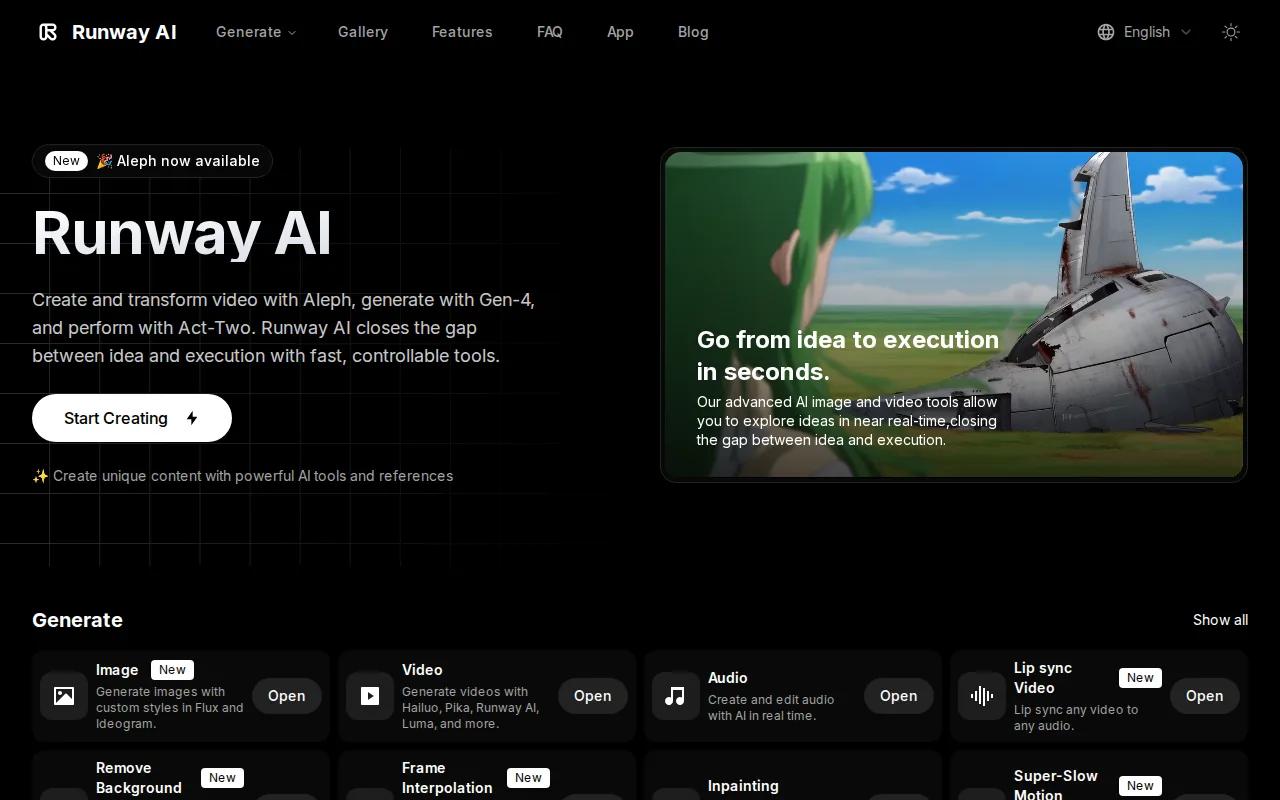
Its listed AI capabilities include background removal, video inpainting, green screen replacement, motion tracking, and frame interpolation. In plain terms, it can help remove a subject from its setting, repair parts of a frame, track movement, or smooth motion between frames.
That makes Runway useful for a product ad where the background needs to change, or a social clip that needs a fast visual fix. The caveat is scope. These tools help with visual work, but they don't remove the need to judge the story, timing, and final composition yourself.
Use Runway when visual treatment is the bottleneck. Use a simpler editor when captions, templates, and repeat exports matter more.
5. InVideo AI, fast text-to-video social explainers
InVideo AI is made for quick social explainers that start with a written brief. It suits marketers and newer creators who need a usable draft before they spend time on fine edits.
The tool turns text into a video draft with stock footage, voiceover, and subtitles. Its listed media integrations include iStock, Storyblocks, and Shutterstock. That gives a short explainer a visual base without requiring you to film every shot.
InVideo AI has a free tier, but free plans need a close look before production use. Credit limits and watermarks can change the cost of a frequent workflow. The generated draft may also feel generic if your message needs a distinct visual style.
It is a good first stop for a five-part social series. For original AI-generated scenes rather than stock-led drafts, compare it with HailuoLabs.
6. Canva, simple branded video creation
Canva works best for non-designers who need short branded videos built from templates. It is especially useful when the same person also makes social posts, presentations, thumbnails, or campaign graphics.
The video editor supports captions, effects, music sync, and mobile-focused layouts. Its AI tools include background removal and text suggestions. The app also lists video generation with sound from text prompts, plus a free tier and 5GB of storage for everyone.
Canva's strength is the handoff between design tasks. A marketer can keep the same colors and visual assets while making a Reel, an ad, or a short presentation. But it is not the best choice for frame-accurate long-form editing or complex visual effects.
If your team already works in Canva, the short learning curve may outweigh deeper AI features elsewhere. The social media video maker comparison is useful when your main output is vertical content.
7. Synthesia, avatar-led training and explainers
Synthesia is built for corporate training, onboarding, and L&D explainers that need an AI presenter. It is a strong fit when a lesson must be updated or localized often.
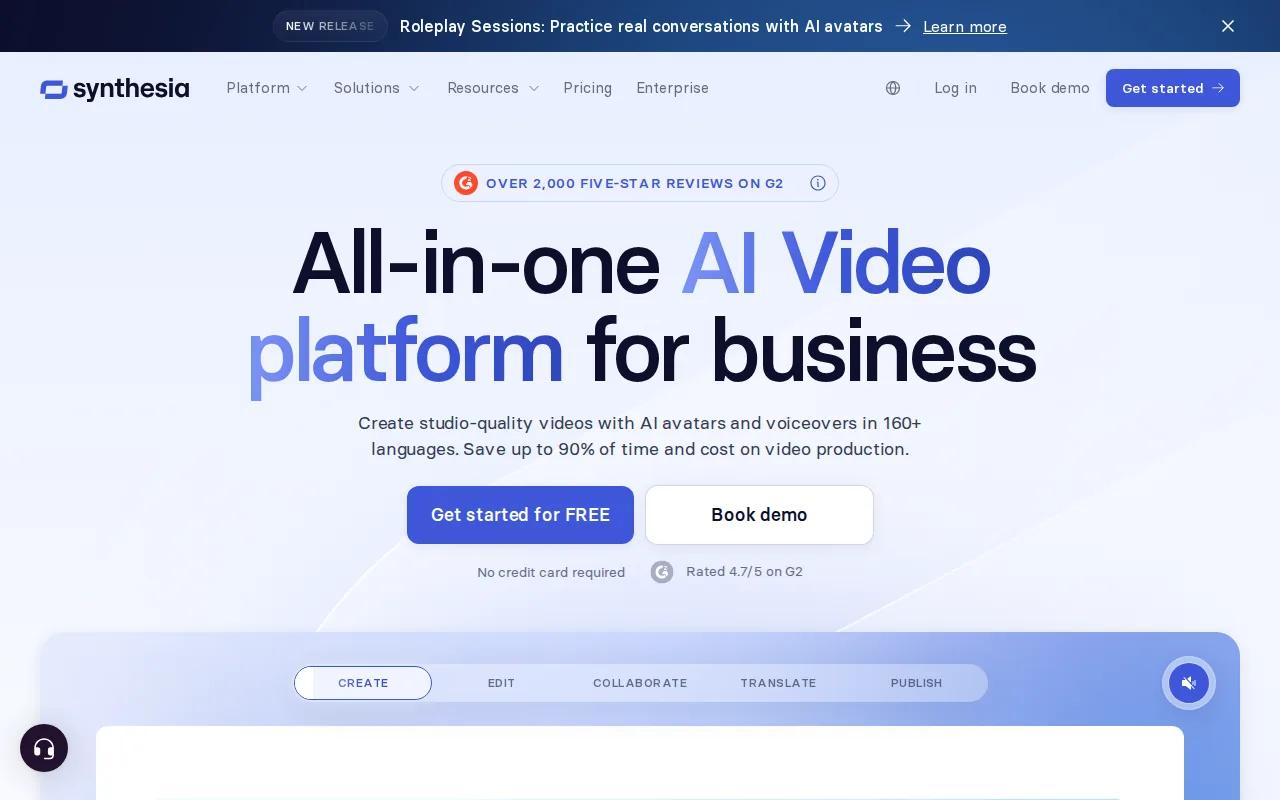
Synthesia supports AI avatars with lip-synced narration and video creation in more than 160 languages. Its editor includes templates, brand kits, collaboration, screen recording, quizzes, branching scenarios, clickable hotspots, and SCORM exports for learning systems.
The free plan includes 10 minutes of video per month, nine stock avatars, and AI voices in more than 160 languages. That makes it easier to test the workflow before buying. Still, avatars won't fit every lesson. A product demo, personal story, or hands-on field video may feel better with real footage.
Choose Synthesia when consistency and localization matter more than a personal on-camera feel. For generated scenes without an avatar, HailuoLabs is the better match.
8. Choppity, podcast clips for short-form platforms
Choppity is made for podcasters who need short clips for TikTok, Instagram Reels, and YouTube Shorts. Its workflow starts with long-form footage rather than a blank prompt.
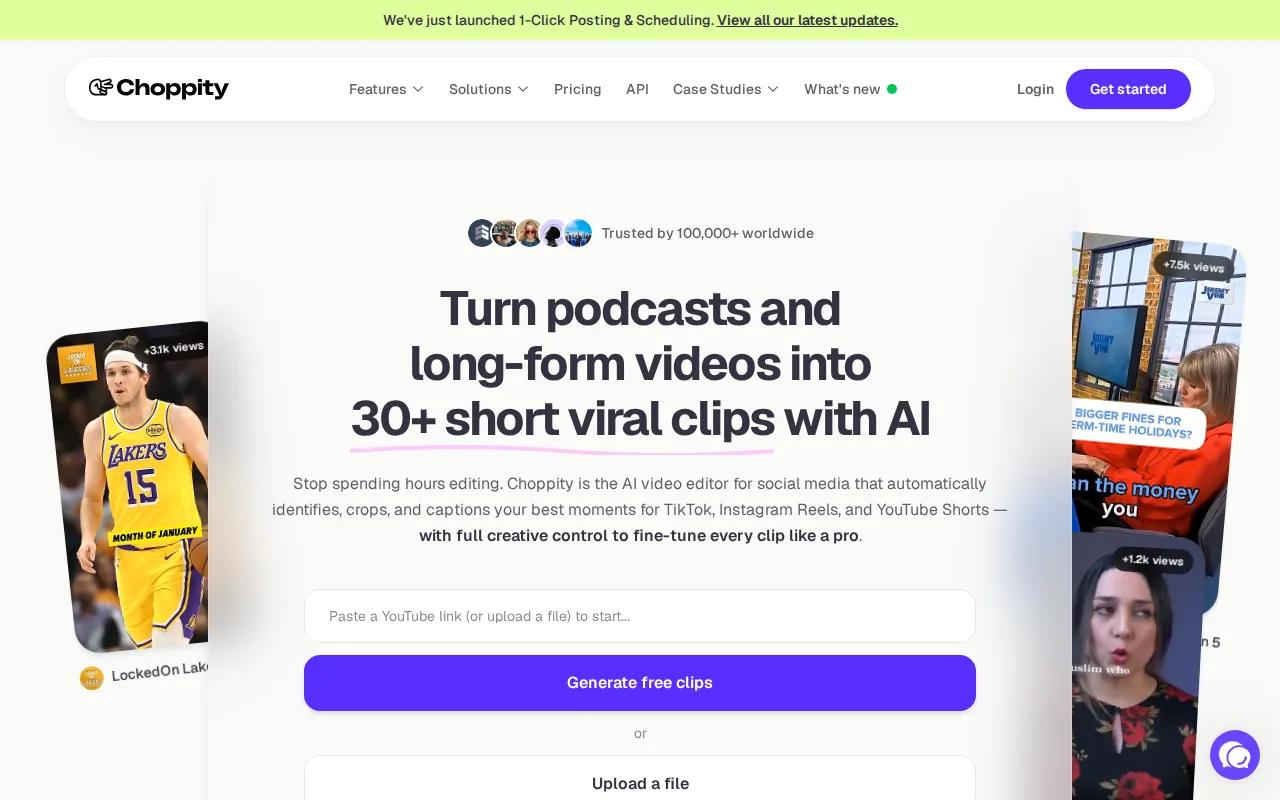
Its AI finds potential clips and lets you edit through the transcript. That transcript-native approach is useful when you remember the key idea but don't want to scrub through a full recording. You can review the words first, then adjust the video around them.
Choppity has a free tier with watermarked exports. That works for testing clip detection, but a public podcast brand will likely need clean exports. It also focuses on repurposing, so it is not the right tool for building a scripted ad from scratch.
Pick it when one recording needs several short cuts. Keep a human review step, since a good quote can still lose its meaning when removed from the wider conversation.
9. Opus Clip, automated clips with virality scoring
Opus Clip is aimed at creators who want automated short clips from longer videos. Its main edge is AI clip generation paired with virality scoring.
The tool can help you scan a long interview or talk and find moments worth testing as Shorts or Reels. Its workflow also includes captions, reframing, B-roll, speech enhancement, and a brand asset area. The scoring feature gives you a way to sort candidates before you spend time polishing them.
Opus Clip has a free tier with watermarked exports. It can also connect with publishing and analytics workflows, which helps you see how clips perform after release. That extra layer is useful for teams that want to adjust future hooks based on results.
Scoring is a filter, not a verdict. Watch each clip yourself. Context, pacing, and a clear opening still matter more than a single automated score.
10. ngram, on-brand explainer production from source material
ngram is for teams that need polished, on-brand explainers from existing source material. It suits a workflow that starts with a document, link, brief, or other source rather than raw camera footage.
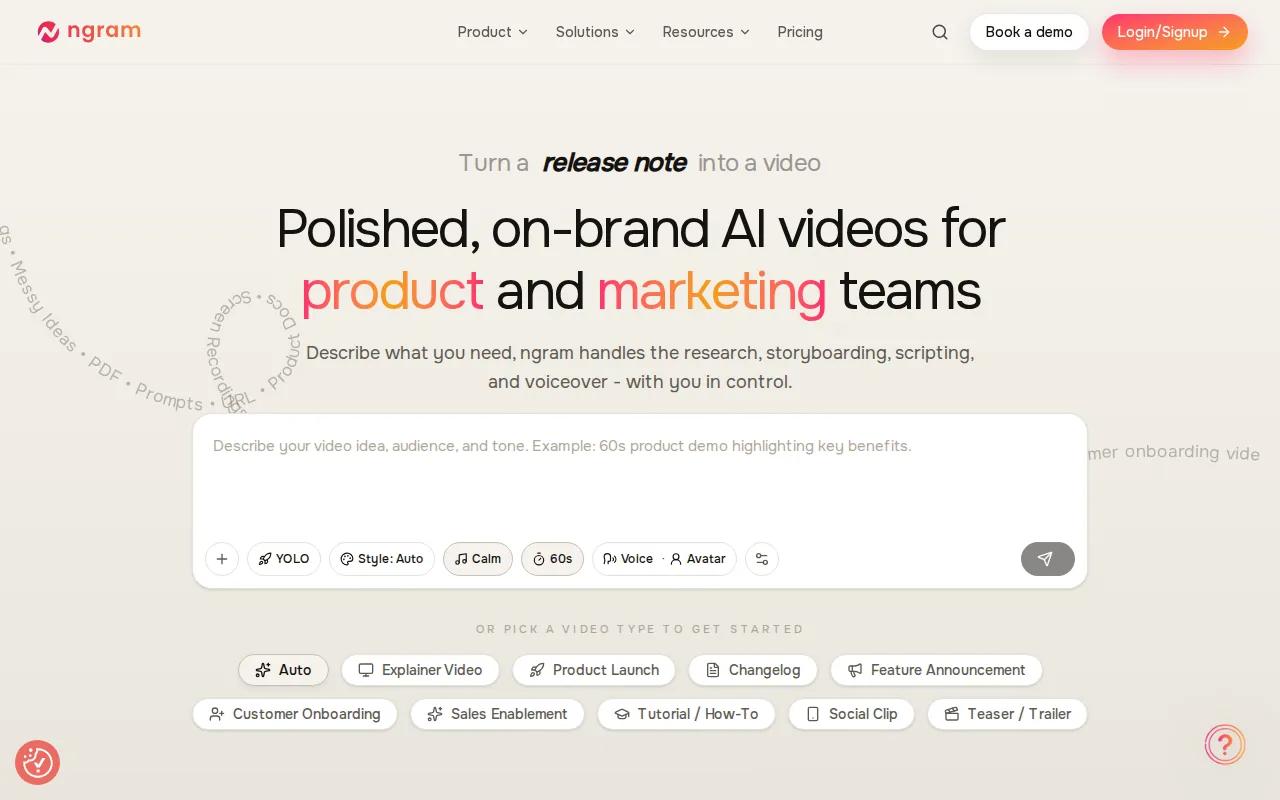
Its main AI capability is source-aware script generation and storyboard creation. That can shorten the gap between a rough idea and a planned explainer. A team can review the script and storyboard before spending time on the final video.
This approach is helpful for SaaS demos, product education, and internal explainers where accuracy matters. The limitation is that source-aware generation still needs an editorial check. AI can organize the material, but a subject expert should confirm claims, order, and tone.
Choose ngram when brand control and source fidelity lead the brief. Choose HailuoLabs when original visual generation is the bigger need.
Comparison table: best AI video editors by use case and workflow
The right choice depends on where your work slows down. Generation tools help when you lack footage. Repurposing tools help when you have too much footage. Desktop editors help when you need fine control.
| Tool | Best for | AI focus | Free access | Main limit |
|---|---|---|---|---|
| HailuoLabs | AI scenes for creators and small studios | Text, image, video, and audio generation | Yes, watermarked 512p Hailuo 02 | Short generated clips |
| PowerDirector | Consumer desktop editing | AI-driven modules | — | More controls to learn |
| Filmora | Absolute beginners | AI effects and editing | — | Less workflow support outside editing |
| Runway | Visual effects and AI-assisted edits | Inpainting, tracking, background work | — | Needs human visual direction |
| InVideo AI | Stock-led social explainers | Text-to-video, voiceover, subtitles | Yes | Credits and generic drafts |
| Canva | Simple branded videos | Background removal and text help | Yes | Not built for complex timelines |
| Synthesia | Training and localized explainers | Avatars and lip-synced narration | Yes, limited | Avatars don't fit every story |
| Choppity | Podcast clips | Clip detection and transcript editing | Yes, watermarked | Focused on repurposing |
| Opus Clip | Automated short clips | Clip generation and virality scoring | Yes, watermarked | Scores need human review |
| ngram | On-brand explainers | Source-aware scripts and storyboards | — | Source review is still required |
AI generation and AI editing are different jobs. Generation gives you new footage from a prompt or source. Editing shapes footage you already have. The distinction matters when you plan a YouTube video, podcast series, ad set, or long-form course.
For publishing teams, also check export quality, storage, review links, analytics, and integrations. A tool that makes a draft quickly may still slow you down if exports require extra steps. Accessibility deserves a place in the same check. Captions help, but audio descriptions, readable contrast, and a usable player matter too. The collaborative video editing software roundup can help if several people review each cut.
FAQ
What is the best AI video editor for creators?
HailuoLabs is the strongest first choice for creators who need original AI video from text, images, video, or audio. Hailuo 03 lists output up to 2K and supports references plus editing. If your work starts with a podcast, Choppity or Opus Clip may fit better because they focus on finding short clips from long recordings.
What is the best free AI video editor?
The best free option depends on what you make. Canva, InVideo AI, Synthesia, Choppity, and Opus Clip list free tiers, while HailuoLabs provides watermarked 512p Hailuo 02 output for free users. Check watermarks, credits, minutes, and export limits before you build a repeat workflow.
Can AI video editors make videos from a text prompt?
Yes, several AI video editors can start from text, but they do different jobs. HailuoLabs generates original scenes from prompts. InVideo AI builds social explainers with stock footage. Canva also lists text-prompt video generation. You should still review every scene, caption, voice, and claim before publishing.
Are AI video generators the same as AI video editors?
No, AI video generators make new footage, while AI video editors shape footage into a finished piece. Some tools combine both jobs. HailuoLabs covers generation from several input types and includes editing, while Choppity and Opus Clip focus more on cutting long recordings into short clips.
What should I check before paying for an AI video editor?
Check output resolution, watermarks, credit rules, export formats, storage, and platform support first. Then test caption accuracy, brand controls, voice rights, and review tools. Pricing pages often explain the plan limits better than a feature list. The HailuoLabs pricing and plans page is a useful example of checking credits before you start.
Conclusion
Start with HailuoLabs if you want a clear path from prompt to original AI video, especially when 2K output and multimodal inputs matter. Sign in, test a short concept with the free watermarked tier, then compare the result with your actual publishing needs. If your bottleneck is podcast clipping or desktop control, use the specialized pick that matches that job.


