

Most tools called collaborative video editing software don't let two people cut the same timeline at once. They handle review, comments, or file sharing instead. Here are seven named options, with HailuoLabs first for fast AI video creation and the rest matched to specific post-production needs.
1. HailuoLabs, AI video creation for fast-moving teams
HailuoLabs is an AI video studio for creators, marketers, and small studios that need to move from an idea to a usable clip fast. It works well when your team needs to generate scenes before a traditional edit begins.
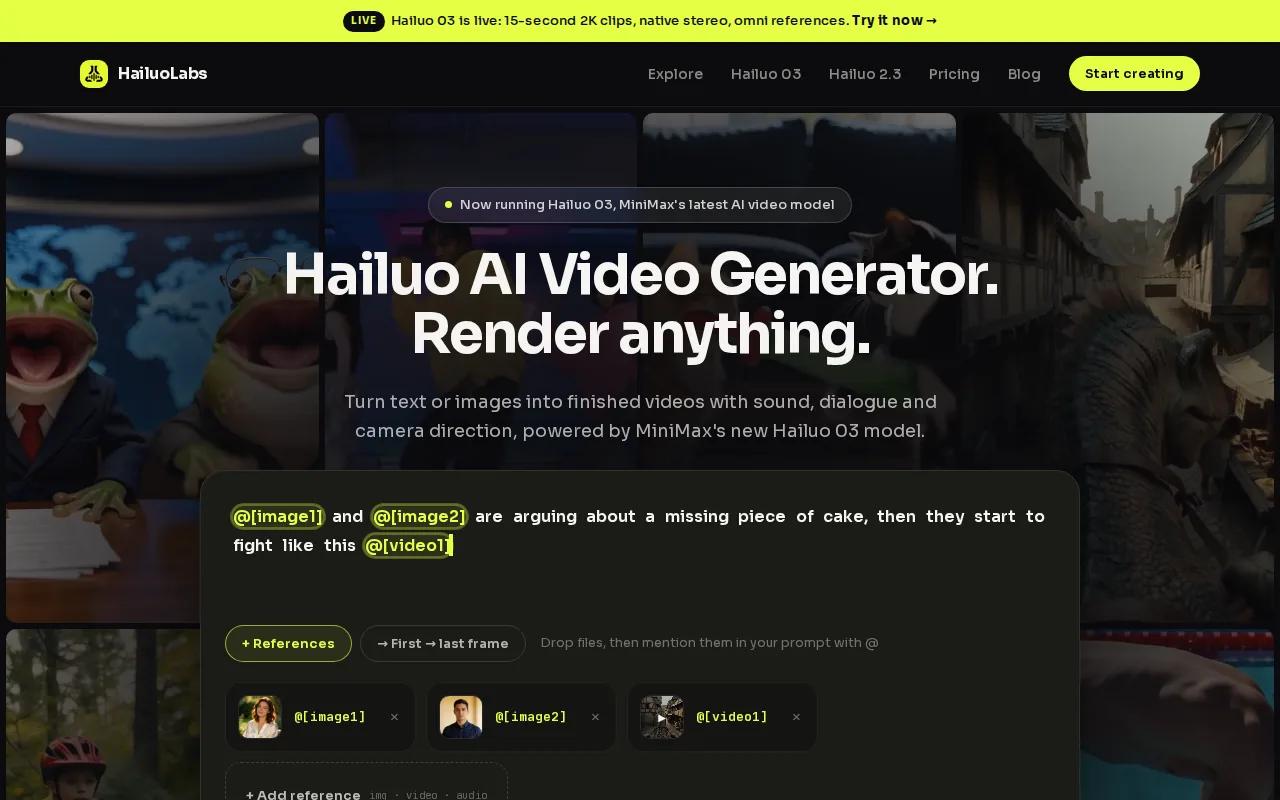
HailuoLabs supports text-to-video, image-to-video, video-to-video, and audio-led workflows. Its model lineup includes Hailuo 03, Hailuo 2.3, Hailuo 2.3 Fast, and Hailuo 02. Hailuo 03 can generate clips up to 15 seconds in 768p or 2K, with native stereo, first and last frame control, omni references, generation, and editing.
That makes it useful for short ads, social clips, concept shots, and early storyboards. A marketer can test several visual directions, then pass the chosen clips to an editor. If you need more examples, the guide to AI video generators for 2026 covers related workflows.
The tradeoff is clear. HailuoLabs isn't a full non-linear editor for a feature film. Free users get watermarked Hailuo 02 output at 512p, while paid access adds newer models, higher resolutions, video references, and edit tools. Use it as the fast creative layer, then move finished assets into your main NLE when the project needs deep control.
2. LucidLink, real-time remote editing for large media files
LucidLink fits distributed teams that need editors to work with large media files without passing drives around. Its shared file space appears like a local drive, while project media streams from cloud storage.
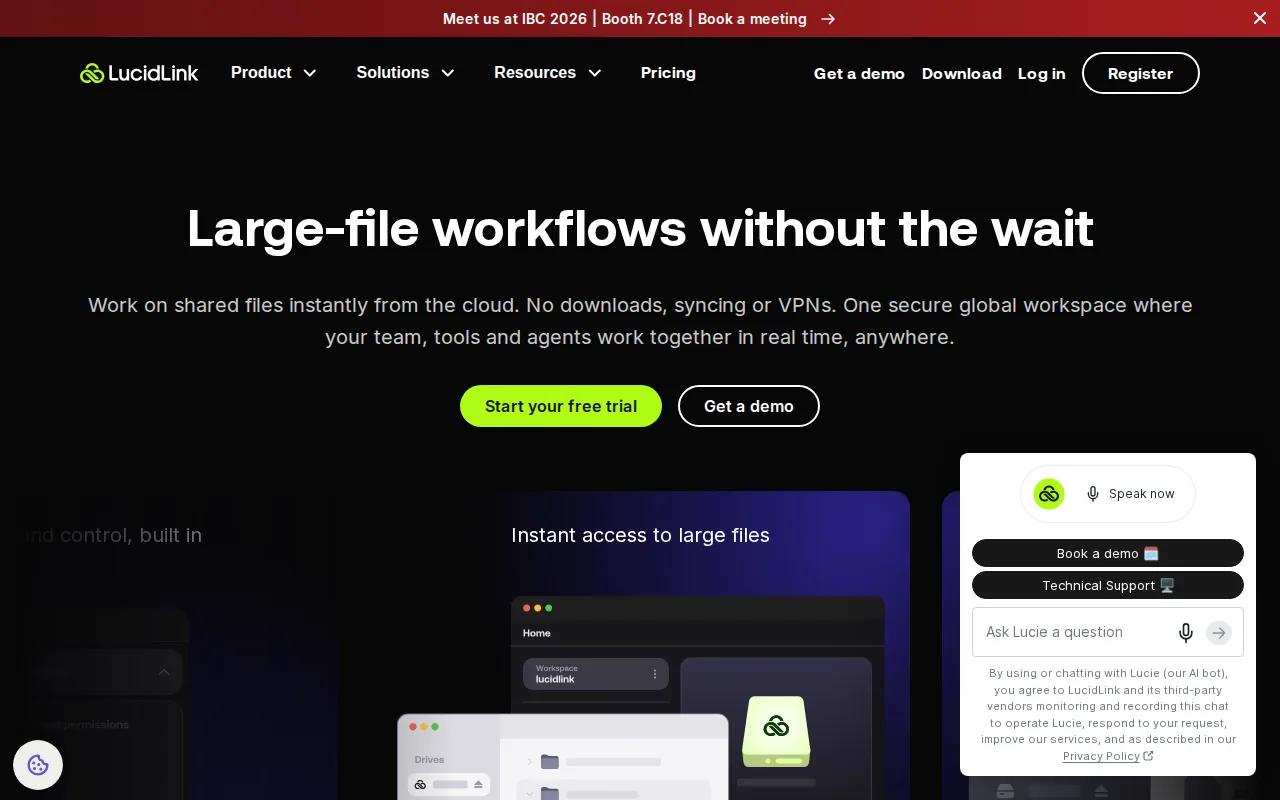
This is the closest match for true simultaneous editing in the shortlist. The service works with Premiere Pro, Pro Tools, and other editing tools. A team can mount the same file space, open shared footage, and see new assets as they arrive.
Remote video collaboration workflows can involve shared media and remote access. More information is available.
Permissions help keep freelancers and clients inside the right folders. Proxy files still matter when an editor has weak bandwidth, since streaming high-resolution footage can strain a remote connection. LucidLink also requires a paid plan after its trial, so small teams should test the workflow with their own media before committing.
3. Adobe Premiere Pro, professional post-production collaboration
Adobe Premiere Pro is best for professional editors and post-production teams that already work inside Adobe's ecosystem. It handles complex NLE work, while shared storage and project controls shape the team workflow around it.

Premiere Productions uses project locking so a teammate can open material in read-only mode instead of overwriting active work. That is a small control with a big effect when several editors touch the same project.
Teams may use shared storage, media asset management, metadata, and proxy workflows. In plain terms, your team needs one place to find footage and a clear way to work with smaller files when remote editors lack fast access to originals.
Premiere Pro can fit a serious post pipeline, but it has two blunt drawbacks. New users face a steep learning curve, and smooth work demands a powerful computer. It also isn't the best pick if your main goal is quick browser-based co-editing. Choose it when editorial control matters more than instant simplicity.
4. DaVinci Resolve, advanced editing and color workflows
DaVinci Resolve suits colorists, advanced post teams, and indie filmmakers who want editing, color, effects, and audio work in one NLE. Its multi-user workflow can support several creative roles inside one project.
Resolve can use a shared project database so editors, colorists, visual effects artists, and audio engineers work from the same project. Bin, timeline, and clip locking can reduce edit conflicts. The in-app chat feature can also keep quick questions close to the project.
The setup takes more care than a simple invite link. A project server must stay available, and the media files need a shared location that each workstation can reach. Teams using a local SSD and network connection may keep one copy of the footage, but remote teams need to plan storage and access before they start.
Resolve has a free version with substantial editing power, which helps small teams test the workflow. Still, beginners may find the interface overwhelming. Smooth playback also needs solid hardware. Pick Resolve when color work is central, not when your team wants the shortest path to a casual review.
5. Avid Media Composer, enterprise and broadcast production
Avid Media Composer is aimed at enterprise studios, broadcasters, and live event production teams. It makes sense when your workflow has many editorial roles and strict handoffs.
Avid is built for professional NLE work rather than lightweight browser edits. A shared media setup can give teams a central place to work while permissions help limit access by role. That structure matters when a broadcaster has assistants, editors, producers, and external reviewers in the same project.
Its free tier makes early testing easier, but the tool is still aimed at teams with formal post workflows. You may need extra tools for review comments, client approvals, or a polished asset library. Avid also has fewer built-in effects than Premiere Pro, so effects-heavy projects may need another stage in the pipeline.
This is a sensible pick when reliability inside a large production matters more than a friendly first session. For a two-person social team, it may feel like too much system for too little work.
6. Frame.io, structured review and approval for creative teams
Frame.io is best for creative teams in film, broadcast, and post-production that need a clear review loop around their edits. It is closer to an approval hub than a full editing app.
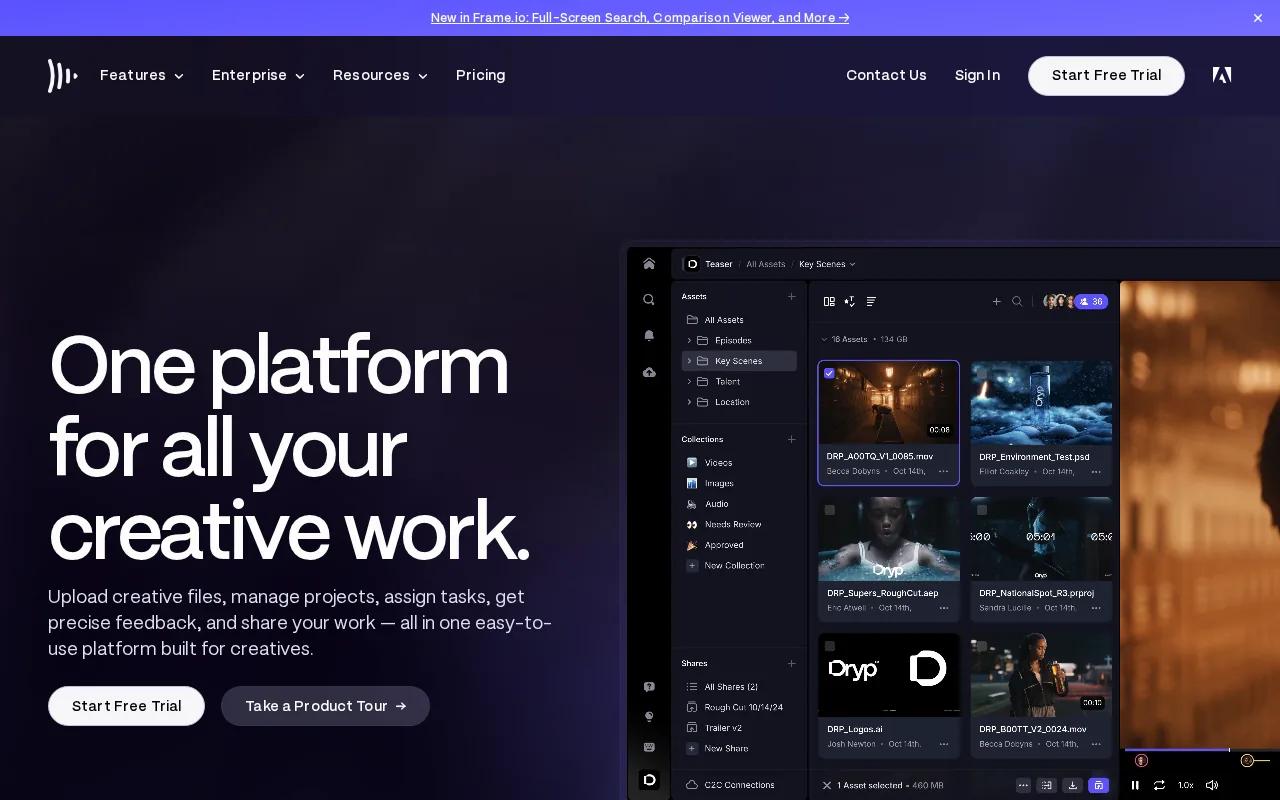
Teams can connect Frame.io with Premiere Pro, Final Cut Pro, and DaVinci Resolve. Version history helps reviewers stay tied to the right cut, while comments can keep notes attached to the media instead of scattered across email threads.
That distinction matters. Many collaborative video editing tools support asynchronous review rather than simultaneous editing. An editor finishes a cut, uploads it, and gathers time-based feedback. The next version then moves through the same loop.
Frame.io is a strong fit when your main pain is approval delay. It is less suitable if you expect several editors to change one timeline at the same time. Free plans support one or two users, so larger teams should check the current plan limits before rollout.
7. Vimeo, video sharing, version history, and stakeholder feedback
Vimeo works well for video professionals, freelance editors, and producers who need to share work with stakeholders. It combines video hosting with review tools, so clients can focus on a cut without opening an NLE.
Version history gives the team a record of earlier cuts. Vimeo also connects with tools such as Adobe Premiere Pro, Google Drive, Final Cut Pro, and Asana. Those connections can help an editor keep production work in the NLE while sending a clean review link to a client.
Vimeo is not a simultaneous multi-user editor. It is strongest after the edit, when comments, links, and version history matter most.
If your content work centers on short social campaigns, pair a review hub with a social media video maker and a fast generation tool. HailuoLabs can supply draft clips, while Vimeo can handle stakeholder viewing and approval.
How These Collaborative Video Editing Options Compare
The phrase collaborative video editing software covers several different jobs. LucidLink is the clearest pick for shared live access to media. Premiere Pro, Resolve, and Avid are full NLEs that need a planned storage setup. Frame.io and Vimeo focus on review rather than shared timeline editing. HailuoLabs sits earlier in the process, where teams generate and refine short AI clips.
The research behind this shortlist found that true simultaneous editing is rare. Only one of 18 reviewed products was counted as offering it, while many others focused on asynchronous comments or approvals. Version control was also reported inconsistently, so you should test how each tool handles file names, revisions, locks, and rejected cuts.
| Best fit | Pick | Collaboration strength | Watch out for |
|---|---|---|---|
| Fast AI clip generation | HailuoLabs | Shared creative output and quick iteration | Not a full feature-film NLE |
| Live remote media access | LucidLink | Cloud file space with shared access | No free tier after the trial |
| Professional editorial work | Adobe Premiere Pro | Project locking and shared storage workflows | Steep learning curve and high hardware needs |
| Color-led post production | DaVinci Resolve | Multi-user projects with locks and in-app chat | Setup and hardware can challenge beginners |
| Broadcast production | Avid Media Composer | Enterprise-focused editorial workflow | Fewer built-in effects than Premiere Pro |
| Review and approval | Frame.io | Version history and NLE integrations | Review is not the same as live editing |
| Stakeholder sharing | Vimeo | Video links, feedback, and version history | Best after the main edit |
Before you choose, ask what your team means by collaboration. If it means two editors changing one timeline, test that exact task. If it means a producer reviewing a cut from a phone, a review platform may be enough.
Ready to turn rough ideas into usable video clips? Try HailuoLabs for short video creation when your team needs a quick first cut before formal post-production begins.
FAQ
What is the best collaborative video editing software?
The best choice depends on the job. HailuoLabs is the strongest first pick for fast AI video generation, while LucidLink fits true shared access to large media files. Premiere Pro, Resolve, and Avid suit professional NLE work. Frame.io and Vimeo are better for review, comments, and approvals after an editor exports a cut.
Can two people edit the same video at the same time?
Yes, but true simultaneous editing is uncommon. LucidLink is the clearest option in this shortlist for shared real-time media access. Resolve can support multi-user project work with locks and a shared database. Many other products labeled as collaborative video editing software mainly handle asynchronous review, where one person uploads a cut and others comment.
Is cloud storage needed for remote video editing?
Cloud storage is useful, but it isn't the only setup. A shared cloud file space can give remote editors access to one media pool, while local network storage can work for teams in one facility. Proxy files help when full-resolution media is too large to stream. Check permissions, upload speed, file locking, and recovery before moving a live project.
Which video editor is best for team feedback?
Frame.io and Vimeo are strong choices for team feedback because they focus on review links, comments, and versions. They let clients or producers respond without learning a full NLE. If your team needs feedback inside a larger media library, look for time-based notes, approval states, resolved comments, and clear access rules.
Does free collaborative video editing software exist?
Yes, several tools have free plans or free versions, but the limits vary. Resolve has a free version with serious editing power, Vimeo has a free plan, and Avid Media Composer has a free tier. Free access may still require strong hardware, limit users, add watermarks, or exclude key export and review controls.
Conclusion
Pick HailuoLabs when your priority is fast AI video creation and quick creative testing. If you need live access to heavy media, test LucidLink; if you need a professional NLE, compare Premiere Pro with Resolve. Start with one short project in HailuoLabs, invite the people who review your work, and check whether the output fits your wider editing pipeline.


