
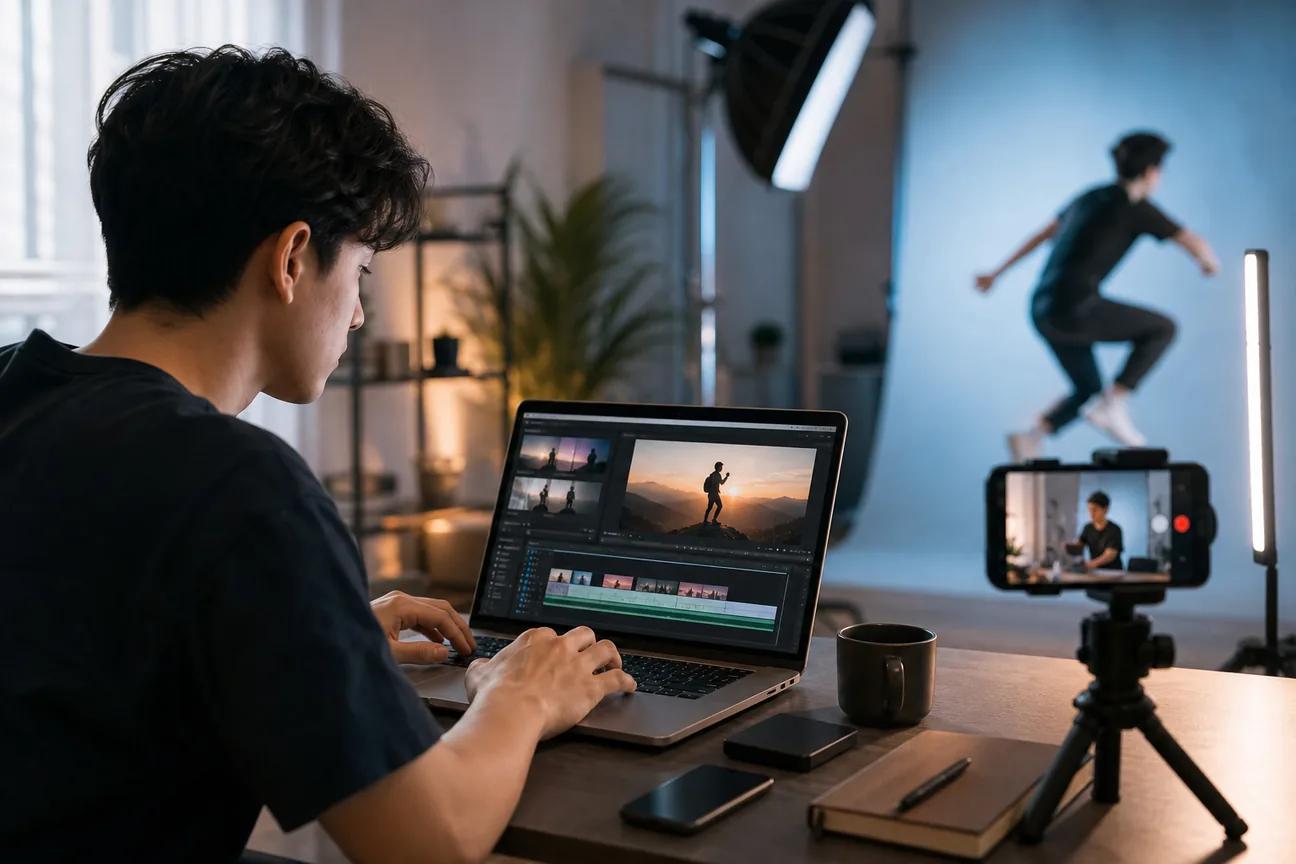
Want to turn one idea, image, or long video into a sharp Short before your coffee gets cold? The right short video maker can handle the rough cut, captions, voice, and vertical frame in a few clicks. Here are the best tools, with the right fit and the catch for each.
1. HailuoLabs
HailuoLabs is the best fit when you want AI video generation with broad input support and better-than-typical output quality. It works well for creators, marketers, and small studios that need fresh clips without switching between several apps.
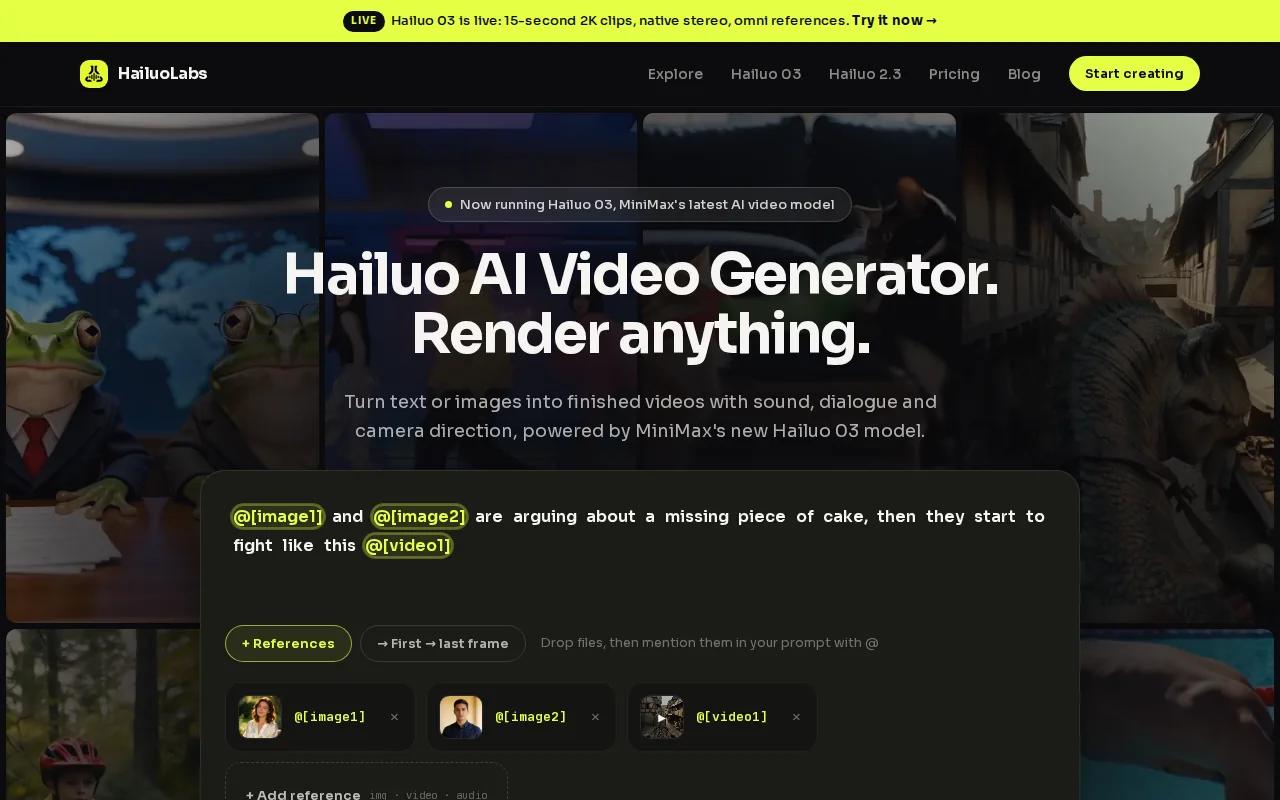
Its flagship Hailuo 03, also called H3, can make clips up to 15 seconds at 768p or 2K. You can start with text, an image, video, or audio. H3 also has native stereo, first and last frame control, omni references, and built-in generate-and-edit tools.
That input range matters when your idea starts as a rough voice note or a product image instead of a polished script. You can describe a shot, add a reference, then refine the result. The credit model also gives you room to test several hooks without committing to a large production workflow.
The free tier uses Hailuo 02 at 512p with a watermark. Paid access opens H3, Hailuo 2.3, Hailuo 2.3 Fast, higher resolutions, video references, and editing. So check the model and export limits before planning a client campaign.
For a deeper look at prompt-led production, compare the best script to video AI generator tools. HailuoLabs is the pick when visual quality and flexible inputs matter more than a template library.
2. HeyGen, Fast avatar-led Shorts from scripts
HeyGen is a strong short video maker for presenter-led Shorts, explainers, and localized content. You give it a script, then build a video around an AI avatar without recording a new take each time.
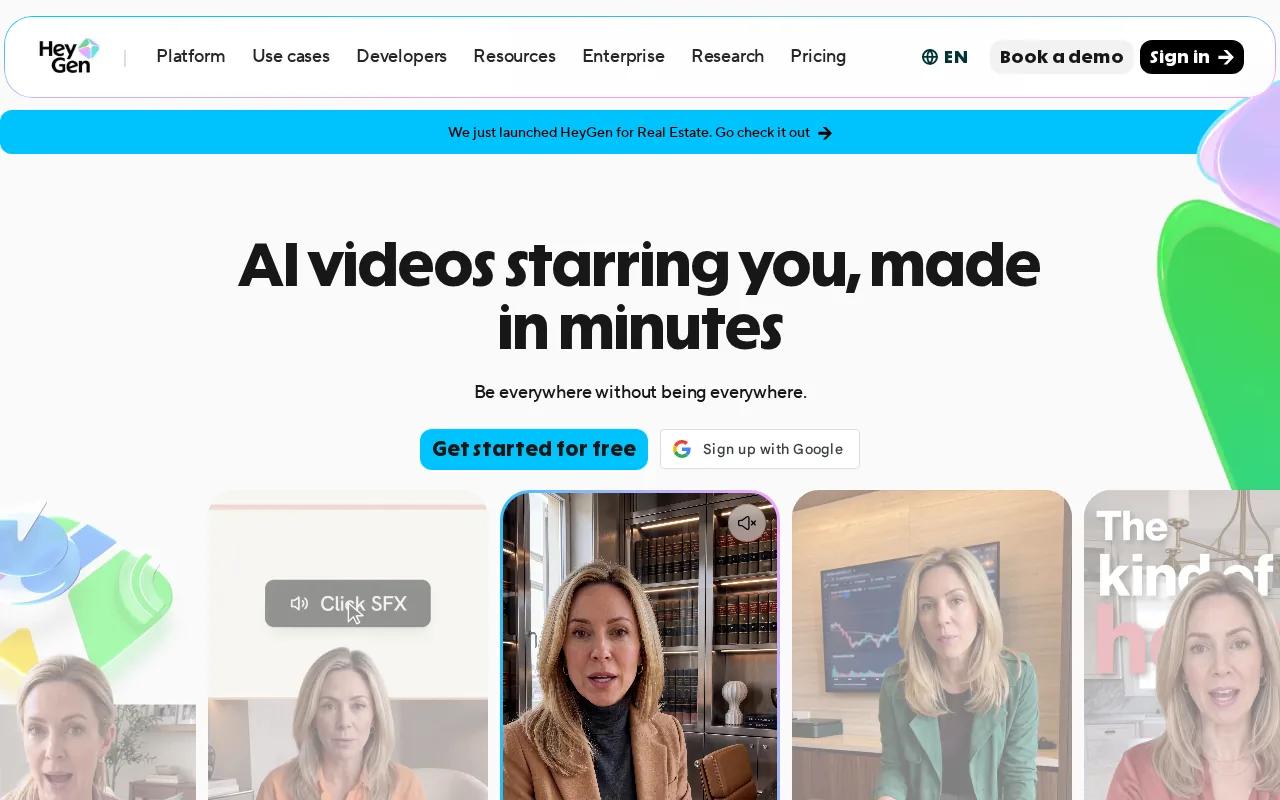
The main draw is its avatar workflow. HeyGen says its system can produce talking presenters with voice, motion, captions, B-roll, and editable layouts. Its translation tools support more than 175 languages and dialects, with lip-sync designed to match the translated speech.
That makes it useful for a product team that needs the same announcement in several markets. You can also turn a podcast or audio file into a video with an avatar and subtitles. The text-based editor lets you revise words and timing in a document-like view.
HeyGen has a free tier with a watermark. Its listed paid plan starts at $24 per month when paid annually, with unlimited videos and 1080p output. The stated maximum video length is three minutes, which gives you more room than a typical Short needs.
Use HeyGen when your face, voice, or presenter style is central to the message. If you want cinematic scenes instead of a talking host, HailuoLabs or Runway will be a better starting point. You can also review the best audio to video AI generator tools when your source is a podcast or voice track.
3. CapCut, All-in-one AI creation and mobile editing
CapCut is a usable short video maker for people who want to generate, edit, caption, and resize in one place. It is especially useful when your raw material already includes phone clips.
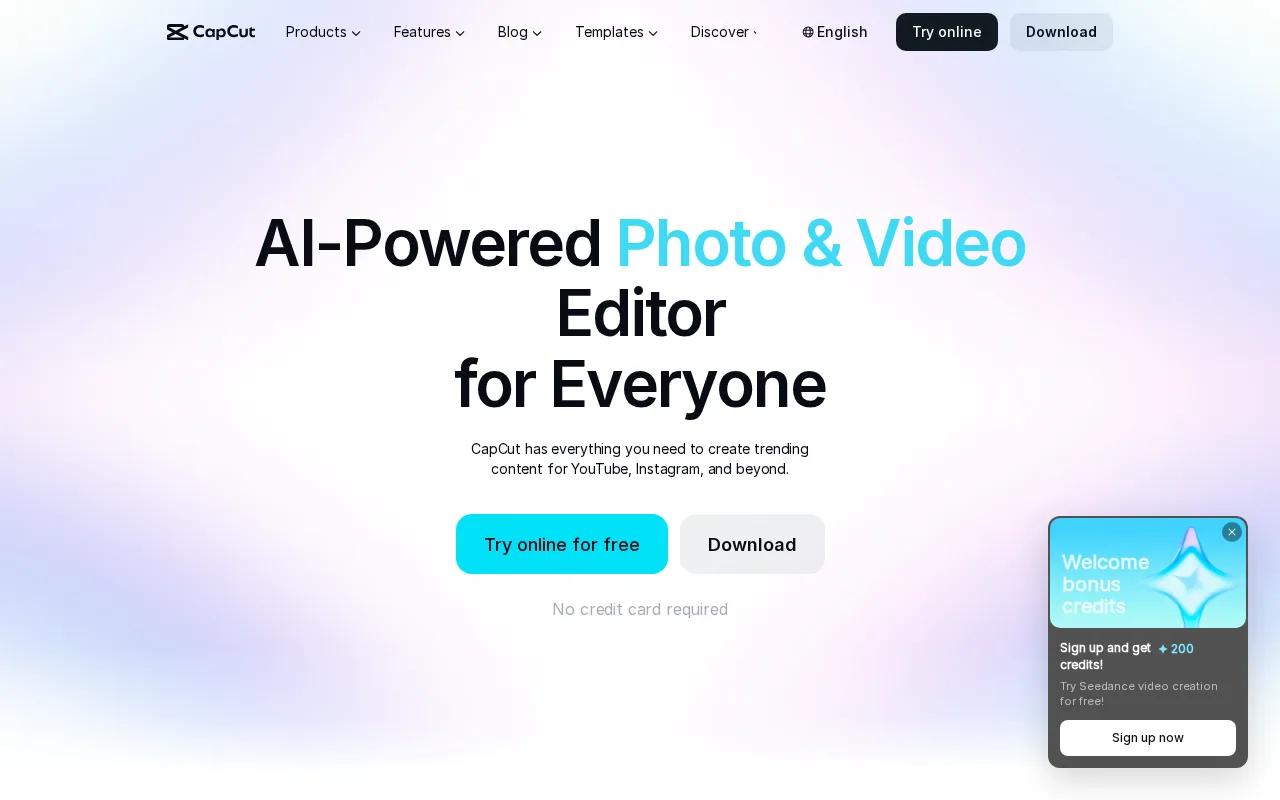
Its online editor supports text, video, and AI-assisted workflows. The tool lists cutting, trimming, transitions, subtitles, text-to-speech, background removal, noise cleanup, and voice enhancement. It also supports automatic subtitles in multiple languages.
That makes CapCut a good finish layer for a 60-second Short. Drop in a long clip, trim the strongest moment, switch the canvas to 9:16, then burn in captions that stay clear on a phone. Its templates can also speed up Reels and TikTok edits when you already know the mood you want.
CapCut lists a free tier with no watermark and up to 4K export. Its paid CapCut Pro plan starts at $9.99 per month. The free export policy makes it one of the easier tools for testing a format before you pay.
Still, a full editor can tempt you into spending too long on effects. Keep each scene focused on one idea. For platform-specific workflows, the guide to social media video maker tools is a useful next read.
Choose CapCut when editing control matters more than fully automated generation. Choose HailuoLabs when the first challenge is making new footage.
4. InVideo, Automated repurposing for long-form content
InVideo is a short video maker for turning text, video, or audio into social drafts. It fits teams that have webinars, interviews, podcasts, or lessons sitting in a long-form library.
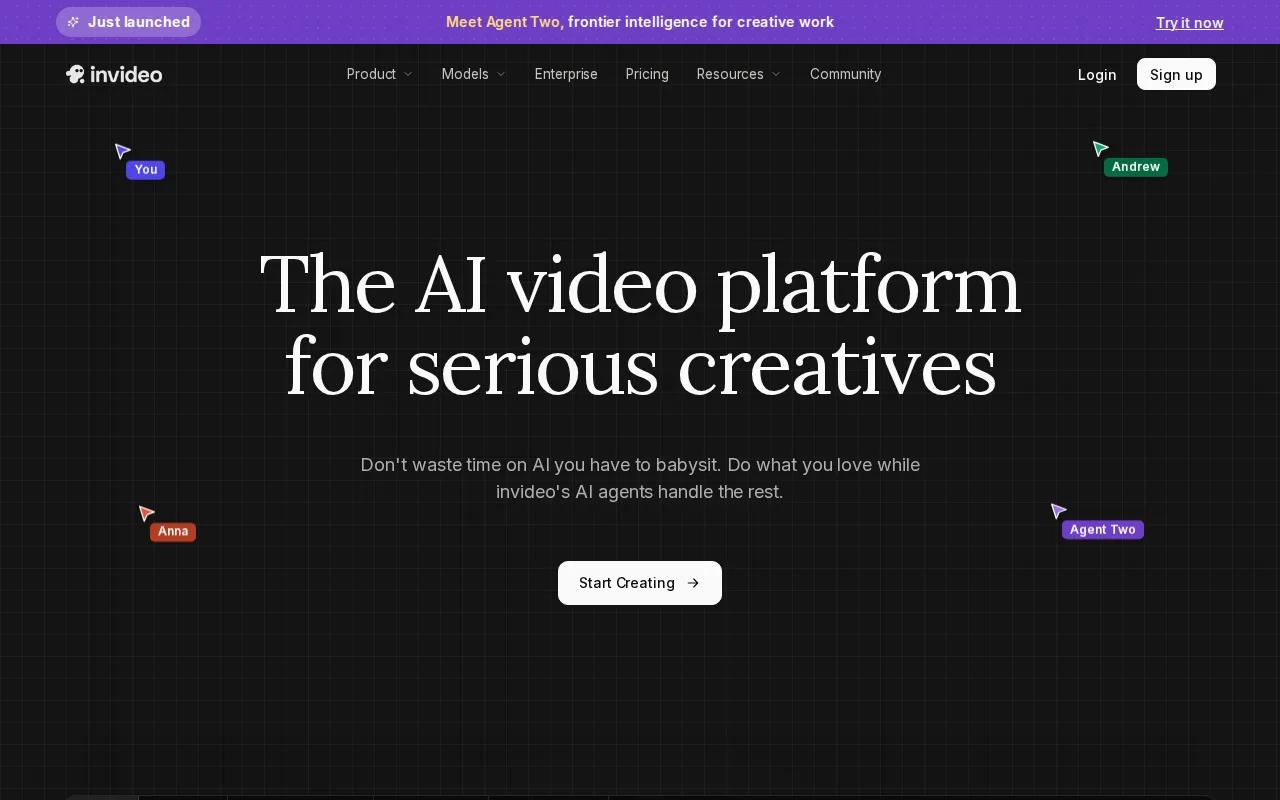
The workflow leans toward automated editing. You can bring in source material, let the system shape a draft, then adjust the result before export. That is handy when the main job is finding a usable 60-second section rather than filming something new.
Think of a 10-minute interview. The tool can help you pull out one answer, place it in a vertical frame, add captions, and prepare a social cut. You will still need to check the hook, the crop, and the words on screen. Automation can find a passage, but it can't judge your brand voice as well as you can.
InVideo lists text, video, and audio as supported inputs. Its free tier has a watermark, 720p output, and no commercial rights. Paid plans start at $25 per month when billed annually. That commercial-use limit deserves attention if the Short supports a paid campaign.
Pick InVideo for repurposing. Pick CapCut when you want finer timeline control after the first draft.
5. Kling 3.0, Text-to-video scenes with a free starting tier
Kling 3.0 is a short video maker for text-led scenes, image references, character continuity, and native audio. It suits creators who want a more directed visual shot instead of a template edit.
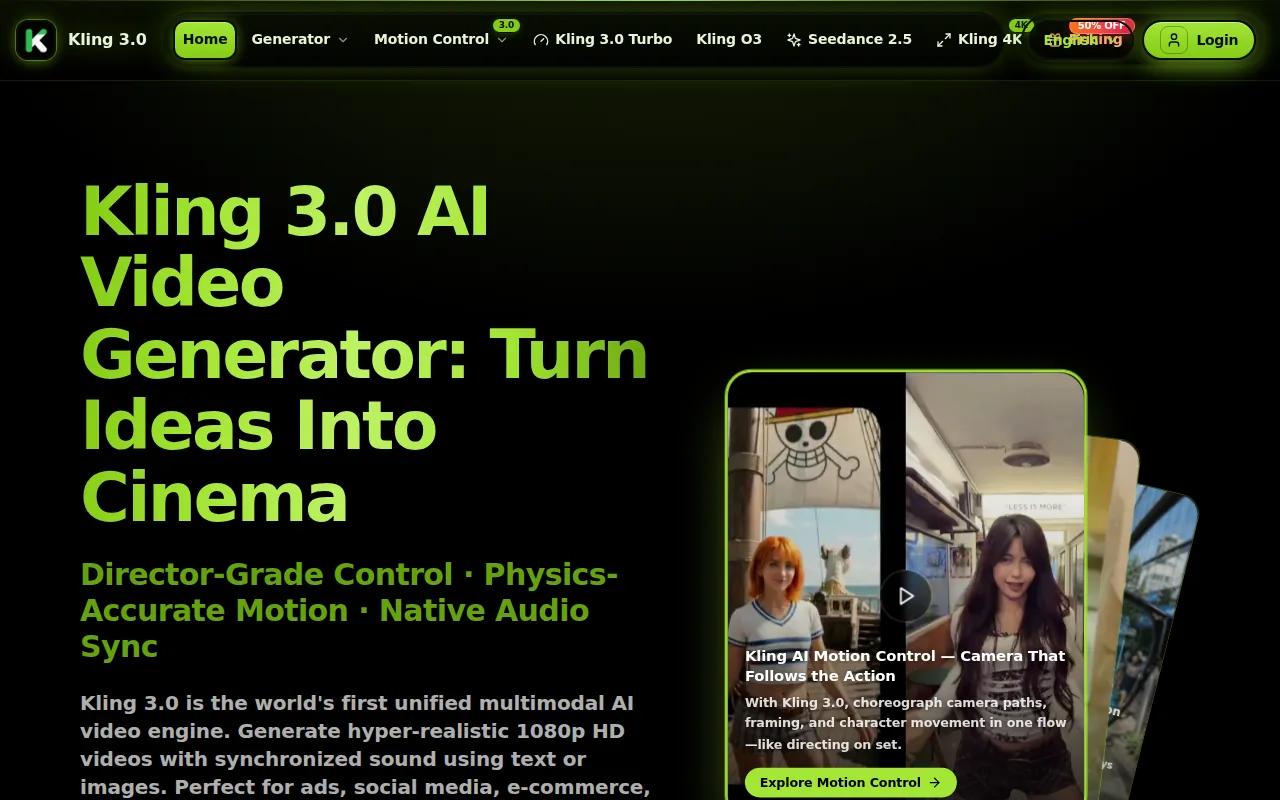
You can describe a scene or upload a reference image. Kling says its 3.0 tools support character locking, motion controls, native audio, and lip-sync. Its storyboard controls can direct multi-shot sequences, while the listed generation length reaches 15 seconds.
That is useful for a visual hook. Imagine a product floating through a busy market, a character moving through several camera angles, or a short scene with spoken lines. Start with one action and one camera move. Too many instructions can make the shot harder to control.
The free tier includes a watermark and 720p output. The listed paid starting point is about $8 per month.
Kling is a good choice for high-impact scene tests. HailuoLabs is more flexible when you want text, image, video, and audio inputs in one studio.
6. Runway, Creative AI visuals for cinematic short clips
Runway is a short video maker for visual concept work and cinematic clips. It makes more sense when mood, camera motion, or art direction leads the project.
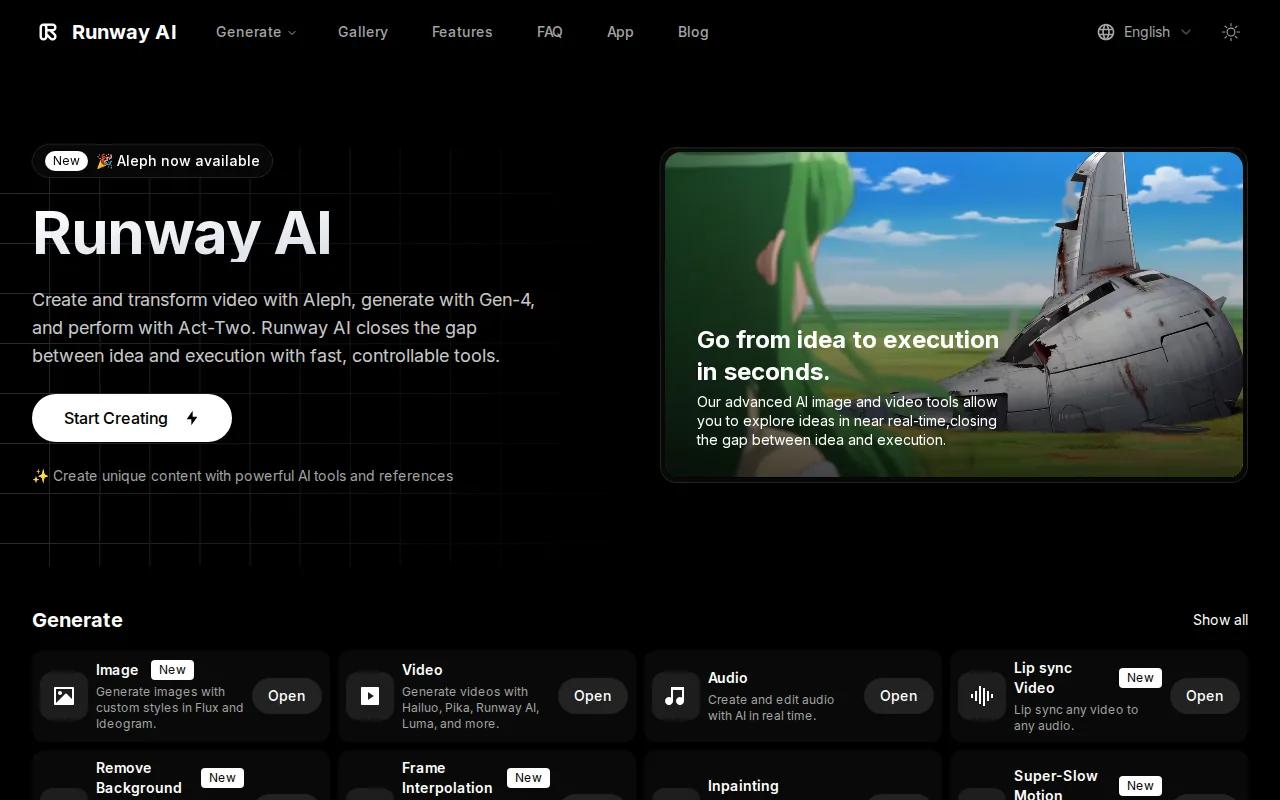
Its AI video generator is built around text-led visual generation. That gives you a way to test a scene before you arrange a shoot or commission a full effects pass. A creative team could use it for mood boards, opening shots, transition ideas, or short campaign concepts.
Runway lists a free tier with 125 one-time credits. Paid plans start at $15 per month. Text is its supported input type, so plan around prompt-led work rather than assuming every media input is available in the same flow.
The trade-off is control after generation. You may still need a separate editor for captions, sound mix, final timing, and platform exports. That extra handoff is fine for a small set of polished visual shots. It is less appealing when you need dozens of quick social posts each week.
Choose Runway for visual exploration. Choose a full editor when the job ends with a publish-ready Short.
7. Pika, Quick effects for attention-grabbing Shorts
Pika is a short video maker for quick effects and social-first experiments. It fits creators who want to add motion or a visual twist to existing media.
The listed supported inputs are video and audio. Pika also has quick edit effects, which puts it closer to an effects layer than a full production suite. Use it when the source clip already works and needs one strong visual change.
For example, you might turn a plain product reveal into a more playful transition or give a short audio-led post a visual beat. Keep the effect tied to the joke, reveal, or change in the story. If the effect becomes the whole point, viewers may miss the message.
Pika has a free tier with a watermark and limited resolution. The listed paid starting point is $8 per month. Check the export size and watermark terms before using the clip in paid media.
Pika is best for fast creative tests. It is not the first tool I'd choose for captions, long-form repurposing, or a full publishing workflow.
Short Video Maker Comparison: Features, Inputs, and Best Uses
The table below looks at the part of the workflow each tool handles best. A 9:16 frame is the safe default for Shorts, TikTok, and Instagram Reels. YouTube Shorts are built for vertical viewing and videos should stay at 60 seconds or less.
| Tool | Best use | Useful inputs | Editing position | Watch first |
|---|---|---|---|---|
| HailuoLabs | New AI scenes and multimodal testing | Text, image, video, audio | Built into the studio | Free tier watermark and 512p limit |
| HeyGen | Avatar-led explainers and translation | Text | Full editing studio | Free tier watermark |
| CapCut | Mobile edits and captions | Text, video | Full editing suite | Paid features vary |
| InVideo | Long-form repurposing | Text, video, audio | Automated editing | Free tier has no commercial rights |
| Kling 3.0 | Directed scenes and character motion | Text, image | Generation-focused | Free tier watermark |
| Runway | Cinematic visual concepts | Text | Check the finishing workflow | Free credits are one-time |
| Pika | Fast visual effects | Video, audio | Quick effects | Free tier has limited resolution |
The market has a funny resolution gap. Three listed platforms advertise 4K, yet the median maximum resolution across the seven reported values is 720p. Hailuo 03's 2K output sits between basic free exports and the highest stated ceiling.
Watermarks are another cost. CapCut is the exception in that sample. HailuoLabs takes a different path with credits, which can make sense when you want to test quality before choosing a larger plan.
FAQ
What is the best short video maker for AI video?
HailuoLabs is the best starting point when you want AI-generated clips with text, image, video, and audio inputs. Hailuo 03 can make clips up to 15 seconds at 768p or 2K, with native stereo and built-in editing. Choose a different tool if your main need is an avatar presenter, mobile editing, or long-form repurposing.
How long can a YouTube Short be?
A YouTube Short should be 60 seconds or less. Use a vertical 9:16 frame so the video fills a phone screen. A short video maker can help with the crop, but check the finished file on your phone. Small captions and hidden faces often look fine on a desktop preview.
Can AI tools turn long videos into Shorts?
Yes, tools such as InVideo can help turn long video into shorter social drafts. Start with a strong answer or moment rather than cutting the first 60 seconds. Then check the crop, add captions, and make sure the Short still has a clear beginning, middle, and end.
What aspect ratio should Shorts use?
Use a 9:16 vertical aspect ratio for Shorts. That frame also fits TikTok and Instagram Reels, so one master file can support several posts. Keep faces and key text away from the edges. Platform controls can cover those areas on a phone.
Can a short video maker add captions in different languages?
Yes, some short video maker tools support multilingual captions or translation. HeyGen is built for translated avatar video and lists support for more than 175 languages and dialects. For any tool, review names, product terms, and line breaks by hand before publishing.
Conclusion
Start with HailuoLabs if you need new AI footage, broad media inputs, and 2K short clips in one workflow. Sign in, test one vertical concept with Hailuo 03, then add captions and review the export on your phone before you publish it.


