
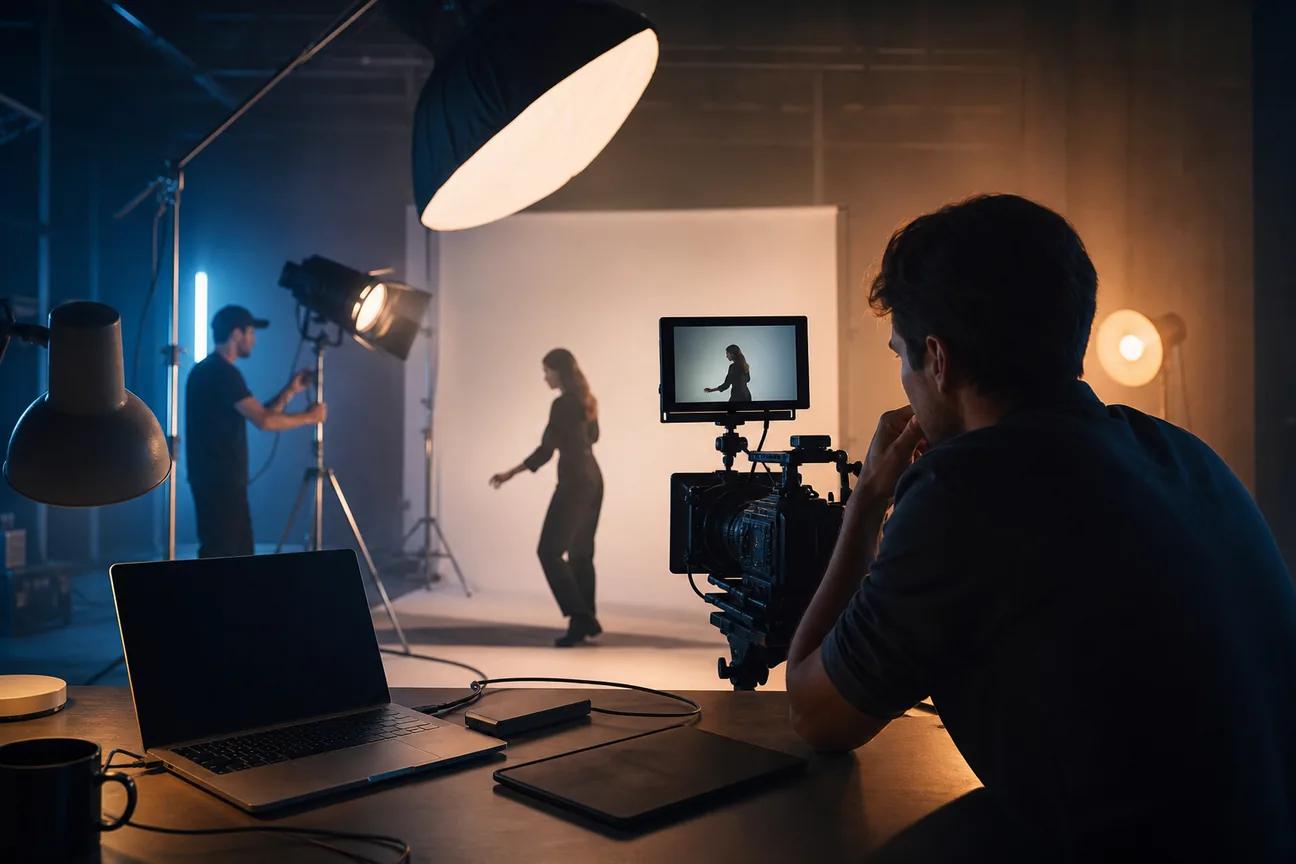
Ready to turn a rough idea into a sharp promo without a long edit session? The best promo video maker depends on the job, not the biggest feature list.
One warning: quality specs are often hard to find. Check the output before you plan a campaign around it.
1. HailuoLabs
HailuoLabs is an independent studio for MiniMax Hailuo video models. It suits creators, marketers, and small studios that need short promo footage from text, images, video, or audio.
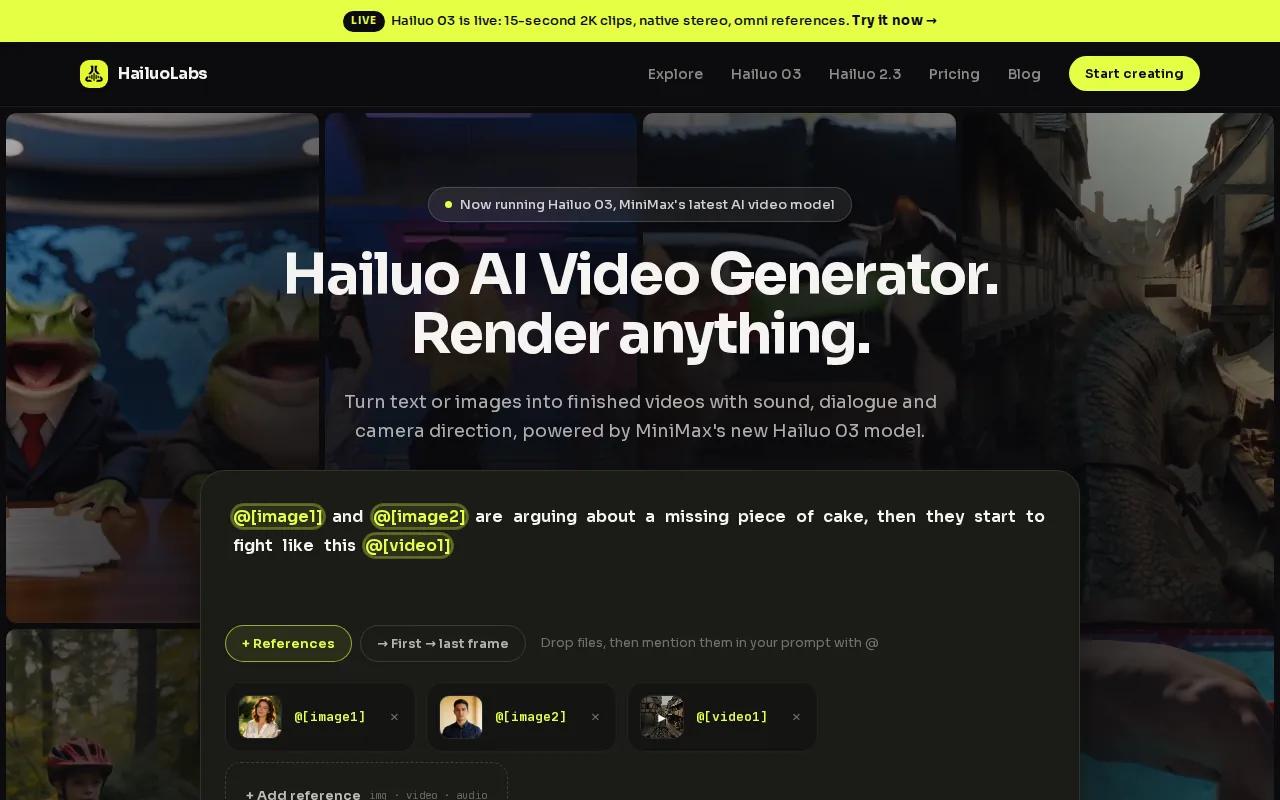
The main draw is the range of inputs. You can start with a written scene brief, animate a product image, use a video reference, or bring in audio. Hailuo 03, also called H3, is the flagship model. It can make clips up to 15 seconds at 768p or 2K, with native stereo sound, first and last frame control, omni references, generation, and editing.
That workflow fits ad testing. You can make one product shot with a slow push-in, then try a close-up, a wider frame, or a new visual hook. Hailuo 2.3 adds smoother motion and stronger style stability. Hailuo 2.3 Fast is useful when you need to test several image-to-video ideas quickly.
Free users get watermarked Hailuo 02 output at 512p. Paid plans open access to newer models, higher resolutions, video references, and editing tools. Review the rights and output settings for your plan before using a clip in a paid campaign.
For a wider look at commercial use, formats, and ad workflows, see these commercial video maker tools. You can also review the model details on the Hailuo 03 official page.
2. Synthesia: Enterprise videos with AI avatars
Synthesia is a strong promo video maker for businesses that need AI avatar videos for training, sales, enablement, or customer communication.
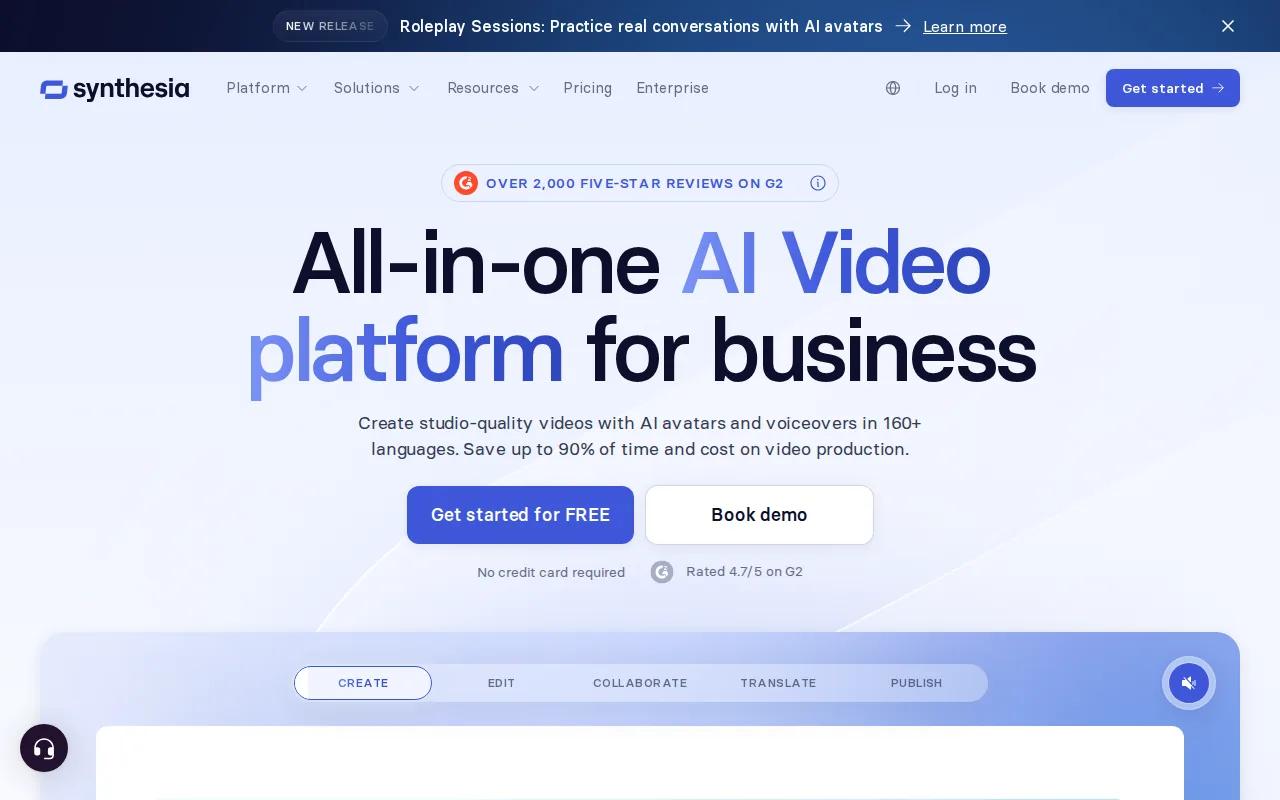
Its workflow centers on a script and a chosen avatar. The editor has a PowerPoint-style layout, which makes it familiar if your team already builds slide decks. You can add motion graphics, interactive content, and AI-generated assets without filming a presenter.
Brand control is a clear strength. Synthesia says you can set logos, colors, backgrounds, fonts, and style choices so repeat videos follow the same look.
That makes the tool useful for a product update that needs several language versions. A marketing team can write one approved script, adapt it for each market, then keep the same visual rules. Synthesia also lists Learning Management System integration, which matters when a promo leads into employee training or a customer course.
The trade-off is tone. An AI presenter can feel too formal for a casual social ad or creator-style product review. It is a better fit when trust, repeatability, and internal approval matter more than a loose handheld look.
Synthesia describes its product as enterprise-ready and built for branded AI video creation on its official platform page. Treat any language count, compliance claim, or integration detail as a point to confirm during your own plan review.
3. Creatify: Fast UGC-style performance ads
Creatify is built for performance marketers who want UGC-style ads and quick creative variations.
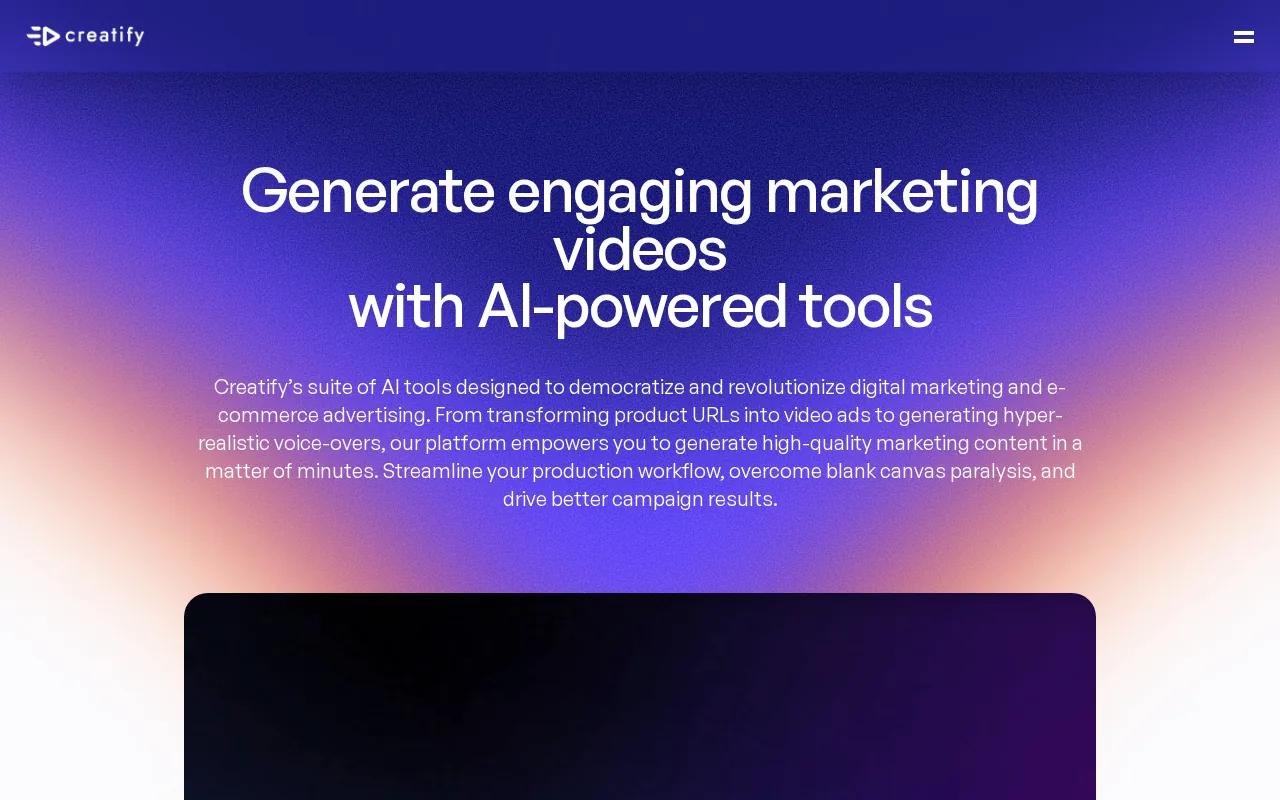
Its focus is different from an avatar-led training tool. The goal is usually a short ad that feels like a person is sharing a product find. Creatify lists realistic UGC-style AI avatars and a workflow for making ad variations, so you can test different hooks without arranging a new shoot for each one.
The Meta and TikTok connections are useful when those channels are central to your media plan. Still, do not assume that an integration means automatic publishing. Check whether it sends files, supports campaign handoff, or connects to an account in another way.
A good test brief should change one thing at a time. Keep the product and offer fixed, then vary the opening line. In the next version, keep the hook and change the visual. This gives your media buyer a cleaner comparison than six unrelated ads.
UGC-style output also needs a close review. Check the product shape, hands, claims, captions, voice rights, and any likeness consent. Add exact product text in a finishing editor when spelling or legal wording matters.
Creatify makes sense when your bottleneck is ad variation. If you need cinematic product motion instead, a text or image generation studio may give you more control over the scene.
4. InVideo: Simple product and social promos
InVideo is a template-led promo video maker for social media marketers and product-focused ads.
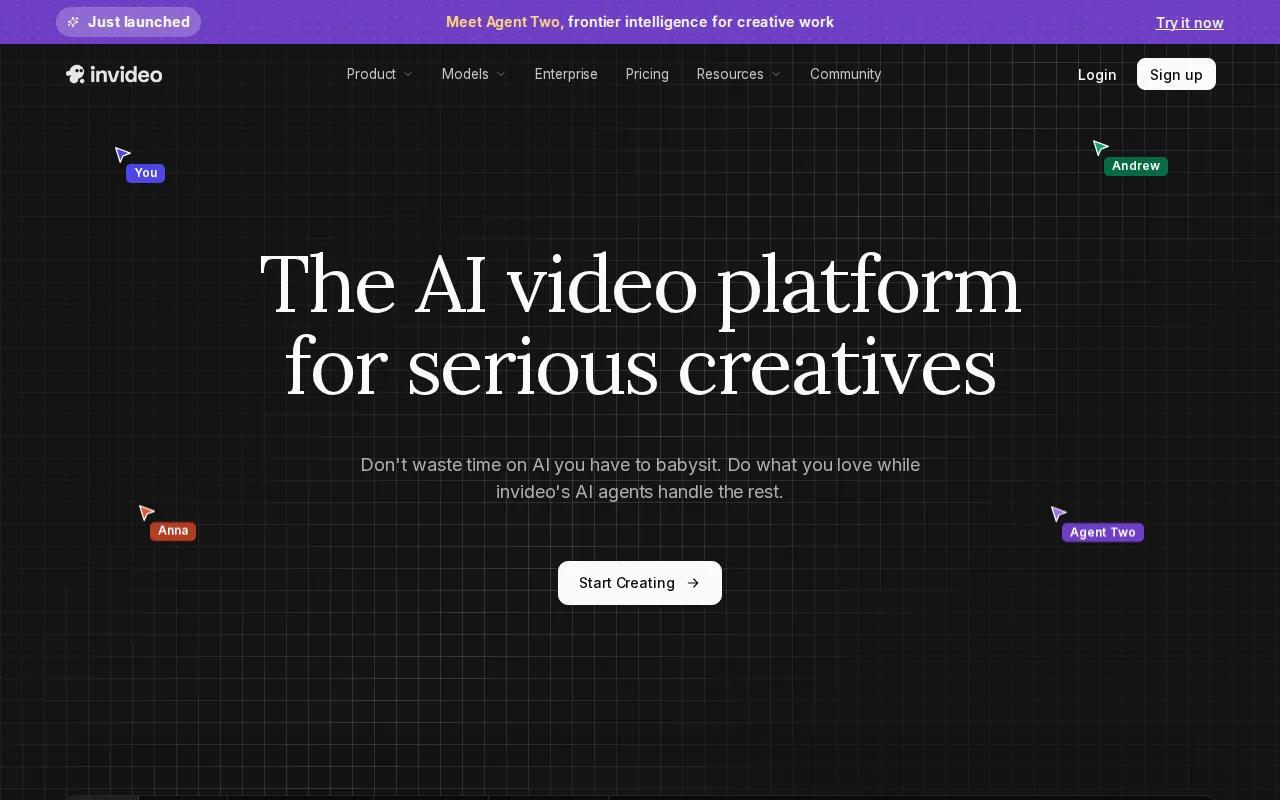
It works well when you already know the message and need help shaping it into scenes. Start with a short brief, upload a product image, then build around a ready-made layout. The research describes near production-ready output and high-quality 1080p video, though you should confirm current export limits before launch.
Templates help beginners avoid a blank timeline. Replace the stock visual first. Then edit the headline so it states the viewer's gain, not a list of product features. Keep each scene focused on one idea, such as the problem, the product action, or the next step.
Music still needs human judgment. Pick a track with a clear beat, place the visual cuts near that beat, and lower the music under speech. For silent viewers, add captions and put the main promise on screen. A watermark or logo can appear early, since many viewers will leave before the final frame.
InVideo is a good choice for social teams that value speed over detailed control. For a related comparison of marketing video maker tools and workflows, see these video ad maker tools.
| Decision point | What to check | Best fit |
|---|---|---|
| Need a quick first draft | Brief input and template depth | InVideo |
| Need exact brand rules | Logo, font, color, and text controls | Use a brand kit or finishing editor |
| Need silent-feed viewing | Captions and readable text | Any tool with a caption pass |
| Need several placements | Vertical, square, and wide exports | Confirm resize and export settings first |
5. Runway: Fine-grained creative control
Runway is for filmmakers, VFX artists, and brand teams that need more control over generated motion.
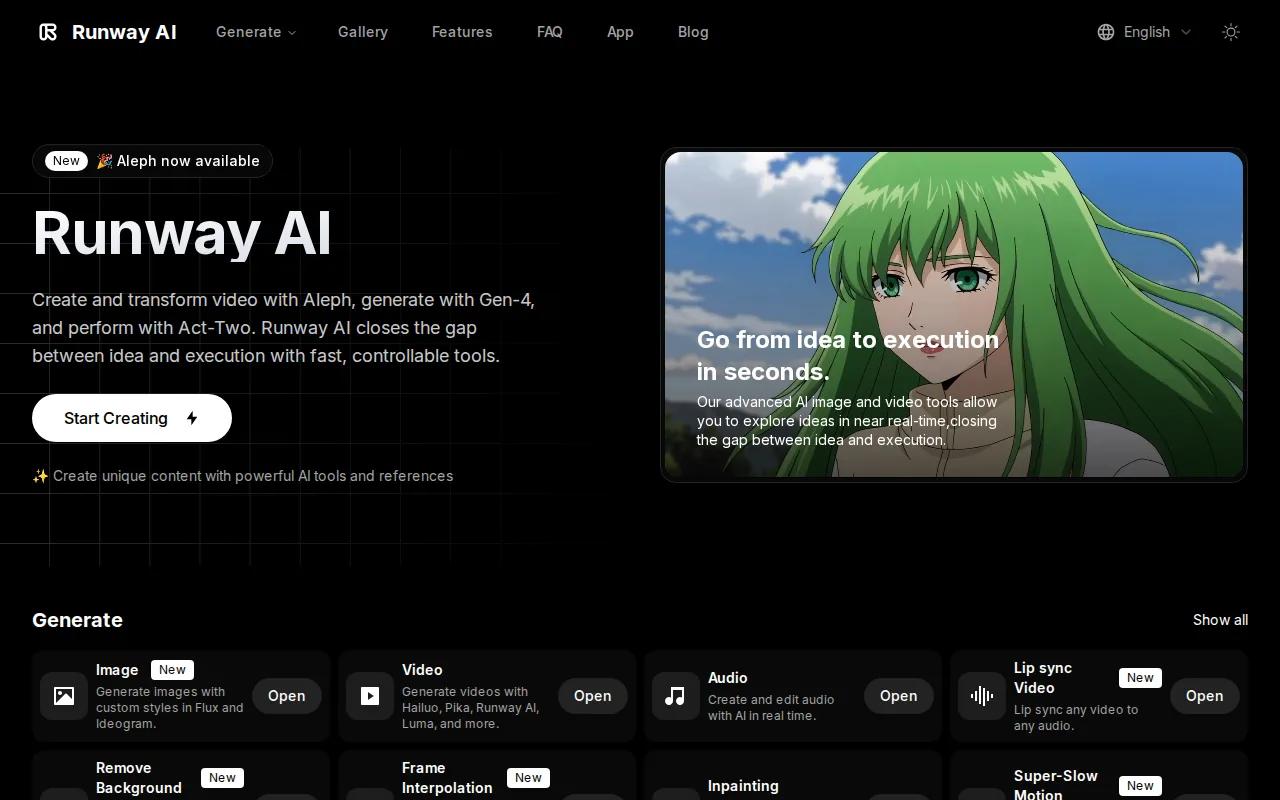
The tool stands out when a broad prompt is not enough. Its listed features include Multi-Motion Brush for animating selected regions, camera controls such as pan, tilt, and zoom, plus custom AI model training.
Imagine a product promo where only the fabric moves while the camera slowly pushes in. A region-based motion control can be more useful than asking the model to animate the full frame. The same applies to a face, a background sign, or a small object that needs a set direction.
Runway fits a creative review process with several passes. First check the composition. Then check motion. Once the shot works, add exact copy and captions outside the generated scene. This keeps the model from having to render small brand text correctly.
The limitation is time. More controls mean more choices, and more choices can slow down a beginner. Resolution details are also a point to verify. In the comparison research, Runway was one of the few platforms that disclosed a supported resolution, listed as 720p.
Choose Runway when the shot itself is the creative asset. If you mainly need a fast social ad with a script and call to action, another option may get you to a usable draft sooner.
6. HeyGen: Avatar-led multilingual promotions
HeyGen is a strong promo video maker for teams that need avatar-led content across many languages.
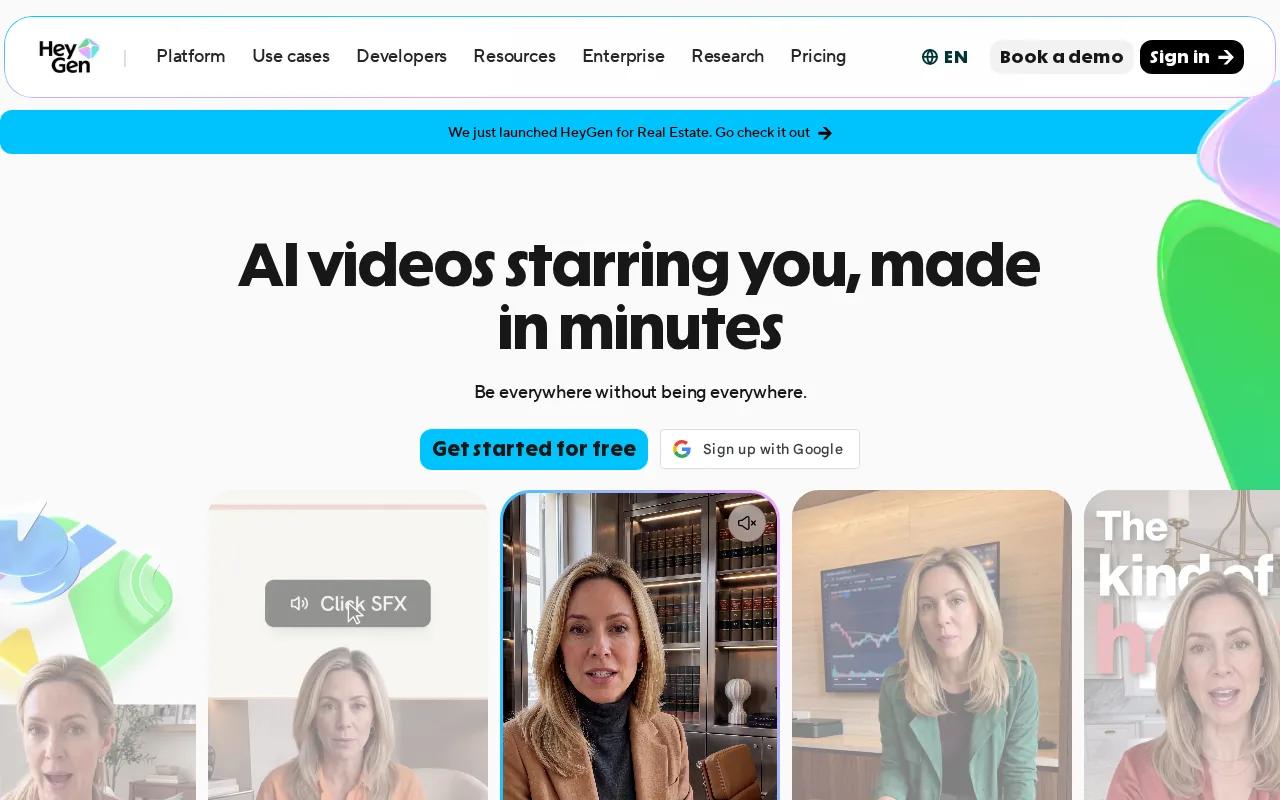
HeyGen supports avatar-driven video, multilingual content, and workflow automation in one platform.
That multilingual focus matters for a global campaign. A team can prepare one short product message and adapt it for different markets without booking new shoots in every location.
HeyGen can also support workflow automation for product launch kits, partner updates, or sales enablement clips. It supports SCORM and API integrations, so it deserves a closer look when the video needs to move into an existing learning or software workflow.
Avatar content still needs a clear reason to exist. A presenter should explain the offer, answer a question, or guide the viewer to one action. If the message is purely visual, an animated product shot may feel more natural.
The comparison research found that only seven of 22 tools listed any integrations. That gap is easy to miss when you compare avatars and templates alone. Before you buy, confirm the handoff into your LMS, ad account, or content system.
How to choose a promo video maker
Start with the campaign job, then test one short draft. A tool that looks impressive in a demo may still fail your actual handoff.
- Set one goal: Choose a click, lead, purchase, sign-up, or view-through action.
- Pick the source: Use a prompt for a new scene, an image for product motion, a script for an avatar, or a template for speed.
- Write a short brief: Name the subject, action, camera view, mood, and one viewer benefit.
- Keep the cut tight: Social promos often work best under 20 seconds. A fuller explainer can sit near 60 to 90 seconds when every scene earns its place.
- Plan for sound-off viewing: Add captions, keep text large, and make the first frame clear without audio.
- Use one CTA: Ask viewers to visit a page, start a demo, download an app, or shop the offer. Do not split attention between several actions.
- Check exports: Test 9:16 for TikTok, Reels, and Stories. Use 1:1 for some feeds and 16:9 for YouTube or a website. Confirm the actual resolution before you build your media plan.
- Review the final file: Watch it on a phone with sound off. Check the first second, captions, safe areas, product details, and landing-page URL.
For campaign planning, market research and competitive analysis can help you frame the offer before you write the script.
HailuoLabs is a sensible first test when you need several visual concepts from text, images, video, or audio. Make the first render short. Keep the prompt focused on one action. Then compare the accepted clip, not only the number of drafts.
FAQ
What is the best promo video maker?
HailuoLabs is the best starting point when you need short AI promo clips from text, images, video, or audio. Hailuo 03 supports clips up to 15 seconds at 768p or 2K, with native stereo sound. Choose another tool when your main need is an avatar presenter, a template-led edit, or detailed region-based motion control.
How long should a promo video be?
A promo video should usually stay under 20 seconds for a fast social ad, while a fuller explainer may run 60 to 90 seconds. Keep one idea per scene. Put the main benefit near the start, then use the final seconds for one clear call to action.
Can I make a promo video without editing skills?
Yes, you can make a promo video without prior editing skills by starting with a template, a short brief, or an AI-generated draft. InVideo suits template-led work. HailuoLabs suits prompt and image-based generation. You still need to check timing, captions, sound levels, brand text, and the final export.
What should a promo video include?
A promo video should include a strong opening hook, one clear viewer benefit, supporting visuals, readable captions, and one next action. Add your logo early enough to stay visible if viewers leave quickly. Keep music below speech, and make sure the message still works when the viewer watches without sound.
What video size is best for TikTok and Instagram Reels?
Vertical 9:16 is the usual starting format for TikTok and Instagram Reels. Use large text near the center safe area, since controls can cover the edges. Export a clean master first, then resize for other placements. Always watch the final file on a phone before publishing.
Are AI-generated promo videos good for ads?
AI-generated promo videos can work well for ads when you review product accuracy, claims, captions, music rights, and likeness permissions. Use several short variations to test hooks, but change one main element at a time. Add exact legal or product copy in an editor when generated text is unreliable.
Conclusion
Start with HailuoLabs if you want fast short-form promo concepts from text, images, video, or audio. Sign in, choose a focused product idea, and generate one short draft before planning a larger batch. Review the result on a phone, add your CTA and captions, then move the strongest version into your campaign workflow.


