

Need a video ad before the next campaign meeting? The right advertisement maker can turn a rough idea, product image, or script into a testable clip fast. One surprise from our review: Creatify has 1,500 AI actors, yet it’s the only major option here without a documented free tier. Here are the five tools worth your time, plus the job each one handles best.
1. HailuoLabs
HailuoLabs is an independent studio for MiniMax Hailuo video models. It’s the best fit when you want to turn text, images, video, or audio into short ad clips without a developer API.
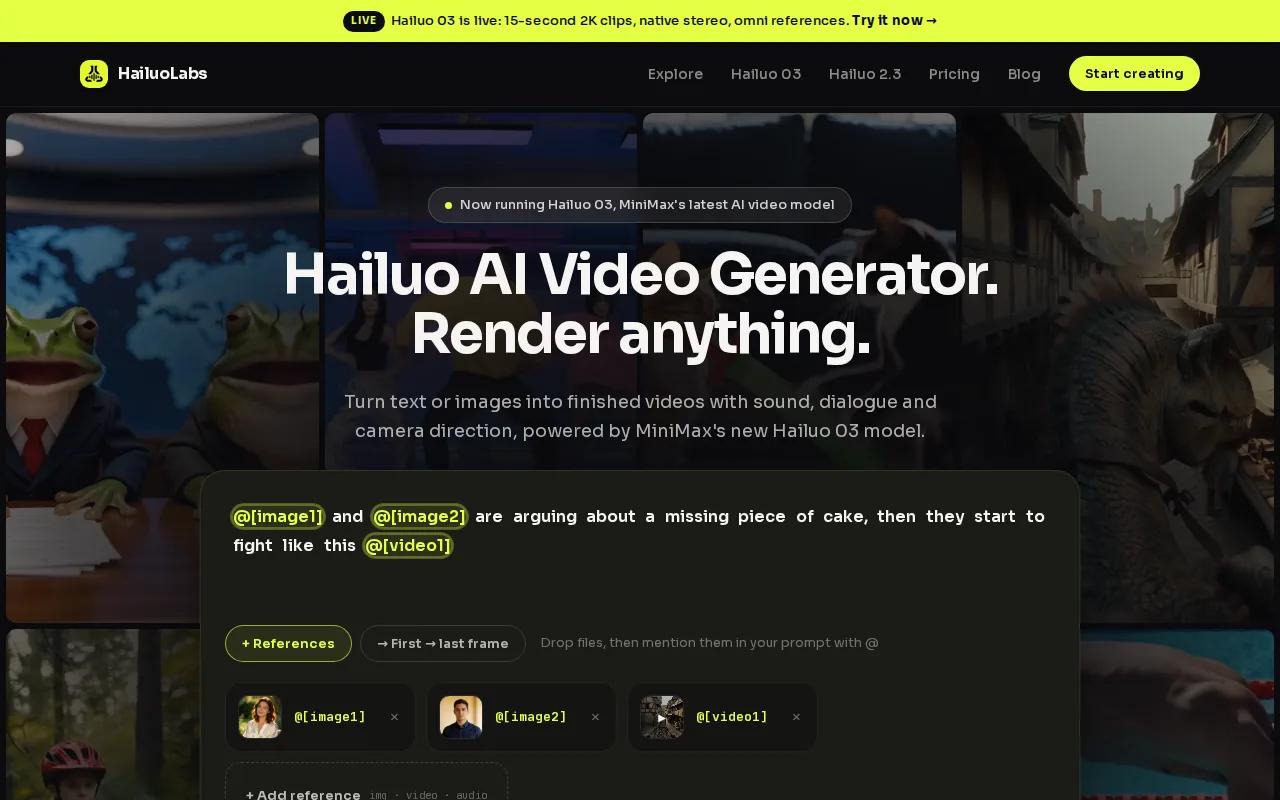
You can start with a scene prompt or use an image as a visual anchor. Hailuo 03, also called H3, supports clips up to 15 seconds at 768p or 2K. It also supports native stereo, first and last frames, omni references, generation, and editing. Native stereo means the sound is generated as a left and right audio track, rather than added as an afterthought.
That setup works well for product hooks, visual demos, short social ads, and concept tests. Say you sell a desk lamp. You could start with a product photo, describe a warm evening workspace, then test three opening shots. One version might show the light switching on. Another might focus on the room mood. A third could use a close product shot before the CTA.
The free plan uses Hailuo 02 at 512p with a watermark. Paid plans unlock Hailuo 2.3, Hailuo 2.3 Fast, Hailuo 03, higher resolutions, video references, and edit tools. That gives you a clear path from rough idea to cleaner production file.
Review every output before launch. AI video can shift small product details, hands, labels, or reflections. For a wider look at commercial use and export checks, see these commercial video maker tools.
HailuoLabs is the pick when your main need is flexible short-form footage, not a presenter speaking from a fixed script.
2. Creatify, Fast avatar-led ad testing
Creatify is an avatar-focused advertisement maker for performance marketers who test many hooks against many faces.
Its standout figure is a library of 1,500 AI actors. That scale matters when your team needs several versions of the same offer. You can test a calm presenter against an energetic one, then compare how each opening handles the same product promise.
Creatify also centers its workflow on ad templates and competitor ad tracking. The goal is speed to testing. Instead of arranging a shoot for each new angle, you can work through a repeatable ad process and produce more concepts from one brief.
That makes it a strong match for direct-response teams, affiliate marketers, and agencies with a high volume of creative tests. The trade-off is access. Research used for this shortlist does not document a free tier for Creatify, which makes its large actor library less useful for teams that first need a no-cost trial.
Avatar realism still needs a human check. Watch the mouth during fast speech. Look for stiff eye movement. Make sure the tone fits the audience. A natural face cannot rescue a weak offer or a vague first line.
If you want more context on ad formats and creative review, the guide to a video ad maker workflow covers hooks, safe zones, captions, and export checks.
Choose Creatify when variation volume matters more than multimodal scene control.
3. HeyGen, Explainer and localized founder ads
HeyGen is a strong advertisement maker for explainer ads, founder-style videos, and localized versions of one script.
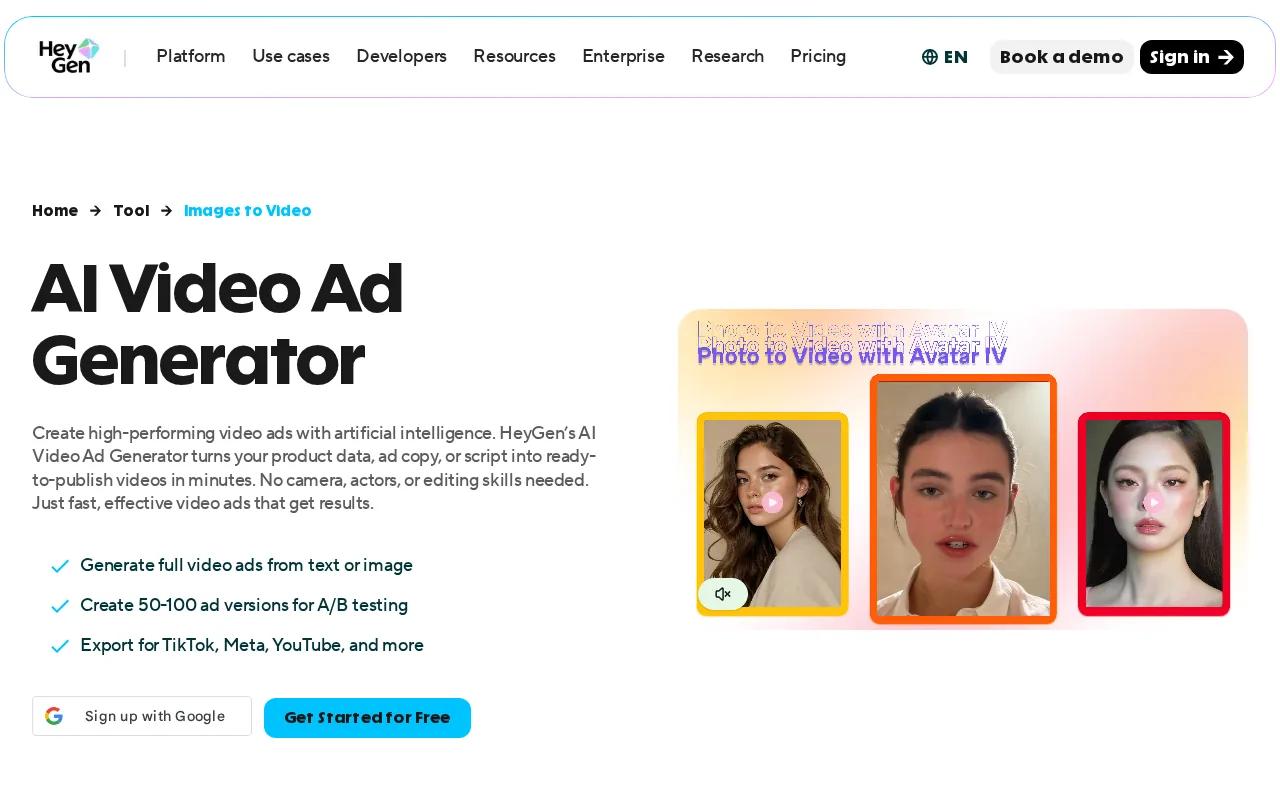
Its core strength is the link between avatar video and voice work. You can build a presenter-led message without filming the same person in every language or market. That can help when one campaign needs several versions with the same basic promise.
HeyGen’s free tier allows three videos per month, . That is enough to test the workflow before you plan a larger batch. It also has an API suite that includes Video Agent, Generation, Translation, and Lipsync tools.
Think of a software company launching a new feature. The first cut might explain the problem. A second version could focus on the setup time. A localized version could keep the same structure while changing the spoken language. The handoff is easier when the script, voice, and presenter stay in one system.
The limitation is creative tone. Presenter ads can feel too polished for a casual social feed. They also depend heavily on script quality. Keep the first line specific, show the benefit early, and avoid stuffing five claims into a short clip.
Before publishing, check whether the avatar feels like your brand or like a generic spokesperson. Advertising often works through associations and identity, not only product facts. Wikipedia’s overview of advertising describes this broad role, which is why the mood and person in an ad deserve as much care as the feature list.
Pick HeyGen when the message needs a face, a voice, or several language versions.
4. Kive, Product-accurate SKU variations
Kive is a product-focused advertisement maker for teams that need consistent visuals across product variants.
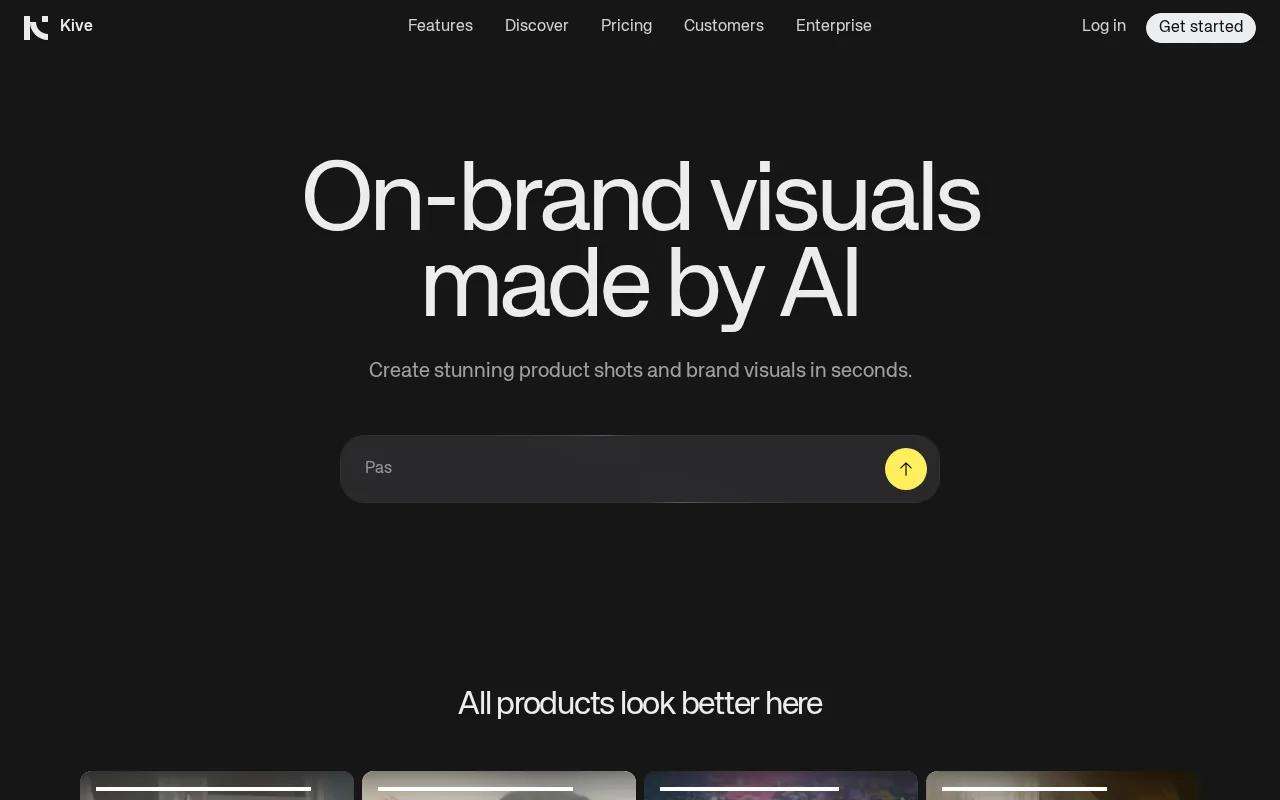
The workflow anchors generation to a saved SKU. In plain terms, you give the system a product reference that stays central while you explore different scenes or ad angles. That is useful for a shop with several colors, sizes, or models that must remain distinct in the final creative.
Kive stands out for its integration list. The research names ChatGPT, Claude, Cursor, n8n, Zapier, Figma, Notion, and an OAuth-protected endpoint. Most tools in the wider review list few or no integrations, so this is the clearest choice for teams that want the ad workflow connected to other work tools.
Its free plan includes 40 credits after email verification. That gives a small team room to test product references before paying for more output. Keep your source images clean. A cluttered product photo can make it harder to judge whether a generated variation is accurate.
Kive also suits a batch workflow. First approve the base product reference. Then create a small set of scenes. Once the product stays correct, vary the hook or setting. This order keeps creative testing from turning into a product-detail audit.
The caveat is focus. Kive is better suited to product consistency than free-form cinematic experiments. If your ad depends on a strange visual world or a fast camera move, another tool may give you more room.
Use Kive when product fidelity is the first review gate.
5. Runway, Flexible generative video control
Runway is an advertisement maker for creative teams that want more control over generative video shots.
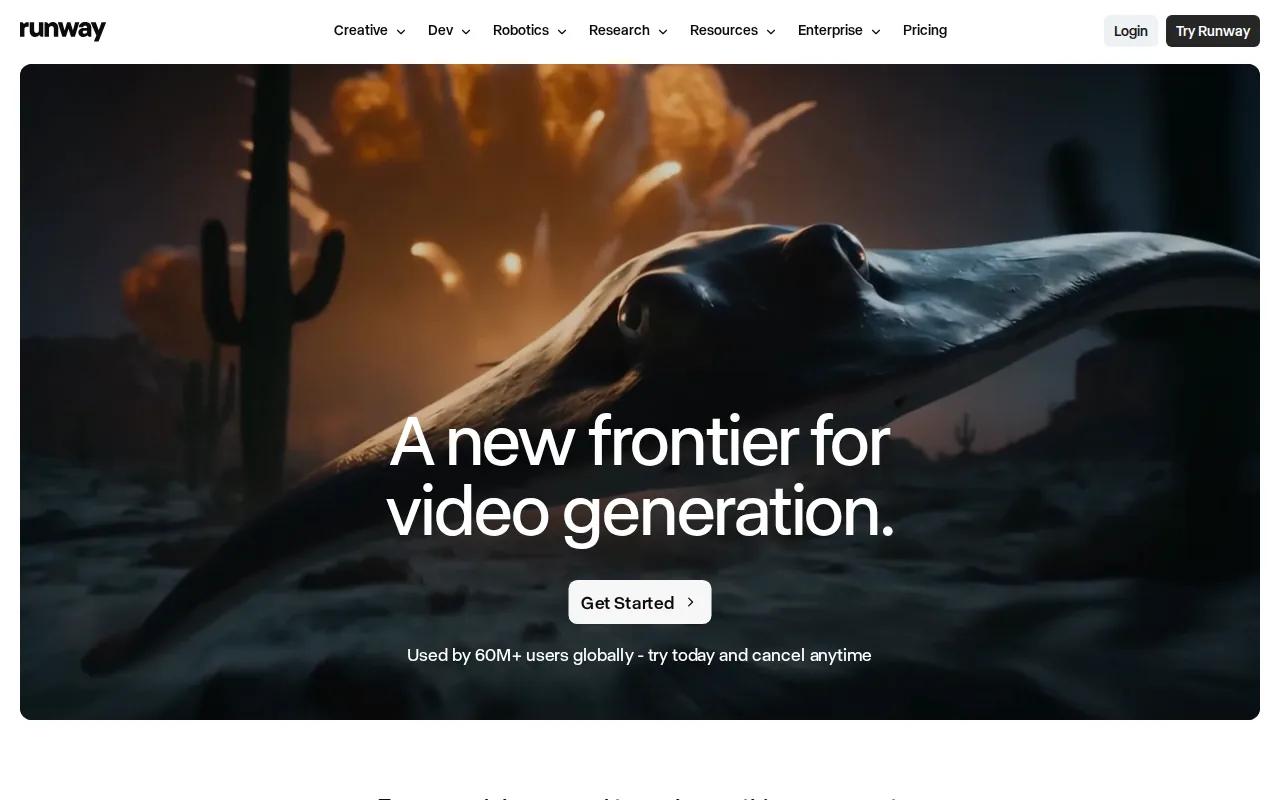
Its key difference is a per-second credit model with access to several generative models. That approach can suit a team that thinks in shots rather than finished ads. You might spend credits on a five-second product reveal, then use the accepted shot in several edits.
Runway works best when the visual idea needs more direction than a basic template can provide. You can plan a storyboard first, then write one prompt per scene. Keep each prompt focused on a single action. A close-up product turn is easier to review than a prompt asking for a full story with several people and locations.
The free plan permits commercial use, based on the research reviewed here. Still, commercial permission does not remove your review duties. Check music rights, likeness consent, product claims, captions, and any required disclosure before a paid campaign goes live.
Runway can take more time to learn than a template-led tool. That is the price of control. If your team has a clear visual brief and someone who can review motion, the extra room can be useful. If you need ten quick presenter ads, choose an avatar-first tool instead.
For a product team comparing short clips, UGC concepts, and cinematic shots, this AI UGC video generator comparison adds another useful decision lens.
Runway is the better fit when the shot itself is the selling point.
Advertisement Maker Comparison: Which Tool Fits Your Ad Workflow?
The best choice depends on the bottleneck in your current ad process. Need fresh footage from a prompt or image? Start with HailuoLabs. Need many human-led versions? Look at Creatify. Need a script spoken by a presenter? HeyGen is a closer fit.
| Tool | Best fit | Free access noted | Workflow watch-out |
|---|---|---|---|
| HailuoLabs | Short multimodal video concepts | Yes, watermarked Hailuo 02 | Review product details and motion |
| Creatify | High-volume avatar ad testing | Paid access may be needed early | |
| HeyGen | Explainer and localized presenter ads | Three videos per month | Polished avatars may miss casual feeds |
| Kive | Consistent product variants | 40 credits after verification | Less suited to free-form scenes |
| Runway | Directed generative shots | Commercial use permitted | Credit use needs close tracking |
Across the wider 12-platform review, only half had a documented free tier. Integrations were even less common. Five platforms listed them, while Kive listed eight. That split points to a useful buying rule: free access helps you test fit, but workflow connections matter once several people touch the same campaign.
Before you generate anything, define the audience and one campaign goal. Decide if the ad should drive a click, lead, purchase, or view. Then map the basic flow: script or storyboard, first visual hook, proof, CTA, export, and platform review.
Match the file to the placement. A vertical 9:16 cut fits TikTok, Reels, and Shorts. A wider 16:9 version fits YouTube or many B2B placements. Keep the main point visible without sound, since captions often carry the first message on social feeds.
Templates and stock footage can speed up the first draft. AI-generated assets can help when you lack footage. But speed should shorten the test cycle, not remove the review. Watch the final file on a phone. Check the first frame, spoken claim, caption timing, CTA, and landing page handoff.
For platform-specific checks, the Instagram ad maker comparison explains how Stories, Reels, and feed placements change the creative brief.
Advertisement Maker FAQ
What is the best advertisement maker for short AI video ads?
HailuoLabs is the best starting point for short AI video ads made from text, images, video, or audio. Hailuo 03 supports clips up to 15 seconds and up to 2K resolution. Start with one clear scene, then make several hooks. Review the product shape, motion, sound, captions, and CTA before you publish.
Can I make an advertisement for free?
Yes, several advertisement maker tools have free access, but the limits vary. HailuoLabs has a free plan with watermarked Hailuo 02 at 512p. HeyGen lists three videos per month. Kive gives 40 credits after email verification, while Runway and Adobe Firefly allow commercial use on their free plans.
What should an AI video ad include?
An AI video ad should include a clear audience, one problem, one benefit, proof, and a direct CTA. Put the hook early. Keep each scene focused on one idea. Add captions when sound may be off, then end with an action such as Shop Now, Learn More, or Start Free.
Which advertisement maker is best for avatar videos?
Creatify is built for high-volume avatar testing, with 1,500 AI actors and many ad templates. HeyGen is a better fit when you need an explainer, founder-style message, or localized script. In both cases, check lip sync, eye movement, tone, and whether the presenter feels right for your audience.
How do I choose an AI ad tool for commercial use?
Choose an AI ad tool by checking its commercial-use terms, export limits, watermark rules, and rights for voices, music, faces, and source media. Then test one complete ad workflow. Generate the clip, edit the CTA, export it, and review it on the target platform before spending ad budget.
Conclusion
Choose HailuoLabs when you need fast, flexible ad footage from a prompt or reference file. Start with one product and three hooks, then review the strongest clip on your phone. For details, see HailuoLabs; higher resolution or watermark-free exports require a paid plan.


