
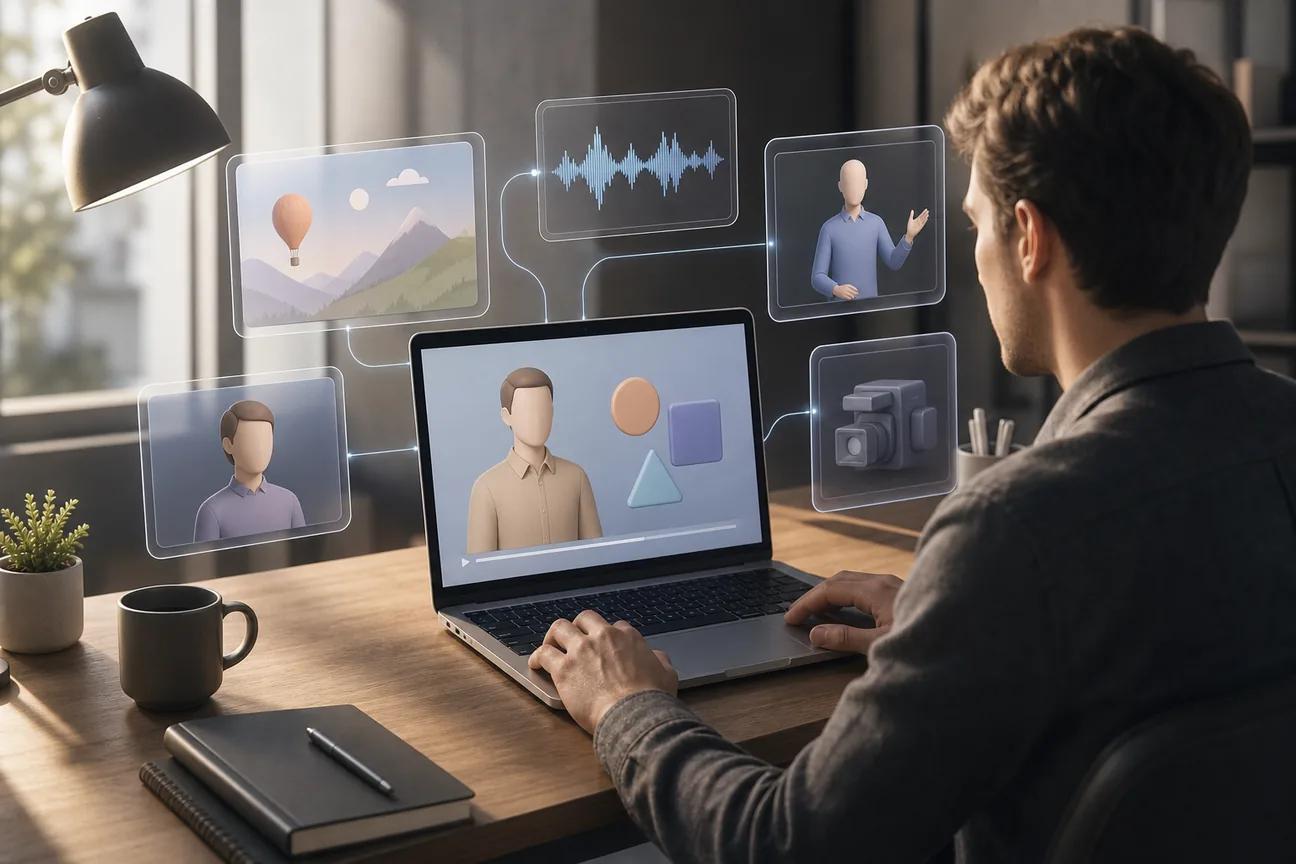
Turn a plain script into a watchable explainer without booking a studio or learning animation software. The best AI video tools now handle the first draft, visuals, voice, and much of the edit. Here are eight strong options, with HailuoLabs first for flexible multimodal video work.
1. HailuoLabs, Flexible Hailuo models for visual explainers
HailuoLabs is an AI explainer video generator for creators, marketers, and small studios that want control over source media and output quality.
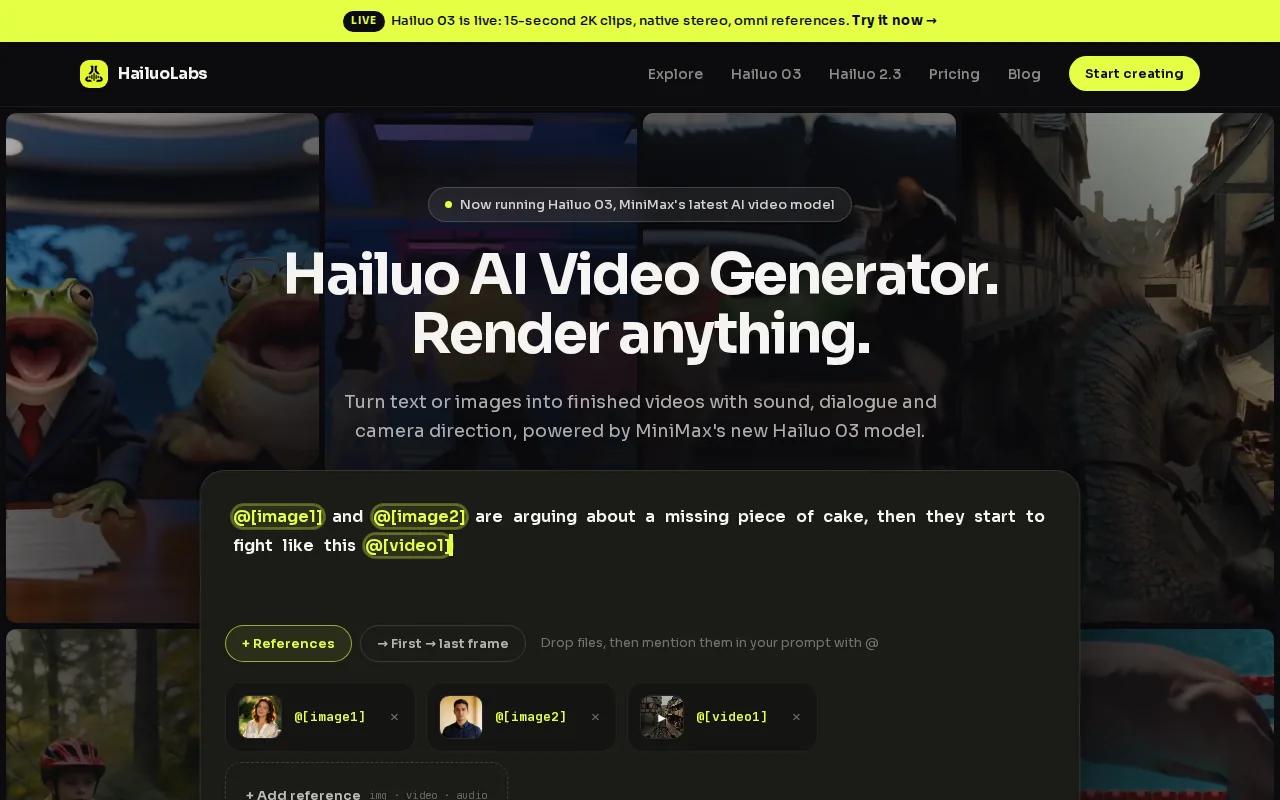
Its studio works with text, images, video, and audio. That gives you more room to build a product story from existing assets instead of starting with a blank prompt. Hailuo 03, also called H3, supports clips up to 15 seconds, with 768p or 2K output, native stereo, first and last frame control, omni references, generation, and editing.
The model range also gives you a sensible way to manage credits. Hailuo 2.3 and Hailuo 2.3 Fast suit quick tests, while Hailuo 02 gives free users a way to try the workflow at 512p with a watermark. Paid access opens higher resolutions, video references, H3, and editing tools.
| Need | Useful HailuoLabs fit | Watch for |
|---|---|---|
| Short product explainer | Text or image to video | Build the story as separate clips |
| Consistent visual style | Omni references and first or last frame control | Reference assets need clear direction |
| Sound-led content | Audio input and native stereo on H3 | Review the final mix before export |
| Budget testing | Free Hailuo 02 access | Watermark and 512p output |
Hailuo 03 states its 15-second cap clearly, which helps you plan scenes before spending credits. You can find more workflow ideas in these image to video AI generator examples.
Choose HailuoLabs when you want one studio for quick clips, reference-led scenes, and clear model limits. It is especially useful when your explainer needs more than a text prompt.
2. Google Veo, High-quality prompt and image-to-video generation
Google Veo is a strong AI explainer video generator for teams that care about prompt accuracy and polished output from text or images.

Veo fits a workflow where you first make a key image, then animate it into a short scene. That approach works well for an explainer about a machine, app, process, or physical space. A carefully made reference image can keep the color, subject, and layout closer to your plan than text alone.
Veo can suit marketing teams, with text, image, and video inputs and support for 4K output. Treat that resolution claim as a production target, not a promise that every prompt will look sharp at 4K. Fine details, hands, text inside scenes, and fast motion still need review.
A clean workflow looks like this:
- Write one short narration line per scene.
- Make a reference image for the visual style.
- Generate separate clips instead of one long sequence.
- Add the voiceover after the visuals are stable.
- Place captions and the call to action in the edit.
This keeps your script in charge. It also makes a failed shot cheap to replace. The wider AI video generator comparison is useful if you need to weigh output quality against workflow depth.
Veo is a good pick for image-led marketing scenes and high-resolution delivery. It may be more than you need for a simple training clip with slides and a presenter.
3. Runway, Cinematic explainers and advanced generative editing
Runway is an AI explainer video generator for cinematic, film-style work and advanced generative editing.
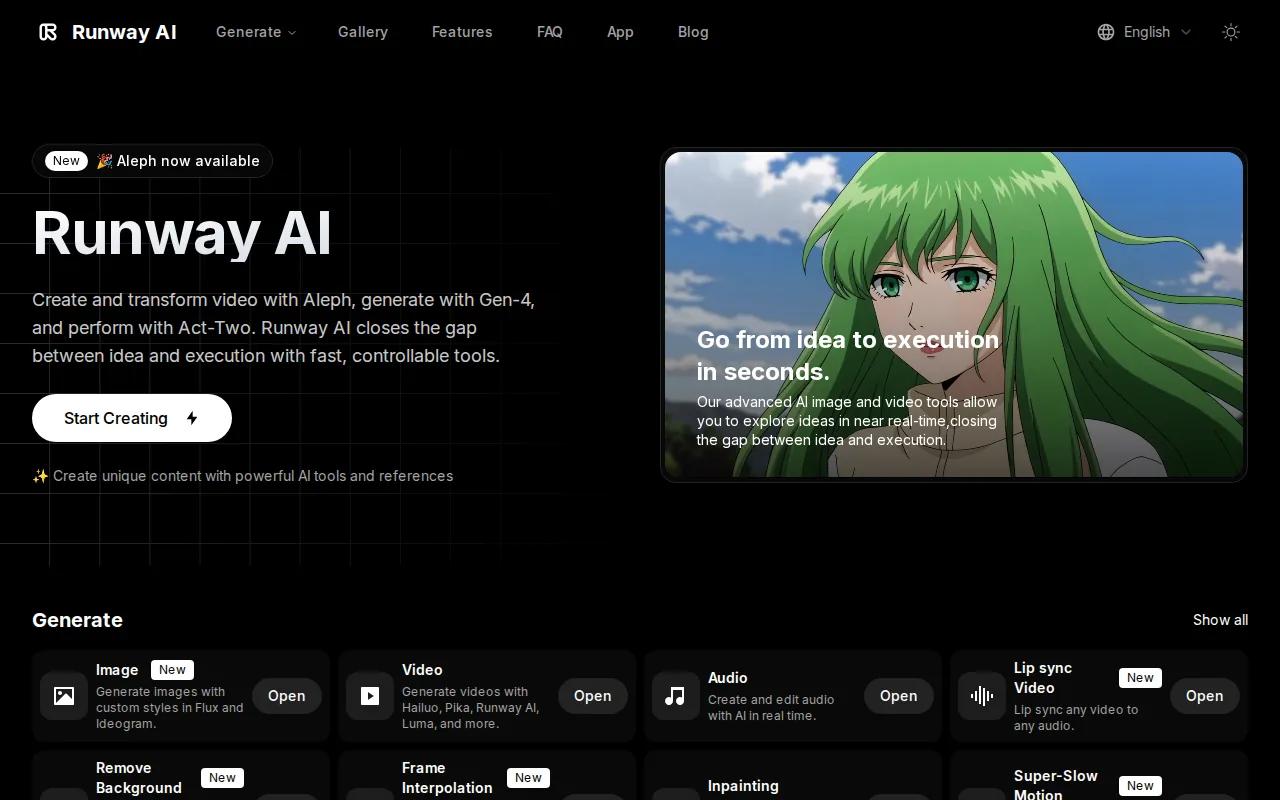
It makes sense when the explainer needs mood. Think of a product reveal, a brand film, or a visual story about a complex idea. You can start with a prompt or image, then use generative editing to alter a shot rather than rebuild the whole sequence.
Runway is also a fit for teams that already think in shots. Instead of asking for a complete three-minute video, plan a series of short moments. One shot can show the problem. A second can show the product in use. A third can land the result. Your editor then controls the pace and adds the spoken explanation.
The tradeoff is time. Cinematic output often needs more rounds of review than a template-led video. You may need to correct camera motion, subject changes, or a strange background detail. Keep important on-screen text in your editor rather than asking the model to render it inside the scene.
Runway earns its place when visual tone matters more than one-click speed. For a plain internal policy explainer, its creative range may add work without adding much value.
4. LTX Studio, Shot-by-shot storyboarding and creative control
LTX Studio is an AI explainer video generator built around scripts, storyboards, references, and shot control.
Upload a script and LTX Studio can turn it into scenes and storyboards. You can then guide each shot with text, image references, camera movement, and keyframes. Keyframes are set points that tell the system how a shot should begin or change.
This is a strong match for explainers with a clear sequence. Say you need to show how a filter works. You can define the room, the device, the user, and the order of events before generating motion. LTX Studio also keeps reusable characters, objects, and locations in the project, which helps scenes feel related.
Preset visual styles range from cinematic to sketch and branded looks. That makes early exploration fast, but you still need a human review pass. A storyboard can be logically correct while the final motion feels too slow or vague.
LTX Studio runs in a desktop browser, not as a mobile app. Free and paid plans exist, while pricing varies by plan and computing time.
Pick LTX Studio for a director-style workflow. It is less suited to a quick presenter video where the script is already final.
5. Adobe Firefly, Commercially safer AI video creation
Adobe Firefly is an AI explainer video generator for businesses that need generation and editing inside a wider creative workflow.
Its appeal is the handoff between media types. Firefly includes tools for video, audio, images, and design.
Firefly also supports partner models inside its creative environment. Custom Models can use images that the creator has rights to use, which can help a brand keep a shared visual style. That matters when several people make explainer clips for the same campaign.
Commercial safety still needs a legal check. Confirm the plan, model, asset source, and intended use before publishing paid ads or customer-facing work. Stock media licenses may differ from AI output terms, and access to some tools can depend on beta status or plan level.
Firefly is a sensible choice for teams already using Adobe tools. It may feel heavy if you only need one short social clip each week.
6. Kling, Short marketing explainers with multimodal inputs
Kling is an AI explainer video generator for marketers who want short clips from text, images, or video.
Kling has a maximum length of 15 seconds. That makes Kling useful for scene-based production. You can make a hook, a product moment, and a result as separate clips, then join them in an editor. Short clips also make it easier to test several openings for social content.
Kling supports text, image, and video inputs, with a maximum video length of 15 seconds. That makes it a practical option for marketers creating short clips from multiple input types.
That does not remove the need for a script. Give each clip one job. A crowded prompt often produces a busy scene that explains nothing. Keep your voiceover short, then use captions for viewers who watch without sound.
For a deeper look at audio-led workflows, the audio to video AI generator guide can help you plan a podcast excerpt, lesson, or narrated social clip.
Kling fits short marketing tests. If you need a full training system with learner tracking, choose a tool built for that job instead.
7. Synthesia, Avatar-led training and internal explainers
Synthesia is an AI explainer video generator for training, onboarding, and internal communications.
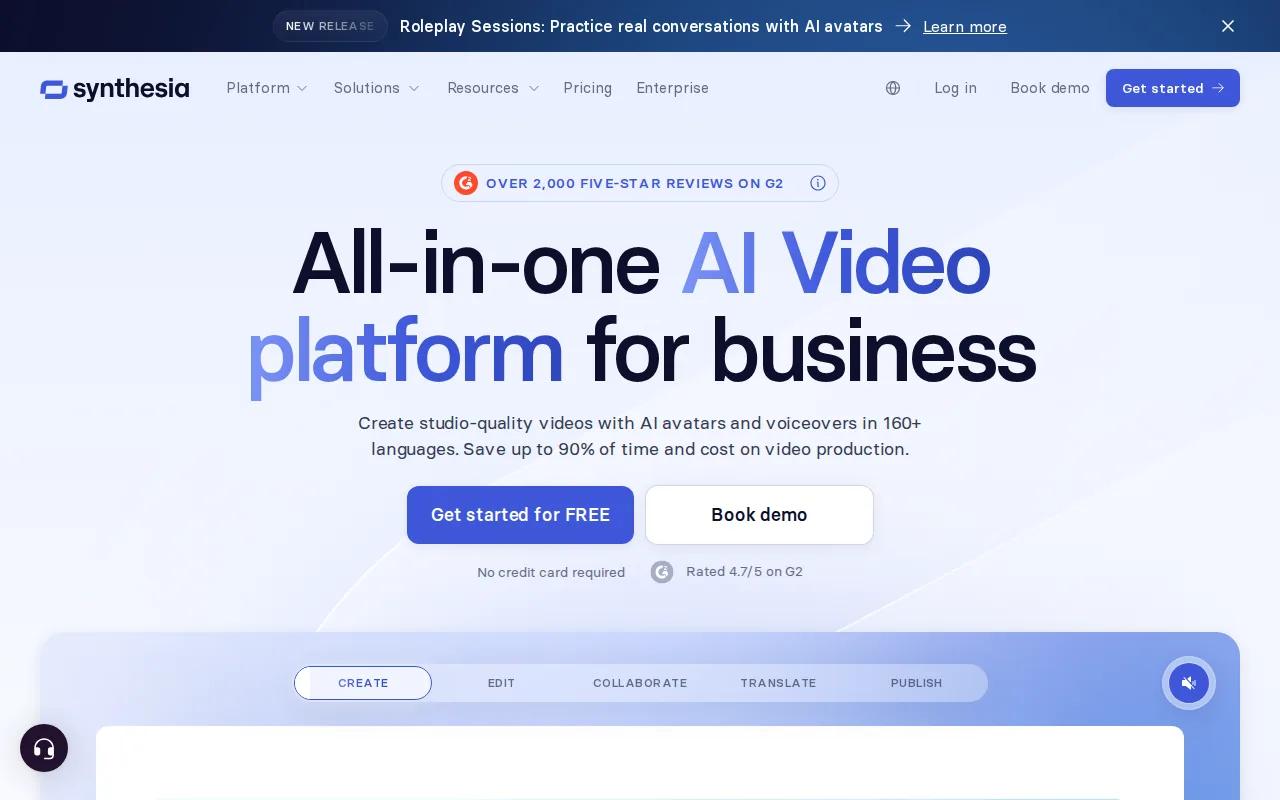
Its workflow starts with a script and an AI avatar. You can set brand colors, add a logo, select a voice, and make a presenter-led video without filming. Synthesia says its avatars support more than 160 languages. It also provides transcripts, translation, captions, and lip-synced delivery.
This setup works well for repeat content. A people team can update a safety lesson when a rule changes. A sales team can turn a product brief into a short internal lesson. Since the presenter is digital, you can revise the words without booking a new shoot.
Synthesia also supports real-time collaboration, comments, review, and LMS integration. An LMS is a learning management system. In practice, that means a training owner can place the video inside a course and keep the source video easier to update.
The limitation is style. Avatar videos explain clearly, but they may feel too formal for a playful brand campaign. They also need a careful review for pronunciation, names, and policy wording.
Use Synthesia when the person speaking matters more than cinematic visuals. It is a strong operational choice for a large library of lessons.
8. HeyGen, Fast presenter videos for sales and education
HeyGen is an AI explainer video generator for fast presenter videos, sales messages, education, and localization.
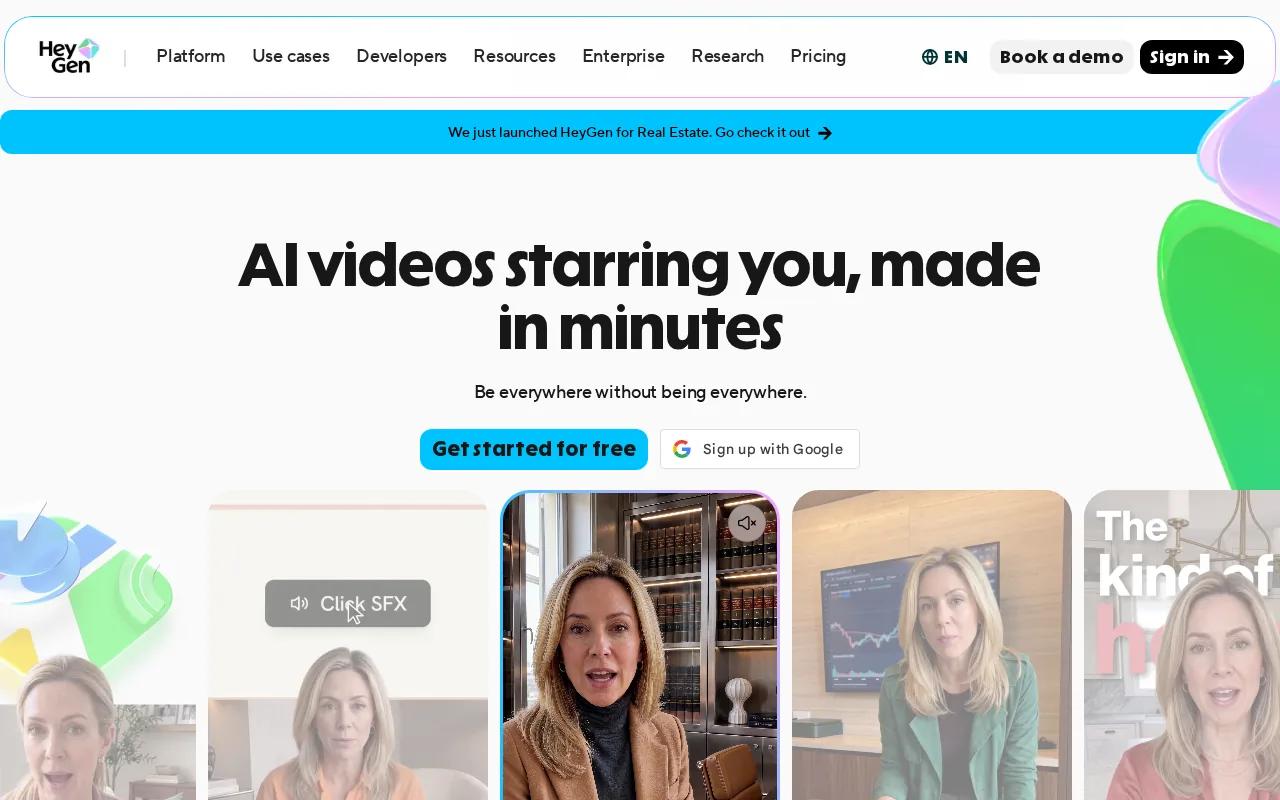
You can start with a prompt, script, image, audio file, PPT, or PDF. HeyGen turns those inputs into scenes with avatars, voice, captions, motion graphics, or B-roll. Its text-based editor works much like a document, so you can change wording, timing, tone, or gestures without rebuilding the entire video.
HeyGen is especially useful when one message needs many versions. You might make a sales video for several markets, then translate it while keeping the voice style and lip movement aligned.
It also has collaboration tools such as comments, tagging, and multi-user editing. Brand Kit controls can keep colors and layout consistent across a group of videos. Auto captions help with silent viewing, though you should still check every caption against the spoken script.
HeyGen is best when a presenter anchors the story. If your explainer depends on abstract motion, product mechanics, or cinematic world-building, HailuoLabs may give you more useful visual freedom. You can compare ad-focused workflows in this guide to AI video generators for ads.
Choose HeyGen for speed, language versions, and presenter-led communication. Check avatar rights and voice permissions before using a real person's likeness.
FAQ: AI explainer video generators
What is an AI explainer video generator?
An AI explainer video generator turns a script, prompt, image, video, or audio file into a short video draft. Depending on the tool, it may generate scenes, voiceover, captions, music, avatars, or motion graphics. You still need to check facts, timing, pronunciation, rights, and the final message before publishing.
How long does it take to make an AI explainer video?
An AI explainer video can take a few minutes for a simple draft, but a polished piece takes longer. Generation may be quick while script review, scene changes, caption checks, and export take most of the work. Short separate clips usually make revisions easier than one long generation.
How much do AI explainer video tools cost?
Pricing varies by tool, plan, credits, resolution, model, and export rights. Free access often has limits such as watermarks, lower resolution, or a small monthly allowance. Compare the cost of usable renders, not just the monthly fee, because failed generations can consume credits.
Can AI video tools make vertical and square explainers?
Many AI video tools support horizontal, vertical, and square formats, but the exact options vary. Set the aspect ratio before generating when possible. A vertical social clip needs larger subjects and shorter captions, while a horizontal lesson can hold more diagrams and supporting detail.
Do AI explainer videos include captions and voiceovers?
Many AI explainer video generators include text-to-speech, subtitles, captions, or avatar narration. Treat those features as a first draft. Review names, technical terms, timing, and line breaks. Keep key information visible in text so people can follow the video with sound off.
Conclusion
Start with HailuoLabs if you want flexible inputs, clear clip limits, and room to shape visual explainers around your own references. Sign in, test Hailuo 03 with a short script, and compare one generated scene against your current production workflow before committing to a larger batch.


