

AI video tools can drain your budget fast, especially when each test uses credits. The best cheap AI video generator depends on what you need to make, not just the lowest monthly price. Here are eight named options, with HailuoLabs first, plus the best fit and the catch for each one.
1. HailuoLabs
HailuoLabs is the strongest all-round pick when you need more than one kind of AI video workflow. It supports text, images, video, and audio, so you can start with the asset you already have.
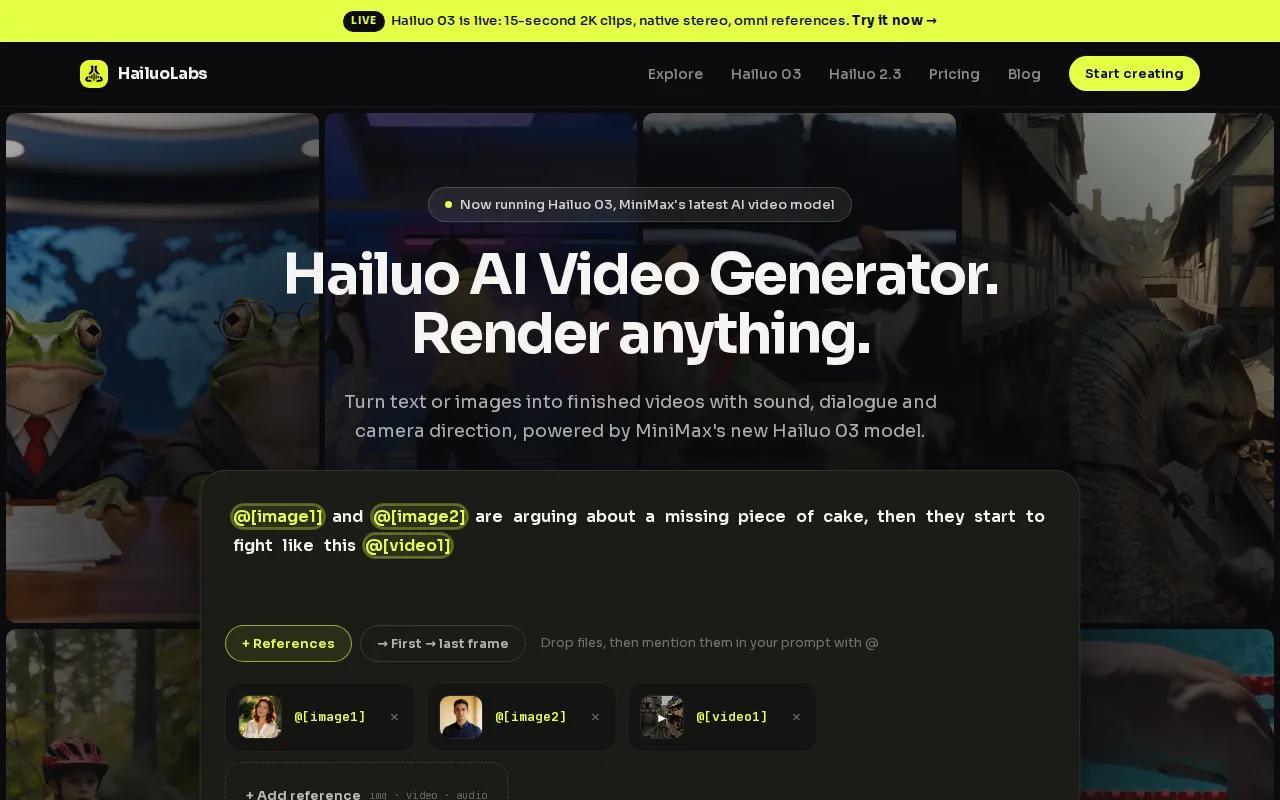
HailuoLabs runs MiniMax Hailuo models inside its own studio. You can work with Hailuo 03, also called H3, along with Hailuo 2.3, Hailuo 2.3 Fast, and Hailuo 02. You don't need to use MiniMax's own site or a developer API.
Hailuo 03 gives you clips up to 15 seconds. It supports 768p or 2K output, native stereo, first and last frame control, omni references, generation, and editing. Those details matter when you're planning an ad or a short scene because you can judge the output ceiling before spending credits.
Free users get Hailuo 02 at 512p with a watermark. Paid plans open access to Hailuo 2.3, Fast, H3, higher resolutions, video references, and edit tools. Pricing for H3 isn't listed here, so check the current credit cost before you plan a large batch.
| Decision point | What HailuoLabs gives you | Why it matters |
|---|---|---|
| Starting material | Text, image, video, or audio | You can reuse assets from a brief, product shoot, or voice note. |
| Clip length | Up to 15 seconds with Hailuo 03 | Useful for social ads, scene tests, and short story beats. |
| Resolution | 768p or 2K with Hailuo 03 | You know the stated output limit before you generate. |
| Control | First and last frame, omni references, and edit tools | You can guide the start, end, and visual identity of a shot. |
| Free access | 512p Hailuo 02 with a watermark | Good for testing the workflow before you pay. |
Those published details are useful for budget planning. You can try HailuoLabs in the video studio and see which model fits your work.
2. Pexo, Ready-to-post clips from simple ideas
Pexo is a good cheap AI video generator for people who want a finished clip instead of a raw generation. You describe an idea, upload an image, paste a product or page link, or provide a written script.
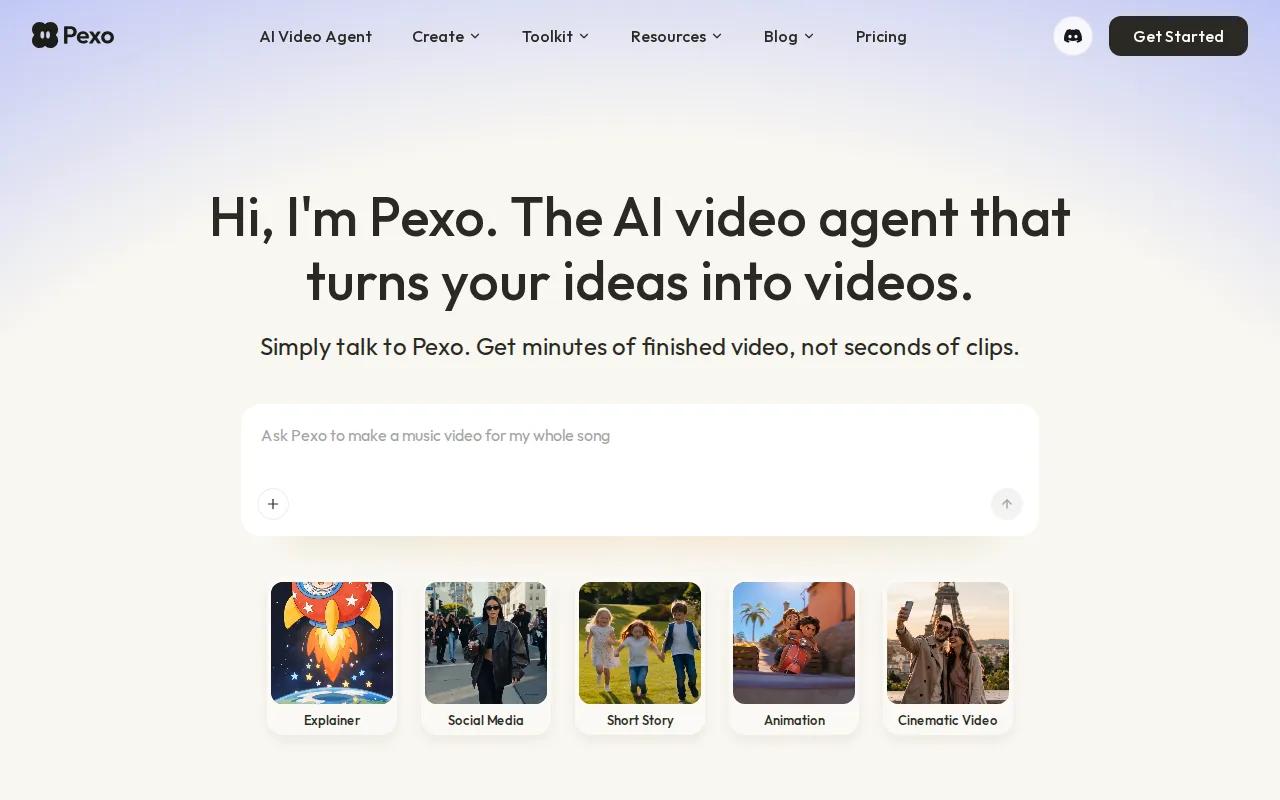
Pexo can shape a request into a full video with narration, music, subtitles, transitions, and motion graphics. It also says it can animate an image, turn a song or voice note into a visual video, and make an avatar speak a script in any language.
That workflow fits a small marketing team with no dedicated editor. Imagine you have a product photo and a short campaign brief. Pexo's stated workflow is aimed at turning those inputs into a publish-ready social clip, which can save you from assembling every shot by hand.
The tool also says it can build storyboards, select references, and apply revisions without restarting from scratch. That may help when a first draft has the right idea but the wrong tone. You can ask for a change instead of rebuilding the whole timeline.
Pexo's main trade-off is control. A finished-video agent can be faster than a model-first workflow, but you may have fewer low-level controls over each generated shot. If your goal is a tightly directed cinematic sequence, HailuoLabs or another model-focused tool may give you a better starting point.
Pexo makes the most sense when your success metric is a post-ready ad, not a perfect standalone shot.
For a workflow built around product campaigns, compare the needs of a finished video against a clip generator in this guide to AI video generators for ads.
3. Pika, Low-cost short clips for social media
Pika is aimed at short, fast social clips at a low entry price. Pika starts at $8 per month.

That price makes Pika one of the clearest choices for a creator who wants to test quick ideas without starting with a larger subscription. It may suit a social manager who needs a visual hook for a Reel or short post, then plans to finish the post in an editor.
Short clips also change how you judge quality. You don't need a full narrative arc. You need a strong first moment, motion that reads quickly, and an output that fits your chosen format. Pika is best suited to short, fast social clips at the lowest price.
Use Pika for fast concept tests and social experiments. Before you build a paid campaign around it, check the current plan terms, watermark rules, commercial-use rights, and export limits. Those details can change the true cost of each usable clip.
If you need a longer shot, reference-led consistency, or stated 2K output, HailuoLabs gives you more published information to work with. That doesn't make every Hailuo generation better for every scene. It gives you a clearer basis for the buying choice.
4. Runway, Broader creative control at a $15 entry point
Runway is a fit for creators who want broader creative control and can start at $15 per month on the Standard plan. It sits above the cheapest short-clip tier in price, but the extra spend may make sense for a project that needs more direction.
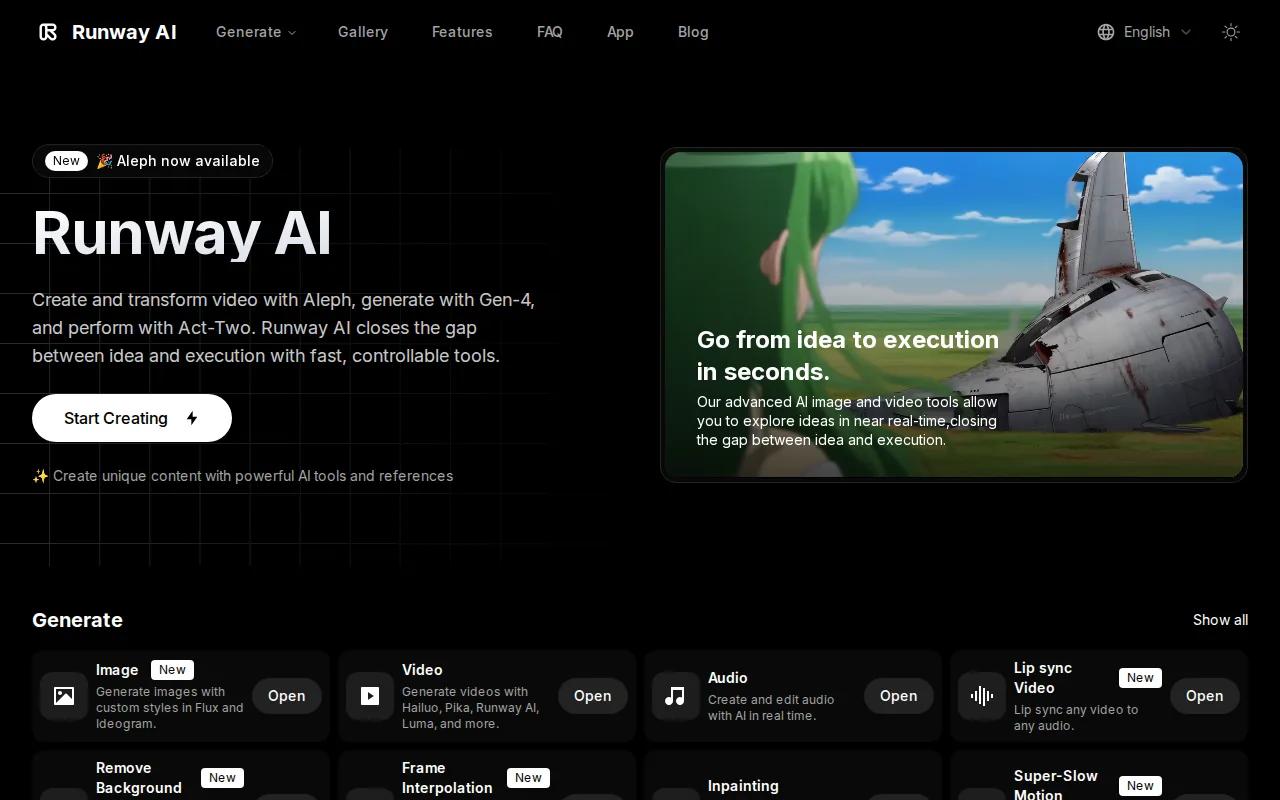
Creative control matters when you're building a sequence rather than testing one visual. You may need to guide a shot's camera feel, preserve a subject across several attempts, or revise a scene without throwing away the whole idea.
Runway is better suited to a creator who expects to shape the output after generation. That may include a cinematic short, a concept ad, or a visual test that later moves into a separate edit. If your workflow starts with audio or an existing video, compare its current input support with HailuoLabs before you commit.
For a wider view of model choice, pricing, and commercial-use questions, the AI video generator comparison for 2026 gives you another way to sort the market.
One useful rule: choose Runway when control is worth more to you than the lowest entry price. If you mainly need quick social variations, a cheaper, narrower tool may waste less time.
5. Kling AI, Realistic human motion
Kling AI is best known in this shortlist for realistic human motion. Choose it when a shot depends on a person walking, running, dancing, or making a clear physical gesture.
Human movement is a hard test for video models. Hands can change shape. Feet can slide. A body can lose its weight between frames. Those flaws stand out in a product ad with a person on camera, even when the background looks good.
For an ad, test the exact action you need. Don't test a person standing still if the final shot requires a turn, handoff, or fast walk. Motion consistency is a shot-level problem, and your test should match the shot.
Kling AI may be the right specialist when the person in the frame matters most. For a broader workflow that begins with an audio file, video reference, or product image, HailuoLabs remains the more flexible first test.
6. Luma Dream Machine, Cinematic-looking generations
Luma Dream Machine is the shortlist choice for a cinematic look. It may appeal to you when mood, framing, and visual atmosphere matter more than a simple talking-head clip.
A cinematic result is about more than sharp pixels. The shot needs a clear sense of space and motion. Light must support the mood. The camera move should feel tied to the scene rather than added at random.
Luma Dream Machine focuses on that look. This makes it a natural candidate for a short film concept, a mood board brought to life, or an early ad treatment that needs to sell an idea before a full production.
Don't confuse a cinematic frame with a ready-to-run campaign. You still need to check brand fit, rights for source assets, voice use, music terms, and the plan's commercial conditions. Those checks apply to any cheap AI video generator, especially when a free tier is involved.
If you want a tool that can guide a scene with first and last frames or reference inputs, compare those controls with Hailuo 03 before picking a subscription. The better-looking single frame isn't always the better production choice.
7. InVideo AI, Fast marketing videos with a higher entry price
InVideo AI is aimed at fast marketing videos, but its listed starting price of $25 per month is higher than the other disclosed prices in this shortlist.
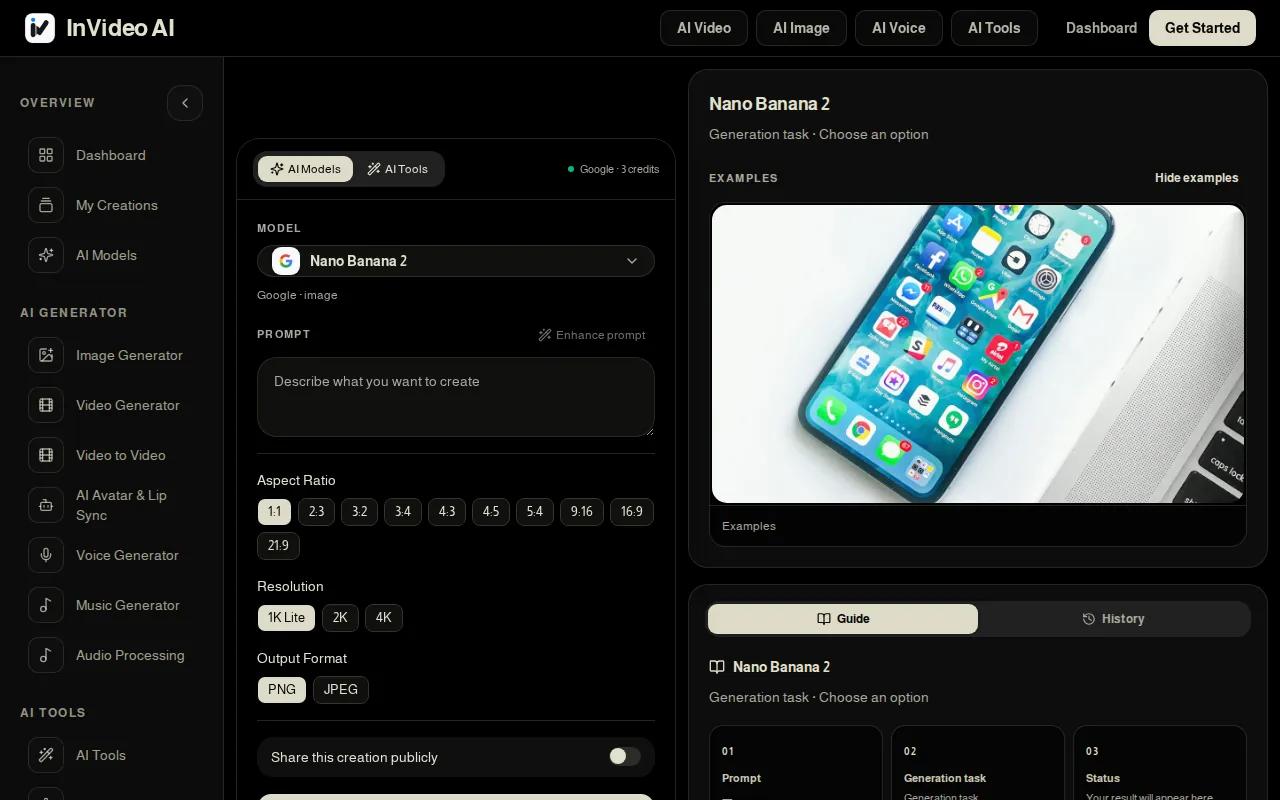
That price can still make sense if your main need is speed across a marketing workflow. A team may value a tool that helps move from an idea to a usable campaign draft without building every scene from scratch.
But compare the price with your actual output. If you need many short generations for creative testing, calculate the cost of approved clips rather than the monthly fee alone. Include failed attempts, revisions, and any paid export limits.
Listed plans run from $8 per month for Pika to $25 per month for InVideo AI. Pricing varies across tools, yet most tools omit at least one key capability such as resolution, length, or supported inputs.
InVideo AI is worth checking when marketing speed matters more than the lowest price. If you need model-level control over a short generated shot, compare it with HailuoLabs before you choose the larger monthly commitment.
8. CapCut, Accessible editing and generation for beginners
CapCut says you can turn text, images, or keyframes into videos. It also lists text-to-speech, automatic subtitles, background removal, audio cleanup, templates, and tools for resizing content. That mix makes it useful when your footage is already shot and AI helps with the edit.
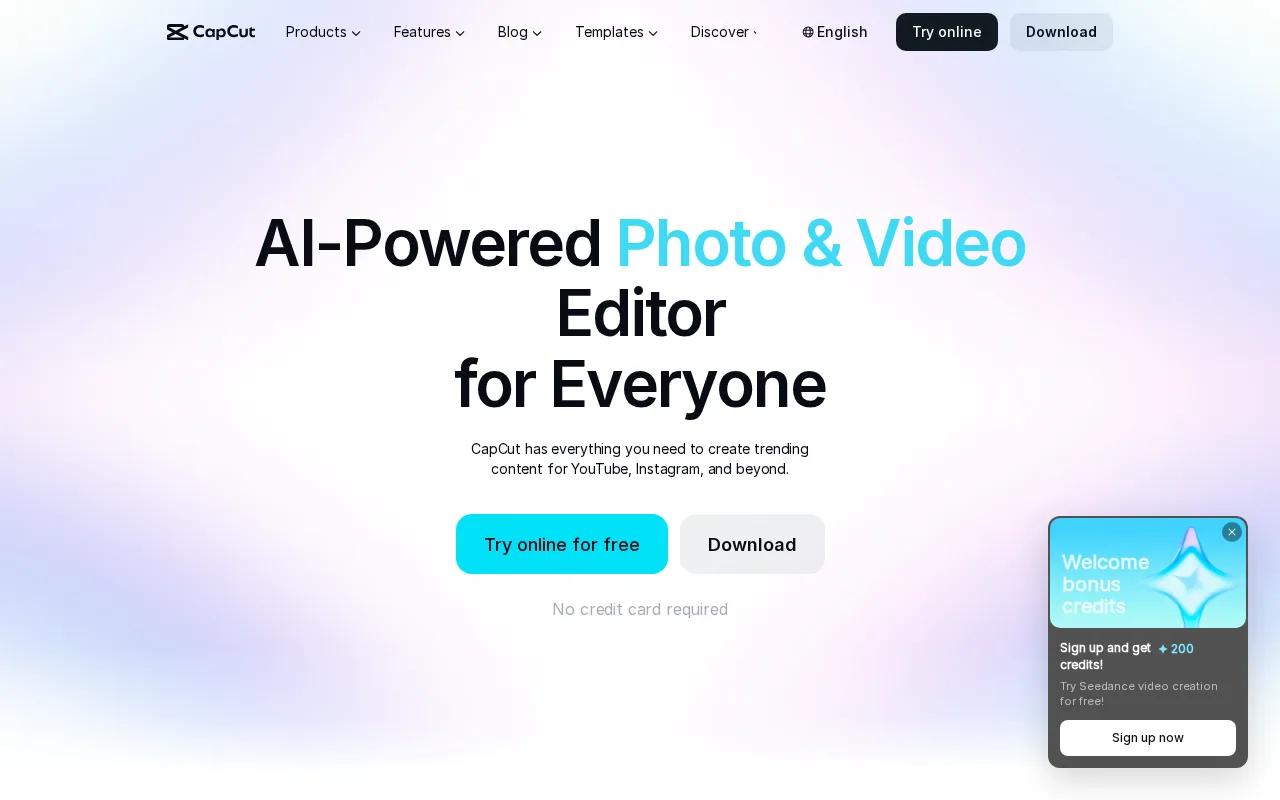
For a beginner project, the workflow is easy to picture. You bring in a few clips, add a voice track or text, set the format for a social channel, then trim the result. A marketer can also use templates for a promo post instead of starting with an empty timeline.
Check the current plan and usage terms before using the output in paid ads, since free access and commercial rights are separate questions.
There is a notable trade-off here. Hailuo 03 lists 2K output and a 15-second limit, while CapCut gives the clearer resolution headline. Neither fact alone tells you the final cost per usable clip.
CapCut is the better fit when editing ease comes first. HailuoLabs is the better first test when you want a model-focused studio with text, image, video, and audio input support.
Video work often includes cutting and arranging footage after generation. The video editing process can remain useful even when AI makes the first draft.
For more beginner-friendly publishing workflows, compare social formats and editing needs in these social media video maker tools.
How to choose a cheap AI video generator
The cheapest monthly plan isn't always the cheapest way to finish a video. Use the following checklist before you pay.
- Start with the input. If you have a product image, choose a tool with image-to-video support. If you have a voice note, confirm that audio can guide the workflow.
- Check the shot method. Text-to-video is useful for exploring an idea. Image-to-video gives you a fixed visual starting point. First and last frame controls can guide a transition between two known states.
- Measure cost per usable clip. Track how many attempts produce one clip you can publish. Credit use matters more than the headline subscription.
- Test motion consistency. Use the same character in two shots. Watch hands, feet, facial movement, and object contact.
- Check the output ceiling. Look for maximum resolution, clip length, aspect ratios, and export limits. If a tool doesn't publish them, treat that as unknown.
- Review watermark and rights terms. Free access may be enough for a private test. Paid ads need a clear answer on commercial use, source assets, music, voices, and visible watermarks.
- Match the workflow to the job. Use a finished-video tool for speed. Use a model studio for shot control. Use an editor when your raw footage already exists.
For image-to-video work, make the reference image first and fix obvious issues before animation. A clean starting frame gives the model fewer details to guess. Then describe only the movement and camera action you want.
Reference mode can help with consistency, but it doesn't remove the need for review. Check the first frame, the last frame, and the middle of the clip. A shot can look fine at the start while changing the subject's face or clothing later.
Some workflows also use a shot plan. A shot plan breaks one idea into separate camera views and actions. That can help with a short cinematic sequence, but it may cost more credits than a single test. Keep the first pass small.
FAQ
What is the best cheap AI video generator?
HailuoLabs is the best overall starting point in this shortlist because Hailuo 03 supports text, images, video, and audio while listing a 2K ceiling and clips up to 15 seconds. It also has a free path through watermarked Hailuo 02 at 512p. Check the current credit cost before planning a large batch.
Is there a free AI video generator?
Yes, several tools in this shortlist have free or trial access, but the limits differ. HailuoLabs provides free Hailuo 02 generations at 512p with a watermark. Review export, watermark, credit, and commercial-use terms before publishing.
What is the cheapest AI video generator?
Pika has the lowest disclosed starting price at $8 per month. That price is aimed at short social clips, but the comparison doesn't list its maximum resolution or video length. A low subscription may cost more per usable video if you need many retries or higher output quality.
Is text-to-video or image-to-video better?
Image-to-video is usually the better choice when you need control over the subject and scene. Text-to-video is better for quick idea tests because you only describe the shot. With an image reference, you can correct the character, product, or setting before motion is added.
Can I use AI-generated videos for ads?
Yes, you can use AI video tools for ad drafts and finished ads, but commercial rights depend on the tool and plan. Check the current terms for generated media, uploaded assets, music, voices, watermarks, and paid promotion. Keep a record of the plan used for each campaign asset.
How do I judge AI video quality?
Judge quality by motion consistency, visual detail, subject identity, sound, and export limits. Run the same test across tools. Include a human action, a product movement, and a camera move. Then count usable clips against the credits spent, since one impressive sample doesn't show your true production cost.
Conclusion
Start with HailuoLabs if you want the best balance of input flexibility and published output specs. Make one short test with your real image, prompt, or audio file, then compare the result with your required resolution and motion quality. Explore image-to-video workflows if your main goal is keeping a product or character consistent.


