

Instagram growth isn't about posting more clips and hoping one catches fire. Your tools should help you make strong visual content, keep a steady schedule, and leave time for real replies in comments and DMs. Here are six useful picks, with HailuoLabs first for creators who need fast AI video production.
1. HailuoLabs
HailuoLabs is an independent browser studio for AI video. It fits creators who need short visual assets for Reels, Stories, product posts, or paid campaigns without setting up a developer workflow.
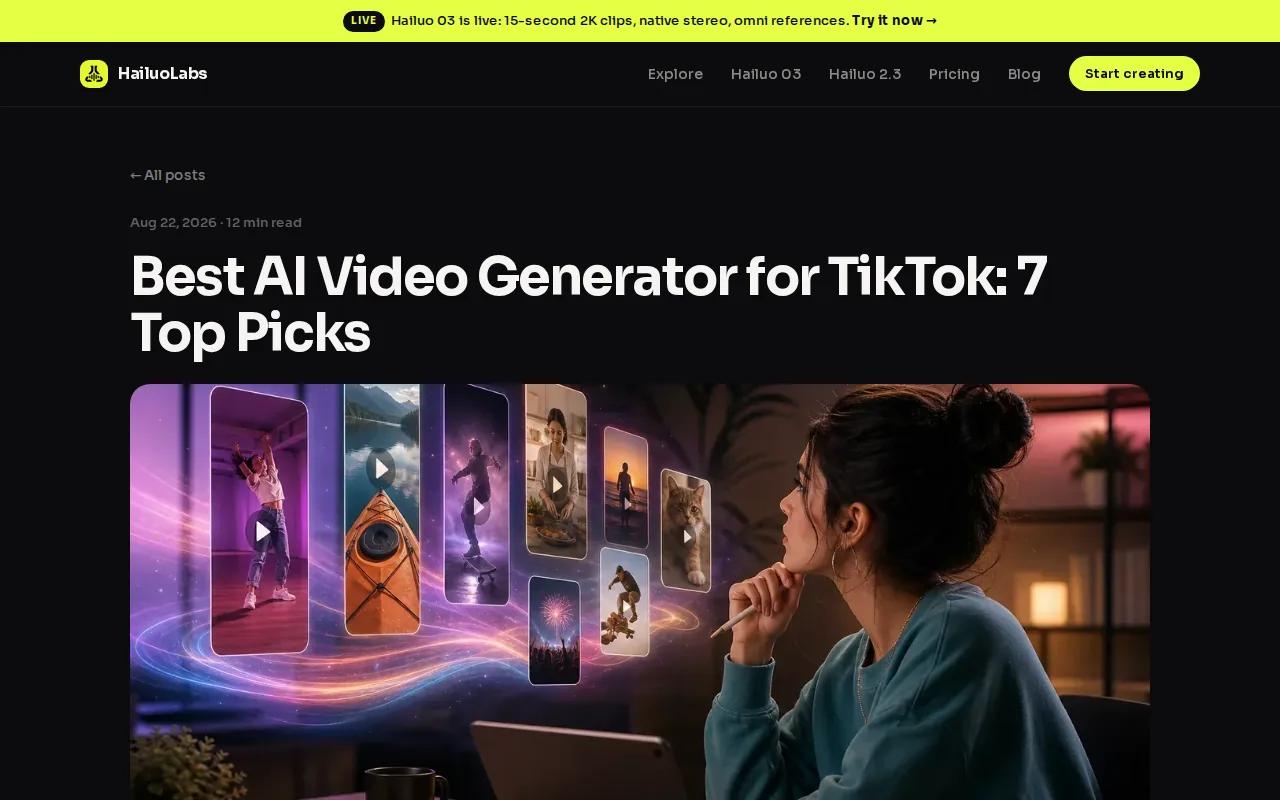
The default model is Hailuo 03, also called MiniMax H3. It can make clips from text, images, video, or audio. You can generate videos between 4 and 15 seconds at 768p or 2K. Native stereo gives the clip spatial sound, while omni references help keep several visual details in view.
That matters when you need more than a static post. Imagine a skincare creator turning one product photo into a short motion clip, then cutting it into a Reel with a hook in the first few seconds. A small studio could also test several scenes before paying for a full shoot.
HailuoLabs includes first and last frame controls on supported models. Those controls help you define how a shot starts and ends. The edit workflow gives you a way to revise a clip instead of throwing away the whole idea.
Free users get Hailuo 02 at 512p with a watermark. Paid plans unlock Hailuo 2.3, Hailuo 2.3 Fast, Hailuo 03, higher resolutions, video references, and editing. Paid plans also include a commercial licence, which is important if a client will use your work in an ad.
HailuoLabs won't replace your content plan or your voice. It handles the visual production layer. Pair it with a clear message, captions that sound like you, and a reply plan for the people who engage. For more short-form video ideas, see these Best AI Video Generator for TikTok: 7 Top Picks.
2. Canva Magic Studio, Fast visual design for Instagram posts and Stories
Canva Magic Studio is a strong fit for solo creators and small businesses that need polished graphics without hiring a designer. It works best when your Instagram marketing tools need to cover repeatable visual work.

Its AI-powered design workflow helps you start with an idea and turn it into a visual asset. That can mean a feed graphic, a Story frame, or a cover for a Reel. Templates can help you keep type, color, and layout close from post to post.
That consistency helps people recognize your content while scrolling. It also makes handoffs easier. If you work with a part-time assistant, they can start with a known layout instead of rebuilding every asset from scratch.
Canva makes the most sense when the main work is design. You can build a content set around one idea, such as a five-slide carousel that answers a common customer question. Then turn the same idea into a Story poll or a Reel cover.
The caveat is focus. Canva is a design-first choice, so it may not be the best single tool for deep engagement work or a full publishing operation. You still need to check every AI draft, especially when a post includes product details or a claim about your service.
Use it when your bottleneck is visual production. If video motion is the slow part, HailuoLabs gives you a better starting point for short clips.
3. Predis.ai, An all-in-one route from idea to published post
Predis.ai suits small businesses and marketing teams that want to move from an idea to a ready Instagram post quickly. It is one of the more AI-first options in this shortlist.
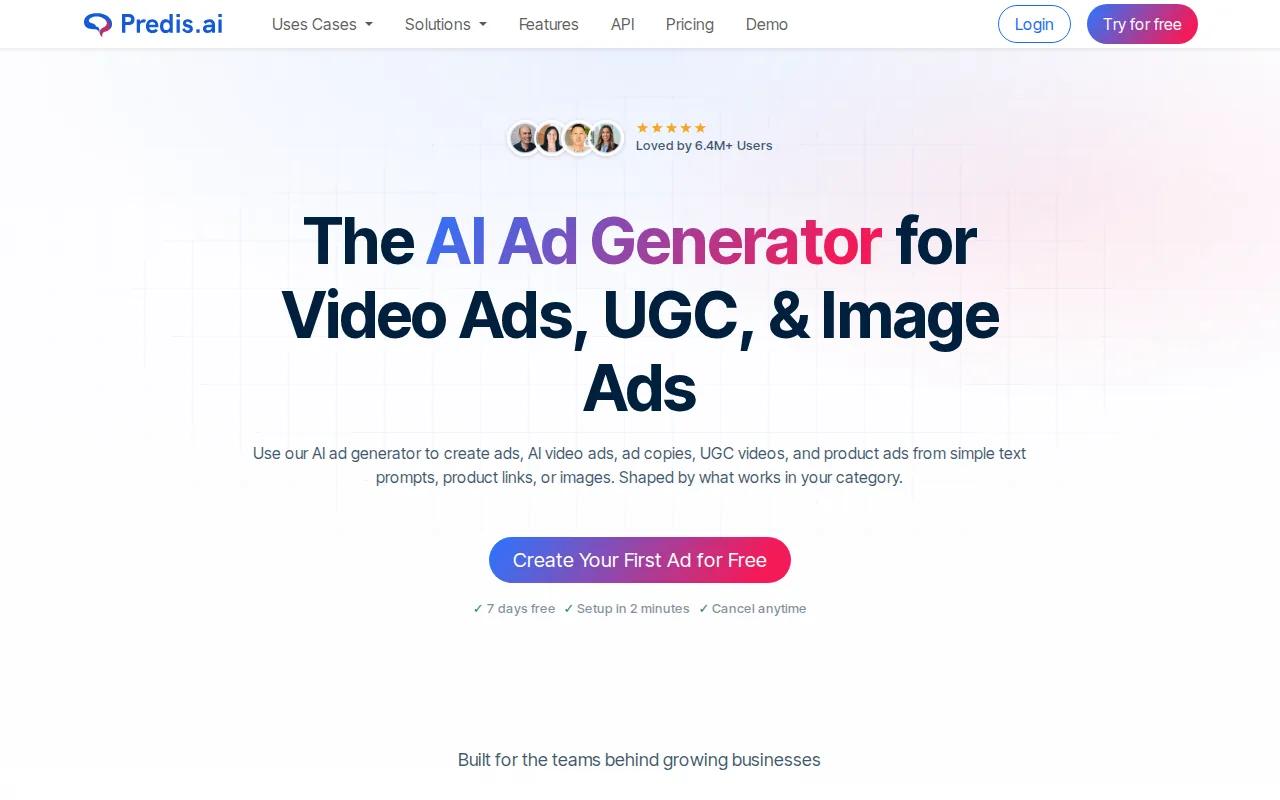
Predis.ai is an all-in-one Instagram post generator for AI tools for social media workflows. That mix helps when asset production, rather than writing, is where your workflow stalls.
Say you run a local fitness studio. You could start with a new early class, then shape that idea into a visual, a caption, and a post plan. The first draft may be clean but bland. Add the reason members asked for the class, and the post has a human point of view.
This is where AI-first tools have an edge over broad social suites. Larger platforms may mention smart scheduling or copy help without clearly spelling out the full Instagram workflow.
Predis.ai is still a starting point, not your brand brain. Review the tone, remove generic phrases, and add the detail only your business can know. A fast draft has little value if every post sounds like the last one.
Choose Predis.ai when you need one working lane for creative output and publishing. Choose HailuoLabs when your main need is original AI video with model and resolution choices.
4. Flick, Captions, hashtags, and content planning for creators
Flick is built for creators who already have their visual workflow and need help with captions, hashtags, planning, and analytics. It is a better match for the thinking around a post than the making of a complex video.
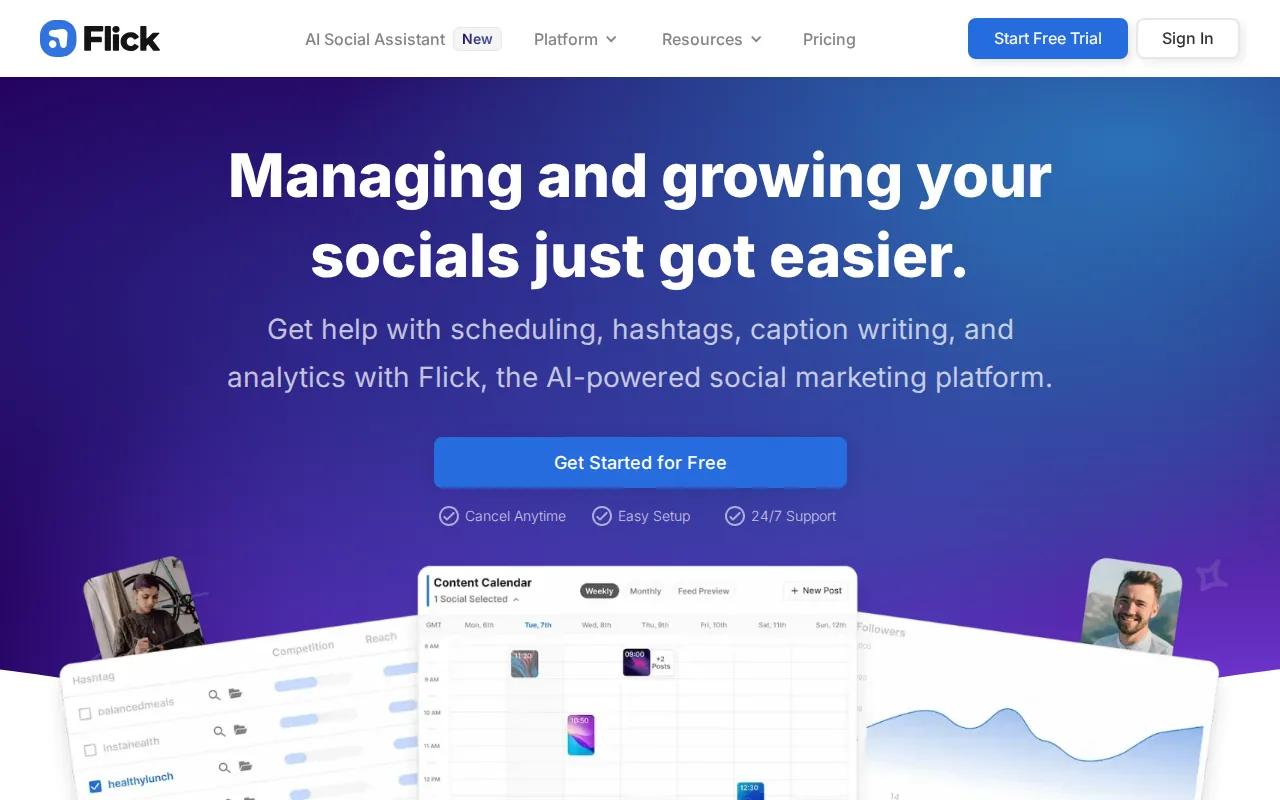
Its visual calendar lets you plan future posts and preview how content may sit in your feed. That view can help you spot three similar covers in a row before they go live.
The hashtag workflow is useful when you want more than a list of popular terms. Flick says its search works in more than 20 languages and helps compare potential reach with hashtag popularity. Treat those suggestions as a filter, not a promise of reach.
Analytics give the workflow a feedback loop. After a week or month, look for posts that earned replies, saves, profile visits, or clicks. Then ask why people cared. A topic may work because of the story behind it, not because of the hashtag set.
For creators comparing tools, this platform detail may help inform a decision.
The limit is scope. Flick won't solve weak footage, unclear positioning, or a profile that fails to explain who you help. Use it after you have a visual style and a clear content point.
5. Later, Visual scheduling for consistent Instagram publishing
Later is best for creators who care about feed layout and need a steady Instagram publishing rhythm. Its visual planning angle makes it useful when your profile grid is part of your brand.
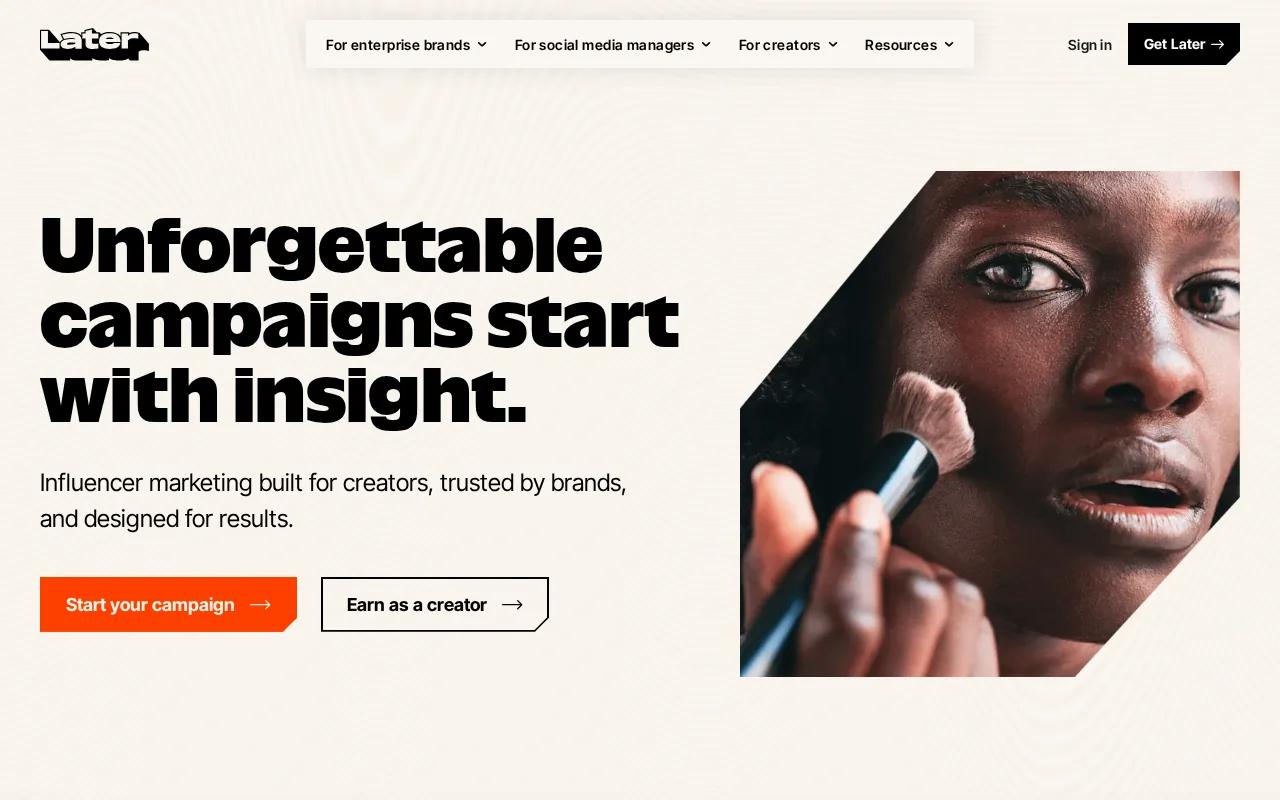
Later positions its platform around planning, scheduling, and analysis in one place. Its creator and influencer marketing work also points to campaign planning, content approvals, and performance review. That can help when several people touch one campaign.
Think about a launch with a teaser Reel, a product Story, and a customer post. A visual calendar lets you inspect the order before publishing. You can see if the first post explains the offer, if the next one answers a question, and if the final one gives a clear action.
Later also describes AI-assisted campaign planning.
Its strength is planning at campaign level. The tradeoff is that you may still need a separate tool for custom AI video production or advanced community replies. For a creator who wants the feed to look intentional, that split can be fine.
Use Later when your main pain is consistency. Your schedule should still leave room for live sessions, timely Stories, and replies that could not have been planned weeks ahead.
6. Buffer, Simple scheduling, engagement, and reporting
Buffer fits creators and small businesses that want a calm way to schedule posts, manage engagement, and review reports across channels. It is the broad management pick in this list.
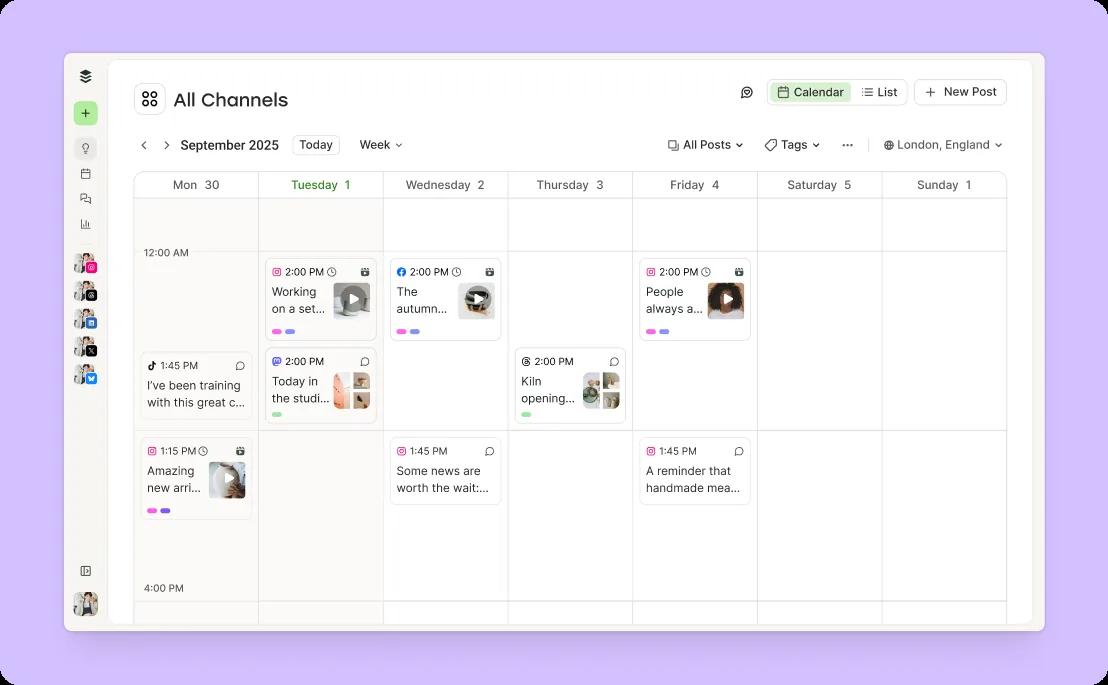
Buffer supports scheduling, engagement, and reporting across channels, including Instagram.
That breadth helps if Instagram is only one part of your work. You can plan a Reel for Instagram, adapt the idea for another channel, and review performance from one place. The tool is aimed at execution, so it can reduce the need to jump between tabs.
Buffer also has a free plan for up to three channels, with paid plans that add more capacity. Check current limits before you build a client workflow around a specific tier, since channel counts and AI access can change.
The tradeoff is depth. Buffer is a good publishing center, but it isn't the first choice for generating original video scenes.
It also may not fit teams that need deep social listening or several layers of approval. For a solo creator who needs a reliable queue and clean reports, that lighter approach is often the point.
Instagram marketing tools comparison
The right choice depends on where your workflow slows down. AI video production, visual design, captions, feed planning, and cross-channel scheduling are different jobs.
| Tool | Best fit | Strongest workflow | Watch-out |
|---|---|---|---|
| HailuoLabs | Creators who need AI video | Text, image, video, or audio to short clips | Needs a separate plan for captions and community work |
| Canva Magic Studio | Solo creators and small businesses | Posts, Stories, carousels, and Reel covers | Design-first rather than community-first |
| Predis.ai | Teams that need fast post production | Visuals, captions, hashtags, and scheduling | AI drafts still need brand review |
| Flick | Creators with visuals ready | Captions, hashtags, planning, and analytics | Doesn't replace a video creation tool |
| Later | Creators who care about feed flow | Visual planning, scheduling, and campaign review | May need other tools for custom assets |
| Buffer | Creators managing several channels | Scheduling, engagement, and reporting | Less focused on end-to-end AI creation |
One research review of 20 Instagram-focused products found that all listed a core Instagram feature, while 12 mentioned automation or integration details. That gap is worth checking before you buy. A tool may say “AI” without explaining whether it writes, schedules, replies, or simply suggests an idea.
For video-led accounts, start with HailuoLabs. If your main issue is planning a polished feed, look at Later. If your queue spans several networks, Buffer may be the simpler home base.
How to choose Instagram marketing tools
Start by naming the output you need each week. A creator who needs four Reels has a different problem from a shop that needs carousel posts and customer replies.
- For Reels: Check video length, resolution, reference controls, subtitles, and export needs. Comparing Instagram Reel maker tools can help you match those features to your workflow.
- For Stories: Look for quick templates, polls, question prompts, and a way to keep the tone informal.
- For engagement: Check comment and DM support. A scheduler won't replace a real reply plan.
- For analytics: Track actions tied to your goal, such as profile visits, saves, replies, clicks, or sales.
- For ads: Make several creative versions, then compare the message and hook before raising spend. You can also review these Best Instagram Ad Maker Tools and video ad maker tools when paid content becomes part of your plan.
Your profile should make the next step clear. State who you help in the bio, pin posts that explain your offer, and use Stories to show the human side of the work. A giveaway or live session can create a reason to talk, but the follow-up matters more than the event itself.
Keep the human part in charge. AI can turn a rough idea into a draft, yet it can't decide what your audience should trust you for. Use your own point of view as the source, then let the software handle repeat work.
FAQ
What are the best Instagram marketing tools for creators?
The best choice depends on your slowest task. HailuoLabs is a strong first pick for AI video. Canva Magic Studio helps with visual design, Predis.ai joins creation with scheduling, Flick supports captions and hashtags, Later handles visual planning, and Buffer keeps cross-channel publishing simple.
What is the best tool for making Instagram Reels?
HailuoLabs is a strong option when you need AI-generated Reel footage from text, images, video, or audio. Hailuo 03 supports clips up to 15 seconds and up to 2K resolution. You may still need a separate editor for final captions, timing, or brand overlays.
Can AI tools write Instagram captions?
Yes, several Instagram marketing tools can help draft captions. Predis.ai combines caption work with visual content, while Flick focuses on captions and hashtag research. Review every draft before publishing. Add a real detail, opinion, or customer question so the copy sounds like your brand.
What tool is best for scheduling Instagram posts?
Later is a strong fit when feed layout matters, while Buffer works well for simple scheduling across several channels. Flick also includes a visual calendar and scheduling tools. Check whether the plan supports your number of accounts and whether the publishing method fits your content type.
How do I track Instagram marketing performance?
Track the action tied to your goal instead of treating likes as the whole result. Use Instagram Insights alongside the reports in Flick, Later, or Buffer to review replies, saves, profile visits, clicks, and sales where available. Then repeat the topic and format that caused the useful action.
Are Instagram marketing tools worth paying for?
They can be worth paying for when they save enough time to help you publish and reply consistently. Start with the task that blocks your work. A paid HailuoLabs plan may make sense for commercial AI video, while a free scheduling plan may be enough for a small posting queue.
Conclusion
Start with HailuoLabs if short-form video is the part slowing you down, then pair it with one planning or scheduling tool instead of building a crowded stack. Sign in at HailuoLabs, use the free credits to test a Reel concept, and move to a paid plan only when the output fits your publishing needs.


