
Want slick TikTok slideshows without spending your whole day on edits? The best tiktok slideshow maker depends on one choice: do you want simple photo swipes, bulk posts, or AI video for TikTok with motion? Here are the top options and the creator each one fits best.
1. HailuoLabs
HailuoLabs is best when a basic photo carousel feels too limited. It turns text, images, video, and audio into short AI clips inside its own studio.
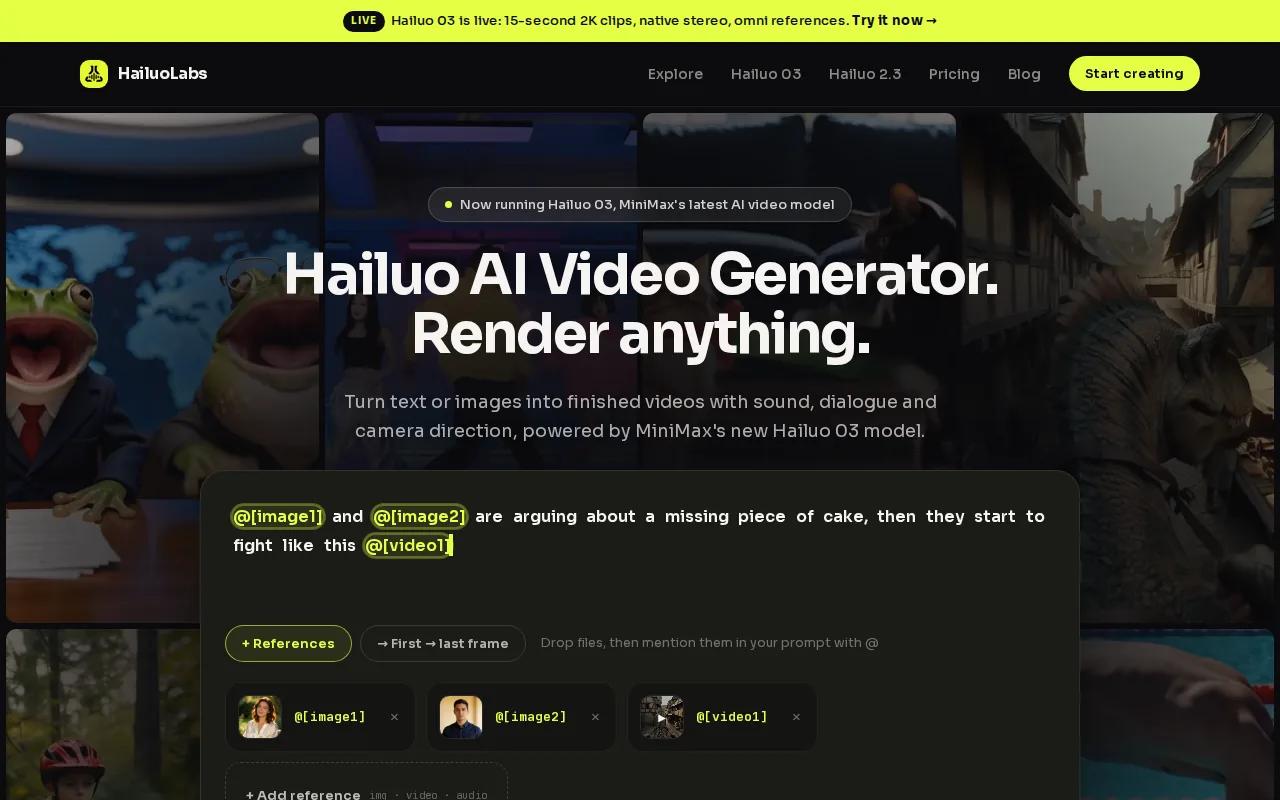
Hailuo 03 can make clips up to 15 seconds at 768p or 2K. It also supports native stereo, first and last frames, omni references, generation, and editing. That gives you more room for product teasers, visual hooks, and short story scenes than a still-image slideshow.
Use HailuoLabs when you want motion between ideas, not only a swipe from one photo to the next. Free users get watermarked Hailuo 02 output at 512p. Paid plans open access to newer models, higher resolutions, video references, and editing tools.
For a fast start, followthis guide to making your first AI video with Hailuo.
2. TikTok App
The TikTok app is best for a quick slideshow made directly on your phone. Open TikTok, tap the plus button, choose Photo, then upload images from your camera roll.
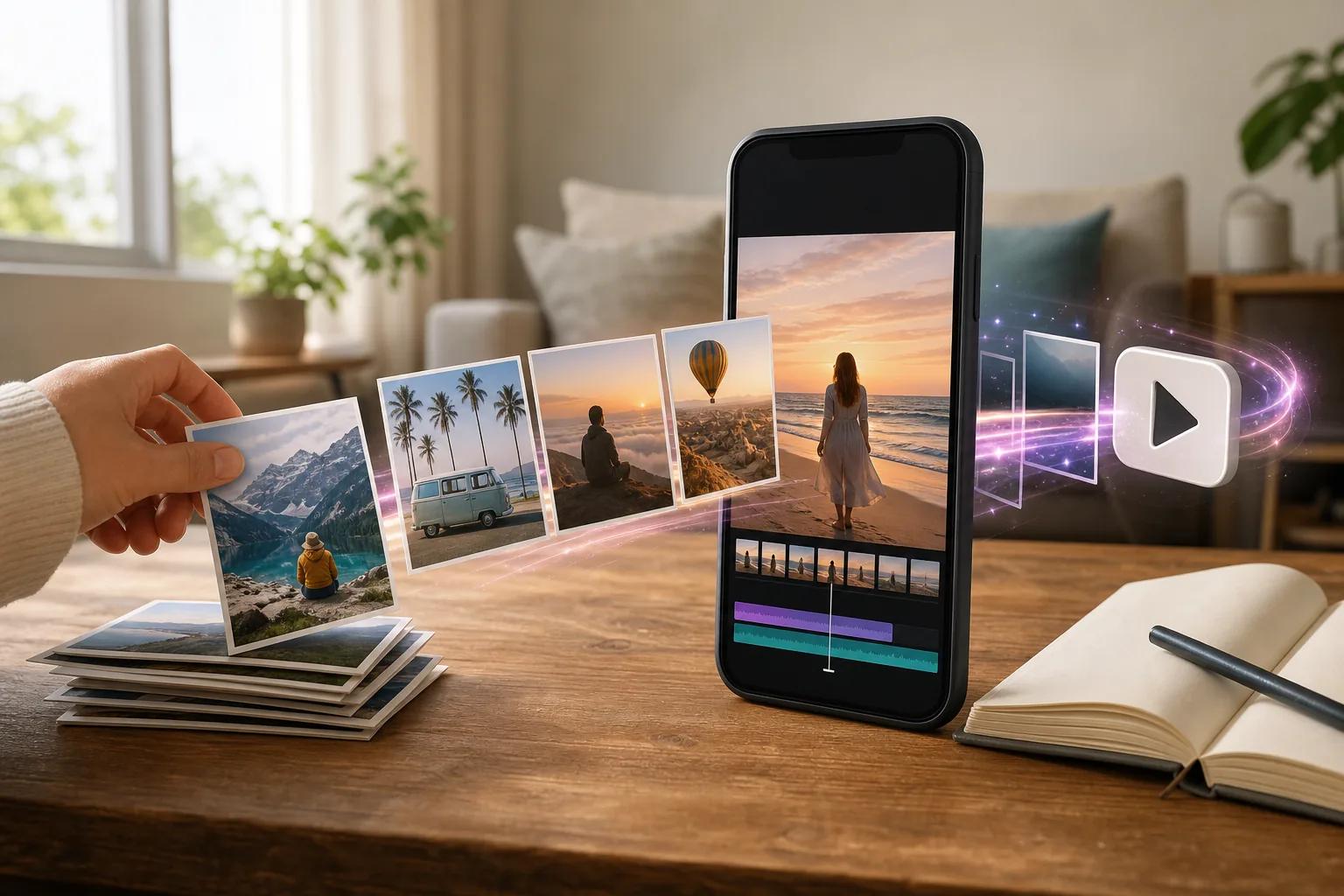
Select the photos in the rough order you want. You can add more with the plus button. After that, drag a slide to change its place. Tap each image to apply a filter or sticker to one slide, or choose the apply-to-all control when every image needs the same look.
Add text, music, a voiceover, or volume changes before you preview the post. Set a cover image, write a short caption, add a few relevant hashtags, and check the full-screen portrait view before publishing.
Keep the first slide sharp. A question, surprise, or clear promise gives people a reason to swipe.
3. CapCut
CapCut fits creators who want a user-friendly interface with customizable slideshow templates and catchy songs.
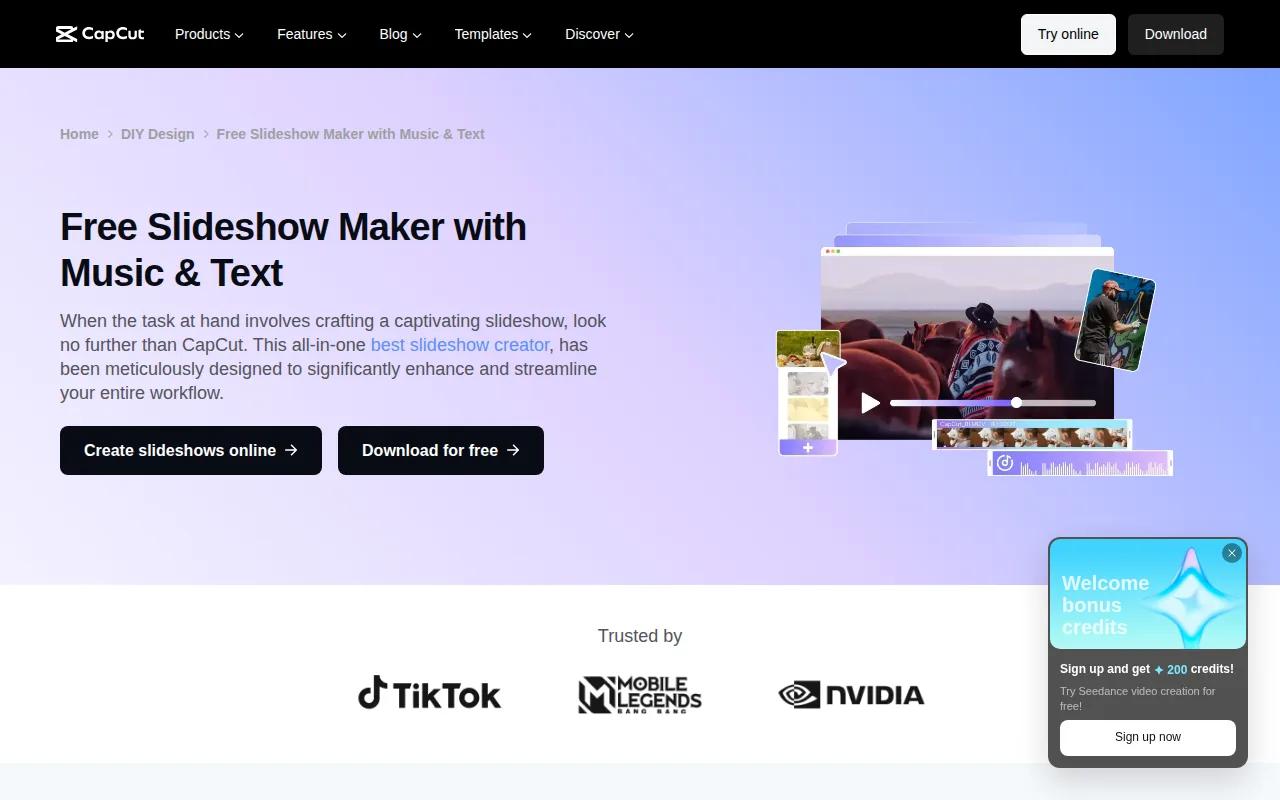
The editor works online, on mobile, and on desktop. That helps when you start on your phone but want more control over text or timing later. The source reviewed for this shortlist lists a free tier with a watermark and a monthly price of $11.98.
CapCut is a solid pick for photo-led posts.
4. Movavi Slideshow Maker
Movavi Slideshow Maker is best for beginners who want a guided desktop workflow. Its Wizard mode builds a template-based slideshow quickly, while Manual mode gives you timeline editing.
Drag-and-drop transitions and built-in music make it useful for casual TikTok-ready projects.
It also does not report AI video creation, so choose it for control over still images rather than generated motion.
5. Bulk Slideshow Workflow
A bulk workflow fits brands that need many versions of one format. Build a repeatable slide design, place hooks and image paths in a spreadsheet or CSV file, then export batches for review.
One documented workflow uses a spreadsheet, an image editor, image variables, and CSV data. Another uses Airtable with n8n to generate scheduled slideshow content. These systems can save design time, but they still need human checks for claims, image rights, spelling, and brand fit.
Use this route when volume is the bottleneck. Don't publish every output without review.
6. AI Video Studio Category
An AI video studio is best when your slideshow needs camera movement, dialogue, or a visual scene. HailuoLabs belongs in this category because it supports text-to-video and image-to-video generation through its studio.
This approach can support product promos, visual explainers, and short ad concepts. A still-image tool may be faster for a simple photo post, while AI video gives you more control over motion and mood.
For paid campaigns, compare workflows in this AI video generator guide for ads before you pick an export path.
7. Content Testing Workflow
A testing workflow fits creators who want to learn which hooks earn swipes. Make several versions with the same topic but change the first frame, sound, caption, or slide order.
Keep the format vertical and full screen. Use a familiar TikTok-style font, then match slide changes to a beat when the sound supports it. Hashtags should describe the post, not replace a clear caption.
For product posts, end with one useful action. You might point viewers to a site, a signup page, or a product detail page.
8. Creator Video Workflow
A creator video workflow works when a slideshow is part of a wider social media video plan. You can turn comments into follow-up posts, use a slideshow to test a new niche, then make a moving video from the strongest idea.
HailuoLabs helps with that second format when still images no longer carry the story. Its 2.3 model page explains that clips can be sized for TikTok, Reels, Shorts, or ads.
Keep the handoff simple: review the hook, check the crop, preview the sound, then post. For creators expanding beyond slideshows, a short video maker can help turn winning concepts into repeatable vertical content.
How to Choose a TikTok Slideshow Maker
Pick TikTok for the fastest phone-only post. Choose CapCut for templates and cross-device editing. Pick Movavi for a guided desktop editor. Choose HailuoLabs when you want AI-generated motion or a slideshow that can grow into a short video.
- Hook: Put the main reason to swipe on slide one.
- Format: Use full-screen portrait framing.
- Timing: Preview every slide with the chosen sound.
- Review: Check text, rights, links, and claims before posting.
CapCut and Movavi are both useful for still-image work, but the research reviewed for this article reports no AI video capability for either tool. That gap is where HailuoLabs makes the stronger pick for motion-led content.
FAQ
Can I add multiple images per slide?
Yes, you can combine several images into one visual before importing it, or use a collage layout when the editor supports one. TikTok's native slideshow flow treats each selected photo as its own slide. If you need several images on one frame, prepare a collage first or use an editor with layout tools.
Is the TikTok slideshow maker free?
The TikTok app lets you make a photo slideshow without buying a separate editor. Movavi has a limited seven-day trial. HailuoLabs also has free access to watermarked Hailuo 02 output, while paid plans add newer models and higher resolutions.
How many slides can I use on TikTok?
TikTok's available photo limits can change with app updates, account settings, and region, so check the upload screen before planning a large post. For a clean story, use only the slides needed to make the point. A short sequence with a strong hook is easier to finish than a long gallery.
What size should a TikTok slideshow be?
Use a full-screen portrait layout for TikTok slideshows. A vertical frame keeps the image large on a phone and leaves less unused space. Preview the post before publishing, since text near the edges can sit beneath TikTok's interface controls.
Can AI make a TikTok slideshow?
Yes, AI can help make slideshow-style content, but tools differ. HailuoLabs can generate short video from text, images, video, or audio. CapCut and Movavi are better known here for photo editing and slideshow assembly. Use AI when you need motion, then check every frame before posting.
Conclusion
Choose the TikTok app for a quick photo post, but choose HailuoLabs when you want motion that can support stronger creative tests.


