
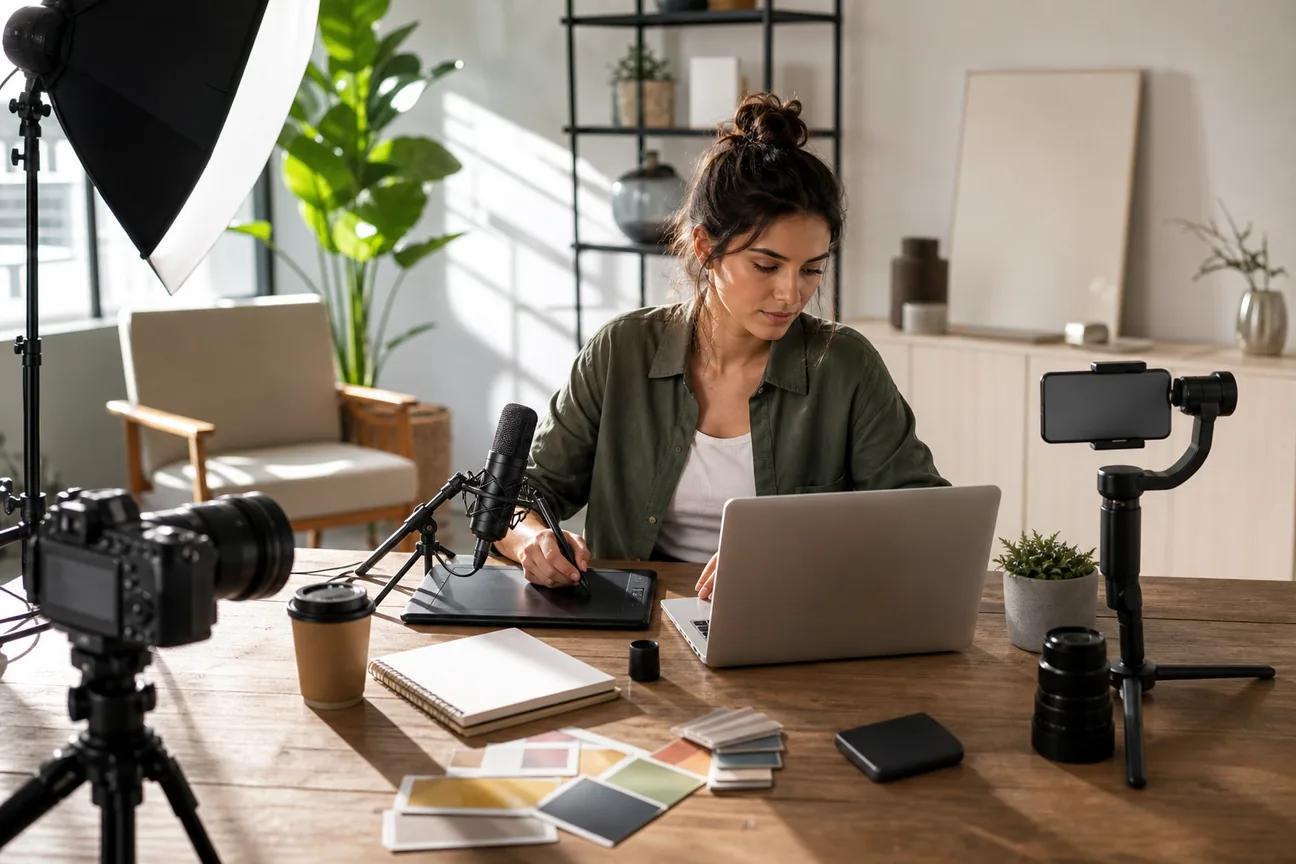
Need a week of social posts before lunch? The right social media content creation tools can turn one idea into a carousel, Reel, TikTok, or Short without starting over each time. Here are seven named options, with the job each one handles best and the limits you should know before you commit.
1. HailuoLabs, AI video creation for high-impact short-form content
HailuoLabs is the best fit when you want to generate short-form video from a prompt, image, clip, or audio file. It runs in a browser studio built for MiniMax Hailuo video models, so you don't need the MiniMax site or a developer API.
The flagship Hailuo 03 model can make clips up to 15 seconds at 768p or 2K. It also supports native stereo, first and last frames, omni references, and built-in editing. In plain terms, you can guide the opening and closing image while keeping key visual references in the same clip.
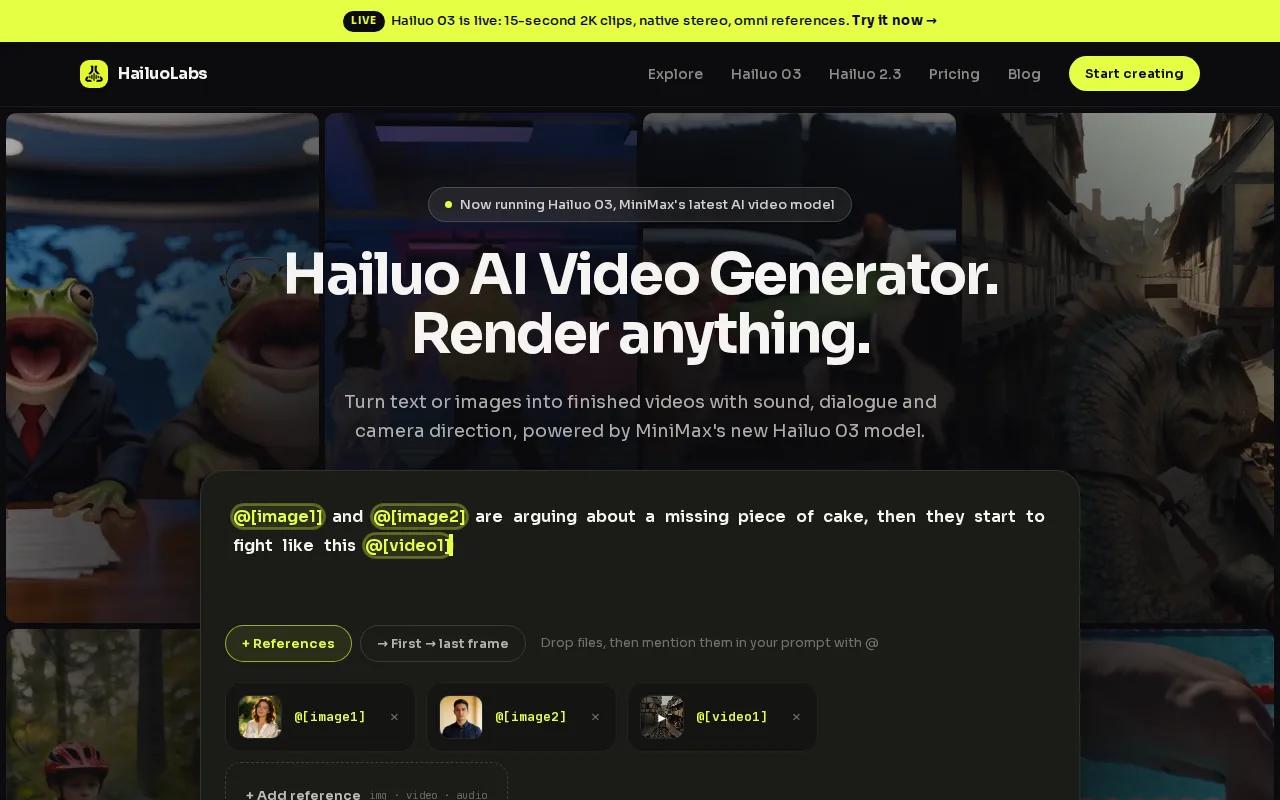
That makes HailuoLabs useful for product mood shots, visual hooks, ad concepts, and short scenes where you don't have footage yet. You can start with text, then move to image-to-video when you need more control over the subject.
Free users get Hailuo 02 at 512p with a watermark. Paid plans open access to Hailuo 2.3, Hailuo 2.3 Fast, Hailuo 03, higher resolutions, video references, and editing. Paid plans also include a commercial licence, which matters if the clip will support a client campaign or paid ad.
The tradeoff is simple. The free tier is good for testing the workflow, but 512p and a watermark may not suit a finished post. For polished output, plan on upgrading once your concept is proven.
For a broader TikTok workflow, pair generated clips with the platform tips in Best AI Video Generator for TikTok: 7 Top Picks. HailuoLabs is the strongest first test when your main need is full video generation rather than captions or template work.
2. Joyspace, high-volume repurposing for B2B marketers
Joyspace is aimed at B2B marketers and teams that need to repurpose source content at a high volume. It is a sensible choice when the raw material already exists, such as a webinar, interview, or long talk.
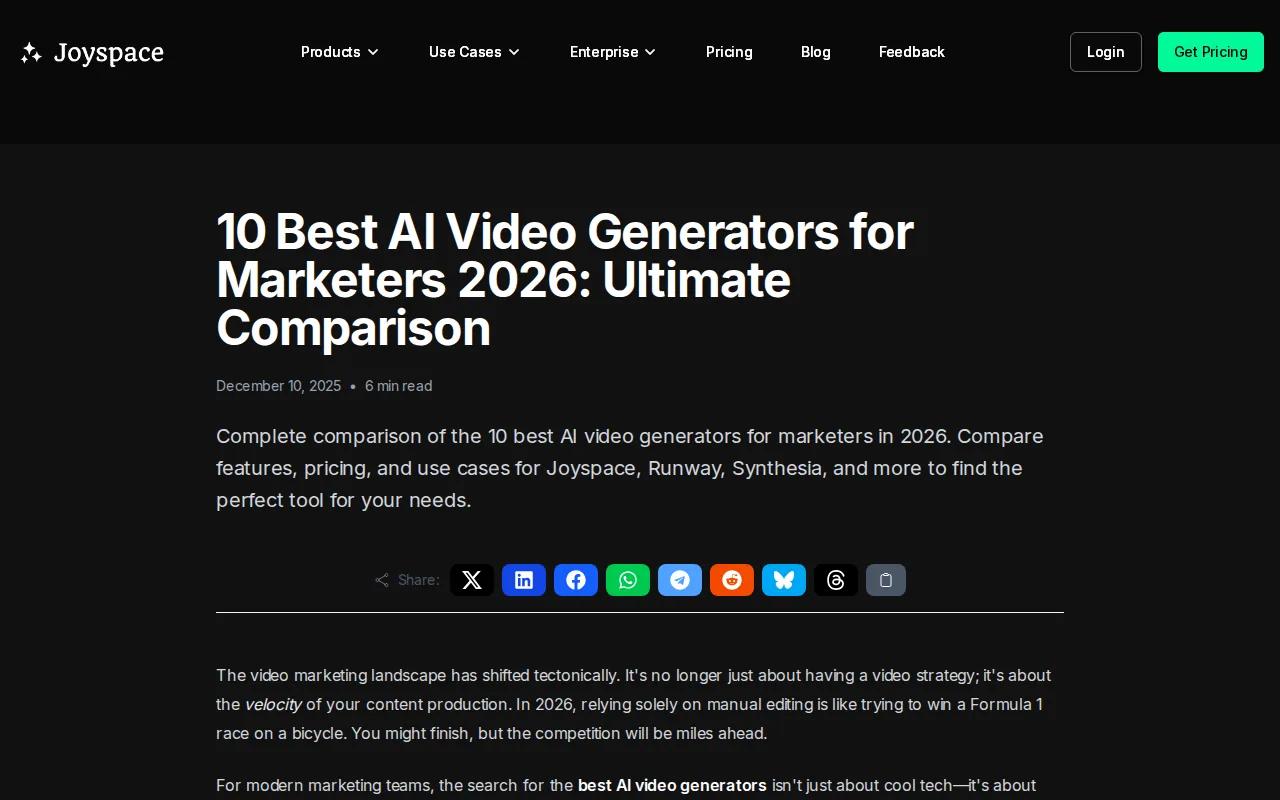
Its main strength is AI-powered short-clip generation. Instead of asking a team member to watch a long recording and mark every usable moment, you can use the tool to find material suited to shorter posts.
That workflow fits B2B teams with a regular content source. One recorded session can become several short clips. Each clip can then get a different hook for LinkedIn, Instagram, or another channel.
Joyspace is completely free to start. That lowers the risk of testing it with one recording before you build it into a wider process.
The catch is that repurposing starts with source material. If you have no footage, it won't replace a text-to-video tool such as HailuoLabs or Sora. It also won't solve every part of a campaign. Your team still needs to check the edit, fix the hook, and match the clip to the channel.
Use Joyspace when your bottleneck is finding short clips. Use HailuoLabs when your bottleneck is producing the visual itself.
3. Sora, text-to-video storytelling when no footage exists
Sora fits creative teams that need a visual scene before they have a camera crew or a stock library. Sora is a text-to-video tool for hyper-realistic stock-footage style scenes.
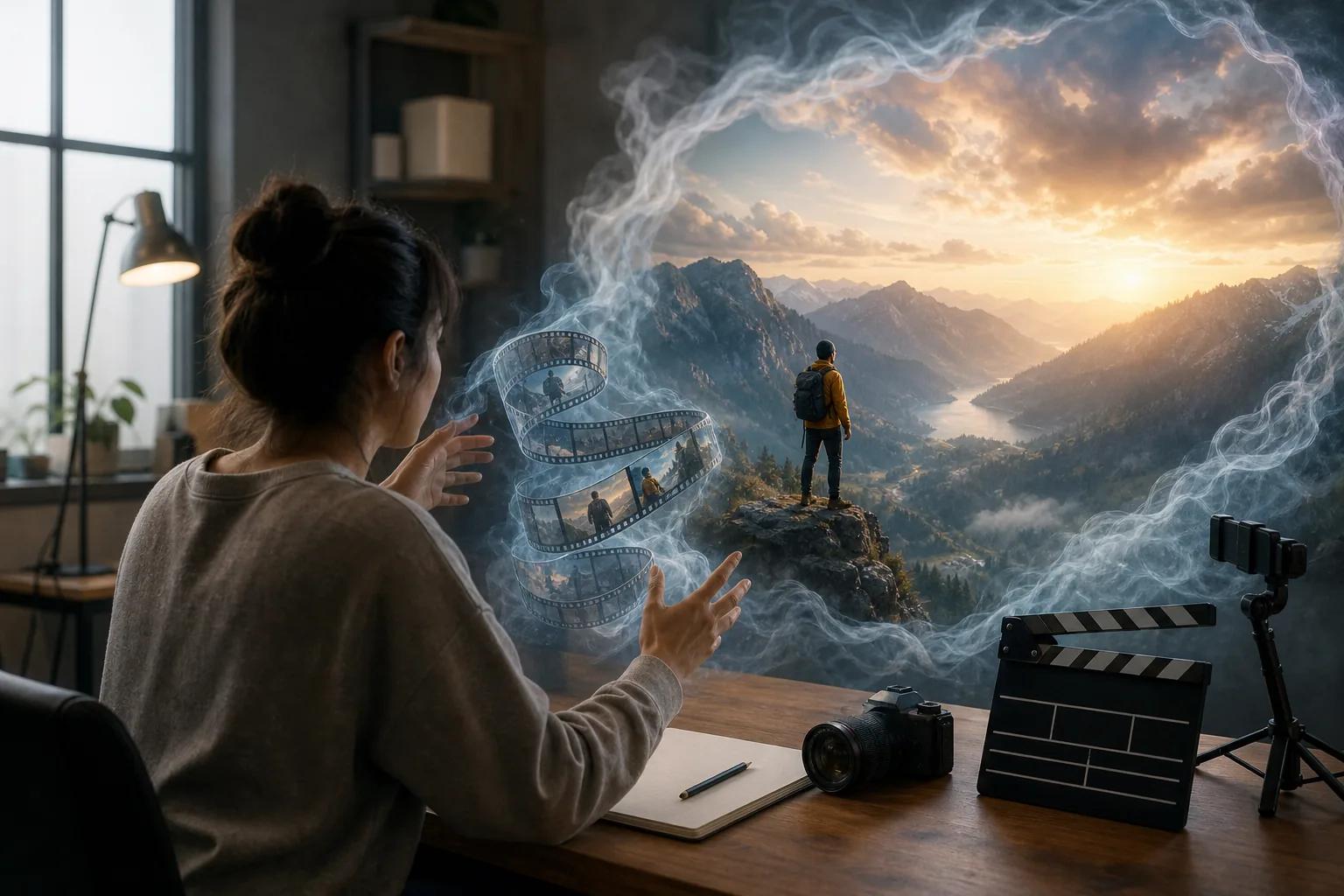
This makes it useful for concept work. Imagine a local service brand that needs a visual of a clean driveway, a travel company that needs a mood scene, or a software firm that needs an abstract view of data moving through a system. You can describe the setting, action, mood, and format before a human editor builds the final cut.
Prompt detail matters. Include the subject, setting, camera angle, movement, lighting, tone, and target format. If you need a vertical clip, say so early. If the post needs room for captions, ask for clear visual space rather than hoping the model leaves it open.
Sora works best as a source of visual material. You may still need an editor to cut the result, add captions, record a voice track, or adapt the first version for each platform. The first output is a draft, not a finished content plan.
One issue with text-to-video is brand control. A generated scene may look right while the small details drift. Check hands, signs, product shapes, uniforms, and any text before publishing. If the scene must match a real product, image references may give you more control than text alone.
For ad-focused workflows, the related guide to AI video generators for ads can help you think through hooks, variations, and paid placements.
4. Runway, stylized visual effects for campaign teams
Runway is best suited to creative directors who need stylized visual effects for marketing campaigns. It belongs on this list for teams that already have a visual idea and want to push its look.
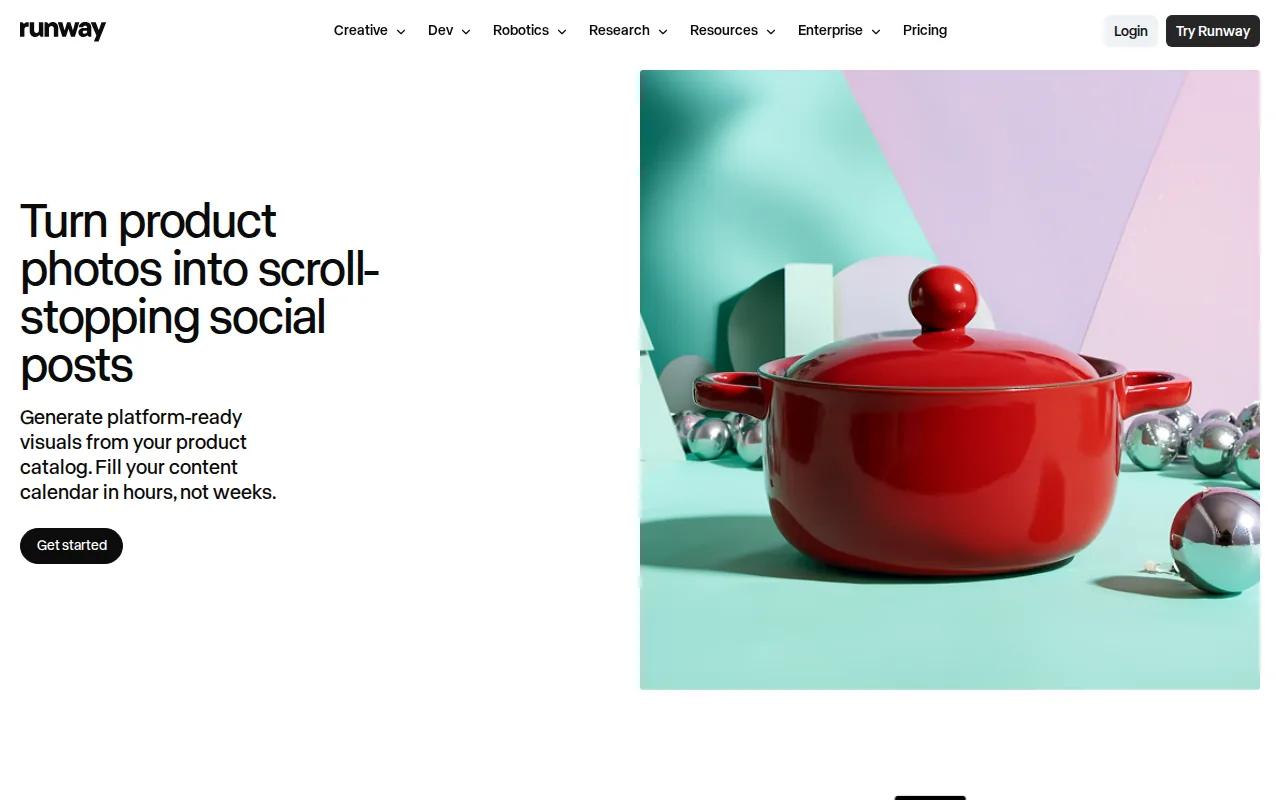
Compared with a basic template editor, Runway is a better match for visual experimentation. A campaign team might use it to explore a strange transition, a surreal background, or a more art-directed version of an ordinary shot.
It can fit into a wider production path. First, a creative lead defines the visual direction. Then the team tests a small set of generated shots. Once the direction works, an editor can place the chosen clip into a Reel, ad, or campaign cut.
Runway also makes more sense when someone on the team can judge visual quality. A strange frame may be a useful creative choice, or it may be a mistake. The tool can produce options, but a person still needs to decide what fits the brand.
If your goal is a short vertical ad rather than a stylized campaign shot, compare the production needs first. A simpler generator may get you to a usable draft faster.
5. Descript, transcript-based editing for podcasts and interviews
Descript is a strong fit for podcasters and interview-heavy creators. It treats the transcript as the main editing surface, so you can edit spoken content by changing words in text.
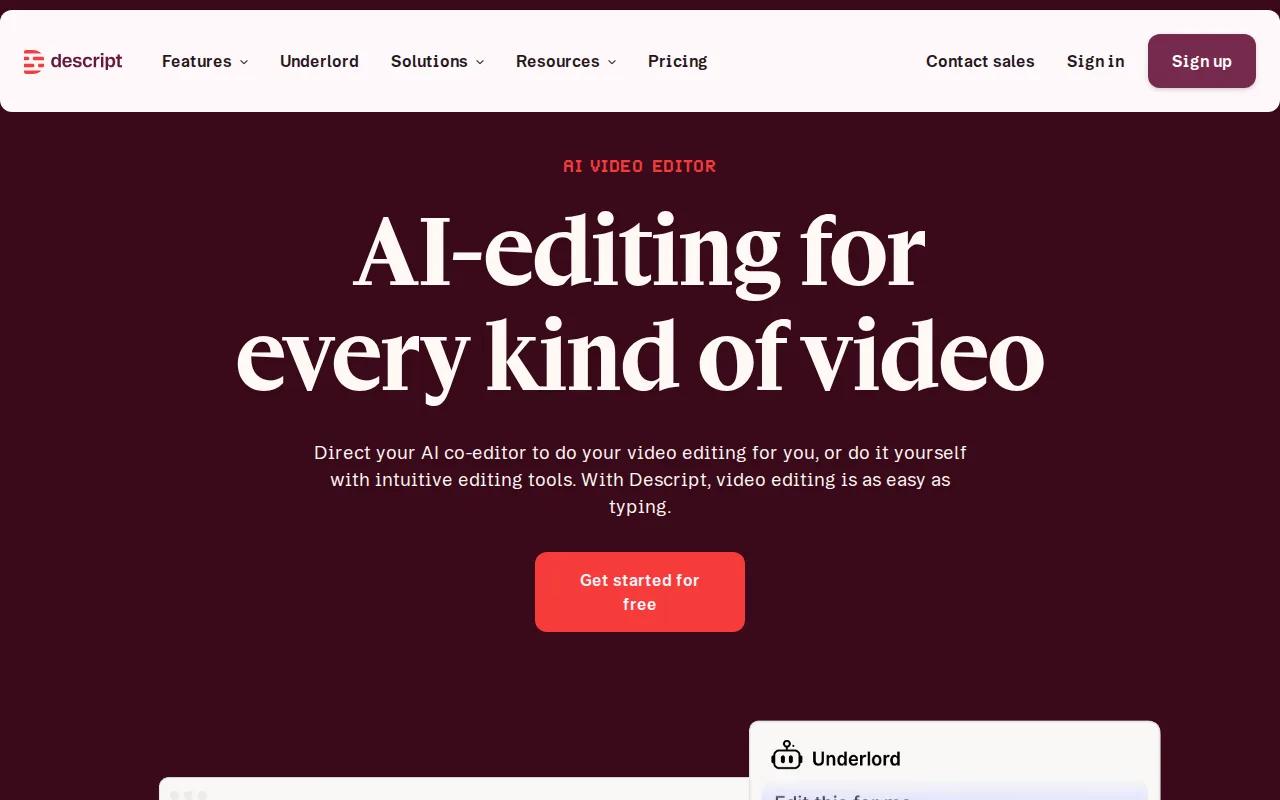
That is useful when a long recording contains several social clips. Search the transcript for a key point. Cut the lines that lead into it. Then shape the remaining exchange into a short piece with a clear start and finish.
Descript's listed automation includes text-based video editing and automatic video updates from transcript changes. It also has publishing integrations. In a team setting, that can reduce the handoff between the person who finds the quote and the person who edits the video.
The workflow still needs judgment. A transcript can show what was said, but it can't always tell you if the speaker's pause, expression, or reaction is needed. Watch the clip after the text edit. A clean sentence on the page can still cut badly on screen.
Descript is less useful when you need a video made from nothing. It starts with recorded media. Pair it with a text-to-video tool when your content plan needs both original scenes and repurposed conversations.
For a brand team, set a clear naming rule for source files. Add the topic and speaker to each recording. That small habit makes transcript search much faster once your library grows.
6. Synthesia, avatar-led explainers and personalised outreach
Synthesia is built for enterprise training, product explainers, and personalised sales outreach. Its focus is avatar-led video rather than cinematic scene generation.
Its main automation strengths are AI avatar generation, automated voice-over, and video personalisation. That makes it a useful option when a company needs a presenter without filming a new take for every message.
For example, a product team can prepare an explainer script and use an avatar-led format for internal learning. A sales team can adapt the message for different accounts. The value comes from repeatable presentation, not from making a highly stylized visual world.
Keep the script tight. Avatar videos can feel stiff when the copy sounds like a brochure. Write as if one person is explaining one task to another person. Use short lines. Put the main point early.
Synthesia won't be the first choice for every social post. If your audience expects a creator-led feed with quick cuts and informal footage, an avatar may feel out of place. Test the format with a small audience before making it your default.
Social media content creation tools work best when each tool has a clear job. Synthesia can handle the presenter layer, while another tool handles a product scene, carousel, or final edit.
7. Canva AI, fast on-brand graphics and template-driven batches
Canva AI is the usable pick for marketing teams that need quick, on-brand social pieces. It is especially useful when one idea must become many graphics without sending every file through a designer.
A common workflow starts with a text generator such as ChatGPT or Claude. Ask for a set of ideas with a clear audience, goal, tone, and content format. Good prompts also ask for variety, because requesting 100 similar tips can produce repeated points.
Move the useful ideas into a spreadsheet. Then save the file as CSV. In Canva, use a template with a defined text field and connect the data to that field through Bulk Create. Canva can then make a page for each row.
This is where batch production becomes useful. One set of ideas can become a static carousel. Another template can turn the same ideas into vertical video slides. You can also reuse a core message across Instagram Reels, TikTok videos, and YouTube Shorts, then adjust the first line for each feed.
Do not stop at the template. Review each page for line breaks, text length, and visual fit. A short sentence may wrap well on one design and cover a face on another. Batch work saves time only when the review step has a clear owner.
| Use case | Best starting asset | Review before export |
|---|---|---|
| Instagram carousel | CSV of hooks and short points | Slide order and final call to action |
| Reels or TikTok clips | Short script with one idea per row | Vertical crop, caption space, and pace |
| Quote graphics | Short text with author field | Attribution and line breaks |
| Ad variations | Rows with different hooks | Brand claims and landing-page match |
Canva AI is less suited to generating a fully original video scene. Use it for the layout and batch layer, then bring in footage from HailuoLabs when a post needs motion that a static template can't provide.
How to choose between social media content creation tools
Start with the asset that slows you down. If you lack footage, choose a video generator. If you have hours of footage, choose a repurposing or transcript editor. If your team needs 30 branded posts, choose a template system with CSV support.
Free access also needs a close look. Research across 34 surveyed tools found that listed free credits had an average of 237, while the median was only 50. The average is pulled up by a few large outliers, so it can make free plans look more generous than they feel in daily use.
Resolution is another limit. HailuoLabs' free tier uses 512p output with a watermark. Other tools may provide a higher resolution while adding a watermark or limiting the number of exports. Check the actual output you need before judging a free plan.
If your workflow depends on a CRM or scheduler, test the handoff before you buy.
Finally, keep a human pass in the workflow. AI can draft a caption or fill a template, but it may miss a local detail, repeat an idea, or make a claim your brand can't support. A quick review protects trust and usually takes less time than fixing a post after publication.
For ad teams, the related guide to video ad maker tools covers a narrower production path. For Reels, use Instagram Reel maker tools when you need platform-specific editing choices.
FAQ
What are the best social media content creation tools?
The best choice depends on the asset you need. HailuoLabs fits original short-form video, Joyspace fits high-volume repurposing, Descript fits interviews, and Canva AI fits branded graphics. Sora suits text-to-video scenes, while Synthesia suits avatar explainers. Pick the tool that matches your source material first.
What is the best free AI tool for social media videos?
HailuoLabs is a strong free starting point for AI video creation because its free tier provides access to Hailuo 02 at 512p with a watermark. That is enough to test prompts and scenes. If you need clean, higher-resolution output for a finished campaign, review the paid plan before you build a large batch.
Can AI create a full week of social media content?
Yes, AI can help you build a week's content when you give it a clear source and format plan. Use a text generator for ideas and captions, Canva AI for batch graphics, and a video tool for Reels or Shorts. Review every asset before posting because repeated hooks and weak claims can spread across the whole batch.
How do I turn one idea into multiple social posts?
Start with one clear idea, then write a short caption, a carousel outline, and a vertical video script. Put repeated fields into a CSV so a template can create multiple pages. Add a fresh hook for each platform. Instagram, TikTok, and YouTube Shorts can share a core message, but the opening seconds still need a channel-specific edit.
Are AI-generated social media videos safe for commercial use?
Commercial use depends on the tool's licence and your source material. HailuoLabs states that paid plans include a commercial licence, while its free output includes a watermark. You should also check music rights, likeness rights, and any claims in the script. Keep a record of the plan and assets used for each client project.
Do I need several tools to make social media content?
You don't need several tools, but one tool rarely handles every asset equally well. A small team can start with HailuoLabs for original video and Canva AI for graphics. Add Descript or Joyspace only when recorded content becomes the main source. Fewer tools usually mean fewer handoffs, so add another one only when it removes a clear bottleneck.
Conclusion
Start with HailuoLabs if original short-form video is the gap in your content plan. Test one idea as a vertical clip, then adapt the same message into a graphic or caption. You can compare AI UGC video workflows next if your campaign needs a presenter-led format.


